Sparrow 1.2.0: Self-Hosted Webhook Delivery in 3 Minutes

Watch the starting point
This guide is a companion to the video Sparrow 1.2.0: Self-Hosted Webhook Delivery in 3 Minutes, which installs Sparrow 1.2.0 on Ubuntu 24.04 with Docker Compose, registers an event type and a webhook, pushes a test event, and checks the signed delivery in the dashboard.
In the video: the presenter works through an install on Ubuntu 24.04, registers an order.created event type and a webhook, saves the signing secret shown once, pushes a test event, and looks for a success delivery status on the first attempt.
Added from the sources: the exact install commands, API calls, evaluation-only warnings, and v1.2.0 release details below, each verified against the official Sparrow repo, docs, and release notes linked inline.
Note on sourcing: YouTube auto-subtitles returned HTTP 429 on retry, so captions were unavailable for this draft. The video side of this guide is grounded in the video title, description, and chapters, and every consequential claim is backed by a primary source below.
What Sparrow is
In the video: Sparrow is described as webhooks-as-a-service you host yourself, built from one Go binary plus one Postgres database.
Added from the sources: the project is sarathsp06/sparrow (MIT licensed), which describes itself as self-hosted webhook delivery with at-least-once async fan-out, retries with backoff, Standard Webhooks signatures, per-endpoint health tracking, full delivery history, and a consumer portal, with PostgreSQL as the only dependency via the River job queue. The v1.2.0 release notes are at Release v1.2.0.
What you need before starting
In the video: the stated requirements are Ubuntu 24.04, Docker Engine with the Compose plugin, and port 8080 free, with Postgres included in the compose file.
Added from the sources: the Installation docs confirm the Docker Compose path needs no clone and no .env, and that if port 8080 is taken you can publish on another port with SPARROW_PORT=8090 docker compose up -d.
- Ubuntu 24.04 with Docker Engine and the Compose plugin
- Port 8080 free, or pick an override such as
SPARROW_PORT=8090 - A public URL you can watch for the test delivery, since Sparrow blocks loopback and private-network targets by default
Install the stack with Docker Compose
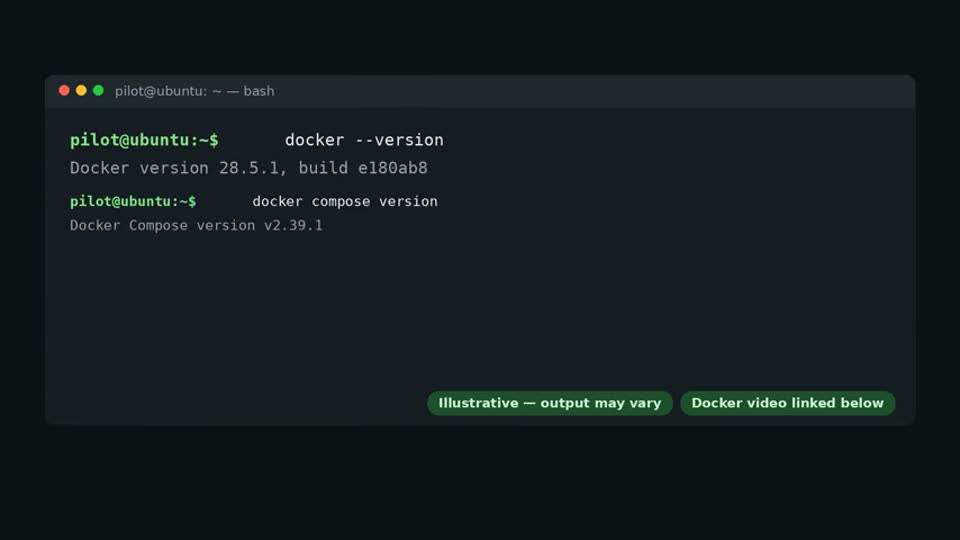
In the video: the presenter downloads the compose file and starts the stack, then opens the dashboard.
Added from the sources: the Installation docs give this as the recommended local-evaluation path, with the web UI and REST API on http://localhost:8080.
curl -O https://raw.githubusercontent.com/sarathsp06/sparrow/main/deploy/docker-compose.ymldocker compose up -d- Open http://localhost:8080 for the dashboard and http://localhost:8080/docs for the interactive API reference
These steps are untested in this draft. They are quoted from the official docs, not from a local run.
Evaluation-only warning, verified in the docs: the local compose file runs with an open API, a well-known encryption key, and the port bound to 127.0.0.1 only. For anything beyond your own machine, follow the Production Deployment guide and set a real SPARROW_API_KEY with real keyring values.
Register the event type and webhook
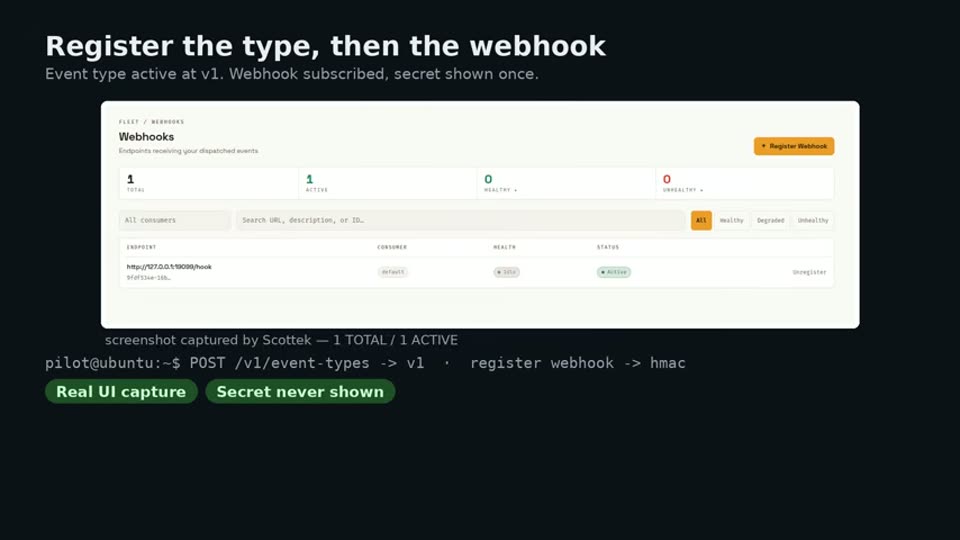
In the video: the presenter registers the order.created event type, registers a webhook on a watchable URL, and saves the signing secret that is shown once.
Added from the sources: the Quickstart confirms Sparrow only accepts events whose type is registered, and that the webhook secret appears only in the register response, masked on later reads.
- Register the event type with
curl -X POST http://localhost:8080/v1/event-types -H "Content-Type: application/json" -d '{"name": "order.created", "description": "Fires when a new order is placed"}' - Get a watchable endpoint. The docs use Testhooks via Create endpoint, an open-source viewer by the same author at sarathsp06/testhooks that can check Sparrow signatures
- Register the webhook with
curl -X POST http://localhost:8080/v1/consumers/default/webhooks -H "Content-Type: application/json" -d '{"url": "https://testhooks.vercel.app/h/your-endpoint-id", "events": ["order.created"]}', substituting your own endpoint URL - Save the
webhook_idand thehttp_config.webhook_secretfrom that one response, since the secret is the receiver's signature-verification key and is shown only there
These API calls are untested in this draft. They are quoted from the official quickstart, not from a local run.
Push a test event and confirm delivery
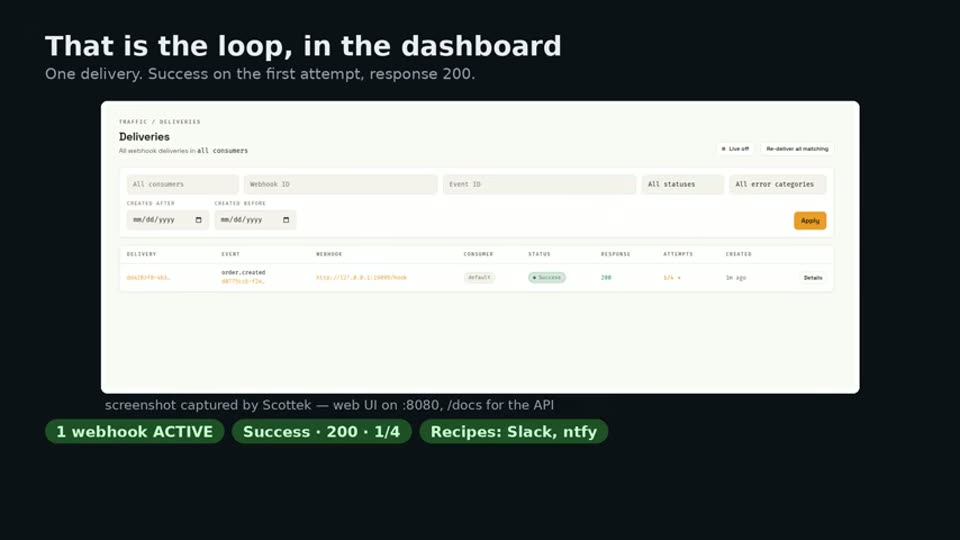
In the video: the presenter pushes a test event and lists deliveries, looking for success on the first attempt.
Added from the sources: the Quickstart confirms delivery happens in the background after a 201 accept, with the envelope carrying webhook-id, webhook-timestamp, and webhook-signature headers plus x-sparrow-event-id, x-sparrow-webhook-id, and x-sparrow-delivery-id.
- Push the event with
curl -X POST "http://localhost:8080/v1/consumers/default/events?event=order.created" -H "Content-Type: application/json" -d '{"payload": {"order_id": "ord_123", "customer": "alice@example.com", "total": 49.99}}' - Watch the event arrive at your Testhooks endpoint within a second or two, headers and body included
- Check the delivery with
curl "http://localhost:8080/v1/consumers/default/deliveries?webhook_id=YOUR_WEBHOOK_ID&limit=10"and look for"status": "success"with"attempt_count": 1
This verification flow is untested in this draft. It follows the official quickstart sequence, not a local run.
What is new in v1.2.0
Added from the sources: the Release v1.2.0 notes, released 2026-10-26, focus on the consumer portal rather than the install flow shown in the video.
- New
SPARROW_PORTAL_RETRYsetting, defaulttrue, controlling whether consumers can retry their own deliveries from the portal - New
deploy/portal/Compose stack with Sparrow on a private network behind a Caddy proxy exposing only the portal, plus a seed script - Portal tokens can no longer re-push events, so re-push stays an admin-side
/v1action with the master key or tenant-wide tokens - Fixes for quiet-webhook health summaries, portal subscription pages behind proxies, Web UI stale async replies, the bundled
fast-uriupdate, and the portal guide Caddy example - Upgrade note: proxies exposing the portal must forward everything under
/portal/, not only/portaland/portal/api/
Nothing in the release notes changes the install-and-first-delivery flow in this guide, and no performance benchmarks are claimed here.
Next steps
- Walk the Quickstart end to end, including its troubleshooting entries for
401,404, blocked private URLs, andretryingversuspausedstates - Read Verify webhook signatures before pointing a webhook at a real receiver
- Skim Payload transformation and the recipes for ready-made Slack, PagerDuty, email, and other destinations
- Study the Production Deployment guide before exposing anything past loopback
All next-step links above are official Sparrow docs, verified live while drafting. The hands-on steps in this guide remain untested until run against a local instance.