Homelab Reverse Proxy: Caddy vs Traefik vs NPM

This companion guide starts from the video Homelab Reverse Proxy: Caddy vs Traefik vs NPM and adds grounded detail from the Caddy docs, the Traefik docs, the Nginx Proxy Manager setup guide, and all three projects release notes. Watch the video first for the full narrated comparison, then use the sections below as the written reference. The episode is a narrated walkthrough rather than a filmed live deployment, so every section keeps In the video claims apart from Added from the sources research.
What a reverse proxy does for a homelab
- In the video: a reverse proxy sits on ports 80 and 443, reads the hostname on every incoming request, and forwards it to the right container, so
192.168.1.40:8989becomes names likejellyfin.homeandphotos.homewith TLS terminating in one place instead of scattered across every app. - In the video: the one-line verdicts are Nginx Proxy Manager for clicks, Caddy for text, and Traefik for labels, meaning a web UI for the fastest first win, one small text file with automatic HTTPS, or Docker-driven route automation.
- Added from the sources: that port-80-and-443 pattern is confirmed across all three official guides, with the Caddy reverse-proxy quick-start, the Traefik Docker quick-start, and the Nginx Proxy Manager setup guide each binding those same public ports, checked October 2026.
Caddy in one command plus automatic HTTPS
- In the video: the whole concept proves out in one command against a backend on port 9000, namely
caddy reverse-proxy --from :2080 --to :9000, and the permanent version is a two-line Caddyfile with:2080on line one andreverse_proxy :9000on line two, followed bycaddy run. - Added from the sources: the Caddy reverse-proxy quick-start shows that exact command and that exact two-line Caddyfile verbatim, plus
caddy reloadafter edits, checked October 2026. - In the video: putting a real domain in the Caddyfile gets a public certificate fetched and renewed with zero config, while
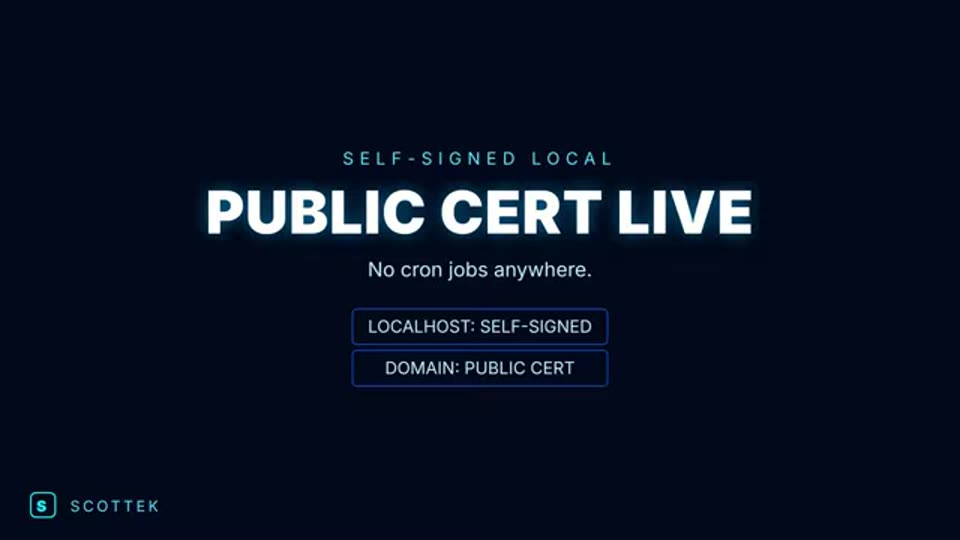
localhostmints an auto-renewing self-signed cert instead, so there are no certbot cron jobs and no manual certificate files. - Added from the sources: the same quick-start page confirms both behaviors, public trust for real domains with DNS pointed at the machine and self-signed for
localhostand.localhostnames, and thereverse_proxydirective docs cover everything beyond the basic case, checked October 2026. - In the video: in Docker the official
caddyimage needs two named volumes for data and config, the Caddyfile mounted at/etc/caddy, ports 80 and 443 published, and graceful reloads viadocker compose exec -w /etc/caddy caddy caddy reload. - Added from the sources: the official caddy image page confirms the
/dataand/configmount points withcaddy_dataas the named-volume example, the/etc/caddyCaddyfile mount, ports 80 and 443 plus 443 over UDP for the automatic-TLS case, and that exactdocker compose exec -w /etc/caddy caddy caddy reloadcommand, checked October 2026.
Caddy 2.11.7 and Traefik 3.7.15, the October releases
- In the video: Caddy v2.11.7 shipped 3 October 2026 fixing real 2.11.6 regressions, a crash proxying request bodies over HTTP/2, streaming responses cut off after 60 seconds, and broken placeholders, while adding support for the Incremental header standard and roughly twice-as-fast TLS certificate lookup.
- Added from the sources: the Caddy v2.11.7 release notes confirm each of those items, the HTTP/2 nil-pointer fix and the 60-second SSE cutoff fix, the
Incrementalheader field per RFC 10036, and certificate lookup about twice as fast with 10 allocations instead of 15, and the notes recommend upgrading for anyone on 2.11.6, checked October 2026. - In the video: Traefik v3.7.15 landed 15 October 2026 and was announced on the official forum the morning of 16 October, a security release fixing three CVE advisories plus hardening that rejects CONNECT requests before they reach the router, so anyone running Traefik at the edge should update promptly within the same minor line.
- Added from the sources: the Traefik v3.7.15 release notes list advisories GHSA-p8wx-ph99-xgcr, GHSA-ww7c-q3mv-xx22, and GHSA-28hp-c82p-8vqj alongside the CONNECT-method rejections and Gateway API bumps, and the release points readers at the v3.7 migration guide, so read that note during the upgrade even though it stays on the same minor line, checked October 2026.
- Added from the sources: a newer patch, Traefik v3.7.16, appeared 20 October 2026 after the video, so readers deploying today should check the Traefik releases page and start on the newest 3.7 patch rather than the 3.7.15 covered on camera, and the standing rule from the video holds that only the latest minor gets fixes, checked October 2026.

Traefik thinks in labels plus a live dashboard
- In the video: Traefik discovers services instead of being told about them, so with the Docker provider flag pointed at the Docker socket every container carrying the right labels gets a route automatically, and the official quick-start is one compose file with image
traefik:v3.7, entrypoint web on port 80, the socket mounted, and the dashboard on 8080. - Added from the sources: the Traefik Docker quick-start shows that exact compose file verbatim, flags
--api.insecure=true --providers.docker=true --entrypoints.web.address=:80with ports 80 and 8080 and the socket mount, and the whoami service carrying a single label ontraefik.http.routers.whoami.rulethat matches the hostnamewhoami.localhost, checked October 2026. - In the video: the two things that make Traefik different in practice are the dashboard with every router, service, and middleware live on port 8080, and the split between static config like entrypoints in flags or a file versus dynamic config like routers in labels, which confuses everyone exactly once and then clicks.
- Added from the sources: the same quick-start page confirms the dashboard at port 8080 and warns in bold that insecure mode must not be used in production, which matches the video hardening advice below, checked October 2026.
- In the video: for TLS you add a certificate resolver and Traefik handles the rest, but the famous gotcha is that the
acme.jsonfile must bechmod 600or Traefik silently drops the resolver, and this step is untested here since no live Traefik deploy was run for this guide.
Nginx Proxy Manager is forms not files
- In the video: Nginx Proxy Manager is a web UI over nginx where a proxy host is a form, domain name, scheme, forward host, forward port, click save, and SSL is a tab with a dropdown certificate request rather than a toolchain.
- In the video: v2.16.0 from late September 2026 added an in-UI log viewer and per-path access lists, so paths like an app admin page get locked down without touching a config file, making it the fastest first reverse proxy on a Friday night.
- Added from the sources: the NPM v2.16.0 release notes confirm the Logs viewer, per-path access lists,
reuseportfor fewer packet drops, local 2FA QR generation that keeps keys off third-party servers, failed nginx configs kept as.conf.errfiles, and a certbot-bump caution for custom DNS plugins, checked October 2026. - In the video: setup is one compose file from the official docs with image
jc21/nginx-proxy-manager:2.16.0, ports 80, 443, and 81 for the admin UI, two volumes for data and certificates, and a first login with the famous defaults that must be changed immediately. - Added from the sources: the NPM setup guide shows that exact compose file verbatim with image
jc21/nginx-proxy-manager:2.16.0, ports 80, 443, and 81, volumes./data:/dataand./letsencrypt:/etc/letsencrypt, and a default admin user created on first run, and the same page warns thatarmv7boards are unsupported since 2.14, so old Pis stay on older tags, checked October 2026.
Certificates three ways and the decision chart
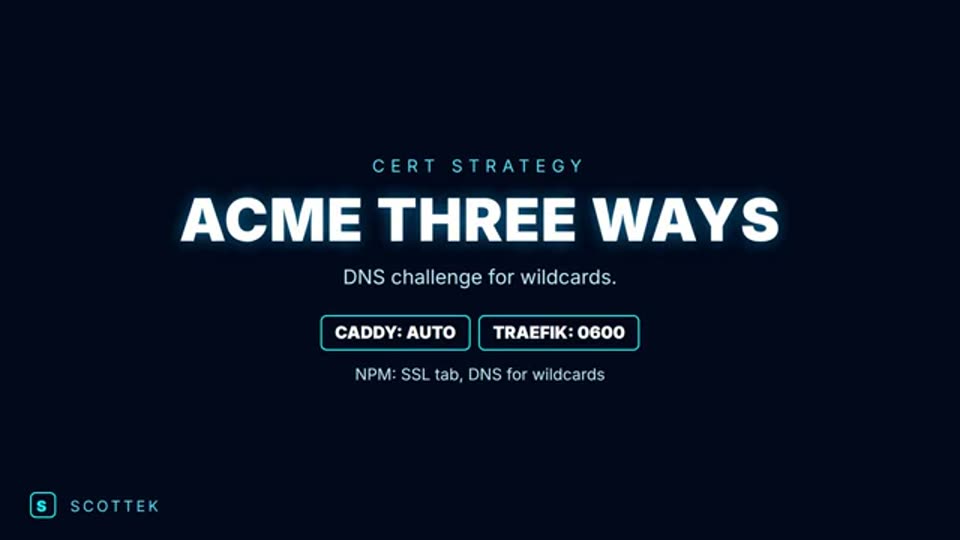
- In the video: all three speak ACME differently, Caddy with zero config, Traefik with a certificate resolver plus the 0600-permission file, NPM with a few clicks in the SSL tab, while wildcards in any of them mean the DNS challenge with API credentials at the DNS provider.
- Added from the sources: the NPM v2.16.0 notes add one caution the video states on camera, namely that the certbot bump can bite custom DNS plugins, so DNS-challenge users should check the docs before upgrading, checked October 2026, and every cert step in this section is untested here.
- In the video: on raw throughput one published roundup orders them nginx, then Caddy, then Traefik, but that ordering is explicitly not channel-tested and the honest advice is that the app is the bottleneck, so choose by workflow and not by benchmark bragging.
- In the video: the decision chart is to pick Nginx Proxy Manager for a UI with few moving services and the fastest evening win, Caddy for one small text file with automatic HTTPS and no Docker rewiring, and Traefik for a churning stack where containers come and go and labels generate routes with a dashboard for debugging.
- In the video: harden before exposing anything, starting with never leaving the Traefik insecure dashboard flag on past the first afternoon, changing the NPM default password first since it is what the whole internet tries, keeping the Caddy image updated, and layering logins later with forward-auth single sign-on.
- In the video: migration advice is to run NPM on ports 80 and 443 today, learn hostnames and certs the easy way, then graduate one service at a time since Caddy or Traefik can listen on other ports while hosts move over, because one-hostname-per-service on a shared Docker network with local DNS is the real upgrade and the software is interchangeable.
- Added from the sources: nothing in this guide was tested against a live proxy deploy here, so treat the compose snippets as docs-verified starting points from the sources linked above and verify each step during a real deploy, and tonight move is one real name before dinner with whichever of the three matches your brain, clicks, text, or labels.