Ghostty 1.4: 90% Less RAM for Linux Terminals (Guide)

Watch the starting point
This guide is a companion to the video Ghostty 1.4: 90% Less RAM for Linux Terminals (Guide), which walks through the Ghostty 1.4.0 release: scrollback compression, faster parsing, the new Linux EGL renderer, complete Kitty graphics, a live ghostty +ssh demo, install paths with the Ubuntu 24.04 caveat, the copy-on-select breaking change, and ten fixed security advisories.
In the video: the presenter narrates each highlight over illustrated slides, then records a live terminal session showing real commands for the release highlights and the +ssh flow, with illustrative bits labeled on screen.
Added from the sources: the exact figures, commands, requirements, and advisory details below, each verified against the official Ghostty release notes, install pages, SSH docs, and press coverage linked inline.
Note on sourcing: YouTube auto-subtitles returned HTTP 429 on retry, so captions were unavailable for this draft. The video side of this guide is grounded in the video title, description, and chapters plus the narration scripts used to produce it, and every consequential claim is backed by a primary source below.
What Ghostty 1.4 is
In the video: Ghostty is described as a GPU-accelerated terminal emulator written in Zig and MIT licensed, and version 1.4 as its biggest release yet after seven months of work.
Added from the sources: the 1.4.0 release notes, released October 27, 2026, credit 172 contributors across 2,889 commits, with large memory and performance improvements, complete Kitty graphics, SSH integration, and hundreds more fixes across all platforms.
Less RAM: scrollback compression and leaner tabs
In the video: the headline is memory. Scrollback you are not looking at is compressed while the terminal idles, cutting its physical memory by 70 to 90 percent for typical text-heavy history, which is why the default scrollback limit grows from 10 MB to 50 MB per terminal.
Added from the sources: the release notes confirm compression runs only while idle and pages decompress on demand when you scroll or search, with no measurable I/O impact, on macOS and 64-bit Linux. A full 50 MB scrollback generally uses less physical memory than the old 10 MB did. One measuring warning straight from the notes: compression lowers resident memory, not virtual memory, so watch resident memory or you will think nothing changed.
- A new empty terminal uses about
16 KiBof terminal page memory on macOS, down from128 KiB - Memory freed by clearing or trimming scrollback is returned to the OS on macOS and Linux instead of being held
- Hidden tabs release GPU resources: one visible tab with 20 hidden dropped from about
385 MiBto18 MiBof GPU memory on macOS, rebuilding in under a millisecond - The old
scrollback-limitsetting is renamed toscrollback-limit-bytes, with a newscrollback-limit-linesoption, and the old name keeps working
Faster parsing, with one labeling rule
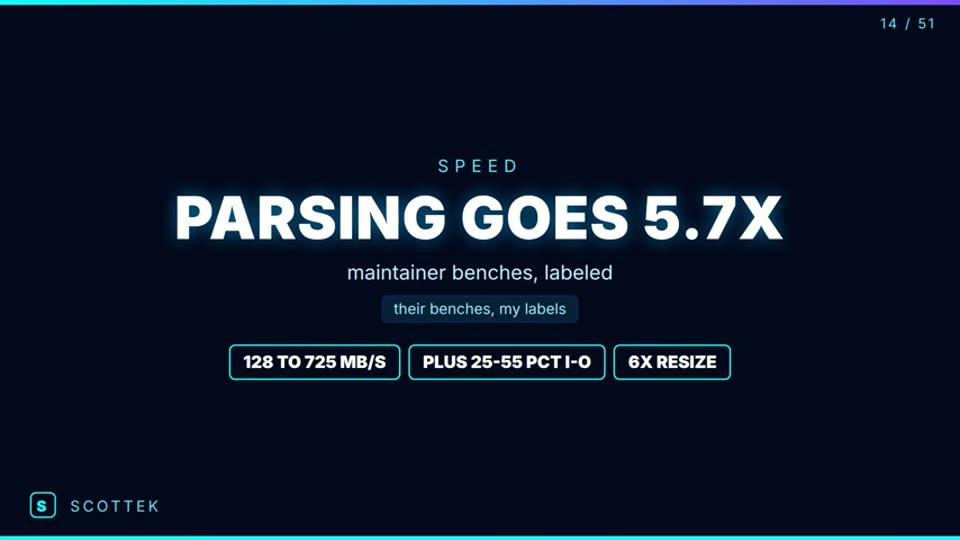
In the video: plain-text parsing jumps from 128 MB/s to 725 MB/s, about 5.7 times faster, with East Asian text over 3 times faster and a 25 to 55 percent end-to-end I/O gain from draining the pty on one thread while parsing on another.
Added from the sources: all of these are the Ghostty team's own reported benchmarks in the release notes, not independent tests, and this guide treats them that way throughout. The notes add that a 2.6 GB set of real terminal recordings replays about 25 percent faster, cat on a 150 MB text file fell from 1.5 seconds to 566 milliseconds on macOS, resizing with big scrollback is about 6 times faster, and OSC 52 clipboard payloads parse about 30 times faster.
The new Linux renderer: sharp text at 125 and 150 percent
In the video: the GTK app drops GtkGLArea for a pipeline that draws with EGL on its own thread, exports each frame as a DMA buffer, and hands it to GTK triple-buffered, which should cut tearing and fixes blurry text at fractional scales.
Added from the sources: the release notes confirm no OpenGL calls run on the main thread anymore, and Ghostty now renders at the window's true fractional scale so every rendered pixel maps to exactly one screen pixel, fixing blur at 125 and 150 percent including box-drawing characters. Two caveats from the notes: the surface needs a system EGL library, and drivers that cannot export DMA buffers fall back to copying frames through the CPU, which works but is slower.
Kitty graphics: complete, animation included
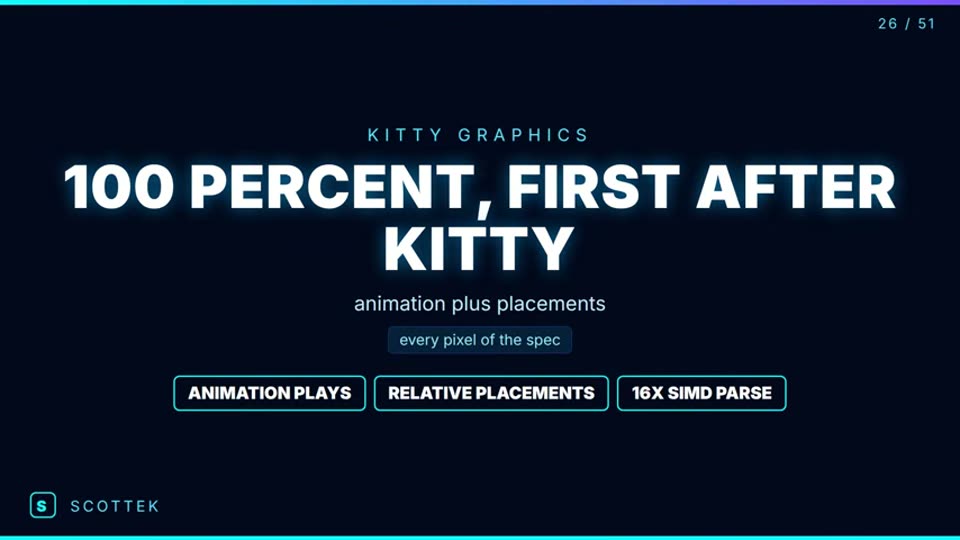
In the video: animation and relative placements were the last missing pieces, so Ghostty now covers the full published Kitty graphics spec, the first terminal outside Kitty itself to do so, and an animated image shown with kitten icat actually animates instead of freezing on one frame.
Added from the sources: the release notes confirm frame transmission, composition, and playback control with animations pausing while the terminal is hidden, plus a conformance pass fixing scrolling images in regions, retransmitted IDs replacing old images, and error replies. Image payload parsing is about 16 times faster via batched SIMD parsing, per the team's own benchmarks.
The ghostty +ssh wrapper
In the video: the live demo runs the new ghostty +ssh command, a drop-in wrapper around your real ssh that installs Ghostty terminfo on the remote with tic, caches successes per host and port, and falls back to xterm-256color with a warning when the remote has no tic.
Added from the sources: the SSH docs and release notes confirm arguments forward to real ssh unchanged, the bundled terminfo reinstalls automatically when a Ghostty update changes it, no local infocmp is needed, and COLORTERM, TERM_PROGRAM, and TERM_PROGRAM_VERSION are forwarded.
ghostty +ssh user@example.comalias ssh='ghostty +ssh --'to route every invocation through it- Flags such as
--terminfo=false,--forward-env=false, and--verbosecontrol each step
These commands are quoted from the official docs and release notes, and the demo flow in the video was recorded for the video, not re-run for this draft. Treat them as untested until you run them against your own hosts.
Install on Linux: 26.04 yes, 24.04 needs another path
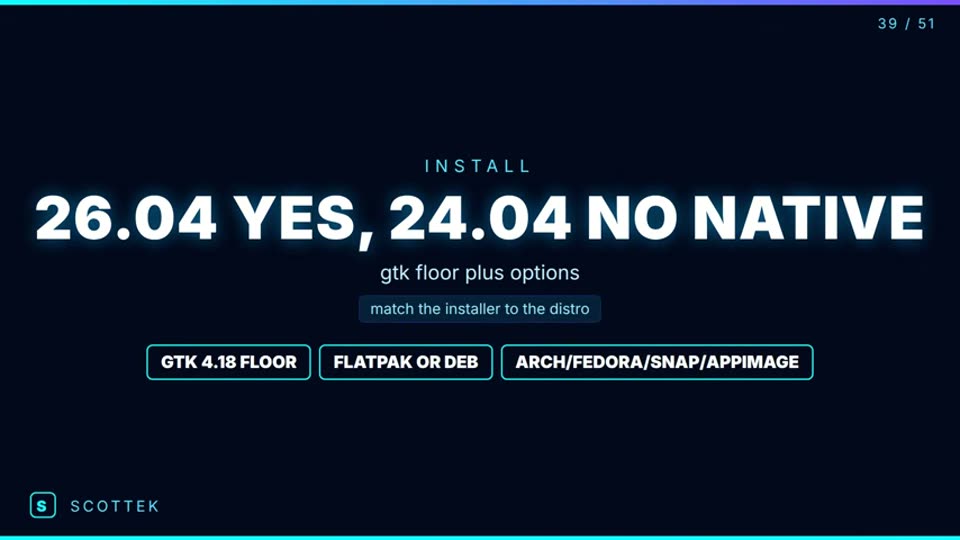
In the video: Ghostty 1.4 needs GTK 4.18 and libadwaita 1.7, so native builds exit at startup on Ubuntu 24.04, while official Ubuntu repositories carry Ghostty starting with 26.04 via a plain apt install that can lag the newest release.
Added from the sources: the release notes confirm the GTK 4.18 and libadwaita 1.7 floor with the explicit note that Ubuntu 24.04 LTS does not meet it, suggesting an older Ghostty build or the Flatpak as workarounds. The binary install page confirms the official Ubuntu package from 26.04 on with apt install ghostty, Arch in extra with pacman -S ghostty, Fedora via the Terra repo or a copr, snap install ghostty --classic, and a universal AppImage, plus a community .deb path for older Ubuntu versions.
apt install ghosttyon Ubuntu 26.04 and laterpacman -S ghosttyon Archsnap install ghostty --classicfor the Snap- Flatpak, community
.deb, or AppImage where no native package fits
These install steps are untested in this draft. They are quoted from the official install pages, not from a local run, so confirm the exact page for your distro before installing.
Before you upgrade: one breaking change and ten advisories
In the video: copy-on-select was reworked and now takes none, primary, clipboard, or both, with the meaning of clipboard changed, and the release fixes ten security advisories for which the maintainer requested CVEs weeks ago but none were assigned at release time.
Added from the sources: the breaking changes confirm clipboard previously copied to both the selection and system clipboards and now copies only to the system clipboard, so set both to keep the old behavior, and macOS now defaults to none. The security section lists all ten advisories: malicious Kitty graphics payloads, two tmux control-mode crashes, a paste-protection carriage-return hole, a scrollback-page issue at limit 0, shell-integration escapes from crafted directory names, and four macOS link-click and dialog issues, with the note that CVE numbers were requested but unassigned. Patch for the fixed behavior, not for a CVE string.
- If you customized
copy-on-select, read the breaking-changes notes before upgrading - If you run 1.3.0 or 1.3.1, the tmux control-mode items apply to you
- Also new in this release: the Kitty clipboard protocol with permission prompts, GTK split drag-and-drop, and a conformance suite in CI
Verdict: who should upgrade
In the video: upgrade for sharp fractional-scaling text, for the memory win with big scrollback, and for the +ssh wrapper if you live on remote boxes, but wait or switch install methods on Ubuntu 24.04 if you need native packages only.
Added from the sources: OMG! Ubuntu covered the release on October 29, 2026 with the same Linux-first framing, and the release-notes details above support the verdict: the dependency floor is real on 24.04, the memory and renderer wins are documented for everyone else, and the advisories make patching worthwhile regardless.
All hands-on steps in this guide remain untested until run against a local machine. The benchmark figures are the Ghostty team's own reported numbers, and the install paths are quoted from the official pages linked inline.