Self-Hosted RSS Setup: FreshRSS vs Miniflux vs TT-RSS

Companion video
This guide companions the video Self-Hosted RSS Setup: FreshRSS vs Miniflux vs TT-RSS and turns it into a checkable reference with links to the official docs. The video is the starting point for every claim below, and each section keeps In the video: material apart from Added from the sources: research. Install steps are quoted from the official docs and are untested in this draft, and nothing below was personally benchmarked.
What an RSS reader actually does
- In the video: a reader is a polling job plus a database plus a web page, fetching feeds on a schedule of roughly every fifteen minutes to an hour, storing what is new, and showing it in a web UI or a phone app, with a few hundred feeds described as trivial load for anything that can already run Pi-hole.
- In the video: the differences that matter are the interface, how each reader handles feeds that only publish a teaser, and which mobile apps each one talks to.
- Added from the sources: the context is the gap left when Google Reader shut down over a decade ago, with paid hosted services on one side and self-hosting on the other, per the rhomelab comparison.
FreshRSS: the default pick
- In the video: FreshRSS is a PHP application, open source, and the one most people land on first, with one container holding the web server and the app, SQLite as the default database so there is no second service to babysit, and a setup wizard that takes you from zero to reading in minutes.
- In the video: it imports OPML so a Feedly export moves over intact, has full-text extraction built in for teaser-only feeds, and speaks both the Fever API and the Google Reader API so third-party phone apps connect without FreshRSS shipping its own app.
- Added from the sources: the official images are freshrss/freshrss on Docker Hub with a mirrored build on GHCR, and PostgreSQL and MySQL are supported for bigger installs, per the research notes quoting the image docs.
FreshRSS views: Normal, Global, Reader
- In the video: Normal view is the compressed list with read status, star, feed name, title, date, and link to the original, Global view shows every feed with its unread count, and Reader view opens everything for long sessions.
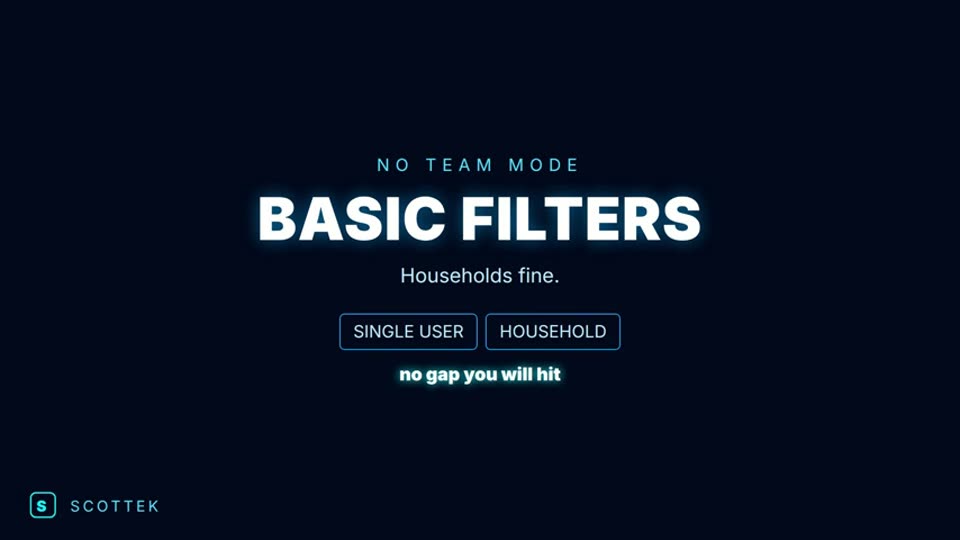
- In the video: per-feed sidebar actions cover filters, statistics, force refresh, and mark-as-read, while the lighter side is no team administration story and functional but basic filtering rules, which does not matter for one person or one household.
- Added from the sources: the same three views and per-feed actions are documented in the official main-view docs, quoted here and untested in this draft.
Install FreshRSS with Docker
- In the video: installing is one Docker command straight from the official image docs, publishing port 8080, mounting two volumes for data and extensions, setting timezone and a
CRON_MINrefresh schedule, then finishing in the web wizard or from the command line with the built-in install script. - Added from the sources: setup completes in the web wizard or via the CLI helpers, and SQLite stays the default that most installs will ever need, per the research notes quoting the image docs, untested in this draft.
- Added from the sources: on FreshRSS you must enable API access under Authentication and set a separate API password in your profile, a detail covered in the phone-apps section below.
FreshRSS 1.30.1 security release
- In the video: version 1.30.1 landed October 5th as a security release, patching several attack scenarios, fixing a domain-wide retry bug and a feed-muting bug, and hardening sessions, tokens, and imports, with the rolling
edgechannel getting security patches fastest. - Added from the sources: the 1.30.1 release notes describe it as a security-oriented release continuing 1.30.0, listing the domain-wide
Retry-Afterfix and the fix for muting of feeds gone with HTTP 410, plus a recommendation of the rolling-release channel for faster security patches. - Added from the sources: the takeaway quoted from the video still stands, this is a living project with active maintenance, which is what you want from the box that fetches arbitrary content off the internet all day.
Miniflux: minimalist by design
- In the video: Miniflux is minimalist on purpose, one statically compiled Go binary plus a Postgres database and nothing else to reason about, with a deliberately spare interface, no themes, no plugin system, and no customization rabbit hole.
- In the video: the project philosophy is fewer features done well with discipline about saying no, which feels like fresh air if a self-hosted tool with years of UI cruft ever burned you.
- Added from the sources: the latest stable quoted in the research notes is 2.3.3 from July 24 2026, per the Miniflux releases page, and Miniflux v2 is Apache-2.0 licensed while FreshRSS is AGPL-3.0, per the research notes.
Miniflux Docker setup is Postgres-only
- In the video: the price of the simplicity is one hard rule, Miniflux works only with PostgreSQL with no SQLite mode, because full-text search is built on Postgres features.
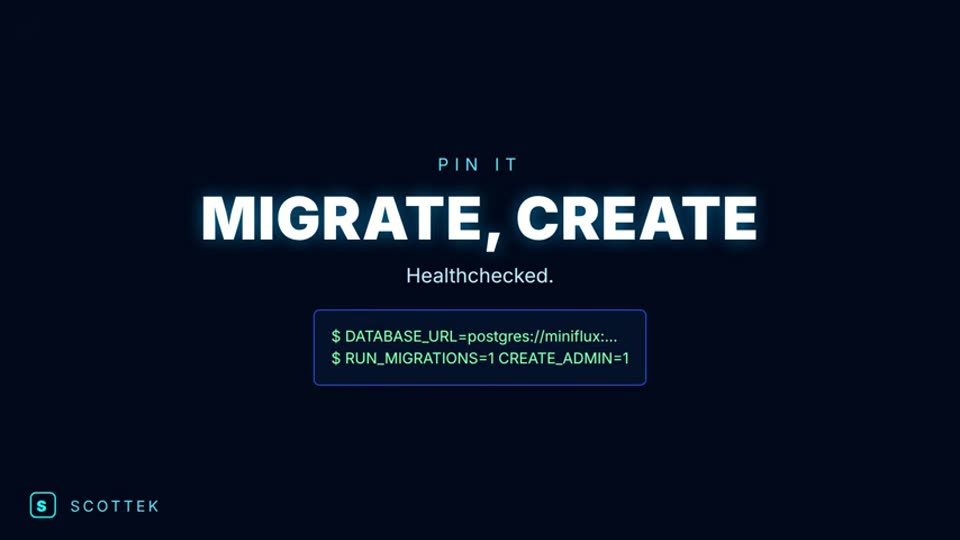
- In the video: the official docs give a two-service Compose file pairing Miniflux with Postgres 18 behind a health check, wired with a
DATABASE_URL, automatic migrations, and a first admin account, with pinned image versions so updates never surprise you. - Added from the sources: the official Docker docs publish images on Docker Hub, GHCR, and Quay across common architectures with
latest, version-pinned, andnightlytags while recommending a pinned version, per the research notes, and the two-container stack is quoted at about a 320 MB budget, untested in this draft.
The phone app decides: sync APIs
- In the video: all three readers expose sync APIs that third-party mobile apps speak, but they are not identical, and FreshRSS plus Miniflux speak both the Fever API and the Google Reader API, so nearly any client connects, naming Reeder, Unread, FocusReader, and NetNewsWire as examples.
- In the video: one catch on FreshRSS, you must enable API access under Authentication and set a separate API password in your profile, or the app fails to log in while the website works fine, so check your app compatibility list before committing.
- Added from the sources: the SSD Nodes comparison matches this matrix and adds the gap, TT-RSS uses its own JSON API with no Fever support, so a Fever-only client will not connect there, quoted and untested in this draft.
Tiny Tiny RSS lives on in a community fork
- In the video: Tiny Tiny RSS is the oldest and the deepest, with one plot twist, the original project retired on November 1st 2025 and development continues in a community fork on GitHub whose docs are now the official setup.
- In the video: that setup is four services, Postgres, the PHP app, a separate updater daemon that fetches feeds, and nginx in front, where you drop an env file and a compose file in a directory, bring it up, open port 8280, and log in as admin, with updates as one pull and one up command.
- Added from the sources: the community-fork install guide is the setup reference, with images published as
supahgreg/tt-rssvariants and GHCR builds, per the research notes, and if an old compose file still points at the retired project's images it should be switched to the fork, untested in this draft.
What TT-RSS buys you: plugins, filters, Android app
- In the video: TT-RSS buys a full plugin architecture, powerful filter rules that route feeds into folders, auto-mark by keyword, and strip what you do not want, a traditional three-pane desktop layout, its own dedicated Android app, and a JSON API for third-party clients.
- In the video: the noted gap is no Fever API, so a Fever-only client will not connect, making this the reader for the operator who wants rules and plugins and will happily spend an evening wiring the daemon correctly.
- Added from the sources: the rhomelab verdict agrees, TT-RSS is the deepest feature set with the most to manage, covering plugins, filter rules, the native Android app, and the dedicated update daemon.
Memory budgets, quoted not benchmarked
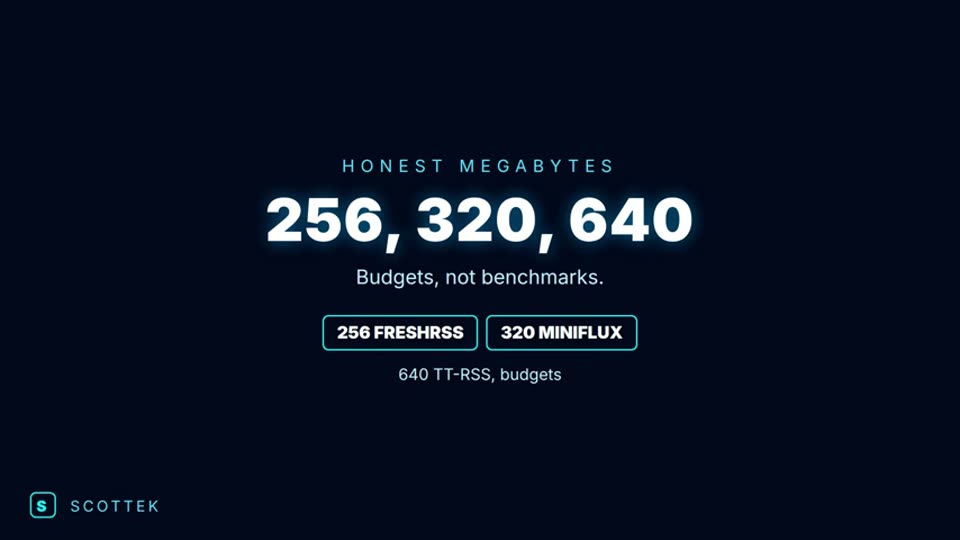
- In the video: an October VPS comparison published budgets, not benchmarks, with FreshRSS plus SQLite at one container and about 256 MB, Miniflux plus Postgres at two containers and about 300 MB with most of it belonging to Postgres, and TT-RSS at four containers and about 640 MB.
- In the video: all three fit a small LXC or a compose stack next to other apps, but on a 1 GB box skip the full TT-RSS stack, and always set memory limits because an unlimited container on a full box gets killed by the kernel with the database usually the victim.
- Added from the sources: the SSD Nodes comparison is the origin of these figures and lists the Miniflux stack at a 320 MB budget, so treat every number here as a planning budget, not a measurement, untested in this draft.
OPML is not a backup
- In the video: an OPML export is not a backup, it only rebuilds the subscription list, while read state, stars, and every article live in the database.
- In the video: back up the database itself with
pg_dumpfor Postgres or a file copy for SQLite and get it off the box, and plan Postgres major-version upgrades as dump and restore because the official images do not migrate data in place, or pin the old version. - Added from the sources: FreshRSS offers an extended OPML export that also carries per-feed settings and filters, but that still does not replace the database backup, per the SSD Nodes comparison.
Run it behind TLS
- In the video: any of the three runs anywhere Docker runs, a Pi, a mini PC, a VPS, or an LXC next to other services, but put it behind a reverse proxy with a real TLS certificate because phone access outside the house means authentication actually matters.
- In the video: the hardening story is the same as every other self-hosted app, proxy, TLS, real password, updates, and database backups, with nothing exotic.
- Added from the sources: for the access layer, see the Tailscale vs Cloudflare Tunnel guide for reaching the homelab from outside, and if the reader will share a virtual host, the Proxmox 9 homelab server guide covers the virtualization host it can live on.
The verdict
- In the video: start with FreshRSS, easiest deploy, friendliest app compatibility, extraction built in, with no gap a single person or household will hit.
- In the video: pick Miniflux if deliberate minimalism appeals, one binary, one database, nothing else to think about, and pick TT-RSS if filter rules, plugins, or the native Android app are specifically wanted with setup time to spend.
- Added from the sources: the rhomelab comparison lands in the same place, FreshRSS as the right default, Miniflux for fewer-features-done-well, TT-RSS for depth at the cost of more moving parts, and any of the three gets reading off somebody else servers and onto hardware you control.