Yogurt 0.3.6 Ubuntu Install: No Bot, No Cloud, Just Notes
This companion guide starts from the video Yogurt 0.3.6 Ubuntu Install: No Bot, No Cloud, Just Notes (107s, uploaded 2026-11-12) and adds grounded detail from the Yogurt repo, the v0.3.6 release, the docs README, and yogurt.so so you can set up private on-device meeting notes with no bot joining your calls and nothing uploaded. Steps below follow the video description, since auto-subtitles returned HTTP 429 and the description is the transcript-equivalent, and anything added from the official pages is linked inline. The install itself is untested here because no test run was performed on this box for this release.
What you need
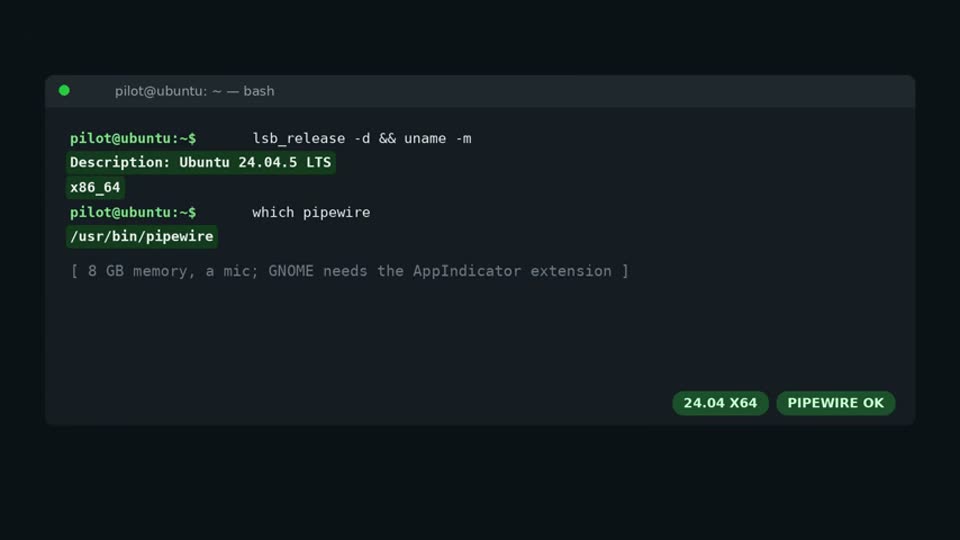
64-bit Ubuntu 22.04or newer with a terminal, per the video description and the docs README8 GBof memory,PulseAudioorPipeWireaudio, and a microphone- Administrator rights for one package (the FUSE 2 install below)
- GNOME users need the AppIndicator extension for the tray icon, per the docs
Install FUSE 2, then the AppImage
- Confirm your machine with
lsb_release -d && uname -m, expectingUbuntu 24.04andx86_64 - Confirm audio with
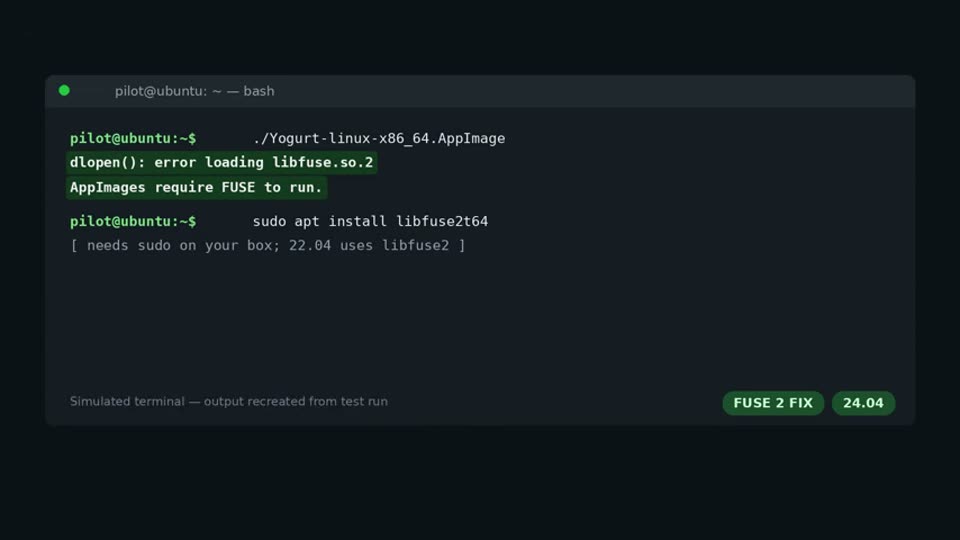
which pipewire, expecting/usr/bin/pipewire(or PulseAudio running) - Install FUSE 2 first or the AppImage will not start:
sudo apt install libfuse2t64on Ubuntu 24.04 and newer,sudo apt install libfuse2on 22.04, per the docs - Download
Yogurt-linux-x86_64.AppImagefrom GitHub Releases; thev0.3.6asset is about508 MB, per the release API - Make it executable with
chmod +x Yogurt-linux-x86_64.AppImageand run it with./Yogurt-linux-x86_64.AppImage - Without the FUSE 2 package the first run fails with
dlopen(): error loading libfuse.so.2, per the video, and the fix is theaptline above - These install steps are untested here, so compare the error and package names before continuing
First launch: models and speed check
- First launch downloads the transcription models it needs, so stay online for setup, per the docs
- Windows and Linux also run a transcription speed check and stop setup if the computer cannot keep up, per the docs
- Recording works as soon as setup finishes; the notes model keeps downloading in the background, and notes and questions work offline once it lands
- The
v0.3.6tag was published 2026-11-11 and is a full release, not a prerelease, per the GitHub API; note thatv0.3.7was tagged hours after the video (2026-11-12) with the same AppImage install steps, so prefer the latest release page if you are installing today
Verify: record and read the Summary
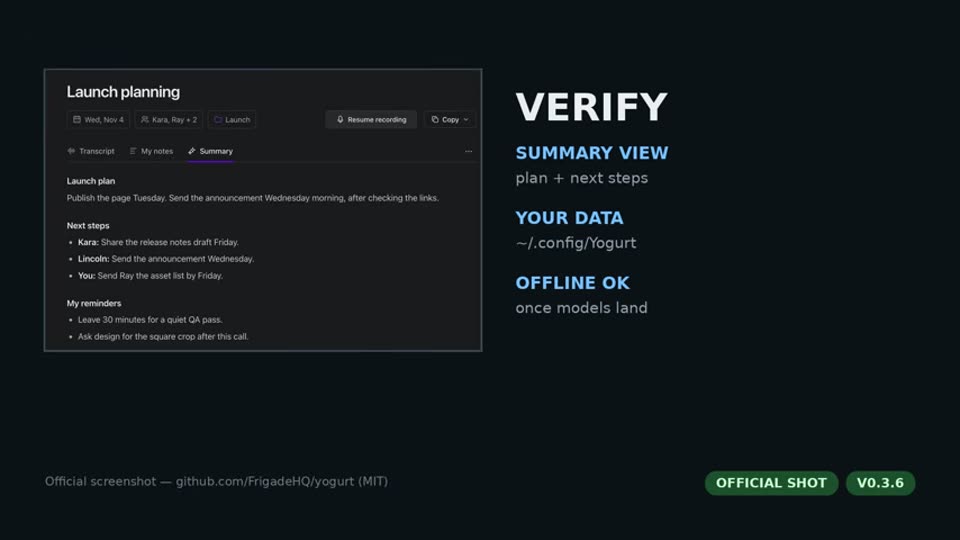
- Hit record; the Summary view shows the plan, next steps, and reminders after a meeting, per the video
- Verify with the video's checklist: the app window opens,
Recording readyappears, and a Summary is written after a meeting - Data lives in your config folder (
~/.config/Yogurtin the video's verify card) and works offline once models land - Uninstall by deleting the AppImage, per the video description
Privacy notes and limits
- Audio, transcripts, notes, and questions are processed locally with no telemetry and no meeting uploads, per the docs; the app connects to the internet only to download models from Hugging Face and to check GitHub for updates
- Calendar access and speaker names from calls are Mac only, per the docs and the video description
- The video notes its screenshot is the official Yogurt screenshot from its MIT-licensed repository and its narration is synthetic
- Yogurt is free and open source under the MIT license, per the repo
- All of the above is untested here; treat the version numbers, package names, and folder paths as stated-until-verified on your own machine