Install OpenIDEA on Ubuntu: the Rust IDE in One Command

This guide is the written companion to the video Install OpenIDEA on Ubuntu: the Rust IDE in One Command (105s, uploaded 2026-11-18), and it treats the video as the starting point. It was built from the 8-scene video narration and description plus the project research files, checked against the official sources linked below.
In the video: OpenIDEA 0.1.48 is installed on Ubuntu 24.04 from one official deb file with one apt command, then verified, launched, and opened from the terminal. Added from the sources: the OpenIDEA site tagline is The IDE you know, rebuilt in Rust, the repository is by l0ng-ai under Apache-2.0 in Rust and TypeScript, and the v0.1.48 release was published 2026-11-18. The install, version-reply, and first-launch frames are illustrated from the official docs, not captured from a live install, and steps the project test run never executed are marked not executed here.
What OpenIDEA 0.1.48 is and what you need
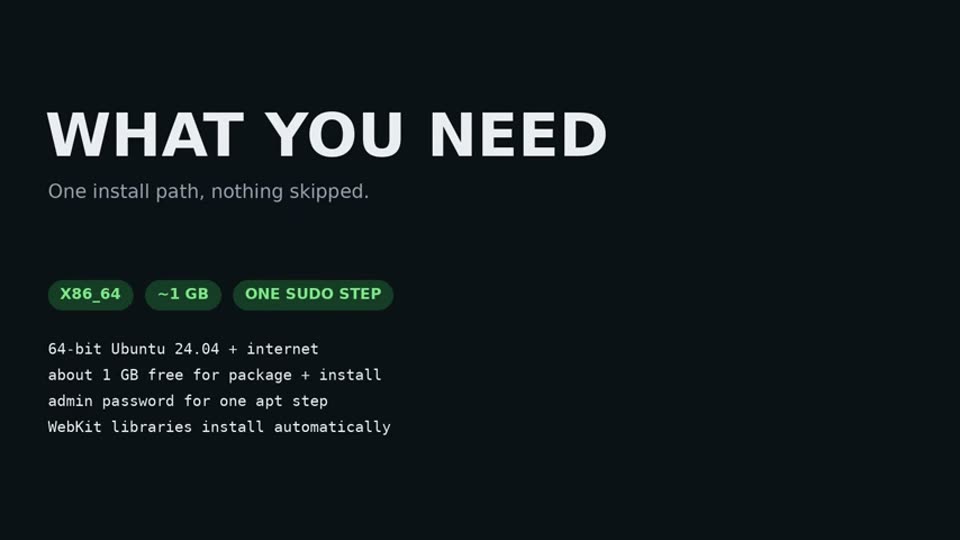
In the video: you need 64-bit Ubuntu with internet, about 1 GB free, and your admin password for one install step, and the web libraries it needs come along on their own. Added from the sources: the install doc describes the deb path and the WebKitGTK dependency note, and the package metadata read live on 2026-11-18 names package open-idea, version 0.1.48, architecture amd64, depending on libwebkit2gtk-4.1-0 and libgtk-3-0.
- Use 64-bit Ubuntu with internet access and about 1 GB free
- Keep your admin password ready for the single
apt installstep - Expect
aptto pull in the WebKitGTK libraries as dependencies - No account, subscription, or paid service is required
Download the official deb and check it
In the video: grab the Ubuntu amd64 deb from the official release page, about 81 MB, and match the file size and checksum before moving on. Added from the sources: the v0.1.48 release lists OpenIDEA_0.1.48_amd64.deb, and the project test run on 2026-11-18 verified the download at 81,199,952 bytes with sha256sum matching a10dffcf1939131ba81513ea47342c92dfa5f2d93851b80a80fe393e47d1a.
- Download with
curl -L -o OpenIDEA_0.1.48_amd64.deb https://github.com/l0ng-ai/openidea/releases/download/v0.1.48/OpenIDEA_0.1.48_amd64.deb - Check integrity with
echo "a10dffcf1939131ba81513ea47342c92dfa5f2d93851b80a80fe393e47d1a OpenIDEA_0.1.48_amd64.deb" | sha256sum -c - - Confirm the check reports success before continuing
Install with apt and verify the version
In the video: install with apt, confirm once, watch for the setup line, then prove it with openidea --version answering OpenIDEA 0.1.48. Both steps are not executed here: the project box had no sudo so the install never ran, and the live version reply was never captured, so both frames are illustrated from the docs path.
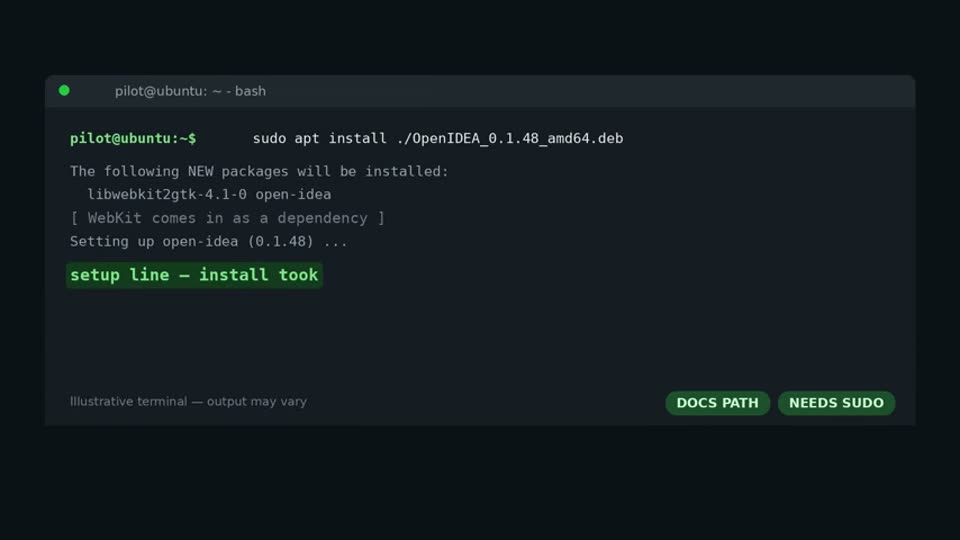
- Install with
sudo apt install ./OpenIDEA_0.1.48_amd64.deb(not executed here, needs your admin password) - Look for the
Setting up open-idealine as the docs-path success signal (not executed here) - Verify with
openidea --versionand expectOpenIDEA 0.1.48(not executed here, and the reply format follows the CLI reference, which shows e.g.OpenIDEA 0.1.40)
First launch, shell command, and updates
In the video: launch from the app grid, open a folder as the project, install the shell command from the Tools menu into the local bin folder, restart the terminal, and open projects with openidea ., with update checks about every four hours. First launch and the Tools-menu install are not executed here and are illustrated from the official docs.
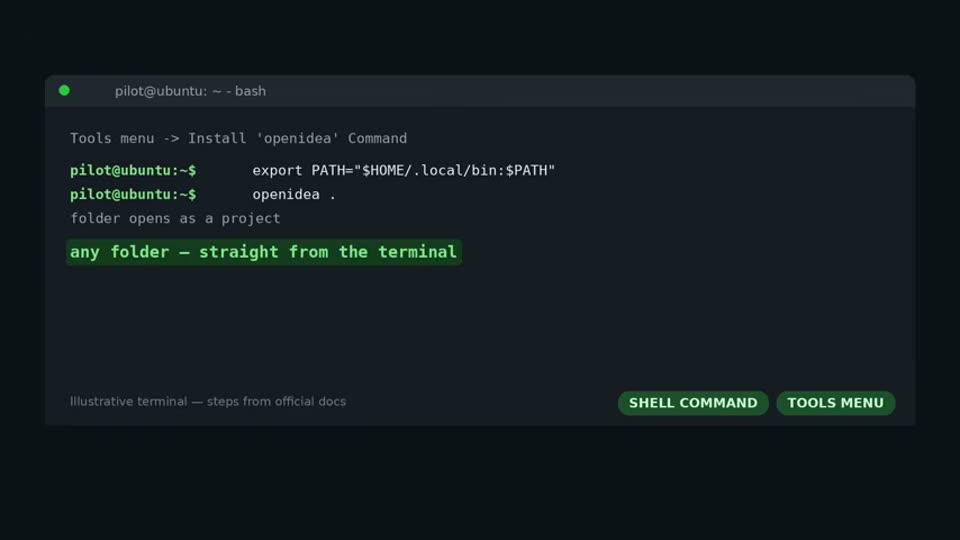
- Launch OpenIDEA from the app grid and open a folder as your project (not executed here)
- In the Tools menu, install the
openideashell command, landing in~/.local/bin/openidea(not executed here) - Restart the terminal, adding
export PATH="$HOME/.local/bin:$PATH"first if that folder is not onPATH - Open any project with
openidea .(not executed here) - Expect update checks at startup and about every 4 hours per the install doc
Sources
- The companion video is the starting point for all In the video claims above (watch link)
- The OpenIDEA repository owns the name, author, license, and language facts
- The OpenIDEA site owns the product tagline
- The install doc owns the deb path, dependency note, and launcher and update behavior
- The CLI reference owns the version flag,
openidea ., and launcher path facts - The v0.1.48 release owns the version, date, asset name, and size facts
- No affiliate links appear in this guide