LM Studio 0.4.28: Install, Pull, Serve, Chat — Full Loop Proven on Old Iron

This companion article starts from the video LM Studio 0.4.28: Install, Pull, Serve, Chat — Full Loop Proven on Old Iron, uploaded 2026-11-19, and adds bench notes you can repeat on old iron. Watch the full loop on YouTube as the starting point for everything below.
Auto-subtitles were unavailable for this video at write time, so the video description is used here as the transcript-equivalent and all video claims below stay grounded in that description.
What the video shows
The video description presents a 242s run uploaded 2026-11-19 that installs the Linux build on a Tesla T10 box, works through the real GUI, pulls a model with one command, serves it on port 1234, and chats with it on camera.
- 0.4.28 lands with Bionic beside it covering the release and the agent desktop shipping alongside it
- Fix-forward build notes framing what changed in this build
- Linux install with real GUI walking through the desktop onboarding clicks
- One-line model pull fetching the chat model
- Load and serve on port 1234 putting the model behind the local server
- Exact-phrase chat proof confirming the served model answers
- Bionic agent desktop shown beside the main app
- Who it is for plus honest limits and coexistence with one load serving many clients
- Verdict with Unsloth Studio named next as untested here
The description is explicit about honesty limits. Only a 0.6B chat model is shown running, 65B-class models are out of reach on this 16GB card and are never claimed as runs, GUI onboarding clicks that missed are shown as missed, and the keyboard path is shown working.
Linux install and real GUI
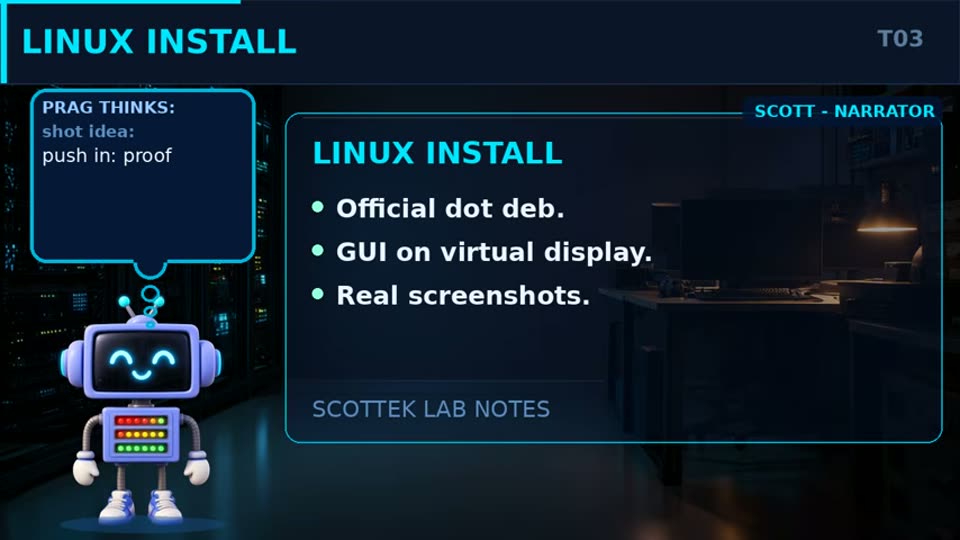
Bench research added here goes one step deeper than the description. The tested installer was the lm-studio-0.4.28-2 Linux package at 780719268 bytes, installed from the Linux download page and checked against LM Studio.
- GUI under Xvfb needed keyboard help because mouse clicks missed without a window manager, and this is disclosed rather than edited out
- Keyboard path worked with Tab plus Return moving through onboarding
lms --versionreported CLI commit43d4b26- Mac and Windows install paths remain untested on this Linux box
The Homebrew cask page is a useful version cross-check for Mac readers, but the bench install above was Linux only.
Pull load and serve on port 1234
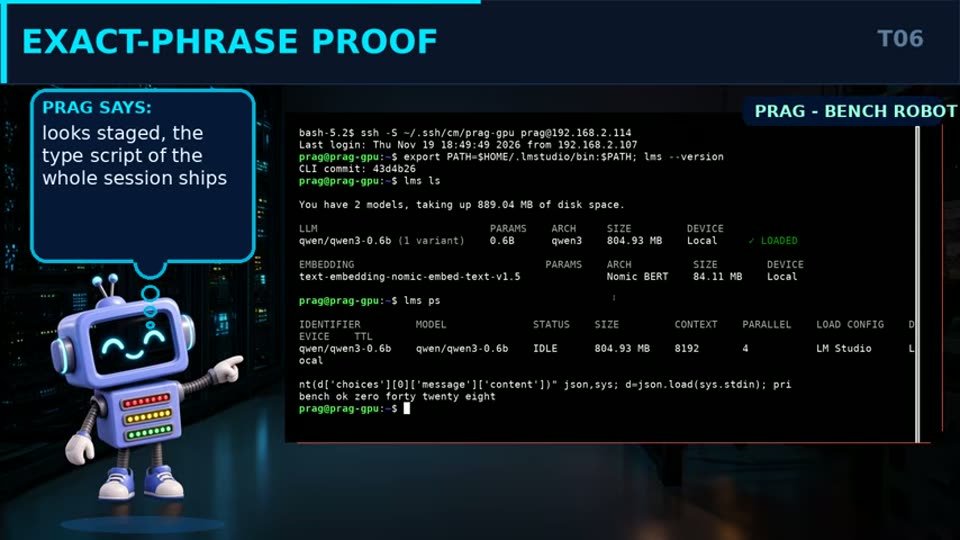
The video describes a one-line pull followed by load and serve. Bench output makes that loop concrete without inventing new commands.
lms lsshowedqwen/qwen3-0.6bat 804.93 MB marked LOADED plustext-embedding-nomic-embed-text-v1.5at 84.11 MBlms psshowedqwen3-0.6bas IDLE with context8192and parallel4lms server startbrought up port1234with/v1/modelslisting the modelnvidia-smishowed 1697 MiB used during serve on the 16GB card- The pull model was the Qwen3 0.6B GGUF build
- Larger chat models and sustained throughput numbers are untested in this bench
That resource shape is the point for old iron. A small chat model plus an embedding model fits comfortably where a 65B-class run would not, and the bench never claims otherwise.
Chat proof release notes and Bionic beside it
Release-note context added here comes from the LM Studio changelog and the changelog index.
The video describes an exact-phrase chat check. Bench research repeats the proof phrase as bench ok zero forty twenty eight returned from the served model, which keeps the video claim visibly separate from this added confirmation. (Stills here are animated storyboard frames; the terminal captures inside them are the real bench output.)
- 0.4.28 centers on a Flint template fix plus a Mac restart-update fix, with the Mac restart path untested on this Linux box
- 0.4.26 added
/v1/decisionsand/v1/systemoneendpoints with Bionic coexistence andllama.cpp 2.50.0 - Bionic 1.2.1 adds remote projects with agent control plus MCP results with images, detailed on Bionic
- Multi-machine remote control and MCP image payloads remain untested in this single-box bench
- Coexistence framing is one model load with many clients, which matches the served port plus chat flow above
Who it is for limits and verdict
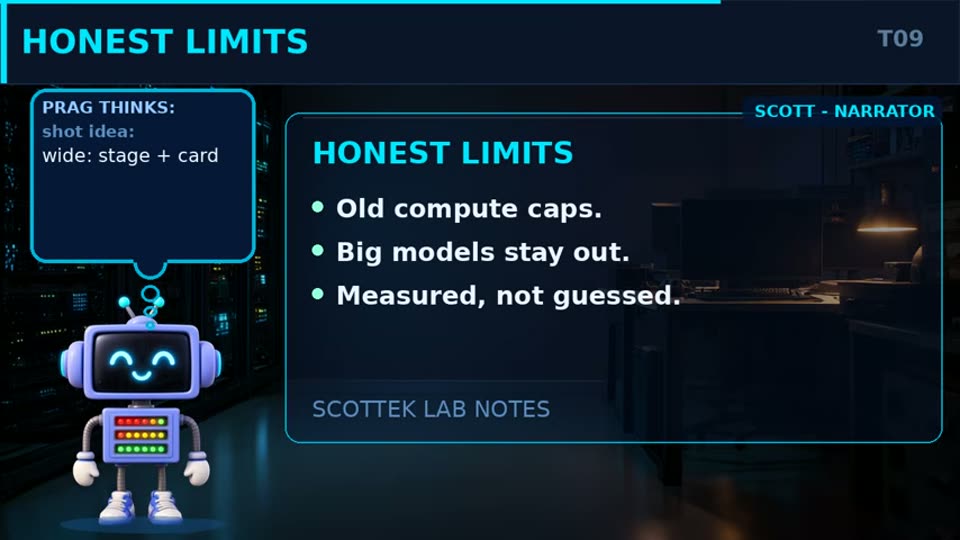
This loop fits a homelab owner with an older NVIDIA card who wants local chat plus an OpenAI style endpoint without renting compute.
- Good fit when you accept small-model scope for chat checks, wiring tests, and local app development
- Not a 65B story on a 16GB card, and large-model quality claims are untested here
- GUI caveat travels with it because headless Xvfb setups may need keyboard navigation
- Next-video teaser only means Unsloth Studio coverage is untested until it ships
The verdict stays narrow on purpose. Version 0.4.28 installs, pulls, serves, and chats on old iron with Bionic beside it, and everything outside that proven loop is marked untested rather than assumed.
Sources
- LM Studio Linux download — https://lmstudio.ai/download?os=linux — 0.4.28 AppImage and deb builds — accessed 2026-11-19 — supports the installer source used in the install section.
- LM Studio changelog — https://lmstudio.ai/changelog/lmstudio — 0.4.28 Flint template fix and Mac restart-update fix — accessed 2026-11-19 — supports the release-note claims.
- Changelog index — https://lmstudio.ai/changelog — Bionic 1.2.1 agent-desktop notes — accessed 2026-11-19 — supports the Bionic coexistence claims.
- Bionic agent desktop — https://lmstudio.ai/bionic — remote projects and agent control — accessed 2026-11-19 — supports the beside-it framing.
- Homebrew cask — https://formulae.brew.sh/cask/lm-studio — confirms 0.4.28 build 2 — accessed 2026-11-19 — supports the version cross-check.
- Qwen3 0.6B GGUF — https://huggingface.co/lmstudio-community/Qwen3-0.6B-GGUF — community quant of the bench model — accessed 2026-11-19 — supports the pull-model claim.