Mail-in-a-Box: Your Own Gmail on a $6 VPS

This is a companion guide to the video, and the video is the starting point for everything below. Watch the video first, then use this article as the written reference with links to the official docs. In the video means the claim comes from the video transcript, while added from the sources means it was confirmed against the official Mail-in-a-Box guide, maintenance page, or GitHub releases. I did not run this install while writing, so treat every setup step below as untested here until you confirm it on your own machine.
What Mail-in-a-Box gives you
- In the video: Mail-in-a-Box is a single installer that configures a full Linux mail stack on a server you rent, with Postfix sending and receiving, Dovecot serving mail to clients plus Sieve filter rules on port 4190, Roundcube webmail in the browser, and Nextcloud syncing contacts and calendars to your phone.
- In the video: around that core sit SpamAssassin plus greylisting for spam, its own DNS server, automatic SPF, DKIM, DMARC, and MTA-STS records, Let's Encrypt certificates, fail2ban against intruders, encrypted backups, and a control panel with two-factor login and an API.
- In the video: the current release as of the video is v77 from September 2026, a short and serious maintenance release bringing Roundcube up to 1.6.19 with security fixes and Nextcloud up to 27.1.11 with an install failure fixed, following v76 which repaired Nextcloud after a PHP update broke it.
- Added from the sources: the v77 release page is dated September 26, 2026, and the v76 to v77 comparison shows the Roundcube security updates and the Nextcloud bump, so v77 is a maintenance release with no behavior redesign.
- Added from the sources: the project is dedicated to the public domain under CC0-1.0, which is a different deal from the open-core plus paid enterprise license behind Stalwart, covered in the comparison section below.
Before you start: the non-negotiables
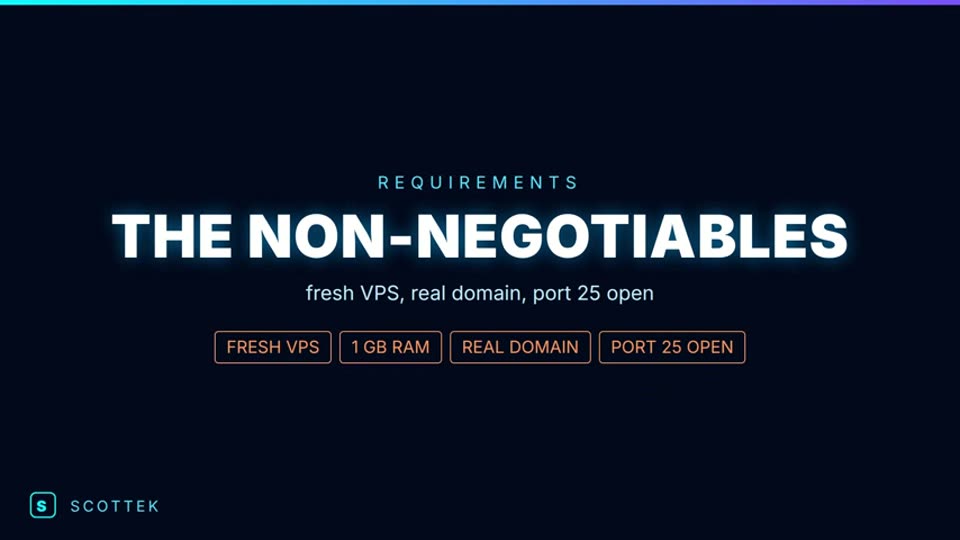
- In the video: one hard rule never changes, and that is Ubuntu 22.04 server edition and nothing else, since the installer refuses anything newer, any other distro, and Docker.
- In the video: bring a cloud VPS with at least half a gig of RAM, though 1 GB is the sane minimum because Nextcloud and the spam filter are hungry, and it must be a fresh machine dedicated to mail because the box rewrites system configs and wipes custom tweaks on update.
- In the video: you need a domain name you control at about $17 a year, your host must allow outbound port 25 and let you set reverse DNS, and the all-in cost lands around $5 to $12 a month for the VPS plus the yearly domain.
- Added from the sources: skip AWS because its ranges are widely blocked for spam, and forget running this at home, since residential ISPs block port 25, the IP sits on blacklists, and you cannot set reverse DNS, as the setup guide explains.
- Added from the sources: before you pay for anything, confirm with your host that outbound port 25 will be opened, set the reverse DNS PTR record to your box hostname, check your fresh IP against a blacklist checker since a burned previous tenant becomes your problem, and disable IPv6 if the docs suggest it for your provider.
DNS first: glue records and nameservers
- Flagging this before anything else: changing glue records and nameservers at your registrar hands your domain's DNS over to the box, and a wrong entry can take your domain, website, and mail offline, so double-check every hostname and IP before saving.
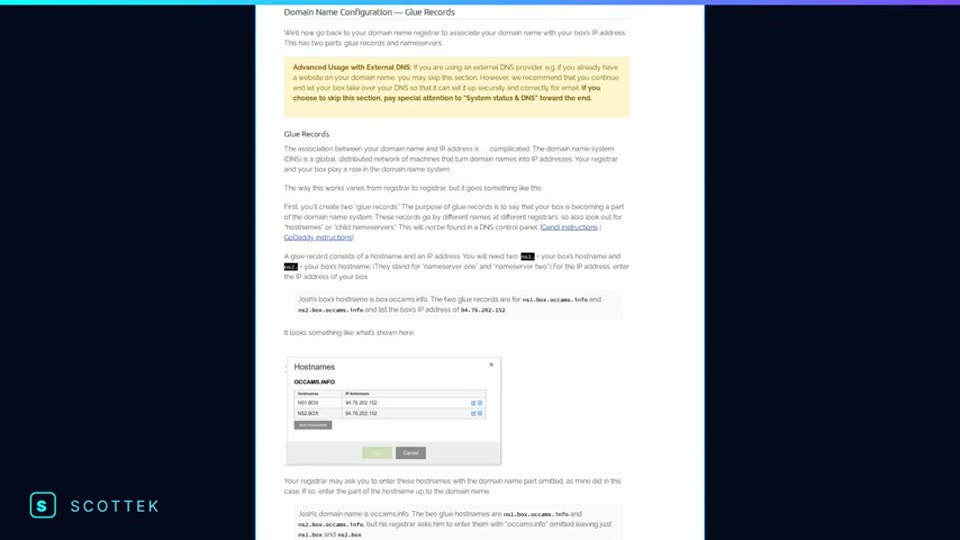
- In the video: name your box something like
box.yourdomain.com, never the bare domain if a website lives elsewhere, then at your registrar create two glue records,ns1.boxandns2.box, both pointing at your server's IP, and set the domain's nameservers to those two names. - In the video: from that moment your box is your DNS and it writes correct SPF, DKIM, DMARC, and MTA-STS records for every domain you host, plus optional DNSSEC with DANE.
- In the video: keeping DNS at an external provider instead is allowed, but then you copy every record by hand from the panel and recopy them whenever the box changes something, so letting the box own DNS is the easy path and the project recommends it.
- Added from the sources: the setup guide documents the external-DNS path in its glue-records section, including the option to skip glue entirely and publish the generated records manually, with attention to the status checks at the end.
Install with one command
- Flagging this before anything else: the installer is a pipe-to-shell command run as root that takes over the whole machine for 20 to 40 minutes, so run it only on the fresh dedicated VPS described above, never on a server holding anything you care about.
- In the video: set the hostname, update the system, and run the one-liner from the project site, which is
curl -s https://mailinabox.email/setup.sh | sudo -E bash, and it asks for your email address, your box hostname, and whether the box runs your DNS. - In the video: when it finishes, open the control panel and walk the system status checks until every line is green, since anything red is a DNS record or a port and the panel tells you which one.
- In the video: if anything ever drifts, just rerun the setup with
sudo mailinabox, which is always safe, and the TLS page provisions free Let's Encrypt certificates and renews them silently. - In the video: the panel is where you live after install, with users and aliases added in seconds, custom DNS records for the website-on-another-machine case, simple static site hosting, and exact IMAP, SMTP, and Exchange ActiveSync settings plus autoconfiguration so phones and Thunderbird just work.
- Added from the sources: the maintenance page covers upkeep such as updates, backups, and certificate handling, and every step in this section is untested here.
Backups: save the key
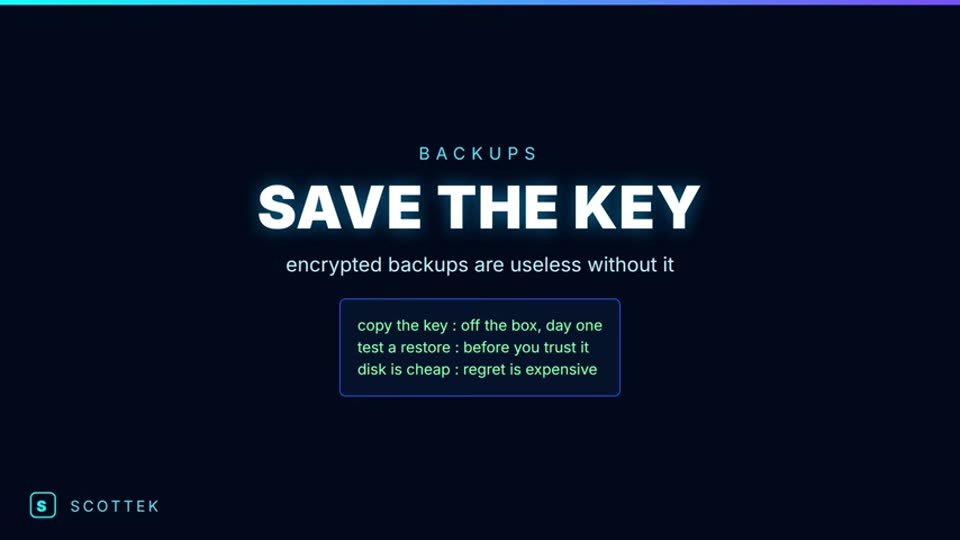
- In the video: backups are built in through Duplicity, going locally, over rsync to another server, or to S3-compatible storage, but the encryption password file lives on the box.
- In the video: without a copy of that key stored somewhere safe, your backups are decorative, so copy it off the machine on day one and test a restore before you trust it, because disk is cheap and regret is expensive, and mail is the one dataset you cannot recreate from scratch.
- Added from the sources: the maintenance page documents the backup configuration and restore expectations, so read it before you depend on any backup.
Honest caveats before you commit
- In the video: perfect SPF, DKIM, and DMARC only get you into the game, since a brand new IP has zero sending history and Gmail and Outlook treat that as a risk signal no matter how clean your DNS is, so expect some mail to land in spam at first and warm up slowly with real mail to real contacts.
- In the video: verify with independent checkers for DNS, DKIM, and TLS, and never send bulk mail from this box, since self-hosted mail is for receiving and personal sending, while anything your business depends on, like a newsletter, belongs on a paid relay service.
- In the video: nobody can suspend your box and nobody will fix it but you, so if you need guaranteed uptime, compliance paperwork, or a non-technical team, pay for hosted mail and move on, since that is engineering judgment rather than defeat.
- Added from the sources: the project homepage frames the same tradeoff of privacy, control, and one flat VPS bill against per-user rent in exchange for being your own admin when the status checks turn red.
Mail-in-a-Box or Stalwart 1.0
- In the video: Stalwart is the modern Rust server with native JMAP for fast mobile sync, Docker-first deployment, a tiny memory footprint, clustering, and multi-tenancy, but no built-in webmail and a real configuration surface.
- In the video: Mail-in-a-Box is the opposite bet of one script with every classic component included, webmail and calendars out of the box, at the cost of Ubuntu 22.04 and zero customization, so the beginner who wants mail tonight picks Mail-in-a-Box while the tinkerer building a mail platform picks Stalwart.
- Added from the sources: the site's own Stalwart 1.0 install guide walks the manual tarball path with its browser bootstrap wizard, which pairs well with this guide if you want to compare both before choosing.