PS5 on Any PC: Chiaki-ng Setup Guide

This guide is the written companion to the video PS5 on Any PC: Chiaki-ng Setup Guide, and it treats the video as the starting point. Claims shown in the recording are labeled In the video, and everything confirmed against the project sources is labeled Added from the sources. Anything not independently verified here is marked untested.
YouTube auto-subs were rate-blocked at draft time, so the video description plus the narration script stand in as the transcript-equivalent behind every In the video claim below.
In the video: the on-bench demo is a staged terminal showing a live Flathub listing fetch plus bitrate arithmetic. No PlayStation was on the bench, so no gameplay or live stream is shown. Follow this guide for the setup reference, not as proof of a stream this sandbox watched.
Sony left Linux out, chiaki-ng fills it
In the video: Sony never shipped a Remote Play client for Linux, not for the desktop and not for the Steam Deck, while the PS5 already speaks the protocol and the open-source client chiaki-ng speaks it right back, with no console mods and no hacks.
Added from the sources: Sony's own support page lists Windows and Mac clients only, so chiaki-ng via the Chiaki4deck Flatpak is the only native Deck and Linux option. The original Chiaki by thestr4ngr is finished at v2.2.0 and in maintenance mode, while chiaki-ng under the handle streetpea is where all development happens, shipping stable v1.10.0 on 2026-04-03 with better queueing and congestion control, an OpenGL renderer backend next to Vulkan, VSync plus spatial upscaler presets, and NAT port-guessing and holepunching fixes for internet play. The code is public under the GNU AGPLv3, so running it unmodified is fine for viewers. One naming note the video states on screen: chiaki-ng.com is an independent unofficial resource site, not the project home and not affiliated with Sony.
- Chiaki original v2.2.0 still works for local-only play but is frozen
- Chiaki-ng v1.10.0 is the actively developed fork, free with no paywalls
- No official mobile builds exist, so phone players stay on Sony's app
What you need before install
In the video: you need a PS4 or PS5 with Remote Play switched on and a PSN account signed in, plus a PC whose GPU supports Vulkan 1.2 or newer, with PipeWire running on Linux for audio and DualSense haptics.
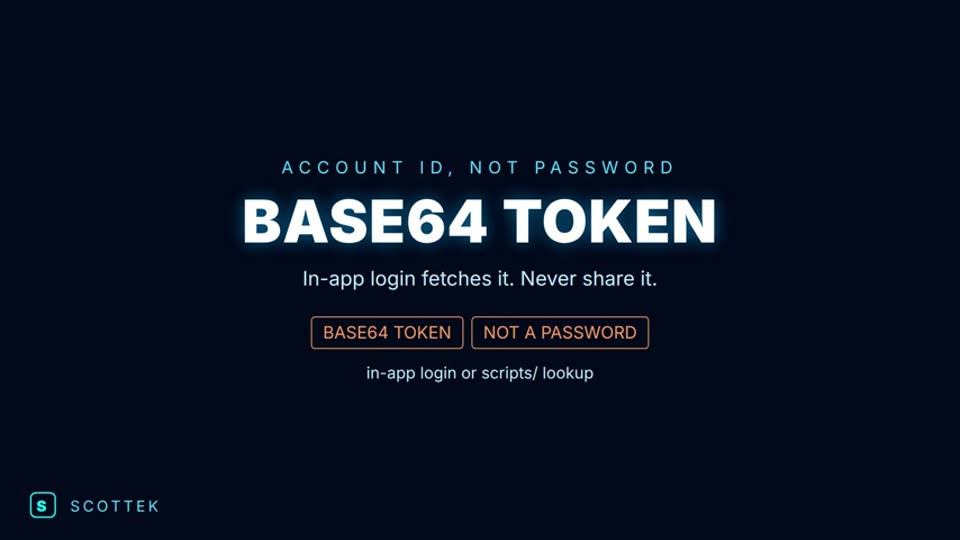
Added from the sources: the setup guide confirms the console-side path of PS5 Settings then System then Remote Play then Enable, and the Steam Deck and Linux page confirms the Vulkan 1.2 floor plus the PipeWire requirement, noting a PulseAudio fallback loses haptics. Your PSN Account ID is a Base64 token rather than your username or password, and chiaki-ng has fetched it for you through a built-in PlayStation login since v1.6.0. First registration wants both machines on the same LAN with the VPN off on the client and router client isolation off, else discovery goes nowhere, and an Ethernet-wired PS5 with the Deck on 5 GHz is the layout to aim for. The AppImage route additionally needs libva for hardware decoding plus PipeWire, per the same Deck and Linux page.
- PS4 or PS5 with Remote Play enabled and signed into PSN
- PSN Account ID as a Base64 token, fetched by in-app login, never shared
- GPU with Vulkan 1.2 or newer, PipeWire on Linux
- Same LAN for first registration, no VPN on the client, isolation off
- Every checklist item above is untested in this sandbox
One-command install on Linux
In the video: desktop Linux installs with one Flatpak command from Flathub under the app ID io.github.streetpea.Chiaki4deck, Fedora has Flatpak ready by default while Ubuntu needs Flatpak plus Flathub first, and the Deck path is Desktop Mode then Discover then search Chiaki4deck.
Added from the sources: the Flathub listing carries that exact app ID, and the releases page confirms the same client ships Windows builds via winget and Chocolatey, macOS via a Homebrew cask, and AppImages for x86_64 and ARM alongside the Flatpak. Run flatpak install flathub io.github.streetpea.Chiaki4deck to install, which is untested here since this sandbox installed nothing.
- One Flatpak from Flathub covers Ubuntu, Fedora, and Arch-based distros identically
- Deck installs graphically through Discover in Desktop Mode
- AppImage users owe the system libva and PipeWire themselves
- The install command above is untested in this sandbox
Register with a PIN, or skip it
In the video: have both screens in reach because the code is short-lived. On the PS5 open Settings then System then Remote Play then Link Device for an 8-digit PIN expiring in about five minutes, then double-click the discovered console in chiaki-ng and enter the PSN Account ID plus the PIN. On a home network the PIN can often be skipped entirely through pinless registration of locally discovered consoles.
Added from the sources: the setup guide confirms the roughly 300-second PIN expiry, pinless auto-registration for locally discovered consoles since v1.9.4, the manual console-IP fallback when discovery fails on fussy routers and VLANs, and per-console per-profile registration each with its own Account ID. The full registration flow is untested here since no console was on the bench.
- PIN path for any network, pinless shortcut at home on v1.9.4 or newer
- Discovery failures fall back to the console's local IP typed in manually
- Extra consoles and family profiles each register separately
- Registration is untested in this sandbox
Tune the stream, codec is the lever
In the video: open Settings then Video before judging anything. The 15,000 Kbps default matches Sony's own app, so start there, with the ceiling near 30,000 Kbps on a clean network, resolution and frame rate up to 1080p60, and the codec as the real lever: H.264 for compatibility, HEVC for efficiency, HEVC with HDR for the full PS5 picture on capable hardware including Deck OLED in game mode.
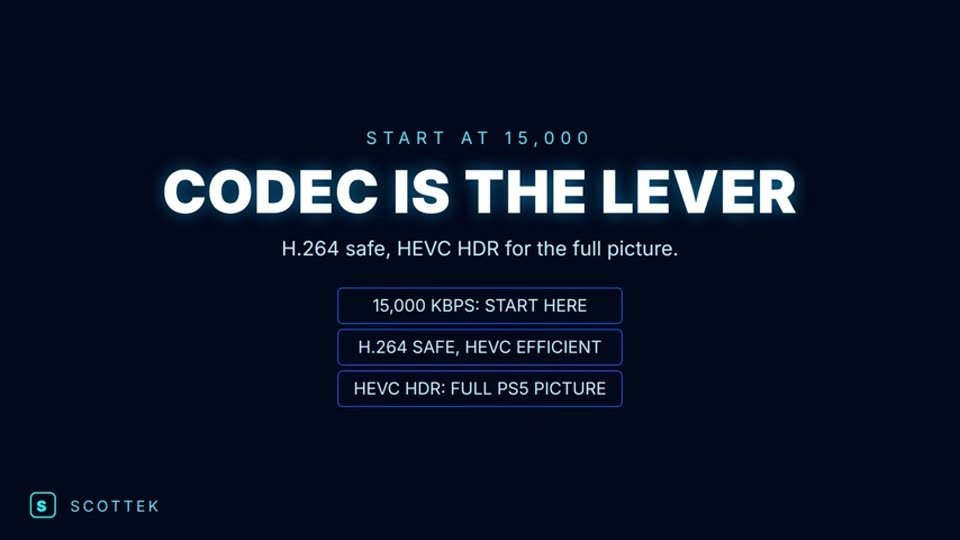
Added from the sources: the 15,000 Kbps default matching Sony's client and the roughly 30,000 Kbps ceiling come from third-party 2026 guides rather than project docs, so treat the ceiling as reported rather than promised. HDR arrived in v1.5.0 with libplacebo custom scalers, and the releases page owns the v1.10.0 renderer and upscaler work behind the Vulkan or OpenGL pick plus VSync. The bench math shown in the video works out to about 6.75 GB per hour at 15,000 Kbps and about 13.5 GB per hour at 30,000 Kbps, which bounds what long sessions cost your network. Every tuning step is untested here with no stream to measure.
- Start at 15,000 Kbps, raise toward 30,000 Kbps only on a clean network
- Pick H.264 for safety, HEVC for efficiency, HEVC-HDR for the full picture
- Renderer, VSync, and upscalers are tasted per box, not prescribed
- All tuning values are untested in this sandbox
Play away from home
In the video: original Chiaki did local network only, while chiaki-ng does internet play through the PSN connection with configurable NAT port guessing and holepunching fixes from the current release, so hotel-room to living-room is genuinely on the menu with a wired console and a strong home uplink behind it.
Added from the sources: the setup guide confirms PSN internet remote play as a chiaki-ng capability the original never had, plus a separate wake-the-console-remotely guide linked from the same site. Expect setup effort beyond local play and treat home upload bandwidth as the boss of the experience, which is engineering judgment rather than a measured figure. Internet play is untested here.
- Local registration first, internet play after
- Wired console and strong uplink decide whether it sings
- Hotel Wi-Fi means physics wins, per the video's own framing
Controllers done right
In the video: DualSense haptics, adaptive triggers, and gyro all come through with intensity following the console settings, the mapping database covers Xbox pads and Switch Pro among others including a positional Nintendo layout, and the Deck gets a game-mode launcher script with gyro mapping and a touch-friendly UI.
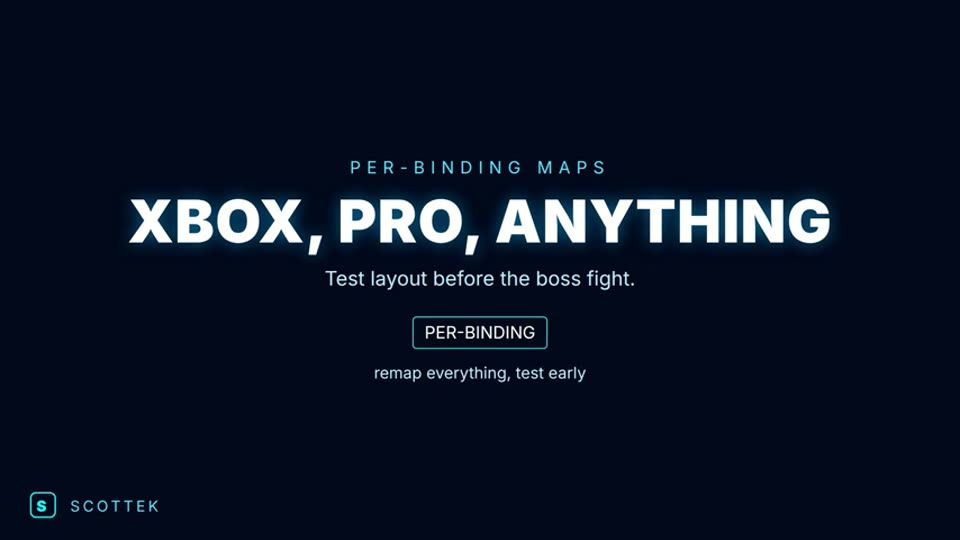
Added from the sources: expanded mapping coverage landed across the v1.9.x releases per the releases page, with PipeWire as the Linux-side carrier for haptics. Remap per binding when a button feels wrong and test the layout in game mode before a long session rather than during a boss fight. Controller behavior is untested here with no pad or console attached.
- DualSense haptics, triggers, and gyro pass through on Linux with PipeWire
- Third-party pads map per binding instead of suffering defaults
- Deck players test in game mode first
Chiaki vs chiaki-ng vs Asobi, honestly
In the video: original Chiaki is stable, finished, and local-only, chiaki-ng is the pick for almost everyone with local plus internet, HDR, and full tuning, and Asobi is a closed-source Steam Playtest newcomer that also promises console streaming plus PlayStation Plus cloud streaming with no console at all, with its best features behind Premium.
Added from the sources: independent testing in the FOSSLinux comparison across Ubuntu, Fedora, and CachyOS recommends chiaki-ng for most users with one identical Flatpak everywhere, differing only in whether Flatpak itself ships preinstalled, and the Steam Machine comparison frames the same three-way. Asobi's advertised tiers of 1080p30 SDR free versus HDR, 60 fps, 4K upscale, 120 fps, and haptics on Premium are vendor-advertised and untested, and any takedown risk raised via the January 2026 PSStream precedent is speculation rather than fact. Build the setup on chiaki-ng and treat Asobi as the experiment.
- Chiaki for finished local-only minimalism that still works
- Chiaki-ng for the full open-source setup this guide covers
- Asobi only if the no-console cloud library tempts you, as untested playtest software
Who installs tonight
In the video: Steam Deck and Linux owners install first since Sony left the platform out, then tinkerers who want bitrate sliders, codec picks, and controller maps the official app hides, then third-party pad owners the official app underserves. Phone-only players skip in favor of Sony's app, and casual Windows or Mac users who want zero setup stay on Sony's official client.
Added from the sources: the three rules hold whatever is run: same LAN for registration, isolation off and VPN off, Ethernet to the console. Do those and the stream just behaves, per the setup guide.
Sources and related
- The companion video is the starting point for this guide and all In the video claims above
- The chiaki-ng releases page owns versions, renderers, haptics, mapping, and NAT fixes
- The setup guide owns the console steps, PIN expiry, pinless registration, and internet play, noting the site is unofficial and unaffiliated
- The Steam Deck and Linux page owns install paths, Vulkan 1.2, PipeWire, and HDR notes
- The Flathub listing owns the Linux app ID and install source
- The FOSSLinux comparison owns the cross-distro recommendation framing
- The Steam Machine comparison owns the three-way verdict context
- No affiliate links appear in this guide