Prometheus 3.15.1: Self-Hosted Monitoring in 90 Seconds

Watch the starting-point video on YouTube
This guide is a companion to that video, and everything in the first section describes what the video itself shows. No Prag research folder exists for this video, so this draft is built from the video transcript plus the official docs linked inline. Steps marked untested below were not independently reproduced for this guide.
What version 3.15.1 actually changes
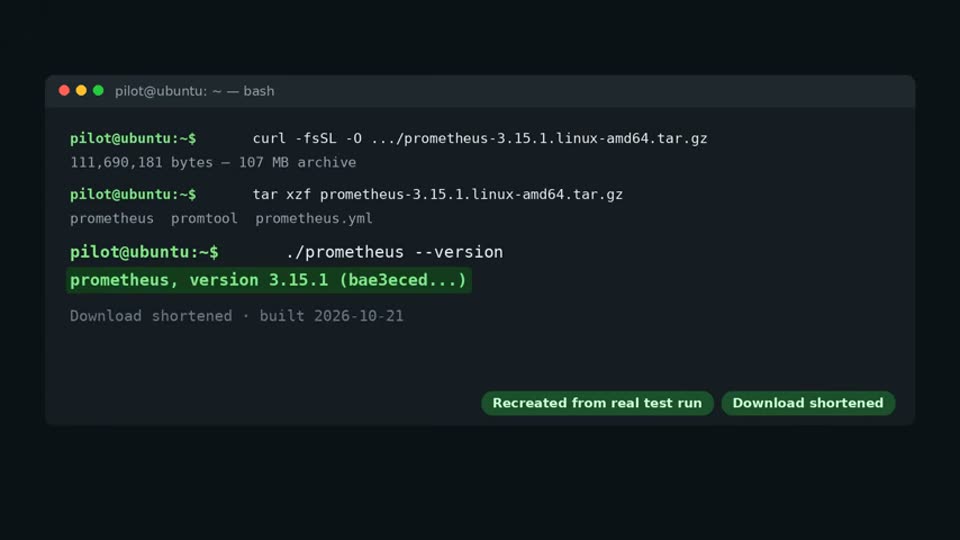
- Version 3.15.1 was released on 2026-10-21, which matches the release date stated in the video and the build date in the video's own version frame, and the notes describe a security patch rather than a feature release.
- The listed changes are updated container CA certificates, a build with Go 1.27.3 for standard-library vulnerabilities, and a bump of
golang.org/x/netfor HTTP/2 issues, so there is no new setup procedure to learn for this version. - The official download page lists 3.15.1 as the latest stable with a
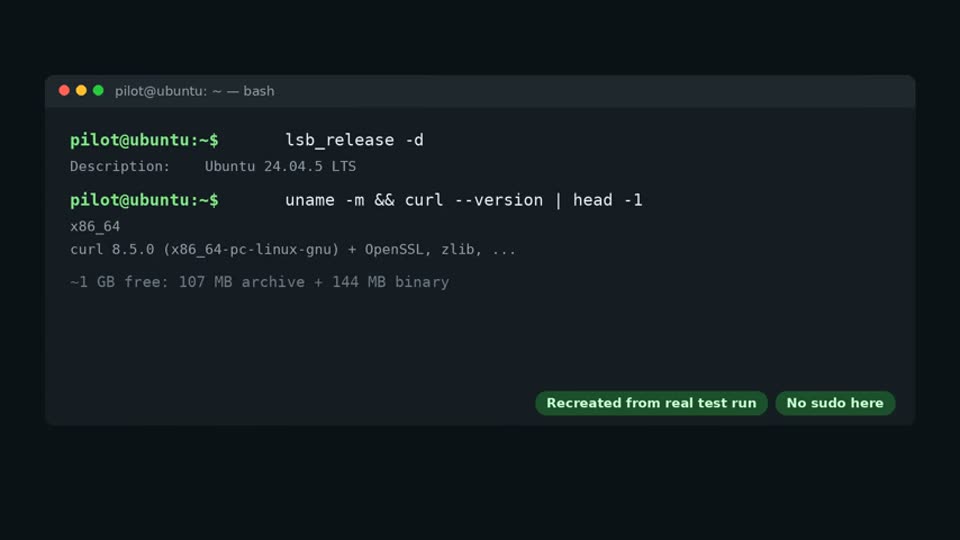
linux-amd64archive plus a published SHA256 checksum, so verify the checksum after downloading rather than trusting the file on sight. - The size figures in the video are the video's own claims (a 107 MB archive expanding to a roughly 144 MB binary on the video's machine), so treat the download page as authoritative for sizes and hashes.
Install it the way the video does
- The video's preflight is plain user space on 64-bit Ubuntu with no
sudo: the on-screen frame confirms Ubuntu 24.04.5,x86_64, and a workingcurl, which selects thelinux-amd64build. - Fetch the official Linux archive from prometheus.io/download and unpack it, which the getting-started guide shows as
tar xvfzfollowed bycdinto the extracted directory, and this step is untested here. - The video says two files matter,
prometheusandpromtool, and asks the binary for its version to confirm 3.15.1 answers back (the video's frame shows the full build hash), which is untested here.
- Point Prometheus at itself with a small
prometheus.ymlholding one scrape job on a 5-second interval, the same self-monitoring pattern the official tutorial documents with ascrape_configsjob targetinglocalhost:9090. - Validate the file with the
promtoolconfig check the video demonstrates before starting anything, because the configuration documentation notes that a malformed configuration will not be applied, and this step is untested here. - Start the server with
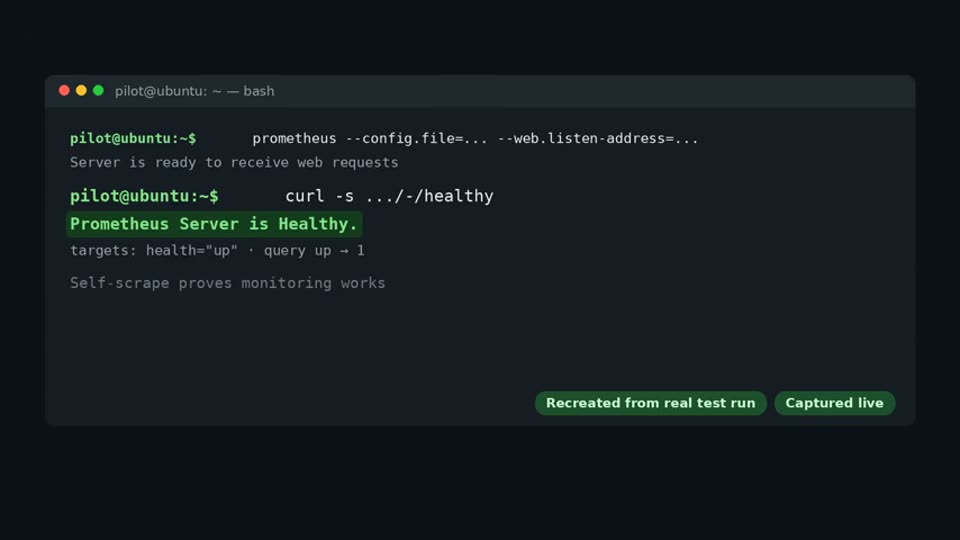
prometheusand the--config.fileflag pointing at yourprometheus.yml, the exact invocation in the getting-started guide, and this step is untested here.
Prove it is scraping itself
- The video's health check has three parts: the log line that the server is ready to receive web requests, the
/-/healthyendpoint answering healthy, and the target showing as up with a query forupreturning 1, which together prove the server is successfully scraping itself, and this is untested here. - Added research: the getting-started guide confirms the same checks through the targets page and the built-in expression browser, and the querying basics document explains how PromQL expressions like
upare evaluated. - Open the web UI on the local machine to browse status, targets, and the expression browser, which the official tutorial serves at
localhost:9090, and this is untested here.
What the video leaves for next
- The video explicitly defers retention sizing and Alertmanager setup to a follow-up, so stop here if you only wanted the minimal self-scrape loop.
- Added research: retention is controlled by storage flags documented alongside the
--config.fileoption in the configuration documentation, and alerting starts with the Alertmanager project linked from the download page. - The video narration also includes a disclosed sponsorship for an AI voice tool, which has no bearing on the setup and is mentioned here only for completeness, with no link reproduced.