OBS Studio 33 on Ubuntu 24.04: the Flatpak Install That Works

Companion guide and video starting point
This article is a companion to the video, not a replacement for it, and the video is the starting point for everything below.
In the video: a two-minute walkthrough confirms Ubuntu 24.04 on 64-bit, explains why the usual PPA cannot deliver this release, installs the Flatpak framework, adds the Flathub store for the user, installs OBS Studio, verifies version 33.0.0 two ways, launches it from the app grid, and flags the third-party plugin folder move. The terminal frames are labeled as recreated from a real test run, so treat the commands as the documented flow and the exact output as illustrative.
Added from the sources: every version number, date, and procedure below was checked against the OBS Studio 33.0.0 release notes, the official Flathub listing, and independent coverage from Phoronix. No install was run for this guide, so treat the steps as sourced procedure, untested here, and confirm the version string yourself after installing.
Related viewing: the channel's OBS-adjacent Linux desktop coverage sits in the Linux topic lane alongside this install.
Why the PPA cannot give you this release
In the video: Ubuntu's own repository ships OBS 30, the official PPA is frozen at 32 for 24.04, and release 33 dropped 24.04 support because its Linux build targets newer libraries, so the Flatpak that bundles those libraries is the way in.
Added from the sources: the 33.0.0 release notes list removed support for Ubuntu 24.04, and Phoronix independently reports the retired 24.04 baseline. The Flathub listing is the project's official Flatpak home and links the 33.0.0 release notes directly. The PPA-freeze detail comes from the video and is presented as the presenter's finding, not as independently confirmed packaging history.
- If you are on Ubuntu 24.04 and want OBS 33, skip the PPA and go straight to the Flatpak path below.
- The Flatpak runs alongside any repo-installed OBS 30, so remove or ignore the old copy to avoid launching the wrong one.
- Expect a download of a few hundred megabytes on first install since the runtime comes with it.
Confirm your system meets the requirements
In the video: two commands confirm 64-bit Ubuntu 24.04 with about 2 GB free, and sudo is needed once for the framework step.
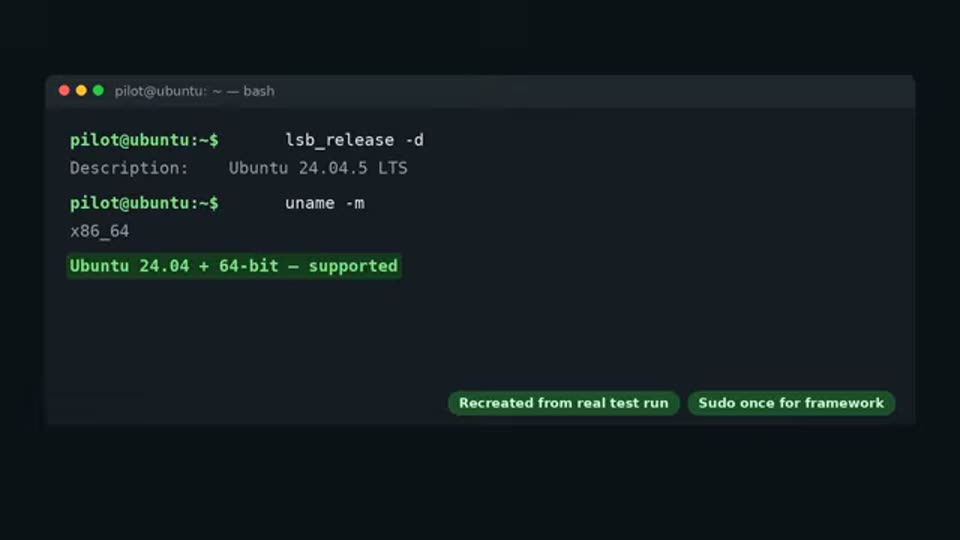
Added from the sources: run the same checks yourself before installing:
lsb_release -dshould report Ubuntu 24.04, anduname -mshould reportx86_64.- You need 64-bit Ubuntu 24.04 and roughly 2 GB of free space for the runtime plus the app.
- Only the framework install needs sudo. Everything after that is per-user with no sudo.
Install the Flatpak framework and add Flathub
In the video: install the Flatpak framework with apt, log out and back in so desktop apps appear, then add the Flathub store for your user with no sudo.
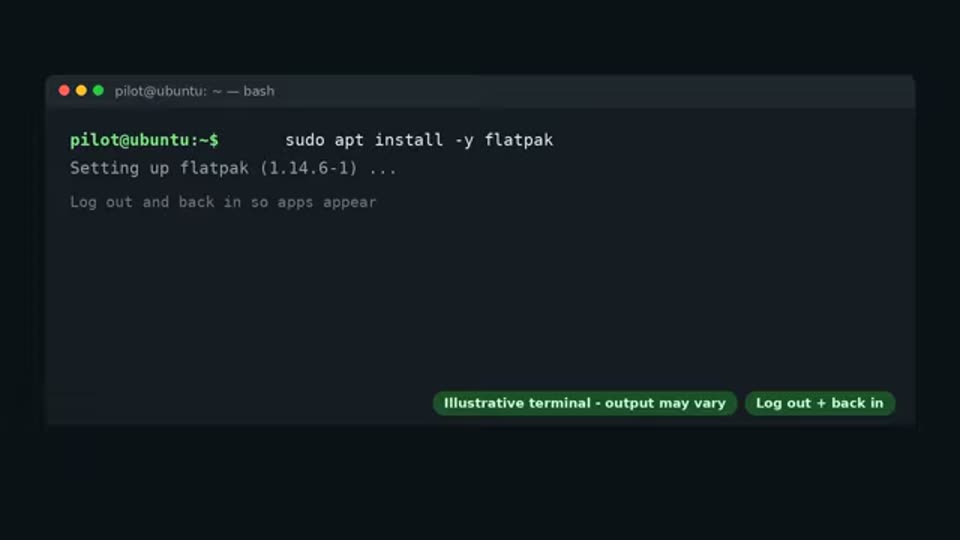
Added from the sources: the framework step follows the standard Flathub setup for Ubuntu, which documents the same apt install plus the per-user remote add:
sudo apt install -y flatpakinstalls the framework.- Log out and back in so your desktop session picks up Flatpak apps.
flatpak remote-add --user --if-not-exists flathub https://dl.flathub.org/repo/flathub.flatpakrefadds the store for your user only, which is why this step needs no sudo.- Then
flatpak install -y flathub com.obsproject.Studiopulls OBS Studio from the official listing. Expect the download to take a while.
Verify 33.0.0 and finish first run
In the video: the install is verified by asking the Flatpak for its version and listing it as registered for the user, then OBS is launched from the app grid or with flatpak run, and the first-run wizard tunes settings to the hardware. Third-party plugins move to a new folder in 33 while old ones keep loading until version 34.
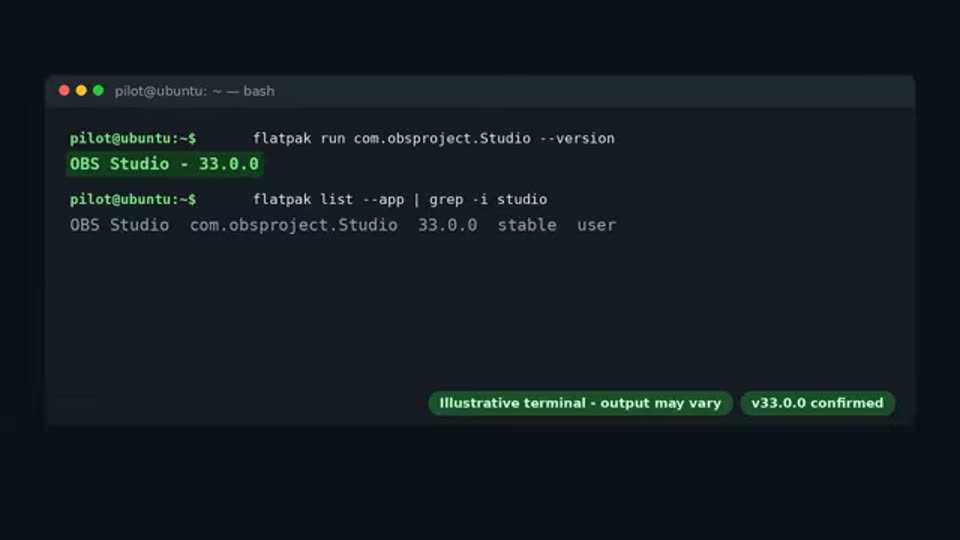
Added from the sources: confirm the release yourself and know what changed around it:
flatpak run com.obsproject.Studio --versionshould print 33.0.0, andflatpak list --app | grep -i studioshould show the app on the stable branch for user.- The headline changes in the 33.0.0 release notes are the Chromium framework jump for browser sources, the plugin-loading overhaul with first-party plugins in a new core folder, the missing-encoder check on profile load, and support for the newest NVIDIA Broadcast SDKs.
- Third-party plugins get a new install location and folder structure, and existing ones keep loading from the legacy locations until OBS Studio 34.0, so plugin authors and users both get a grace period.
- The first-run wizard's hardware tuning is standard OBS behavior covered in the video. Walk through it rather than skipping, since it sets the encoder and canvas to match your machine.
Troubleshooting and cleanup
- If OBS does not appear in the app grid after install, you skipped the log-out-and-back-in step. Log out, log back in, and look again.
- If
flatpakis not found, the apt install did not complete. Re-run it and watch for errors before continuing. - If a plugin vanishes after the move to 33, check the new third-party location documented in the release notes and the project's knowledge-base article, keeping the legacy path as fallback until version 34.
- To roll back,
flatpak remove com.obsproject.Studiotakes out the Flatpak without touching the rest of your system. The repo copy, if still installed, is unaffected.