PS5 LLM Server: Run a 27B Model on a PlayStation 5 (PS5 LM Guide)

This guide is the technical companion to PS5 Runs 27B AI Model: Homelab LLM Server. It covers what PS5 LM 0.9.0 is, the hardware reality underneath, the documented install path, the TV interface, the homelab APIs, and the steep honest requirements. Nothing below was run on a console on this bench — every step traces to the project readme, the release notes, or the video, and experimental steps are marked untested.
What PS5 LM is
PS5 LM from developer Mert Cobonov is stock llama.cpp running on the console's graphics chip through its Vulkan backend. The homebrew community ported Mesa's RADV driver to the PS5, presenting the RDNA 2 GPU as a full Vulkan device, so every matrix multiply becomes a compute shader and every architecture and quantization llama.cpp knows — from Qwen and Llama to Mistral and Gemma, 1-bit to 8-bit — comes along. Version 0.9.0, released October 16, runs as a native app under its own title ID with its own home-screen icon and a TV interface designed from scratch.
The hardware underneath
- CPU: 8 Zen 2 cores, PC-class AMD silicon shared with the console platform.
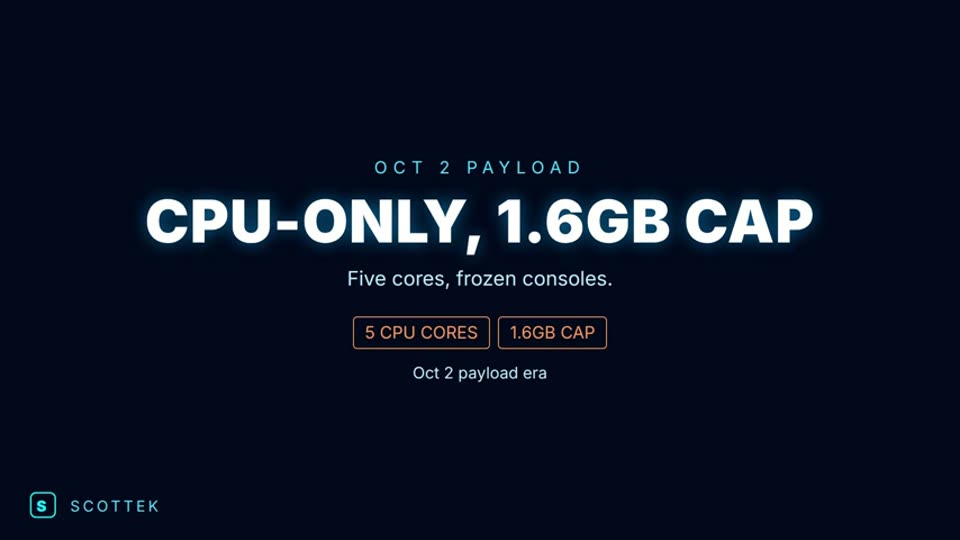
- Memory: 16GB of shared GDDR6 at 448GB/s — the bandwidth is what makes token generation fly — with about 11.4GB usable for model plus context after the native GPU port. The early October CPU-only era managed 6GB with a hard 1.6GB model cap.
- Two-week sprint: first release ran tiny models on five CPU cores and froze past the cap; a contributor fork went native GPU and merged back upstream into the 0.9.0 reunion.
Requirements and warnings
- A PS5 you own on firmware 7.00 to 13.60, jailbroken with the browser-based exploit plus kernel patches, homebrew enabler, and the tool that puts apps on the home screen. Firmware 14.0 closes the exploit and the jailbreak does not survive a reboot.
- The developer's own test console has hung during the exploit stage. Do not jailbreak a console you rely on for play, and know unsigned code can breach Sony's terms.
- The API port has no authentication — the console stays on the trusted LAN and never faces the internet.
- Decision models stall after about 50 requests until reload in this release.
- All firmware and flashing steps below are untested here and follow the project docs; a failed exploit stage means retrying the documented flow, not improvising.
Install path
Per the readme, with payloads loaded:
- Download the app archive from the latest release and unzip it.
- Copy the
PPSA99575folder to/data/homebrewover FTP — ShadowMountPlus adds PS5LM to the home screen. Updating later means copying over the old folder; settings and models in/data/PS5LMstay. - Open PS5LM, go to Models then Suggested, and fetch a model — or copy a
.gguffile to/data/PS5LM/modelsor toPS5LM/modelson a USB drive. - Load it. The fork lives on separately under a new name, but this guide follows the merged mainline.
TV interface tour
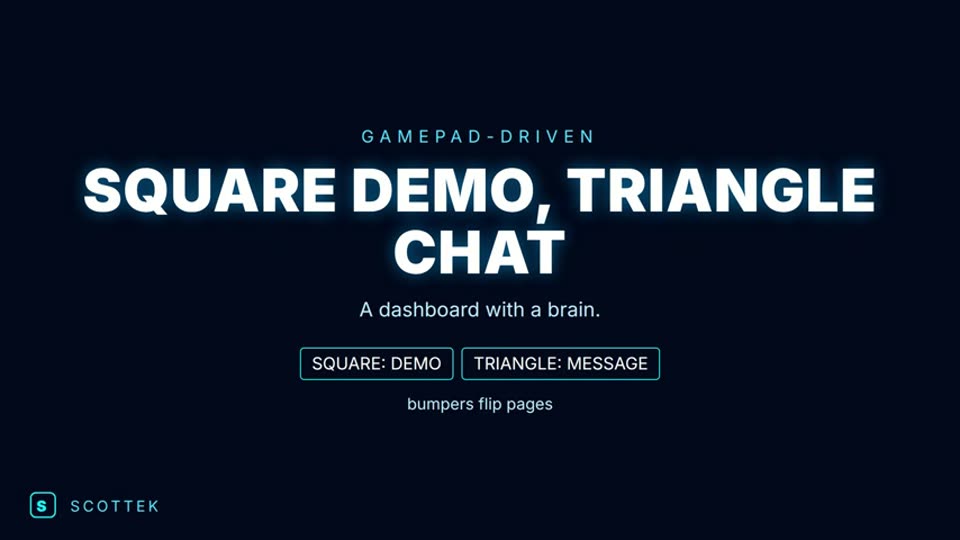
Home shows the loaded model, its live speed, memory against the 11.4GB budget, and every request streaming across the TV as it happens, including which device asked. The gamepad drives everything: bumpers flip pages, square fires a demo request, triangle opens the keyboard, cross changes the model.
- The Models page holds measured suggestions with plain labels like the strongest model that fits, and a planner grants each file the longest context and best cache that fit free memory.
- Downloads come from Hugging Face to internal storage, an M.2 drive, or USB.
- Vision models (MiniCPM and Gemma variants) read images, and tiny decision models answer in fractions of a second.
- The console page charts temperature, power draw, and GPU load over minutes or hours — watch it, because sustained inference is a thermal workload this box was not designed around.
Homelab API hookup
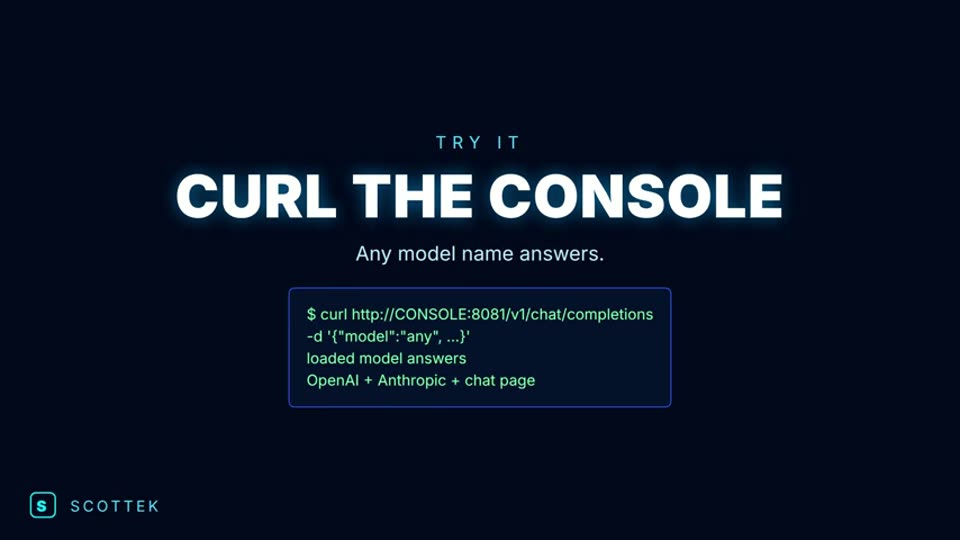
Point anything at the console's address on port 8081 and the loaded model answers. It speaks the OpenAI chat API and the Anthropic messages API, so laptops, phones, Claude Code, OpenCode, and Codex can all work against it, and the repo ships CLI tooling for wiring coding agents. A laptop test looks like any OpenAI-compatible endpoint: curl the console on port 8081 at the chat completions path, pass any model name, and the loaded model answers. It also serves the decision-model API where small classifiers return probabilities without generating text.
- One box under the TV becomes a zero-token-cost sandbox for light agent experiments — with honest expectations, since small quantized models punish agent loops with wandering tool calls.
- Two design ideas worth stealing for your own lab: a planner that picks the longest context that actually fits memory, and speaking both major APIs so every client just works.
Performance, honestly
Developer's own measurements on a PS5 Slim, not independent benchmarks — treat them as a ceiling. Tiny 0.6B screams past 200 tokens a second, 9B is the chat and small-agent sweet spot, and Qwen3 27B at 2-bit and 9GB holds around 20 tokens a second with context, a figure independent press reproduces at 20.3. At 11.4GB you choose small-and-sharp or big-and-squeezed, and two-bit quality costs are physics, not magic.
Related viewing
- PS5 Runs 27B AI Model: Homelab LLM Server
- AMD BC-250 Steam Machine: Complete 3-Part Setup Guide — the other PlayStation-silicon homelab project