10GbE Homelab Upgrade: NICs That Just Work

Companion guide to the video: 10GbE Homelab Upgrade: NICs That Just Work
In the video: the presenter shows a two-machine 10GbE setup for a video-stated $77.99 with two $31 Intel cards and a $16 DAC cable and no switch, lays out a driver-first buying map, names the Intel 82599 card as the default pick, flags the Mellanox ConnectX-3 as aging out, lists two catches on the Intel X710, explains when RJ45 copper makes sense, gives a DAC-under-5-meters and fiber-beyond rule, prices three finished builds from $78 to a four-port switch setup, notes a 10GbE mini PC with two caveats, gives a short avoid list, runs four verification commands, flags the bench shot as a dramatized illustration with no 10GbE hardware on the desk, and closes with a start-point-to-point verdict.
Added from the sources: this guide grounds the video's claims in primary sources checked October 2026 — Intel ARK specifications for the X710-DA2, the kernel.org ixgbe driver page, the MikroTik CRS305-1G-4S+IN product page, SFP+ DAC standards material, the ServeTheHome Qotom review cited in the research notes, and the ComputingForGeeks Proxmox NIC guide plus the TechFuelHQ budget 10GbE guide for price context.
Price warning: every dollar figure below is a video-stated claim from 2026-10-25 and may be stale — confirm live prices and check dates on retailer listings before buying.
The $77.99 starting point
The video opens on a receipt: two machines, both at 10GbE, for a video-stated $77.99 — two $31 Intel cards and one $16 cable, with no switch and a link that comes straight up.
- Two Intel 82599-based single-port cards at a video-stated $31 each
- One 1-meter DAC cable at a video-stated $16 (the video also cites about $24 for a two-pack)
- No switch: the two SFP+ ports connect directly to each other
Direct attach between two SFP+ ports needs no switch because a passive DAC is a point-to-point twinax assembly with an SFP+ connector molded on each end, so two NICs can link straight across a short run.
Driver first: the only filter that matters
The video's one rule is to forget the spec sheet and ask which in-kernel driver claims the card: if the driver ships in a stock Debian or Proxmox kernel the link stays up, and if it does not you are compiling out-of-tree modules after every kernel update.
- Intel 82599 and X520 bind
ixgbe - Intel X710 binds
i40e - Marvell and Aquantia copper binds
atlantic - Mellanox ConnectX-3 binds
mlx4, and ConnectX-4 and newer bindmlx5
The kernel.org ixgbe page lists the 82598, 82599, X520, X540, X550, X552, and X553 families as supported, and the video states that all five drivers above ship in Debian 12 and 13 and both current Proxmox kernels, so no card on its list needs a compiled driver.
The default pick: 82599 and X520
If you buy one card, the video says buy this one: an Intel 82599-based card at a video-stated about $58 dual-port new or $31 for a single-port used pull, paired with a DAC cable.
The video's reason is the driver's age and boredom factor: ixgbe has been in the kernel since the early days of 10GbE, enumerates on Proxmox 7, 8, and 9 with no firmware gymnastics, and carries no transceiver drama that cannot be overridden.
Intel-based X520-DA2 hardware uses a PCIe 2.0 x8 interface, so plan for an x8 or x16 slot on the motherboard — a point the Dell X520-DA2 specification sheet confirms with its PCIe 2.0 x8 bus type and x8 lane width.
Aging out: ConnectX-3
The video calls used Mellanox ConnectX-3 cards at a video-stated $15 to $25 a trap: fine for a pure lab box you already own, but aging out of mainline kernels, stuck on the older mlx4 driver, and requiring firmware tools to flip old cards from InfiniBand to Ethernet mode.
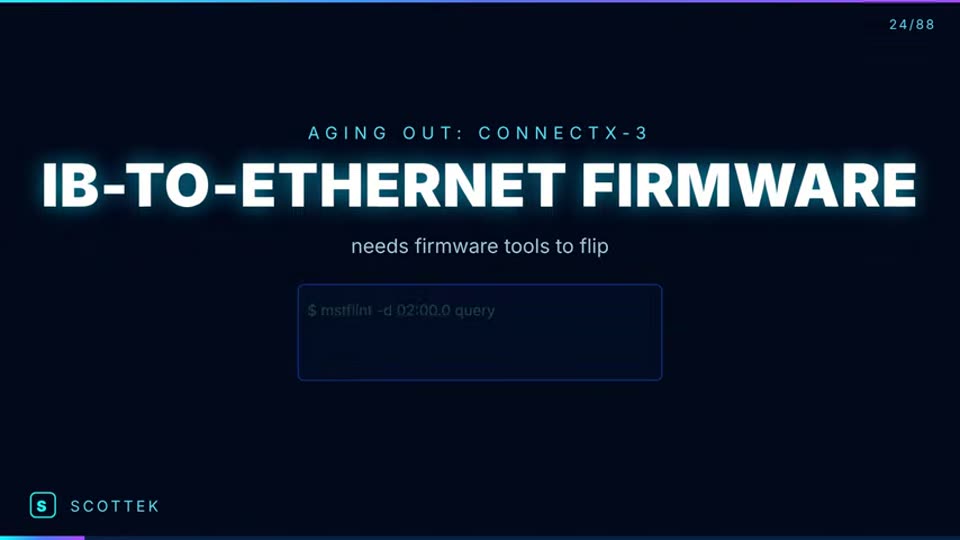
If you already own one, the video notes the Mellanox firmware tools can make the switch and SR-IOV works — but if you are buying today, the video's pick is ConnectX-4 or newer on the actively developed mlx5 driver for a longer runway.
The modern Intel: X710
Going newer with Intel means the X710-DA2 on the i40e driver: Intel ARK lists it as a dual-port 10/1GbE card on PCIe 3.0 x8, so two full-rate ports fit in fewer lanes than the 82599 needs, and the video cites a video-stated about 3.3 W typical on DAC against 5.8 W for the dual-port X520.
Two catches from the video are real and worth repeating: genuine X710 firmware enforces module qualification, so an unsupported optic gets its port disabled with no ixgbe-style override, and i40e has seen more kernel-version-specific regressions on Proxmox than rock-stable ixgbe.
The video's verdict on this card is the guide's too: a great card, but buy it with eyes open and confirm your optics sit on the card's allow-list before ordering.
Copper and cables
Plain RJ45 copper into an existing switch is possible — the video names the Intel X550-T2 and budget Marvell-Aquantia cards such as the TP-Link TX401 on the atlantic driver — but copper 10GbE runs warm at several watts a port, with real heatsinks and real airflow.

The video's cost point stands: an SFP+ card with a video-stated $16 DAC is cheaper to buy and cheaper to run than any RJ45 equivalent, so copper only wins when you must plug into RJ45 that is already in the wall.
The cabling rule from the video is short enough to memorize: passive DAC for every run under 5 meters, with a video-stated $16 for a meter and $24 for a two-pack, and fiber past 7 meters or through walls between rooms using cheap OM3 or OM4 patch with a pair of optics.
- Under 5 m: passive DAC with molded SFP+ ends, no transceivers and no compatibility lists
- Past 7 m or through walls: OM3 or OM4 fiber plus a pair of optics
- Gotcha from the video: Intel SFP+ cards can refuse non-Intel optics until patched, so budget a few minutes for that on 82599 boxes
Passive DAC assemblies follow the SFP+ MSA and SFF-8431 connector standards and draw under half a watt, which is why they stay cool next to copper RJ45 ports — see the StarTech MSA-compliant DAC listing for a typical passive cable's stated compliance.
Three finished builds
All three receipts below carry the video's late-September 2026 pricing as stated in the video; treat them as dated claims, not live quotes.
- Build one, point-to-point with no switch: two video-stated $31 82599 cards plus one DAC for a video-stated $77.99 total, about $39 per machine
- Build two, four machines on a real switch: MikroTik's fanless CRS305 at its video-stated $149 list price plus four cards and two DAC two-packs for a video-stated $320.98, about $80 per connected device
- Build three, four hosts on SFP+ for maximum ports per dollar: a budget eight-port SFP+ switch with four DACs at a video-stated $375.91
MikroTik's CRS305-1G-4S+IN page lists a $149.00 suggested price, four SFP+ ports plus one Gigabit copper port, a fanless metal case for silent operation, and 10 W maximum consumption without attachments — matching the video's silent low-power description.
The TechFuelHQ budget 10GbE guide, updated 2026-09-28, independently prices the same two anchor builds at $77.99 (two $31.00 cards plus a $15.99 DAC) and $320.98 (CRS305 at $149 list), which corroborates the video's receipt figures without re-verifying live retailer buy boxes here.
The mini-PC option
For viewers who want no cards at all, the video cites ServeTheHome's late-October review of the Qotom Q51551UT: a mini PC with four 10GbE ports and six 2.5GbE ports built around an Intel Core Ultra 5 125H in a firewall-appliance shape.
Two caveats come straight from the review via the video: the two RJ45 10GbE ports use Intel's X540, which the video calls borderline ancient and notes does not support 2.5 or 5GbE NBASE-T speeds, and those X540 ports share limited PCIe bandwidth that caps them around a video-stated 11 to 12 Gbps combined — less aggregate than the six 2.5GbE ports.
Avoid list
- Skip Realtek 10GbE: driver support is the whole game and the video says they lose it
- Skip buying ConnectX-3 today: aging out of mainline, so buy ConnectX-4 or newer on
mlx5 - On X710, confirm your optics are on the card's allow-list before you click buy
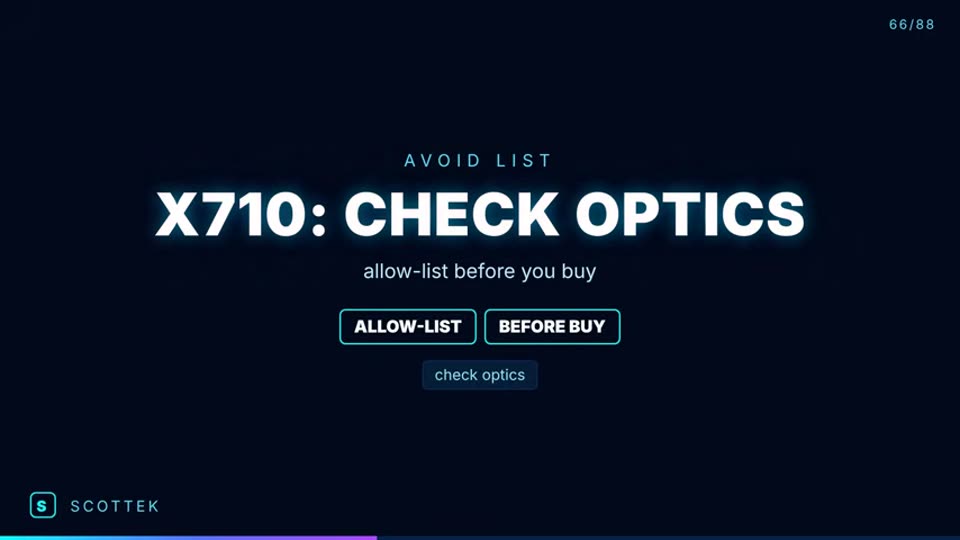
The index-card cheat sheet from the video: default to 82599 and ixgbe, take X710 with qualified optics for modern low power, take ConnectX-4 or newer on mlx5 for Mellanox, and use copper only when the wall jack demands it.
Verify on your box
Four documented commands prove any candidate box, per the video — run each one on the machine you are testing:
lspci -nnk | grep -A3 -i ethernet(untested) — shows the card and the kernel driver in use, the one-line driver-first checkethtool <iface>(untested) — shows negotiated speed and link state; replace<iface>with your interface nameiperf3between the two ends (untested) — run with a parallel stream or two to test whether you actually get 10 gigabits rather than just a 10-gigabit link lightmodinfo ixgbe(untested) — names the driver file so you can confirmixgbe,i40e,atlantic,mlx4, ormlx5before trusting the box
Honesty flag from the video, repeated here: there is no 10GbE bench rig on the video's desk, so the bench shot is a labeled dramatized illustration with genuine documented commands and illustrative output, never presented as real results.
Verdict
Start point-to-point at a video-stated $78 and prove your workloads actually need the speed, scale to the fanless four-port switch build at a video-stated $320 when you add machines, default to the 82599, reach for X710 or ConnectX-4-plus only with a reason, and never let a spec sheet overrule the driver list.
For more homelab networking guides in this series, browse the guides index.