Install gputaskman 0.4.0 on Ubuntu: See Inside Your GPU

Watch the walkthrough in Install gputaskman 0.4.0 on Ubuntu: See Inside Your GPU, published 2026-11-12. This companion guide collects the commands and links in one place, grounded in the gputaskman repo and the v0.4.0 release.
What the video covers
The video walks through Scott Hanselman's gputaskman, which passed 2,000 stars in its first week, and shows per-process VRAM, GPU load, and model insights for NVIDIA cards. The demo machine in the video reports driver 580.178.04, a Tesla M10, and 77 MB of 8 GB in use, and those values come from the video test machine rather than your own system. There is also a Python package listed on PyPI, but the video path below uses the release binary only.
Check the prerequisites
You need 64-bit Ubuntu 22.04 or newer, a working NVIDIA driver, and about 100 MB of disk space. No Python, CUDA toolkit, sudo access, or account is needed for the binary install shown here.
- Confirm the OS and architecture with
lsb_release -d && uname -m - Confirm the driver sees your card with
nvidia-smi -L - Move on only when both checks look right, a step that is untested here
Download and verify the release
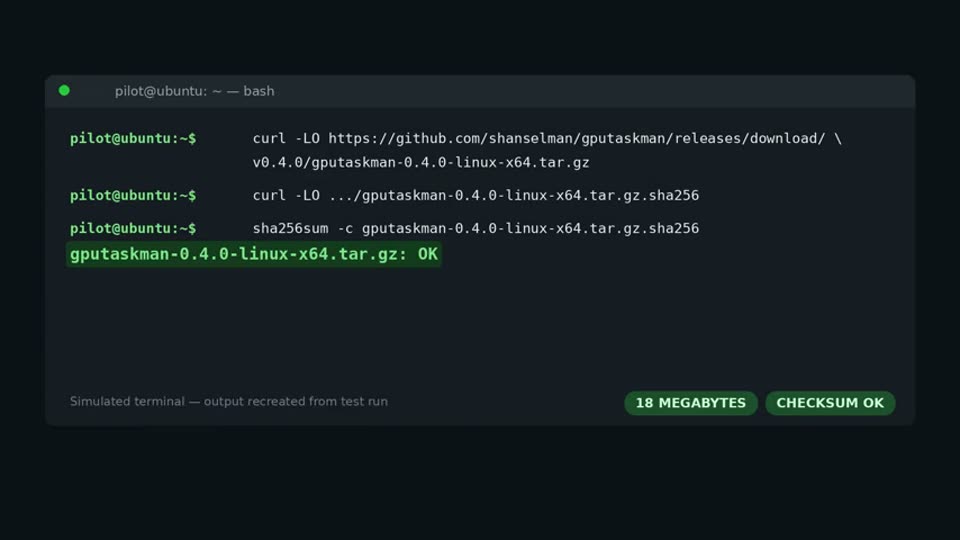
Grab the versioned Linux archive and its checksum file from the v0.4.0 release page, then verify before extracting. The filenames below are the release assets confirmed for v0.4.0.
- Download with
curl -LO https://github.com/shanselman/gputaskman/releases/download/v0.4.0/gputaskman-0.4.0-linux-x64.tar.gz - Download the checksum with
curl -LO https://github.com/shanselman/gputaskman/releases/download/v0.4.0/gputaskman-0.4.0-linux-x64.tar.gz.sha256 - Verify with
sha256sum -c gputaskman-0.4.0-linux-x64.tar.gz.sha256and expect an OK result
Extract and list your GPUs
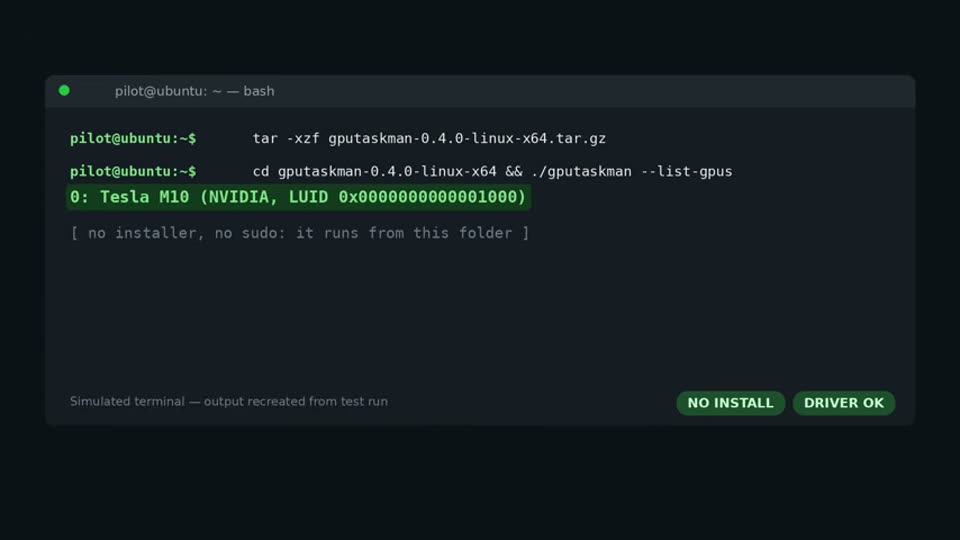
The binary is portable, so it runs from the extracted folder with no installer and no sudo.
- Extract with
tar -xzf gputaskman-0.4.0-linux-x64.tar.gz - Enter the folder with
cd gputaskman-0.4.0-linux-x64 - List detected GPUs with
./gputaskman --list-gpus, which names the card on the video machine as a Tesla M10 - These run steps are untested here
Take one-shot and JSON snapshots
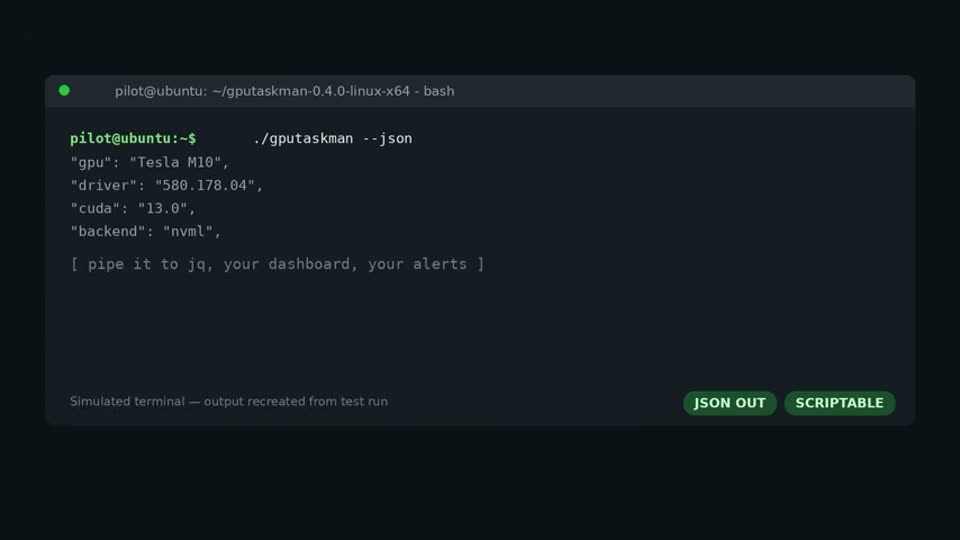
The full-screen live view runs on your machine; the video demonstrates the one-shot and JSON modes, which are the scriptable path to dashboards and alerts.
- Take a one-shot snapshot with
./gputaskman --once - Get machine-readable output with
./gputaskman --json, which reports the GPU, driver, CUDA, and backend fields - Pipe that JSON to
jq, a dashboard, or an alerting rule for automation - See every option with
./gputaskman --help, also untested here
What to read next
For the full source and release notes start at the gputaskman repo, then browse more Linux guides when you are ready for the next setup.