Multipass 1.17: Debian, Fedora VMs in One Command

Watch the video first
This guide is a companion to the video, not a replacement for it. Start with Watch the video on YouTube, then use this page as your command checklist and source list. The video is titled Multipass 1.17: Debian, Fedora VMs in One Command, runs about nine minutes, and was uploaded on 2026-10-21 with a homelab focus. Everything below that describes the demonstration follows the video, and everything technical beyond it comes from the linked primary sources. A Prag research folder for this video exists at Multipass 1.17 Debian Fedora VMs Guide and grounded this draft alongside the transcript and the official docs.
Multipass in 30 seconds
If Multipass is new to you, here is the short version from the video. It is Canonical free and open-source tool for disposable Linux virtual machines on Linux, Windows, and Mac, with QEMU doing the heavy lifting under the hood on Linux. One command gets you a cloud-style Ubuntu guest with cloud-init support, so the same configs you use on real cloud servers work locally. By default you get the current Ubuntu LTS, which the docs now list as 26.04. On Linux you install from the Snap Store at Multipass on the Snap Store, while Windows and Mac get real installers plus a graphical app next to the terminal commands. Think of it as the fastest path from zero to a working Linux box.
Install and the five daily commands
The install steps below are untested in this guide, so verify each one on your own machine before relying on it. The bench used for the video has no root access and cannot launch real guests, a limit the video states openly and this guide keeps. On Ubuntu the shape is snap install multipass followed by multipass launch, and you are done. Give a machine a name with --name, feed it a cloud-init file with --cloud-init, and the everyday set from the video is multipass list, multipass find, multipass shell, multipass exec, and teardown with multipass delete plus multipass purge. New in this release, multipass wait-ready blocks your scripts until the background service is actually up, which anyone automating launches in CI will feel immediately. Five commands cover most daily use, and the full notes live at Multipass 1.17.0 release notes.
Debian and Fedora join the menu
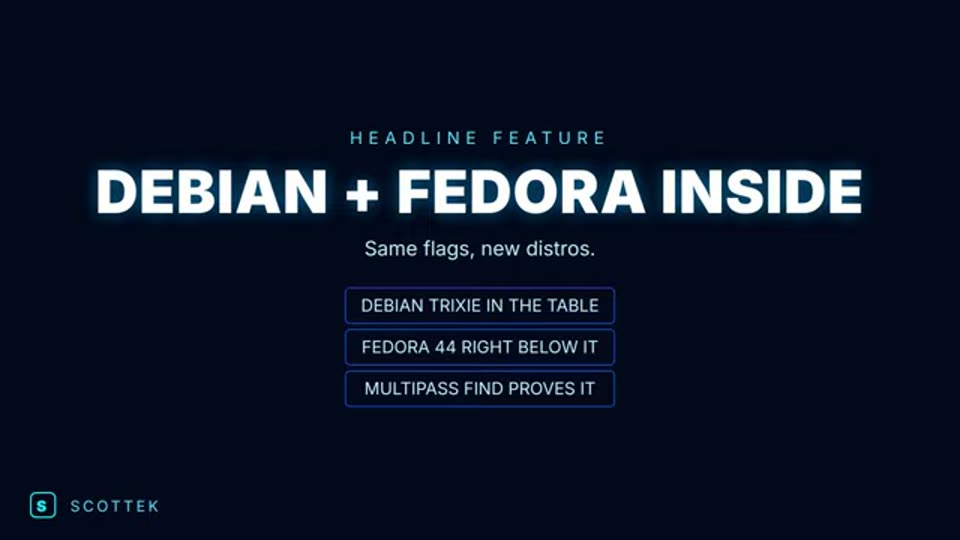
The headline feature is that multipass find used to be an all-Ubuntu menu and now lists Debian Trixie and Fedora 44 right alongside the Ubuntu releases, with their aliases in the same table. The reference for that table is Multipass find command reference, and multipass find debian filters the list down to just that row. Launching them is exactly what you expect, with multipass launch debian or multipass launch -n fedora-test fedora using the same flags and the same cloud-init support as Ubuntu. This builds on the previous release custom image support, and Canonical is openly asking whether users want even more distributions next. If you maintain anything that ships on more than one distro, your test matrix just collapsed into one tool. Treat the names Debian Trixie and Fedora 44 as the October 2026 snapshot, since images roll forward.
Availability zones on your laptop
The nerdier headline is availability zones, documented at Multipass availability zones explanation. Out of the box you get three zones, zone1, zone2, and zone3, each with its own isolated subnet, so machines in different zones never share a private network. Launch without thinking and Multipass cycles you through the zones, or pin one with --zone zone2. The command multipass zones shows the map with statuses and subnets. These zone commands are untested here, so confirm them locally, but the release-notes syntax is multipass disable-zones with a zone name to switch it off, which marks its running machines unavailable until you run multipass enable-zones to boot them back up. Upgrading keeps existing machines safe by parking them all in zone 1 automatically. You just simulated a cloud outage on your laptop, which is homelab gold for failover tests.
Platform drivers and a redesigned catalog
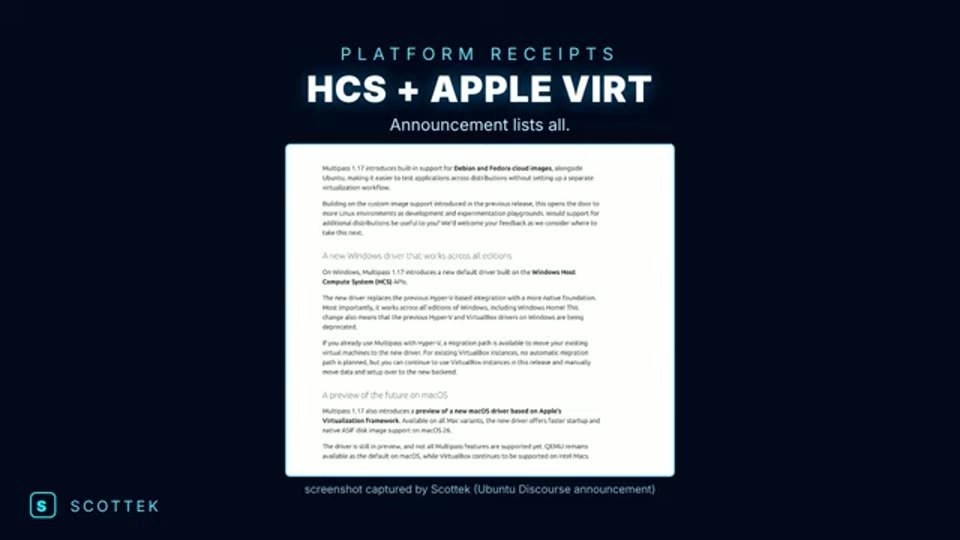
Platform news favors Windows users this round, and the announcement post with all of it is Multipass 1.17.0 announcement on Ubuntu Discourse. Multipass now runs on a new Windows driver built on the Host Compute System APIs, and it works on every edition including Windows Home, which the old Hyper-V path locked out. The Hyper-V and VirtualBox drivers are deprecated, with a migration path for Hyper-V machines and a manual move for VirtualBox ones, so plan that move before a future release pulls them. On the Mac there is a preview driver on Apple own virtualization framework, with faster startup and native disk image support on macOS 26, clearly the future default. Official builds now also cover IBM POWER and Z machines. The graphical app got love too, with the image catalog redesigned around operating systems instead of one long list, so Ubuntu, Debian, and Fedora each get their own group, plus adaptive memory and disk sliders and a terminal that remembers its font size.
What 1.17 removed and what scripters gain
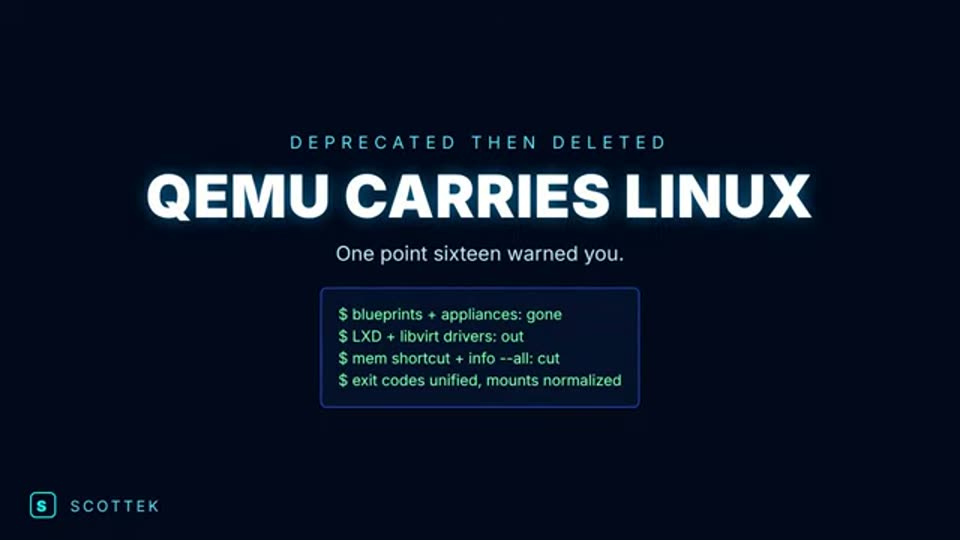
Every big release deletes something, and the obituary section matters because breaking changes only bite people who skip the changelog. Blueprints and appliances are gone, the whole feature removed after deprecation. The LXD and libvirt drivers are out too, so QEMU carries Linux going forward. The mem shortcut for --memory is retired, so spell it out, and multipass info lost its --all flag. None of this should surprise anyone who read the 1.16 notes, but if you have old scripts bookmarked, audit them before you upgrade.
Scripters get real gains in exchange. The video calls out that multipass exec now hands you the real exit code from inside the guest, with 255 reserved for Multipass own failures, so error handling finally means something. Cloud-init launches may reboot the guest mid-setup, which unbreaks a whole class of provisioning scripts. Minimums are now 512 MB of memory and 1 GB of disk, killing the silent cloud-init failures that used to haunt tiny launches. Machine-readable output comes in table, JSON, CSV, and YAML flavors, with one caution for parsers that JSON key ordering is no longer guaranteed and mount paths get normalized with trailing slashes trimmed. Pin your scripts to keys, not positions.
Honest bench caveat and verdict
Full honesty first, carried over from the video. The bench box is a rented container host with no root access, so it cannot actually birth virtual machines, and nothing here fakes it. What the video shows that is real is snap info multipass proving 1.17 sits in the stable channel, the readiness checks every box deserves before installing anything, and the documented 1.17 flow straight from the release notes as a cheat sheet. The install and launch commands in this guide are therefore untested, and you should treat them as a documented starting point rather than a verified walkthrough. The verdict from the video still stands. Multipass is for disposable machines, dev environments, distro testing, classroom boxes, cloud-init rehearsal before you spend cloud money, and CI jobs that need a real guest. It is not a Proxmox replacement, since your always-on services stay on your hypervisor. But the gap between your laptop and your cloud config just shrank to one command, and zones mean you can rehearse failure, not just success. One question for the comments, borrowed from the video. If you had three zones on your laptop, what would you break first.