Install Arcane on Ubuntu: Docker Minus the Mess

This guide is the written companion to the video Install Arcane on Ubuntu: Docker Minus the Mess (95s, uploaded 2026-11-17), and it treats the video as the starting point. There is no Prag research folder for this video, so this guide was built from the video record plus the official sources linked below. The auto-subtitle fetch with yt-dlp failed with HTTP 429, so the video record used here is the owner-written video description, disclosed as such.
In the video: Arcane v3 turns Docker sprawl into one clean dashboard covering containers, images, volumes, updates, and existing Compose stacks, installed here as v3.0.1 on Ubuntu 24.04 with the official Docker Compose method. Added from the sources: the Arcane homepage presents Arcane as modern Docker management, the installation docs define the Compose and Linux-script install paths, and the releases page lists v3.0.1.
The terminal frames in the video are illustrative recreations and the dashboard shot is an official docs image, and the narration is synthetic. Steps not independently run here are marked untested.
What you need before you start
In the video: you need 64-bit Ubuntu 24.04 with internet, Docker Engine plus the Compose plugin already installed, TCP port 3552 free, and a folder holding your Compose projects. Docker Engine and the Compose plugin are prerequisites and are not installed in the video. The chapters run 00:00 What we are installing and 00:10 What you need, then the key, compose file, start, sign-in, and dashboard check, and the video pins image v3.0.1. First pull time depends on your host, and that timing detail is untested here.
Added from the sources: the installation docs state that you need Docker Engine and Docker Compose, and the Compose path maps port 3552:3552 for the Arcane web address.
- Use 64-bit Ubuntu 24.04 with internet access and Docker Engine plus the Compose plugin already installed
- Keep TCP port
3552free for the Arcane web address - Keep a folder holding your Compose projects ready before writing the compose file
Make the encryption key and write the compose file
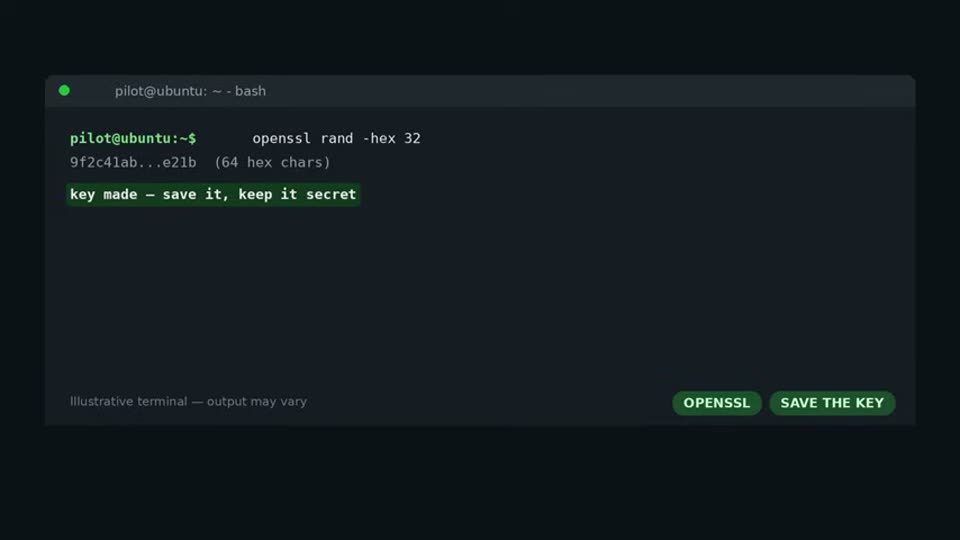
In the video: the key frame runs openssl rand -hex 32 to make the secret, shown abbreviated on screen with the takeaway key made - save it, keep it secret. That exact output is shown in the frame and is untested here, since no local Ubuntu run was performed.
Added from the sources: the installation docs give the key command as docker run --rm ghcr.io/getarcaneapp/manager:latest /app/arcane generate secret and describe pasting the output over ARCANE_ENCRYPTION_KEY. Either route produces the secret that becomes ARCANE_ENCRYPTION_KEY, and the paste step itself is untested here.
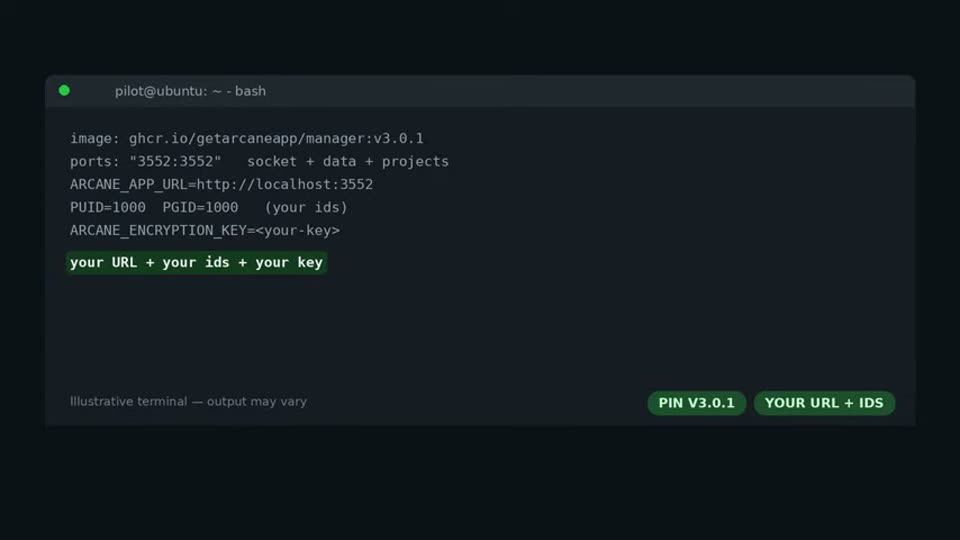
In the video: the compose frame pins image ghcr.io/getarcaneapp/manager:v3.0.1, maps 3552:3552, mounts the Docker socket plus data plus projects, and sets ARCANE_APP_URL, PUID, PGID, and ARCANE_ENCRYPTION_KEY, captioned your URL + your ids + your key. Added from the sources: the installation docs describe the same compose service keys and mounts, an arcane-data volume on /app/data, and the projects folder mount.
- Generate the key and copy the output, pasting it over
ARCANE_ENCRYPTION_KEY - Pin the image to
v3.0.1as shown in the video rather than floating onlatest - Set
ARCANE_APP_URLto the address you will open, keepinghttp://localhost:3552for host-only use - Mount the projects folder at the same absolute path inside the container and match
PUIDandPGIDto your own IDs
Start Arcane, sign in, and run the dashboard check
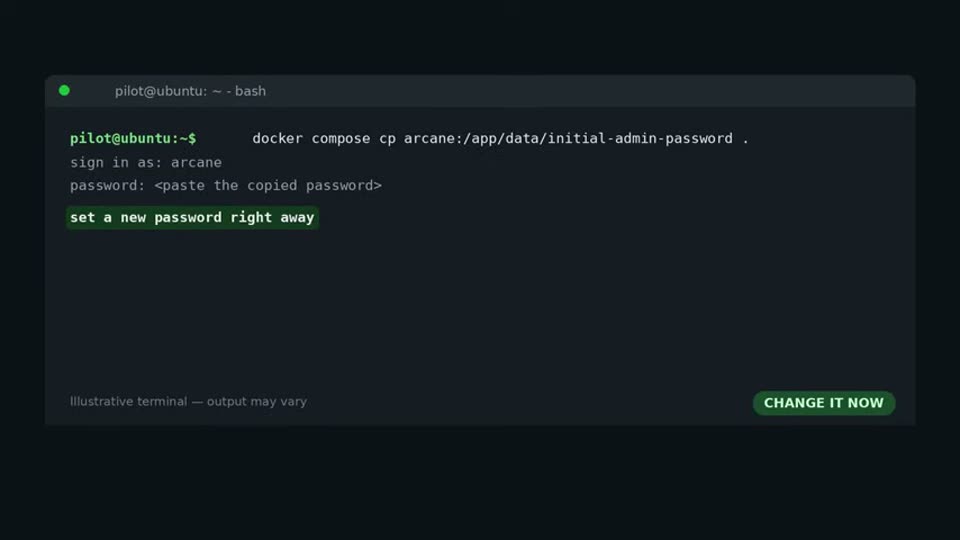
In the video: start Arcane with docker compose up -d, open the ARCANE_APP_URL address, copy out /app/data/initial-admin-password with docker compose cp arcane:/app/data/initial-admin-password ., sign in as arcane, and set a new password right away. That start-to-dashboard sequence is a video claim and the local run is untested here.
Added from the sources: the installation docs give the same start command in the folder holding compose.yaml and the same sign-in-as-arcane plus copy-the-generated-password flow.
- Run
docker compose up -din the folder holdingcompose.yaml - Open the
ARCANE_APP_URLaddress and sign in asarcanewith the copied password - Set a new password immediately and do not leave the generated password in place
- Confirm containers, images, volumes, updates, and existing Compose stacks appear before calling the install done
Security notes, honesty notes, and next steps
In the video: mounting the Docker socket gives Arcane full Docker control, so use a socket proxy if that matters to you. Added from the sources: the installation docs mount /var/run/docker.sock to connect Arcane to Docker and point at socket-proxy, reverse-proxy, and outbound-proxy follow-ups as next steps. Change the initial password immediately.
- Treat the Docker socket mount as full Docker control and prefer a socket proxy where that matters to you
- Change the initial
arcanepassword at first sign-in and do not leave the generated password in place - For updates and project layout, recheck the installation docs and the releases page rather than guessing tags
- No affiliate links appear in this guide
Sources and next steps
- The companion video is the starting point for this guide and all In the video claims above
- The Arcane homepage owns the product framing
- The installation docs own the Compose method, key command, compose keys and mounts, start command, and sign-in flow
- The releases page owns the
v3.0.1pin confirmation