Fortnite on Linux: Get Your Distro Ready

This companion guide starts from the video Fortnite on Linux: Get Your Distro Ready and adds grounded detail from the Epic Games launcher page, The Verge report, the TechPowerUp report, the GamingOnLinux report, and the FPSReview requirements breakdown. Watch the video first for the full narrated walkthrough, then use the sections below as the written reference. Fortnite is not playable on Linux yet and there is no release date, so this guide is preparation, not a launch-day benchmark, and every section keeps In the video claims apart from Added from the sources research, with checks marked untested where they were not run here.
What Epic actually announced
- In the video: Fortnite is coming to Linux, which Epic confirmed on 14 October 2026, but it cannot be played yet, there is no release date, and when it lands the distro has to prove it is trustworthy first.
- Added from the sources: The Verge, TechPowerUp, and GamingOnLinux all report the 14 October 2026 confirmation with no timeline, checked October 2026.
- In the video: the launcher officially supports Ubuntu 22.04 LTS or newer, Fedora 43 or newer, and Debian 12 or newer, while other distros may work but Epic will not test them.
- Added from the sources: the Epic Games launcher page lists the Linux section with those distro floors plus modest minimums of 64-bit x86, 4GB of RAM, and 2GB free, checked October 2026.
- In the video: what can be installed tonight is the new Epic Games launcher preview, native on Linux for the first time, grabbed as an AppImage from the launcher site, made executable, and signed into, but Fortnite is not in it yet and many catalog games are still Windows-only builds.
- In the video: Fortnite pilots the new anti-cheat first and then Epic opens it to other developers, which is why getting ready matters even for readers who never play Fortnite.
How Easy Anti-Cheat Linux v2 works
- In the video: Epic is rebuilding Easy Anti-Cheat for Linux as EAC Linux version 2, and it installs no kernel module at all, using a systemd service that only runs while a protected game runs plus Epic own eBPF programs watching game memory, with trust coming from Linux security features the box already has.
- Added from the sources: the FPSReview breakdown and the hwbusters explainer confirm the no-kernel-module design with the service plus eBPF plus platform security features, checked October 2026.
The eight hard requirements
- In the video: here are the eight, straight from Epic technical post, one, a signed kernel and signed kernel modules using well-known keys, two, TPM 2.0 present and enabled, three, Secure Boot enabled booting only from well-known keys, four, measured boot present, five, IOMMU enabled with pass-through disabled on desktops and laptops, six, kernel lockdown in integrity mode explicitly set at boot, seven, kexec explicitly disabled at boot, and eight, the BPF LSM loaded and active.
- Added from the sources: the FPSReview breakdown and the mixed-news report carry the same eight-requirement list, checked October 2026.
- In the video: miss one and the game shows an error, not a ban, just an error, which is Epic own wording and the right call.
Check one takes thirty seconds
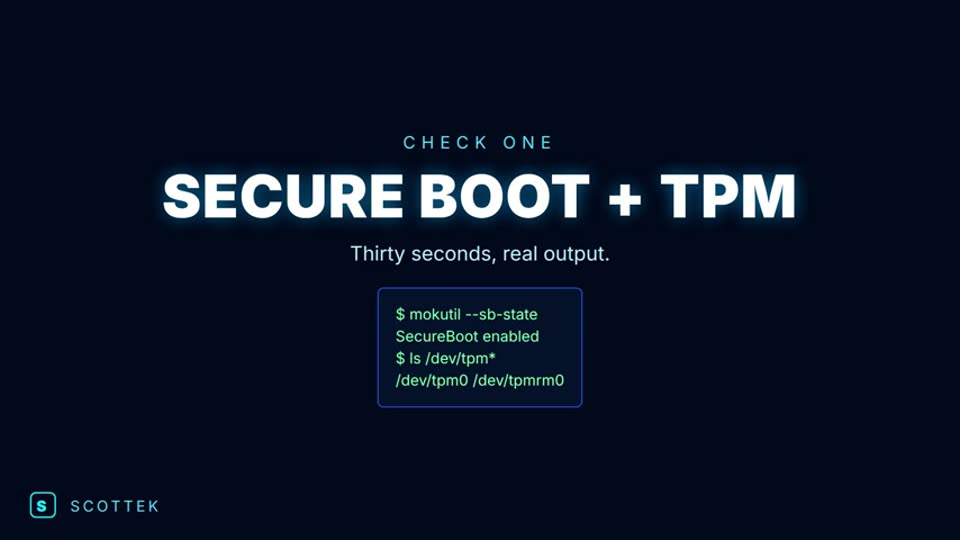
- In the video: check one takes 30 seconds, open a terminal and run
mokutil --sb-state, which on the video box prints Secure Boot enabled as real output from the machine that rendered the video. - In the video: next list the enrolled keys with
mokutil --list-enrolled, where key one reads Canonical Limited Master Certificate Authority, which is on Epic well-known list, so this box clears the identity check. - In the video: then look for the TPM with
ls /dev/tpm*, expectingtpm0andtpmrm0, and iftpm2-toolsis missing install it, then read PCR 7 for the Secure Boot state, since no TPM means no game boot and it must be enabled in firmware first. - Added from the sources: Epic publishes a well-known key list currently at nine entries covering Canonical, Fedora, Universal Blue, Debian, openSUSE, SUSE Linux Enterprise, Rocky, AlmaLinux, and the Microsoft UEFI CA that signs shim, with plans to open-source and expand it, checked October 2026 via secondary reporting.
- Firmware and key checks in this section are untested here since they were not run on this box for this guide.
Kernel, command line, and measured boot
- In the video: check two is the kernel command line, with Epic wanting lockdown in integrity mode set explicitly at boot, kexec disabled explicitly at boot, IOMMU on with passthrough off, and BPF LSM active, confirmed on the video box with
journalctl --dmesgshowing lockdown from EFI Secure Boot mode and/sys/firmware/efipresent proving UEFI rather than legacy boot. - In the video: one honest note is that the render box lists its LSMs without BPF in the set and TPM 2 tools are not installed there, so the video teaches the check rather than claiming that box passes all eight today, with
cat /proc/cmdlineandcat /sys/kernel/security/lsmas the commands to run and BPF to fix before launch day rather than after. - In the video: distros come first because that decides everything, and measured boot is present by default under GRUB and systemd-boot, so staying stock does most of the work.
- Command-line and LSM checks in this section are untested here and should be run on the reader own machine.
The Nvidia trap
- In the video: the trap that will catch half the audience is Nvidia, since Epic names Nvidia drivers specifically, out-of-tree modules must be built by an organization and signed with a well-known key, and every enrolled machine owner key must be well-known, so a self-enrolled MOK used to sign locally built Nvidia modules, super common on Fedora, will fail the game boot while it stays enrolled.
- In the video: the fix is not to ditch Nvidia but to use the distro packaged signed driver stack instead, meaning Ubuntu signed modules, the Fedora signed path where it chains to a known key, or a Universal Blue image where it is already handled, keeping self-signed stuff on a different boot entry.
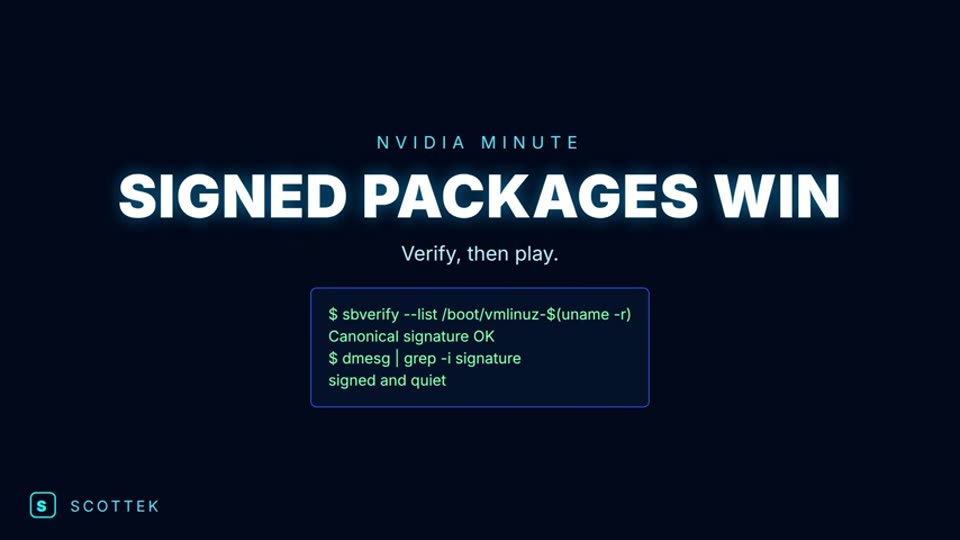
- In the video: verify with
sbverify --listagainst the kernel image and checkdmesgfor module signature complaints, since signed and quiet is what passes. - Added from the sources: the FPSReview breakdown carries the same Nvidia and machine-owner-key callout, checked October 2026.
- Driver and signature checks in this section are untested here.
Tinkerers get an out with two boot entries
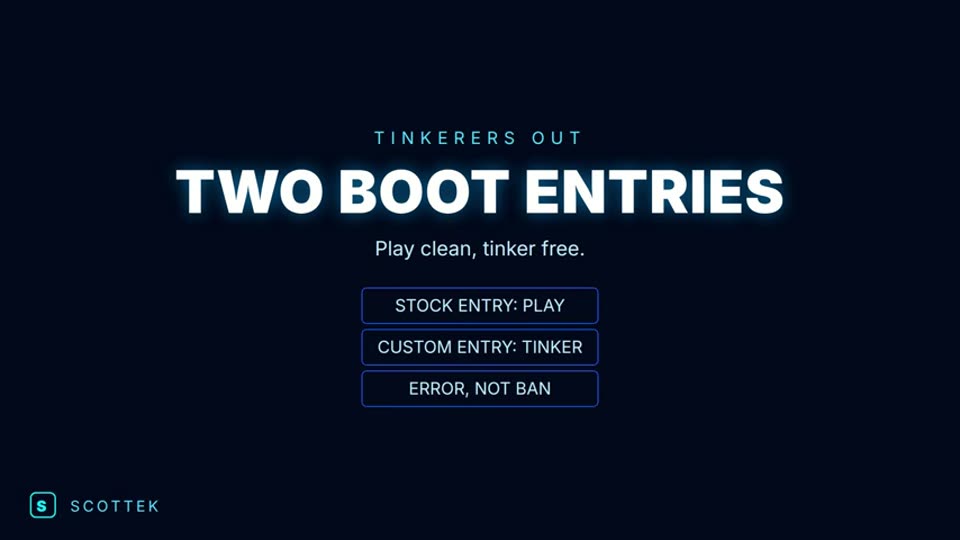
- In the video: Epic gives tinkerers an out, keep a separate compliant boot entry just for protected games with a stock signed kernel and compliant command line and no self-signed MOK in that session, pick it only when playing, and run custom keys and test kernels everywhere else.
- In the video: the boot session that launches the game is the one that has to meet the list, and failing is an error message rather than a cheat ban, which matters because most readers will probably fail the first check, so fix one line, reboot, and try again.
- Boot-entry behavior in this section is untested here and should be verified on the reader own bootloader.
Deck, Steam, and tonight homework
- In the video: the Steam Deck does not support the required features for version two, Epic says it is actively talking with Valve with hopes to support it later but with no timeline and no promises, and the same goes for SteamOS handhelds generally.
- Added from the sources: Dexerto and The Verge confirm the Deck exclusion with Valve talks ongoing, checked October 2026.
- In the video: do not wait for a Steam store page either, since Epic says Fortnite comes through the Epic Games launcher rather than Steam, so even if Deck support lands it will still be the Epic launcher path, and this guide is for desktop and laptop x86 boxes.
- In the video: the homework in order is confirm UEFI plus Secure Boot plus TPM 2.0 in firmware, confirm a supported base on a stock signed kernel, confirm the Nvidia path is distro signed, set lockdown integrity with kexec off plus IOMMU on without passthrough and BPF LSM active on the game entry, install the launcher preview and sign in, then snapshot what works since Epic says the requirements will iterate with distro maintainers.
- In the video: three things not to do are disabling Secure Boot to make life easier since the game needs it on, switching to legacy BIOS boot since measured boot and attestation need UEFI, and assuming a passing launcher means a passing game since the anti-cheat checks only fire when a protected game launches.
- In the video: readers on Ubuntu 26.10, Fedora 45, or Debian 12 who stayed stock are 90 percent there, readers on Bazzite or Bluefin through Universal Blue are explicitly on the well-known list, and readers on Arch with a custom kernel and self-signed Nvidia module should start planning that second boot entry now.