Llama Windows: One-Click Local AI on Your PC (2026 Guide)
Companion video
This companion guide starts from the video Llama Windows: One-Click Local AI on Your PC (2026 Guide) and adds grounded detail from the Hugging Face announcement plus the project repo so the install decision rests on documented behavior. The video is a narrated walkthrough rather than a filmed hands-on install, so every section below keeps In the video: claims apart from Added from the sources: research. All hands-on steps below are quoted from the video and the announcement and are untested here.
Clear up the name first
- In the video: Llama Windows is not a new model from Meta. It is a free and open-source Windows app from Hugging Face and the llama.cpp community that wraps the llama.cpp runtime, the engine behind nearly all local model running, whose GGUF file format is the standard for local models on the Hugging Face Hub.
- Added from the sources: the announcement frames it the same way, calling llama.cpp the most widely used engine for running open models locally and GGUF the standard local-model format on the Hub.
Install takes minutes, with no terminal
- In the video: Llama Windows is a native WinUI 3 app, so it looks and feels like part of Windows 11. The happy path has no installer wizard asking for administrator rights, no build step, and no command line. Grab the .msixbundle from llama.app or straight from the Llama-Windows releases page on GitHub, with native builds for both x64 and ARM64, and double-click to install.
- In the video: one honest caveat, stated up front: this is Windows 11 only, so Windows 10 machines sit this one out, though the underlying llama.cpp engine still runs there the manual way.
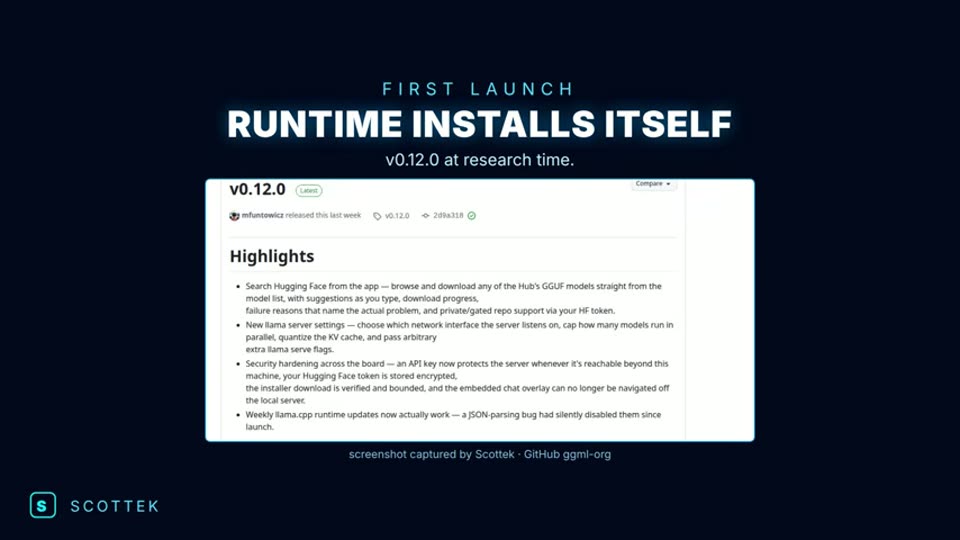
- In the video: on launch the app manages its own runtime. If a llama.cpp server is already running it connects to it, if one is installed but idle it starts it, and if nothing is there it fetches the official llama.cpp installer and sets it up, still with no admin prompt. The llama icon lands in the notification area, so check the overflow menu if it is hidden. Click the icon and a compact flyout opens right above it, and that flyout is the whole interface, with no taskbar window. Right-click the icon to open or exit.
Two panels, then chat
- In the video: the flyout has two panels. Recommended Models lists ready-to-run quantized builds pulled from the Hugging Face Hub, each showing its parameter count, its size on disk, and whether it supports vision, so you can judge what fits your machine before spending a gigabyte. One click starts the download with live progress in the panel. Finished downloads land in the Available panel, which lists every model on the PC. Load one with a click, unload it the same way, and the rows update in place so you always see what the server is doing. Then open the built-in llama.cpp web UI and start chatting, including dragging in images, audio, or video when the model supports it. The video suggests starting small, confirming it works, then going bigger.
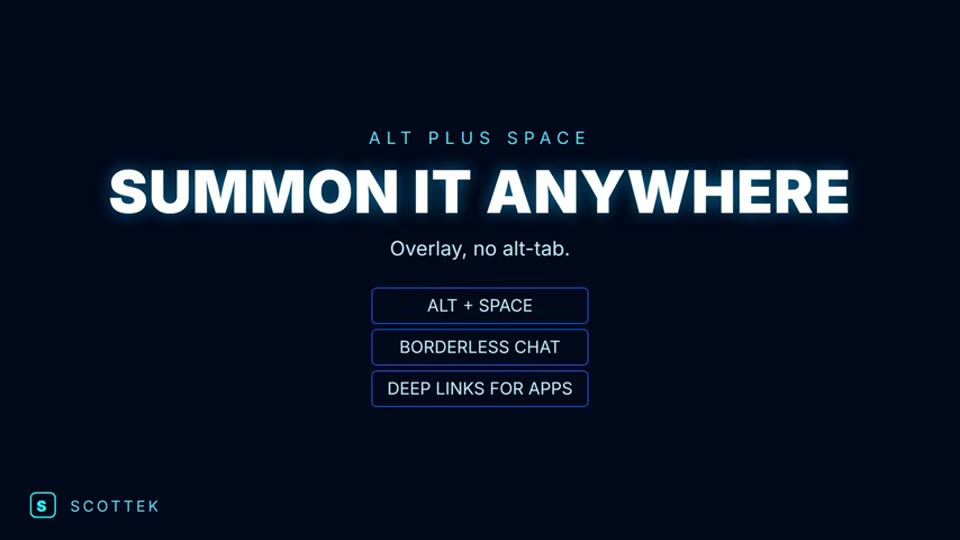
- In the video: clicking any model reveals a context-length picker with per-option memory estimates read from the GGUF header, and the app remembers the choice per model. This matters because context is the silent VRAM killer, and the picker shows that math before you commit. Once a model is loaded, Alt+Space from anywhere in Windows summons a borderless overlay with the chat UI for that model, with no taskbar window and no tab-switching. Recent builds also added
llama://deep links so other apps and scripts can open a chat prompt or load a specific model directly, though that detail is quoted from the video and untested here.
The local API is the homelab payoff
- In the video: every loaded model is also served through a local server on port 9931 with an OpenAI-compatible API. The announcement gives the exact calls, quoted here and untested on this end:
curl http://localhost:9931/modelsshows what the server has available, and any OpenAI-compatible client pointed athttp://localhost:9931/v1withapi_key="not-needed"and a model id from that list can chat against your own PC instead of a paid cloud endpoint. That one endpoint turns the family Windows box into a quiet inference server for scripts, coding agents, and editors.
- In the video: storage is sensible. Models land in the standard Hugging Face cache folder at
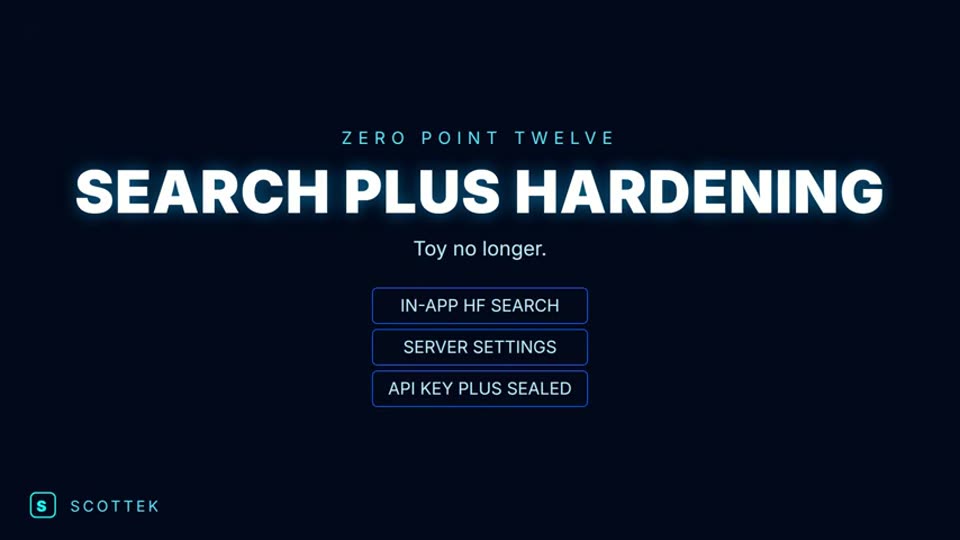
%USERPROFILE%\.cache\huggingface\hub, shared with llama.cpp and other Hugging Face tools, so you download once and use a model everywhere. A Hugging Face access token in Settings unlocks gated or private repos, the whole cache can move to another drive from the same screen, and daily logs live under%LOCALAPPDATA%\LlamaApp\logsand are kept for 7 days. On privacy, the video states the app sends no telemetry, works offline after download, and keeps prompts on-device because there is architecturally nowhere for the data to go. The video also notes version 0.12 added in-app search across Hugging Face for GGUF models plus server settings and a security hardening pass, and cautions that the project moves weekly, so treat any tutorial as a map of the neighborhood rather than a photograph.
Added from the sources: dates, repo, and the RTX Spark timing
- Added from the sources: Hugging Face announced Llama Windows on October 13, 2026, crediting Morgan Funtowicz, Jeff Boudier, and Emanuil Rusev, as a free and open-source app putting llama.cpp in the Windows 11 tray, and as the Windows counterpart to llama.app on macOS. The code lives at ggml-org/Llama-Windows, it is MIT licensed, and its releases page confirms v0.12.0 as the current release line at the time of writing. The research notes for this guide record an October 14 addition of
llama://protocol deep links and a.NET 10 SDKrequirement for building from source, which was not independently re-verified here. - Added from the sources: the timing lines up with new hardware. The NVIDIA announcement confirms RTX Spark laptops arriving October 16, 2026, llama.cpp releasing a Windows app in the same wave, and the 74B-parameter Nemotron 3.5 Bolt model running through llama.cpp at launch, which matches the video's claim that the tray app is a credible front door to models that once needed a server rack. Three honest limits carry over from the video and are worth repeating: Windows 11 only, speed still depends on matching the model to your hardware, and the panels will keep shifting under you. The core loop stays the same: download, load, chat, call the API.