Install Waydroid on Ubuntu: Android Apps With the Play Store

This guide is the companion to Install Waydroid on Ubuntu: Android Apps With the Play Store, a video uploaded 2026-11-19. The video is the starting point: checking for a Wayland session, adding the official Waydroid repo, installing the 1.6.3 package, downloading the GAPPS Android image, launching from the app grid, handling Play Protect certification, and verifying with waydroid status and waydroid app list. Added context from outside the video is marked as added research.
Transcript note: auto-subtitles could not be fetched for this video, so there is no transcript to quote from. This guide is grounded in the video description plus the Prag research folder dated 2026-11-18 as transcript-equivalent, corroborated against the official Waydroid docs and GitHub releases linked inline.
What you need
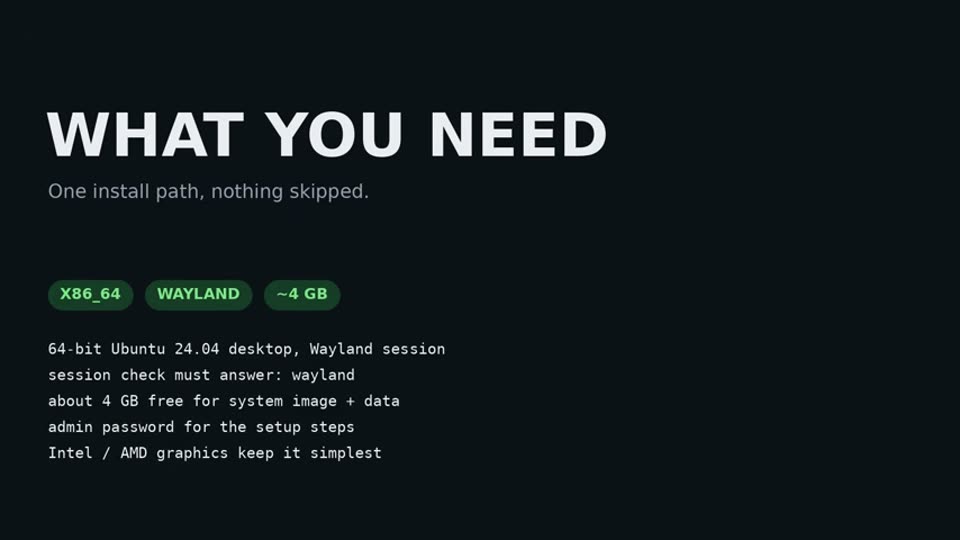
- In the video: 64-bit Ubuntu 24.04 desktop on an x86_64 machine, running a Wayland session. Waydroid does not run on Xorg.
- In the video: about 4 GB free for the system image and data, plus your admin password for the
sudosteps. - Added from the sources: Intel or AMD graphics keep it simplest. The official install instructions note Nvidia needs extra steps.
- Check your session first with
echo $XDG_SESSION_TYPE. It must answerwaylandbefore you continue.
Add the official repo and install
- In the video: install the repo prerequisites with
sudo apt install curl ca-certificates -y. This step was untested here, so follow the official install instructions directly. - In the video: add the official Waydroid repo with
curl -s https://repo.waydro.id | sudo bash. The setup script behind this command was verified as real bytes in the research folder (1,772 bytes, auto-detects Ubuntu noble, adds a signeddebline plusapt update), but executing it needs root and was untested here. - In the video: install with
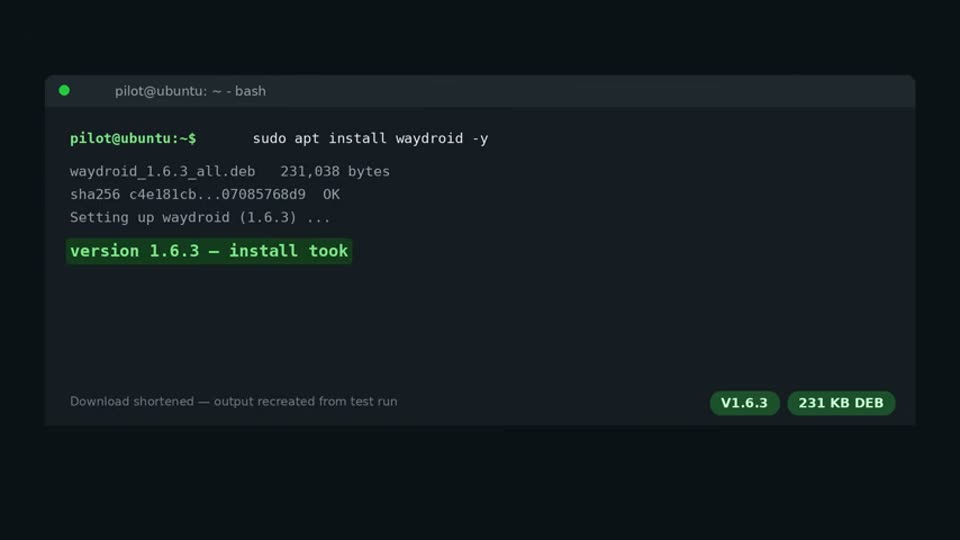
sudo apt install waydroid -y, which landed on version 1.6.3 on release-test day. The 231,038-byte package and itssha256were downloaded and matched against the repo Packages stanza in the research folder. - Added from the sources: Ubuntu 24.04 is not in the set that ships Waydroid in-archive (per the official docs, that starts with Debian 14 and Ubuntu 26.10), so noble goes through
repo.waydro.id. The repoInReleasewas live and signed, dated 2026-11-16.
Download the Android image with the Play Store
- In the video: download the Android image with
sudo waydroid init -s GAPPS. The GAPPS image type bakes in the Play Store and costs about a gigabyte of download. This step was untested here, so expect it to take a while. - Added from the sources: the
-sflag selects the system image type. VANILLA is the default with no Google apps, GAPPS includes Play Services, and FOSS uses free and open alternatives. Prefer de-googled: replace GAPPS with VANILLA and sideload F-Droid afterward instead. - Confirm the installed package with
waydroid --version, which should answer1.6.3. Note that even this flag needs a desktop session bus, so its live reply was untested here.
Launch and verify
- In the video: launch Waydroid from your app grid. The first boot takes up to a minute. A terminal launch with
waydroid show-full-uiworks too. First launch was untested here. - In the video: verify with
waydroid status. Both the Session and Container lines must read RUNNING. The expected shape follows the command-line reference, and the live reply was untested here. - In the video: list your apps with
waydroid app listand look forcom.android.vendingamong the entries. That is the Play Store, and you can launch it directly withwaydroid app launch com.android.vending. (First boot and the Play certification screens are illustrated from the official docs path.)
If Play Protect says the device is uncertified
- In the video: on the GAPPS image, Play Protect may report the device as uncertified. This is expected for container devices and has a documented fix, not a dead end.
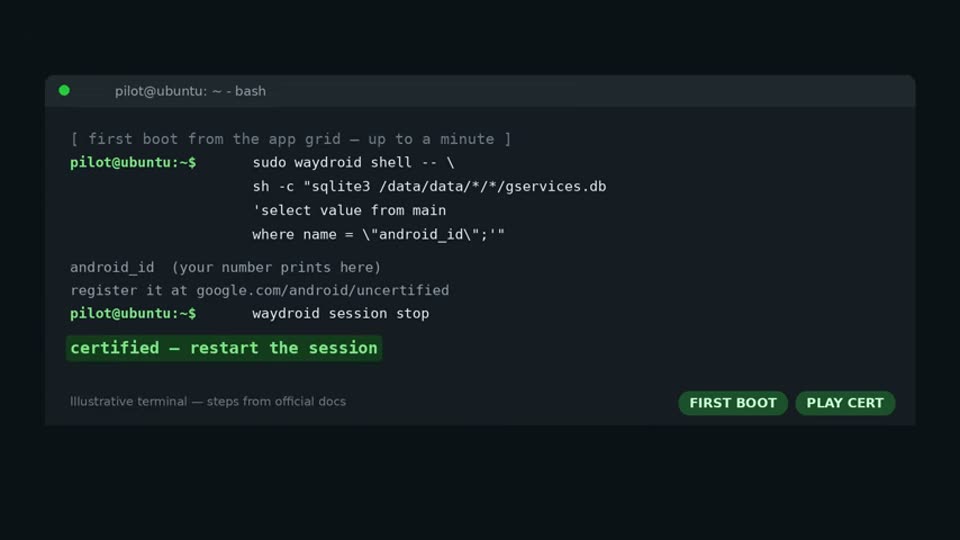
- Print your Android ID using the certification command from the Google Play certification FAQ, which pipes a query through
sudo waydroid shell. This is untested here, so copy it from the docs page rather than from memory. - In the video: register the printed number at google.com/android/uncertified, then restart the session with
waydroid session stopfollowed bywaydroid show-full-ui. Allow some time after registering before re-checking Play Protect.
What the video shows versus added research
- From the video and its description: the Wayland-first check, the official-repo plus
apt installpath to 1.6.3,sudo waydroid init -s GAPPSfor the Play Store build, app-grid first launch, the uncertified-device registration loop, and thewaydroid statuspluswaydroid app listverification. The description itself discloses that the repo script, signature, size, version, and checksum came from a real test run on release day while the init, first-launch, and verification screens are illustrated from the official docs. - Added from the sources: the 231,038-byte package size with matching
sha256, the 2026-11-16 repo signature date, the VANILLA default and FOSS alternative, the in-archive availability boundary, and the 1.6.3 changelog context from GitHub releases. - Repo-setup frames are simulated-from-test-run (real script bytes, real signature, real package bytes plus hash), while init, first-launch, and verification frames are illustrative of the docs path. Every step this bench could not execute is marked untested above rather than implied as run.
Sources
- Waydroid official install instructions — https://docs.waydro.id/usage/install-on-desktops — living doc — accessed 2026-11-19 — supports the Wayland requirement, the noble third-party-repo route, and the repo setup plus install commands.
- Waydroid command-line reference — https://docs.waydro.id/usage/waydroid-command-line-options — living doc — accessed 2026-11-18 per the Prag research record — supports the
init -svalues,status,session,container, andappcommands. - Waydroid Play-certification FAQ — https://docs.waydro.id/faq/google-play-certification — living doc — accessed 2026-11-18 per the Prag research record — supports the Android-ID command and the uncertified registration step.
- Waydroid 1.6.3 GitHub release — https://github.com/waydroid/waydroid/releases/tag/1.6.3 — published 2026-05-28 — accessed 2026-11-19 — supports 1.6.3 as the latest 1.6.x line and its fix list.