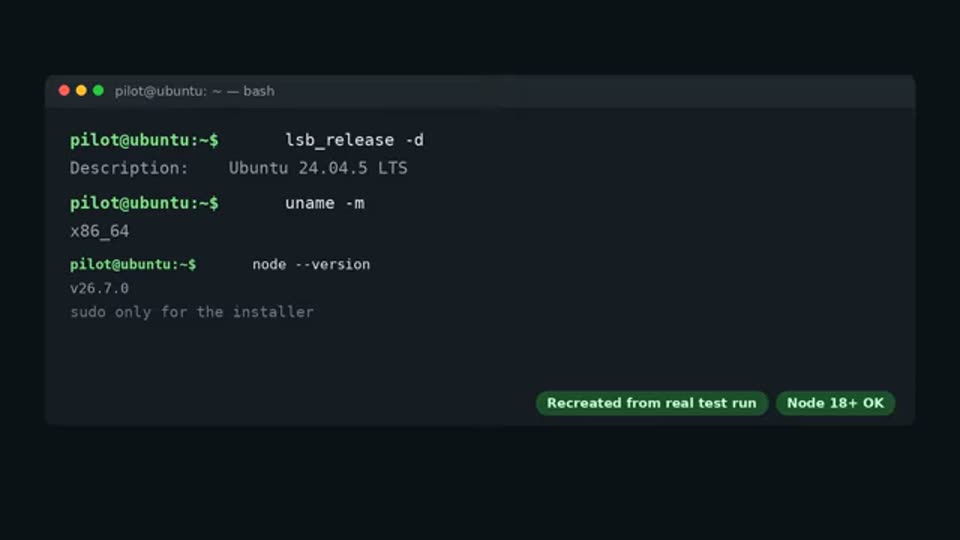
Run the official install script with sudo where prompted, then check with ollama --version.
Confirm the local server answers on its local port before pulling anything.
Set a large context window before coding, since the video uses 64000 tokens and the official guide recommends 64k or higher with details in the context length guide.
Get the coding model
The video picks qwen3-coder, one of the coding models recommended in the launch announcement.
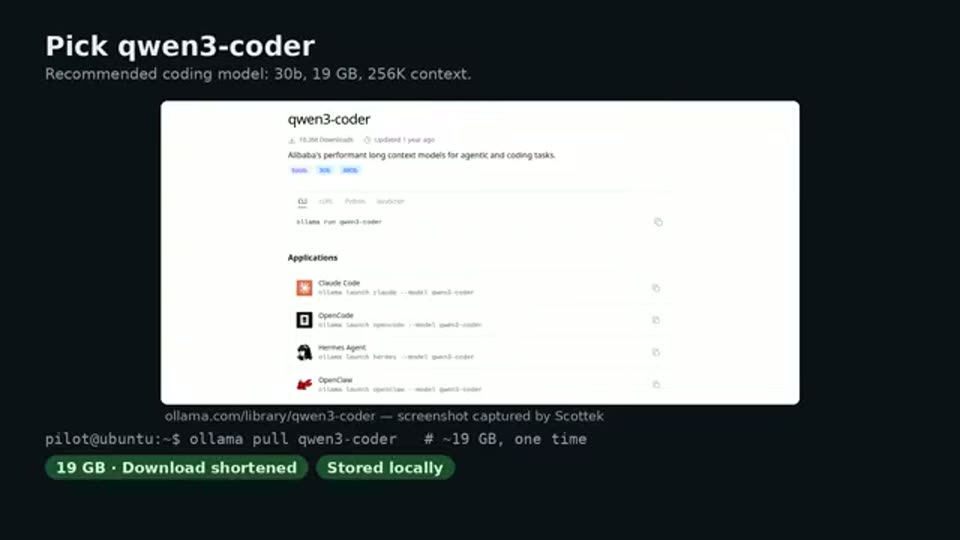
The qwen3-coder library page lists the 30B model at about 19 GB with a 256K context window for long agentic coding work.
Pull it with ollama pull qwen3-coder, then confirm it is stored locally with ollama list.
Pick qwen3-coder card showing the Ollama library page for qwen3-coder with 30B plus 19 GB plus 256K context and the pull command (Still from the walkthrough video.)
Install and launch Claude Code
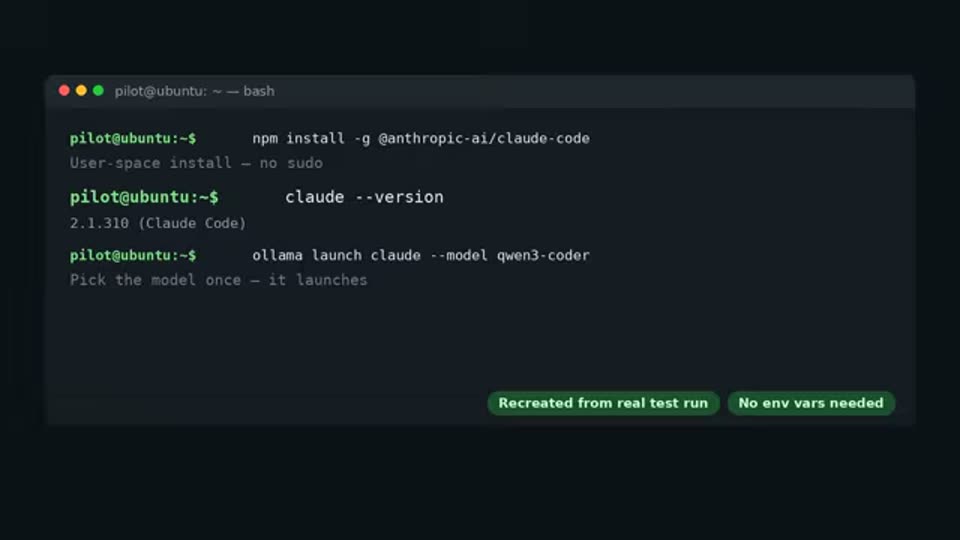
Install Claude Code with npm install -g @anthropic-ai/claude-code, and the frame below shows claude --version reporting 2.1.310.
Wire it to the local model with ollama launch claude --model qwen3-coder, which the library page and the Claude Code integration guide both confirm needs no environment variables or config files.
Pick the model once when prompted and the launcher starts the session.
The video shows ollama ps with the model loaded on a 64000 context window answering locally with real Python, and I mark that verification as untested here since I did not reproduce it.
Dark terminal showing the Claude Code npm install plus claude version 2.1.310 plus the ollama launch command with a no env vars needed note (Still from the walkthrough video.)
Limits and next steps
The same launcher pattern also covers opencode and codex, and cloud models remain an option when you want more muscle.
Local speed depends on your hardware, and large models run slowly without a strong GPU, so start small before pulling larger weights.