Install herdr on Ubuntu: Agents That Never Quit

This companion guide starts from the video Install herdr on Ubuntu: Agents That Never Quit (103s, uploaded 2026-11-11) and adds grounded detail from the herdr repo, the v0.9.5 release, the herdr site, and the quick-start docs so you can install the terminal workspace that keeps coding agents running after you walk away. Steps below follow the video description, since auto-subtitles returned HTTP 429 and the description is the transcript-equivalent, and anything added from the official pages is linked inline. The install itself is untested here because no test run was performed on this box for this release.
What you need
64-bit Ubuntu 24.04with a terminal, pluscurlandbash- No sudo, no compiler, no containers, and no account, per the video description
- About
30 MBof download for theherdr-linux-x86_64binary, per the v0.9.5 release assets
Download the official binary
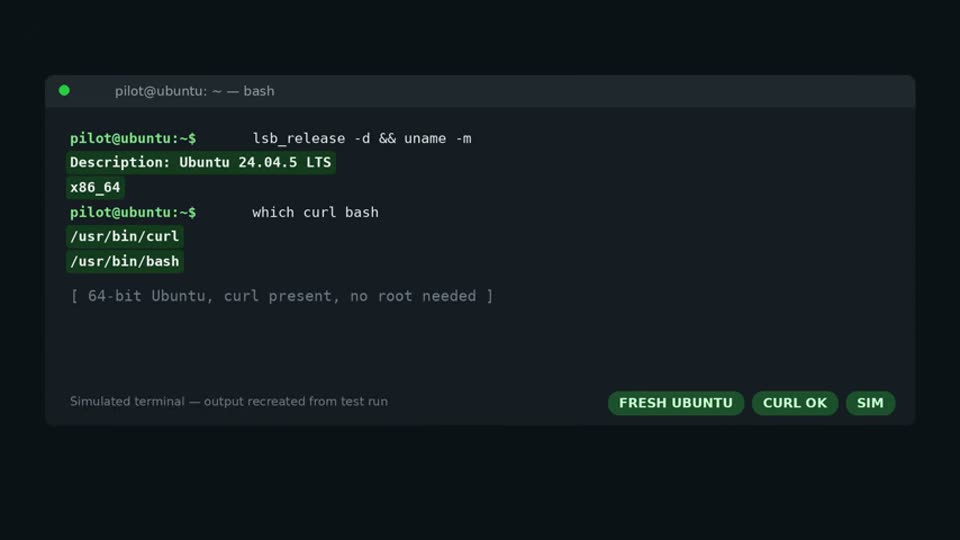
- Confirm your machine with
lsb_release -d && uname -m, expectingUbuntu 24.04andx86_64 - Confirm the tools with
which curl bash, expecting/usr/bin/curland/usr/bin/bash - Download with
curl -fsSL -o herdr https://github.com/herdrdev/herdr/releases/download/v0.9.5/herdr-linux-x86_64 - The
v0.9.5tag was published 2026-10-14 and is a full release, not a prerelease, per the GitHub API, and thex86_64asset is the one the video installs
Install it into your local bin
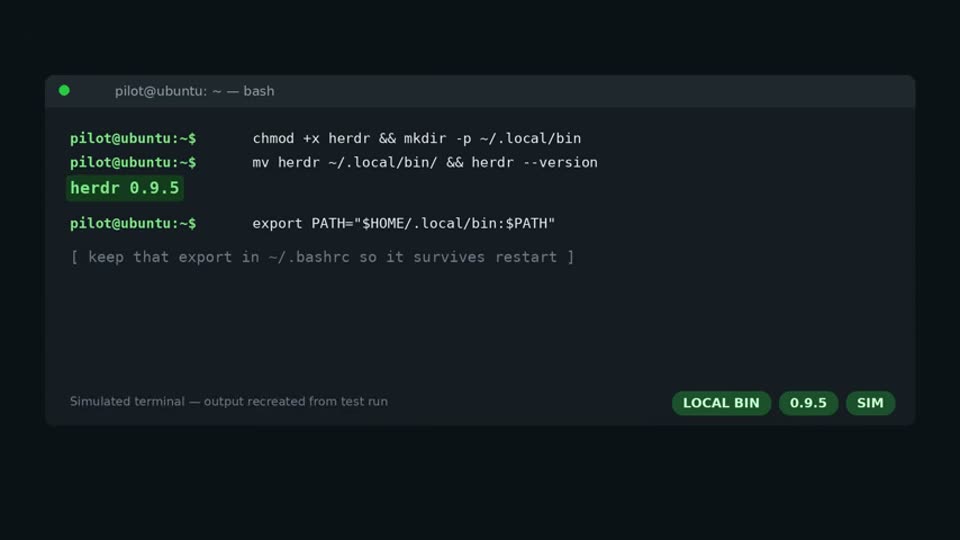
- Make it executable and prepare the folder with
chmod +x herdr && mkdir -p ~/.local/bin && mv herdr ~/.local/bin/ - Put it on your PATH for this shell with
export PATH="$HOME/.local/bin:$PATH" - Keep it across restarts with
echo 'export PATH="$HOME/.local/bin:$PATH"' >> ~/.bashrc - Confirm with
herdr --version, which should answerherdr 0.9.5, and peek at the defaults withherdr --default-config | head -30 - These install steps are untested here, so compare the version output before continuing
Start the server and verify
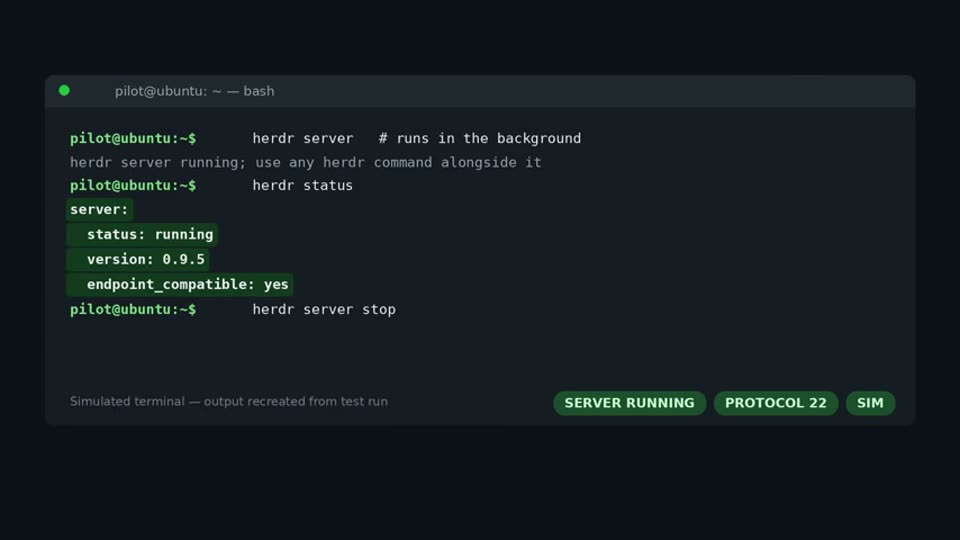
- Start the background engine with
herdr server, which the video shows replying that the server is running and other herdr commands work alongside it - Check with
herdr status, which the video shows reporting the server running on client0.9.5on the stable channel - Stop it when done with
herdr server stop, and update later withherdr update - Launch the full-screen interface with
herdr, which needs a real terminal and is your next step after the video, per the video description
Two honest notes
- The terminal scenes are recreated cards labeled SIM on screen, while the version, release date, and asset details above were re-verified directly against the repo and the release page on 2026-11-11
- There is no Prag research folder for this video, so this guide is built from the video description plus the official docs, and every install and server command above is untested here
- The video presents herdr as installable with one official binary and no root, which matches the repo's binary distribution, but scope the tool to your own machine before pointing agents at anything sensitive