$10 OpenStick Homelab: Self-Host on a USB Stick

Companion starting point
This guide is a companion to the video $10 OpenStick Homelab: Self-Host on a USB Stick, uploaded 2026-11-18 with a runtime of 317 seconds. The video is the starting point for everything here. Claims from the video stay labeled as video claims, and anything I add from outside research is labeled as added research. The video itself is a narrated explainer built from animated cards, so the three figures below are those on-screen cards rather than hardware photographs.
A 40-second Short teaser of the same content also exists. This guide keys only on the long video and takes nothing from the Short.
What the ten dollars buys
The stick in the video is an OpenStick, a Snapdragon-based modem dongle. The video describes four ARM cores, about 512MB of RAM with around 450MB usable, 4GB of flash, plus WiFi, 4G, and GPS. No fan, no noise, one small LED, ten dollars shipped. Added research identifies the platform as the MSM8916 (Snapdragon 410) family, which matters for the buying traps below.
Once flashed, the stick runs plain Debian, with systemd handling scheduling and services and Podman running the containers. Added research notes that usable memory varies by board, with some boards reporting lower usable figures, so treat the author's usable-memory figure as single-machine data rather than a guarantee.
The author's service stack and memory table
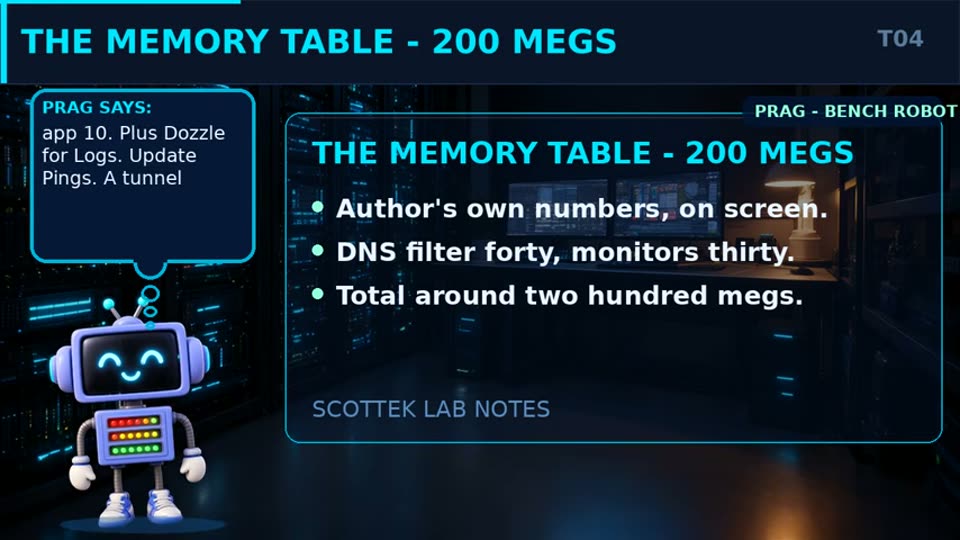
The service lineup and every memory number in this section are the blog author's own claims as presented in the video, not independent measurements. The video rounds the full stack to about 200MB, and the author's detailed numbers sum to roughly 185 to 215MB.
CastSponsorSkipskips sponsorships on cast devices and barely sips memory at 5 to 10MBAdGuard Home, the author's own fork for large blocklists, holds steady at 40MB regardless of list size, and the author reports 60 percent of his DNS queries die at the filterZeroclaw, an AI agent withTelegramaccess to the stick, idles near 3MB of resident memorycloudflaredexposes services remotely without open ports at 8 to 20MBBeszelgraphs the box and sends alerts at about 20MB total between hub and agentGatuswatches the services themselves, pinging each one and flagging failures, at 10MBFusioncovers RSS reading at 22MB after the author tried many readersShiorimanages bookmarks with dead-link-proof archiving at 10 to 20MBDiunpingsTelegramwhen container updates appear at 9MBDozzlegives a log interface for the containers, overlappingBeszel, with no separate memory number claimed
Two warnings travel with the table. The author warns against running a stranger's filter binary and says stock builds are fine on smaller lists. He also gave the agent full access to the stick and nothing else, which the video presents as an honest trade with a tiny blast radius rather than a recommendation.
What the video checked on a matching box
The video reports an independent bench by Prag on a matching 512MB single-core Debian 13 guest. The disclosure matters. Stock x86_64 binaries stood in for the author's ARM builds, so resident memory was compared and processor cycles were not compared. Treat every number below as emulation, not as a result from the stick itself.
AdGuard Homev0.107.80 at setup idle with no blocklists held about 26MB against the author's 40MB loaded fork, and the video discloses this as setup idle rather than a loaded comparisonBeszelv0.21.2 hub fresh and unpaired took about 34MB against the author's 10MB settled claim, flagged in the video as unverified fresh versus settled, so never treat 10MB as verified- The
Beszelagent measured about 14MB against the author's 10MB, in the same ballpark while unpaired Gatusv5.38.0 containerized took about 23MB against the author's 10MB, with the container path described as the honest one because that release ships no Linux binaries, andPodmanran fine inside the 512MB guest
The pattern across the bench is consistent. Fresh measurements run hotter than the author's settled table, so budget headroom instead of planning to the author's exact numbers.
Flashing honesty and buying traps
The video is blunt that getting Debian onto the stick is the hard part. Only sticks from the MSM8916 family work, and lookalike clones with other chips are incompatible, so check the board markings before spending anything. Then check the flash chip itself. The good kind reads as a black square package while the rectangular kind with visible side legs turns the weekend into archaeology.
The outline the video gives is to open the case, confirm the chip and flash type, back up the modemst1, modemst2, fsg, and fsc partitions first, then flash the loader and OS through fastboot or emergency mode. Brick risk is real, and the video budgets an evening rather than ten minutes.
The flashing outline above was not executed live for this guide, so treat it as Untested and not verified here, and follow the primary flashing docs linked below before touching a stick.
Limits and who it fits
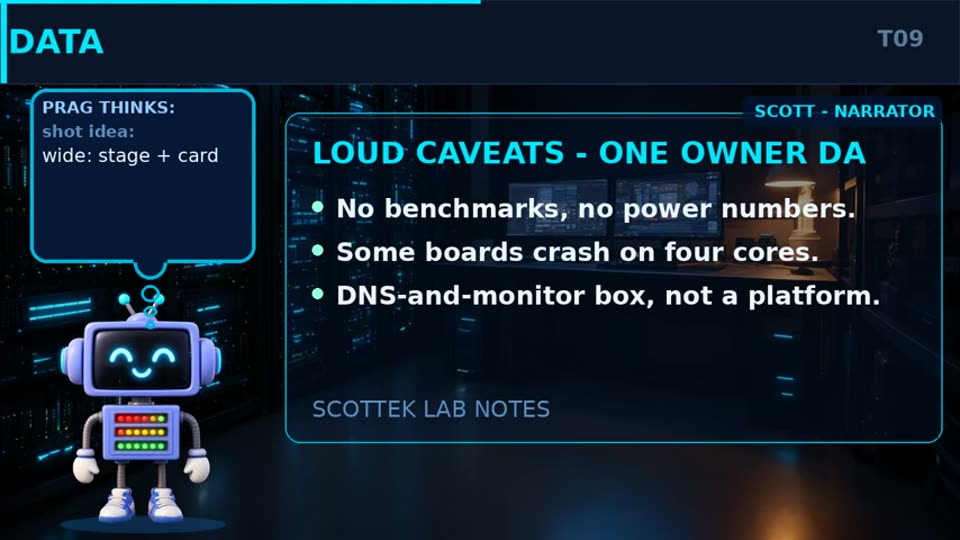
The video keeps its caveats loud, and they deserve repeating in the same spirit. All stack data comes from one owner, with no power numbers and no processor benchmarks. Some boards crash with all four cores enabled, flash wear under constant logging is unmeasured, WiFi is 2.4GHz only, and there is no Ethernet. Added research adds that only about 3.2GB of the 4GB flash is usable for the root filesystem.
- Good fit if you want network-wide ad blocking plus tiny monitors as a weekend project where a random reboot costs nothing
- Skip it for media serving, file sync, virtual machines, or anything another person depends on
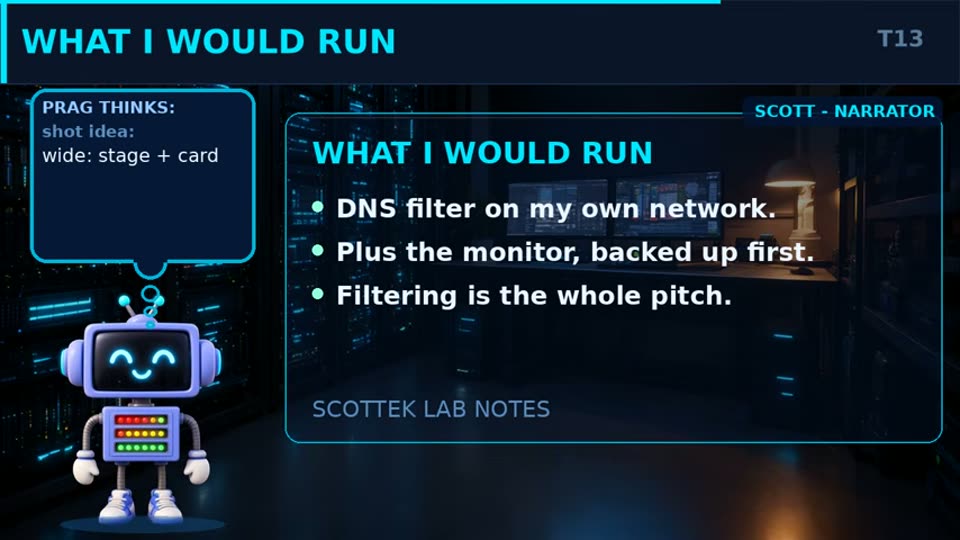
- The author's own framing holds. This is a DNS and monitor box, not a platform you grow into
Cost math and the ladder up
The price argument is simple. The stick lands at ten dollars all in, against roughly one hundred dollars for a comparable tiny-board setup once power, case, and storage join in. That gap is the story, and the video frames ten dollars as a ceiling here rather than a floor.
If the stick runs out of room, the video points up a short ladder. A small board sips power and covers the middle, a used mini computer covers everything else a beginner wants, and the monitoring trio from this video ports straight over, so nothing learned here is wasted.
Sources
- Video this guide companions, with chapters and bench note in its description: $10 OpenStick Homelab: Self-Host on a USB Stick
- Primary blog with the hardware details and memory table: Self-hosting on a 10 USD USB stick
- Flashing docs and supported-stick reference: OpenStick documentation
- Community reception thread, over 800 points and more than 140 comments: Hacker News discussion
- DNS filter upstream used by the author's fork: AdGuard Home
- Monitoring hub and agent upstream: Beszel
- Service status checker upstream: Gatus