Minecraft Paper 1.21.11 on Ubuntu: Free Java Server Setup in 2 Minutes

This guide is a companion to the video walkthrough and never replaces it. No project research folder exists for this video, so this draft is grounded in the video transcript plus the official docs linked below. Every server-setup step described here is untested in this guide and retells what the video presents rather than claiming a reproduced run.
Watch the video first
Watch the video on YouTube before following along. The video runs about 2 minutes (128 seconds), was published on 2026-10-21, and is a self-hosting walkthrough that installs a free high-performance Paper Minecraft Java server with plugin support on Ubuntu 24.04.
What the video says you need
- In the video: a 64-bit Ubuntu install, Java 21, and about 2 GB of RAM — untested in this guide.
- In the video: Paper is the free high-performance Minecraft Java server used here, with plugin support — see PaperMC and the Paper getting-started docs.
- Verified for this guide: the video names Minecraft 1.21.11 build 132 at about 52 MB, and the live Paper Fill API record for build 132 confirms build 132 as a stable build with a 54,846,016-byte jar (about 52.3 MiB) and a published SHA-256 checksum whose leading characters match the on-screen check.
Confirm the platform and install Java 21
- In the video: first confirm 64-bit Ubuntu 24.04 with two probes, whose exact commands are not specified in the transcript — untested in this guide.
- In the video: then install Java 21 from Ubuntu's own repositories, and the video states that install command is the only step needing
sudo— untested in this guide. - In the video: Paper 1.21.11 requires Java 21, consistent with the Paper getting-started docs — untested in this guide.
Download the jar and check its checksum
- In the video: make a server folder and download the official Paper jar for Minecraft 1.21.11 build 132 from the Paper downloads page — untested in this guide.
- In the video: check the jar checksum against the Paper download API before trusting it — untested in this guide.
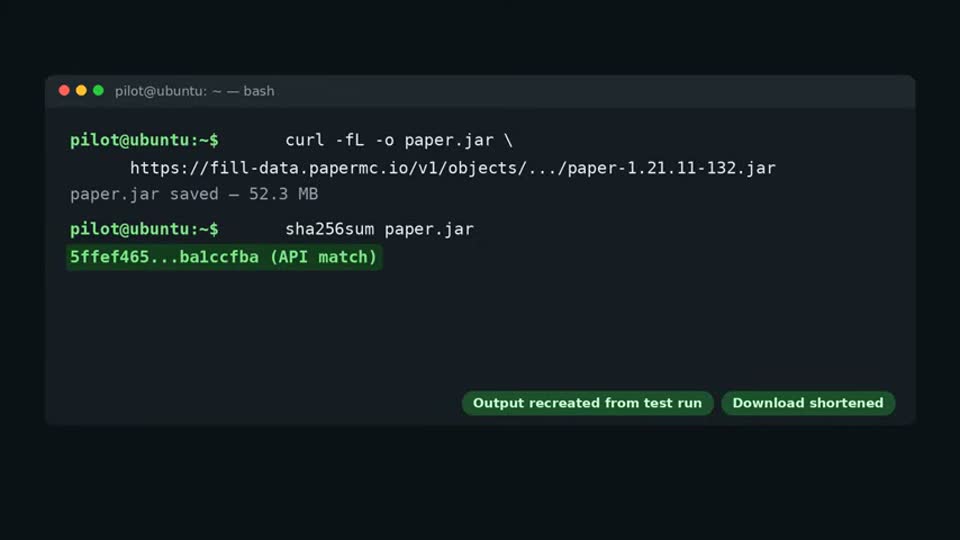
- On screen at about 32 seconds: the recreated terminal shows a
curldownload of the build 132 jar saving 52.3 MB followed by asha256sumcheck whose hash prefix matches the API record, with the download URL shortened for display.
First run stops at the EULA
- In the video: run the jar once, after which Paper patches the server in place, then stops and asks you to agree to the EULA — untested in this guide.
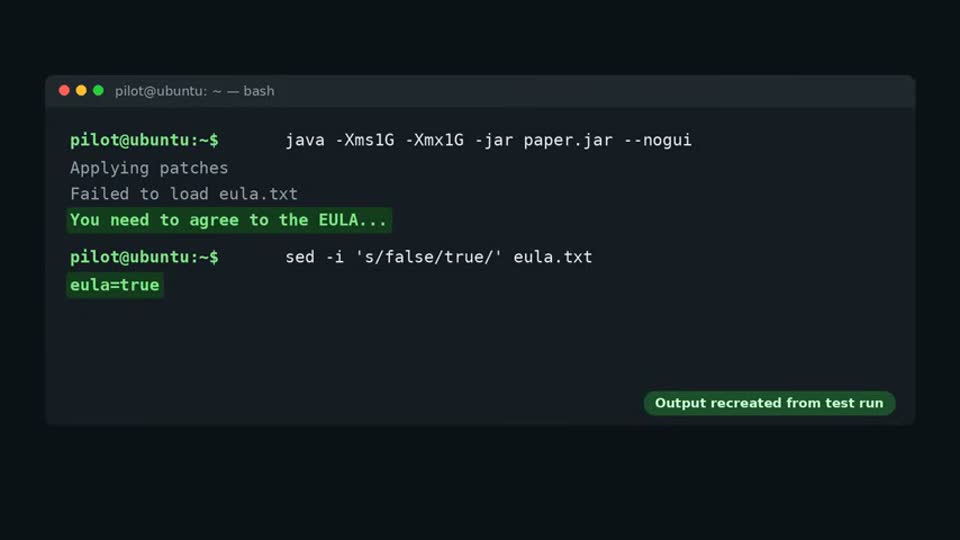
- In the video: open
eula.txt, changefalsetotrue, and save, and actually read that file since it is the license agreement with Mojang — the Minecraft EULA is the document being accepted — untested in this guide. - On screen at about 64 seconds: the recreated terminal shows the first run stopping on the agree-to-the-EULA prompt followed by the
eula.txtedit that sets acceptance.
Tune two lines, boot, and verify
- In the video: tune two lines in
server.properties, the broadcast message and max players — untested in this guide. - In the video: start the server and wait for the word
done, giving the first boot about a minute since it builds the world — untested in this guide. - In the video: verify success through the log line showing
donewith Paper 1.21.11 build 132, a listening port 25565, and generatedworldandpluginsfolders — untested in this guide.
Stay online and add plugins later
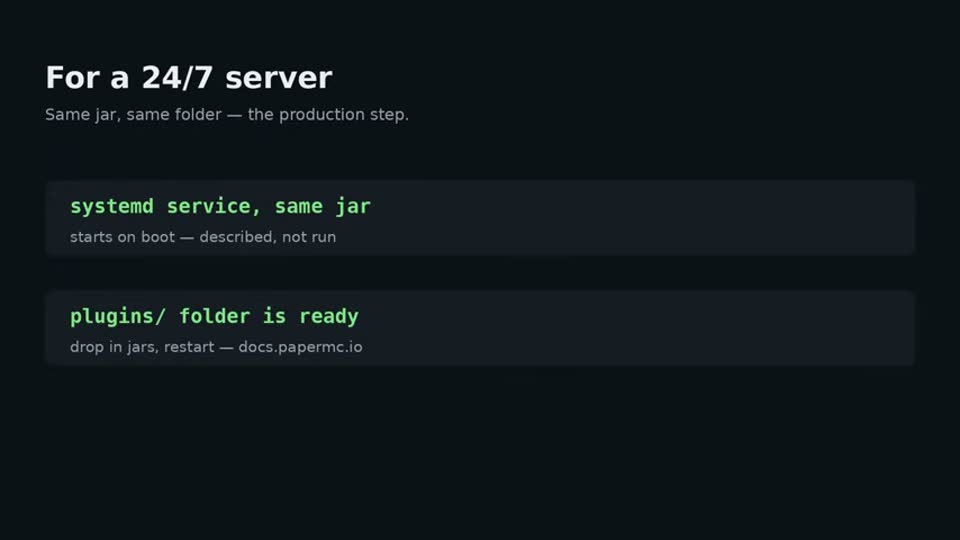
- In the video: for a 24/7 machine, run Paper as a systemd service using the same jar in the same folder, a step the closing slide describes rather than runs — untested in this guide.
- In the video: plugin jars go into the generated
plugins/folder later, followed by a restart — untested in this guide. - On screen at about 96 seconds: the closing slide frames the production step as the same jar in the same folder behind a service that starts on boot, with the
plugins/folder ready for dropped-in jars per the Paper docs.
This article contains no affiliate links, and the video closing sponsor plug is intentionally excluded.