Install Zed on Ubuntu 24.04: Fast Editor in One Script

This guide is the written companion to the video Install Zed on Ubuntu 24.04: Fast Editor in One Script (98s, uploaded 2026-11-07), and it treats the video as the starting point. Claims shown in the recording are labeled In the video, and everything confirmed against the official project docs is labeled Added from the sources. Anything not independently run here is marked untested. Caption fetch for this video returned HTTP 429, so the wording below follows the published video description as the transcript-equivalent, and there is no Prag research folder for this video. The description notes the voiceover is synthetic narration, the terminal frames are simulations recreated from a real test run on Ubuntu 24.04.5, and the GUI first launch is a viewer step.
In the video: Zed 1.27.0 is out and installs on Ubuntu 24.04 with one official script — no sudo, no build, no dependency hunt — taking you from prerequisites to a verified install with shell completions and a configured settings file in under two minutes. Added from the sources: the Linux guide documents the scripted install for 64-bit Linux, and the installation reference is the canonical home of that script.
Check the machine first
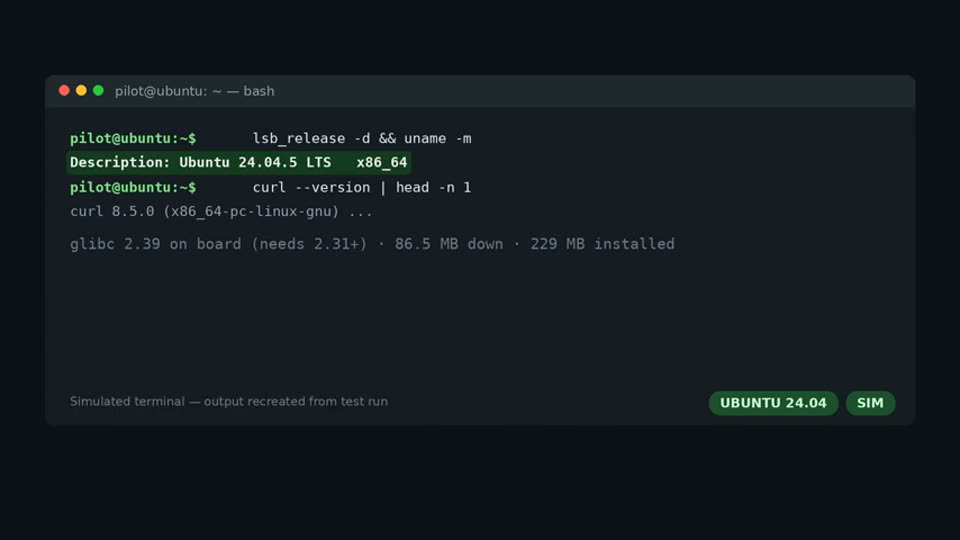
In the video: you need Ubuntu 24.04 64-bit, curl, and about 250 MB free — and because Zed draws with your GPU, install the guest drivers first on a virtual machine. The still shows exactly the readiness answers: lsb_release -d && uname -m prints Ubuntu 24.04.5 LTS with x86_64, curl --version prints curl 8.5.0, and the requirements line reads glibc 2.39 on board against a 2.31 floor with an 86.5 MB download and 229 MB installed. Added from the sources: the Linux guide covers the supported setup, so re-check the glibc floor and sizes there before installing — the figures above are video claims and are untested here.
- Confirm the OS with
lsb_release -d && uname -mand expect Ubuntu 24.04 withx86_64 - Confirm the downloader with
curl --version | head -n 1and expect a version line back - On a VM, install the guest graphics drivers first so GPU rendering works — a viewer step, untested
Run the official script and verify
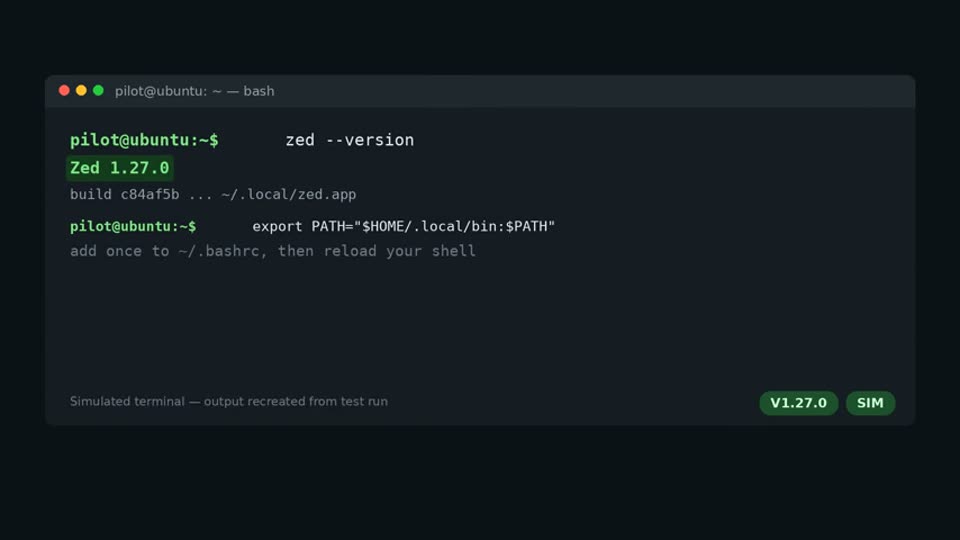
In the video: run the one official install script, then verify with zed --version and fix PATH if the shell cannot find the new binary. The still shows the exact proof: zed --version answers Zed 1.27.0, the build line reads c84af5b under ~/.local/zed.app, and the fix reads export PATH="$HOME/.local/bin:$PATH" with the note to add it once to ~/.bashrc and reload the shell. Added from the sources: the installation reference owns the current script — fetch it from the docs rather than copying a command from memory, and never pipe an unread script straight into the shell. Zed installs per-user into ~/.local, so no sudo is involved at any step.
- Run the official install script from the Linux guide, reading it before you execute it
- Confirm with
zed --versionand expectZed 1.27.0— the 1.27.0 figure is a video claim, so check the download page for the current version if it has moved on - If
zedis not found, add the~/.local/binexport to~/.bashrconce and reload the shell - Add the shell tab completions from the video chapters — a viewer step, untested
Configure settings and launch
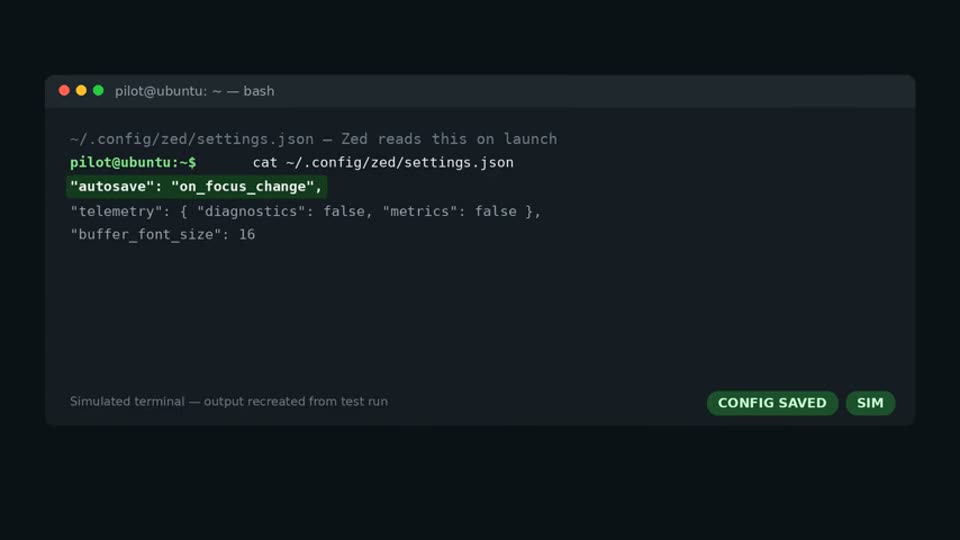
In the video: open settings.json, set autosave and telemetry and font, validate the config, then do the first launch. The still shows the exact file and values: ~/.config/zed/settings.json holds "autosave": "on_focus_change", "telemetry": { "diagnostics": false, "metrics": false }, and "buffer_font_size": 16. Added from the sources: the configuring guide owns the settings format, so validate any edit against it — a typo in JSON silently breaks the config.
- Back up
~/.config/zed/settings.jsonbefore editing so a bad keystroke is reversible - Set autosave, telemetry, and font to the values in the still, which Zed reads on launch
- Validate the file parses as JSON and relaunch — the config flow is untested here
- Keep changes small and follow the docs when a step differs from the video
Sources and next steps
- The companion video is the starting point for this guide and all In the video claims above
- The Linux guide owns the supported setup and the scripted install path
- The installation reference owns the current install script
- The configuring guide owns the
settings.jsonformat - The download page owns the current release version if 1.27.0 has been superseded
- The Zed source repo owns release context, and the community forum carries user notes