DeepSeek Super-Agent: Self-Host AI That Works Alone

This is the companion guide to the video DeepSeek Super-Agent: Self-Host AI That Works Alone (about 10 minutes, uploaded 2026-11-05), and the video is the starting point for everything below. Transcript disclosure: the auto-subtitle fetch for this video failed with HTTP 429, so there is no independently pulled transcript behind this guide. In the video: the claims below come from the owner's description, chapters, and the Prag research package for this video, including the narration text. Added from the sources: the corroboration comes from the two linked GitHub repositories and their docs, checked live. Demo footage is described by the owner as a genuine session from the bench, and the voiceover is synthetic. Anything not independently confirmed is marked untested.
What the bundle is
In the video: DeepSeek's super-agent bundle pairs a long-lived router with worker agents that take tickets, observe first, and open pull requests, alongside AnyModelBot, a one-person desktop app with background tasks and a needs-you inbox. The presenter cloned the prototype repo, ran its test suite, and stood up the Docker console to see what works without a key.
Added from the sources: the team bundle is dsh-superagent-prototype, version 0.1.0, TypeScript, MIT licensed, published October 31 as a bundle for DeepSeek Harness. Its own readme calls it a research prototype, not a product, and notes much of the engineering was done by coding agents. One installation watches one GitHub repository, with Feishu as an optional second source. The video cites about 19,000 stars in five days. At verification time the repo showed 19,472 stars, which is consistent with that claim rather than a contradiction.
How it works
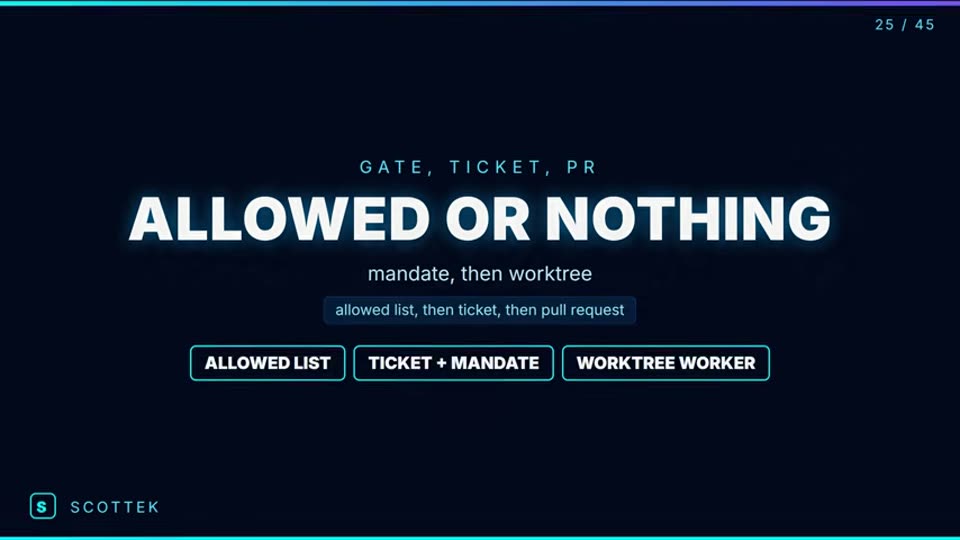
In the video: the path runs gate, ticket, mandate, pull request, with observe-first modes of off, observe, and auto.
Added from the sources: the setup guide and the research-package copy of the readme confirm the shape. A source event such as an issue, a comment, or a CI result on the default branch hits a gate first. The sender must be on the allowed list or post where the team's admission table permits, and bots can never make an explicit request. Accepted work becomes a Ticket with a Mandate, an immutable record of the policy version, scope, matched rules, and requester. Each Ticket runs in its own worker session and directory, and the reply returns to the same conversation, usually as a pull request. Every GitHub message identifies itself as coming from an automated agent, and the agent never enables auto-merge under its own account.
- Off means only explicit requests run.
- Observe, the default, logs candidates as would-accept without acting.
- Auto starts work on a positive assessment.
Added from the sources: the deployment docs run both presets as danger-full-access under the operator's own OS user, so separate directories are not a sandbox. Isolate it with a dedicated OS account, a dedicated GitHub account, and ideally a throwaway virtual machine. The presenter's bench ran on exactly that kind of Debian VM, which is good practice rather than paranoia.
Bench results and limits
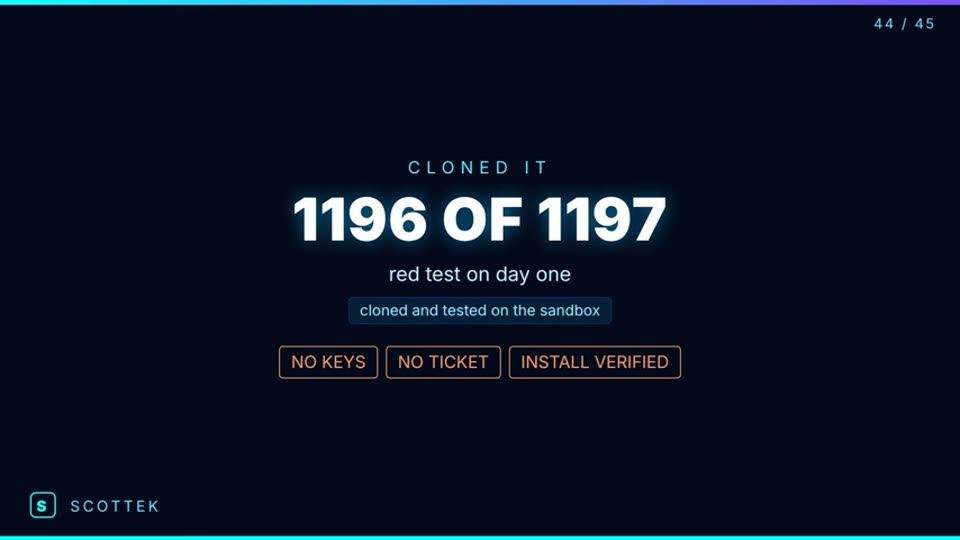
In the video: the presenter cloned the repo and ran the project's own gate of pnpm check, reporting 1196 of 1197 tests passing with a clean typecheck and build, plus vendor numbers of 12.4 minutes median task time and 23.2M tokens per run.
Added from the sources: the repo's docs confirm pnpm check runs typecheck, tests, and build, so the command itself is grounded. The 1196-of-1197 result, the roughly 23-second run across 59 files, the sub-3-second standalone build, and the single Feishu event-consumer failure are video claims carried over from the narration package and are untested here. The 12.4-minute median, the 15.7-minute 95th percentile, and the 23.2M cached tokens per run are DeepSeek's own preliminary figures on a synthetic stream with simulated coding work, measuring coordination rather than code quality, and should be read as vendor numbers, not independent results. The live loop with an agent account, an allowed list, and a model key was never run in the video's bench, so the autonomy behavior is documented, not demonstrated.
Limits to log before you adopt anything. The watchdog that checks whether workers make real progress is a design direction, not shipped code. Workers have authority but no budget and no supervision in the team bundle, so a run of bad pull requests would spend exactly the attention the system is meant to save. Reception is split in a telling way: tens of thousands of stars against an eleven-point Hacker News thread with no comments at the time of the video, which measures excitement rather than scrutiny. Support covers github.com only, not Enterprise Server, needs a regular GitHub user account, and Feishu is the only chat source with a cookbook for adding more.
AnyModelBot one-person setup
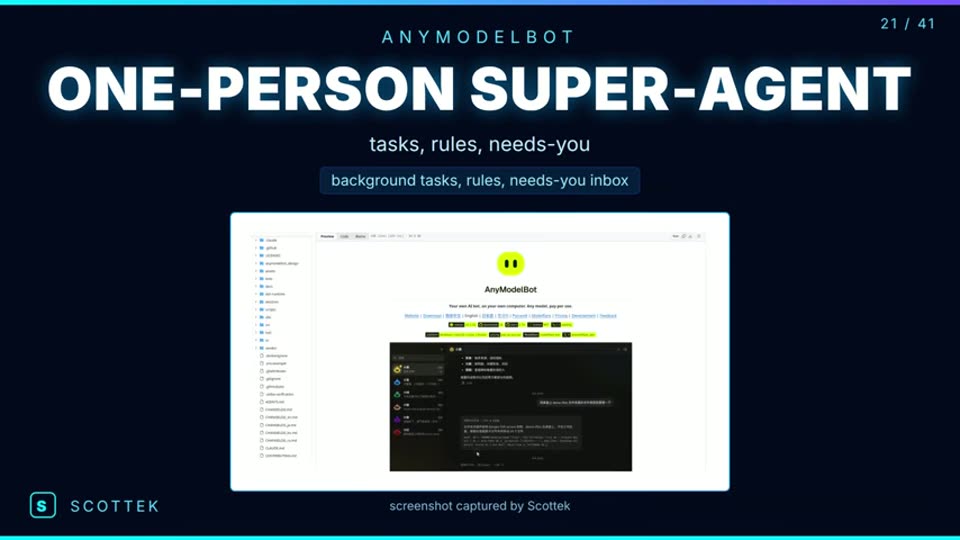
In the video: the one-person counterpart is AnyModelBot, an MIT-licensed Electron and Python desktop app for Windows, Mac, and Linux, with background tasks, scheduled rules starting in observe mode, a needs-you inbox, and per-task budgets.
Added from the sources: the AnyModelBot repo confirms MIT licensing, with 2,712 stars at verification time, and states the agent runs on DeepSeek Harness with its super-agent design drawn from the prototype linked above. Each bot is a persona with its own model, workspace, and memory, asking approval before acting outside its workspace. Model access comes through one pay-per-use gateway key or your own provider keys, and the app itself has no subscription. The readme's honest boundary is worth repeating: conversations, memory, files, and keys stay on the device, but model requests travel through the gateway and request logs are kept, so local-first is not offline.
In the video: the second bench stood up the Docker server shape, with the container up in seconds, the console answering on port 3600, a 401 without a token, and a first-boot model-catalog sync failure worth knowing about.
Added from the sources: the documented Docker shape is docker run -d --name amb -p 3600:3600 -v amb-data:/data ghcr.io/modelflare-ai/anymodel-bot, with the token read via docker exec amb cat /data/ui-token and the console opened at the host port 3600 address with that token, while npm start from source opens the console at http://127.0.0.1:3600/. The image size, startup time, idle RAM, 401 behavior, and catalog-sync 404 are video claims and are untested here. Signing in needs a gateway or provider key, so no model behavior was demonstrated keyless.
Verdict and pilot
In the video: rules on paper first, with a short allow-list, narrow rules, observe mode, and a week of reading the would-accept log before switching anything to auto.
That is the right call, and the sources support it. Start narrow, tune for less noise, and own what the agent posts, since the operator owns every word under its account. Give the agent its own account and its own machine boundary, keep secrets out of any repo it watches, and skip both tools until those boundaries exist. Solo users should set the per-task and per-rule budgets before automating anything and price the gateway before trusting background rules to a fresh install. An unwatched agent does not save attention. It spends yours while you are not looking.
Next steps
- Read the prototype readme and its numbered docs in order, starting with the philosophy and authorization documents.
- Walk the setup guide with a coding agent, as the repo instructs, before touching a real repository.
- Compare with the AnyModelBot repo if you are solo, and check its pricing and trust pages before adding a key.
- Rewatch the video chapters on observe-first and the verdict for the pilot sequence.