UniFi Network 11: Migrate to OS Server

This companion guide starts from the video UniFi Network 11: Migrate to OS Server (2026-10-17, about 10 minutes) and adds grounded detail from the Ubiquiti docs, the Network 11 announcement, and homelab migration write-ups. The episode is a narrated walkthrough rather than a filmed live migration, so every section keeps In the video claims apart from Added from the sources research, and every install and migration step here is untested in this guide so verify each one during a real move.
Why version 10.6 is the end of the line
- In the video: a Ubiquiti community post dated September 18 2026 says Network 10.6 is the final release for the standalone Network application, the software most self-hosters still call the controller, while existing installs keep running and nothing shuts them off remotely.
- In the video: Network 11 was announced October 12 2026 and ships only for UniFi OS Server or a UniFi console, so any future feature requires moving platforms.
- Added from the sources: the Network 11 announcement is dated October 12 2026 and credited to Tom Hildebrand, and the UniHosted OS Server overview confirms the September 18 2026 community post naming 10.6 as the last standalone release, both checked October 2026.
What Network 11 actually adds
- In the video: a re-engineered telemetry engine claims 30 percent better scalability, plus per-device Live Traffic Flows on a UniFi gateway with on-demand termination, and a Time Machine Topology view that replays how the network changed over time.
- In the video: WiFi WAN turns a nearby wireless network, including a phone hotspot, into a primary or backup uplink on four supported gateways, the Dream Router 7, the Dream Router 5G Max, the Express 7, and the Cloud Gateway Industrial, each needing UniFi OS 6.0.10 or newer, alongside expanded VLAN capacity, simpler routing policies, and Network Lists that refresh from a URL.
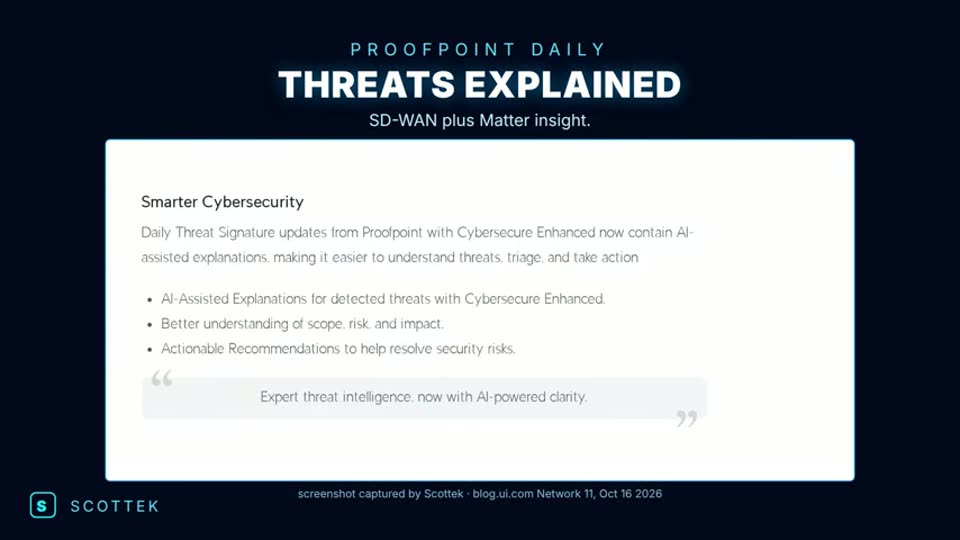
- In the video: threat signatures update daily from Proofpoint with plain-language AI-assisted explanations in the enhanced tier, new SD-WAN policies cover failover plus per-application routing across sites, and Matter pairing codes bring Thread gadgets into the same topology with battery, firmware, and signal data, plus camera or browser-upload custom device icons.
- Added from the sources: the Network 11 announcement confirms the 30 percent telemetry claim, Live Flows, Time Machine Topology, WiFi WAN, external-URL Network Lists, daily Proofpoint signatures, SD-WAN policies, Matter pairing codes, unified IP plus Thread topology, and custom icons, while the SetupTeam Network 11 notes confirm the four-gateway WiFi Uplink list and the 6.0.10 floor, and note that Ubiquiti uses both the WiFi WAN and WiFi Uplink names, all checked October 2026.
OS Server is a platform, not an upgrade
- In the video: UniFi OS Server is a new management platform and Network 11 runs on it as an application, the same arrangement Dream Machines and Cloud Keys always had, bringing Organizations now called Fabrics for grouping sites, single sign-on through your own identity provider, and Site Magic SD-WAN between gateways, with the server appearing in Site Manager.
- Added from the sources: the official self-hosting article states OS Server is the new standard replacing the legacy Network Server and lists the same three additions, Organizations, IdP integration, and Site Magic SD-WAN, plus Site Manager compatibility, checked October 2026.
- In the video: the software itself is free with no tiers and no device tax.
- Added from the sources: the official self-hosting article says it is completely license-free for all UniFi users, and the UniHosted OS Server overview notes Ubiquiti sells Official Hosting at 29 dollars a month for up to 100 devices as the managed alternative, checked October 2026.
- In the video: there is no official Docker image because the server needs host-level services for discovery and adoption, unofficial community images are unsupported, Windows cannot run it as a service yet, Hyper-V guests are unsupported, and cloning the VM shares remote-access tokens and confuses Site Manager.
- Added from the sources: the official self-hosting article confirms no standalone Docker or Podman container, the Windows-service gap, the Hyper-V exclusion, and the do-not-clone warning, and adds that only the Network app is self-hostable while Protect, Access, Talk, and Connect need a console, checked October 2026.
Requirements before install day
- In the video: on Linux use Ubuntu 24.04 or newer or Debian 13 or newer with Podman 4.9.3 or newer and slirp4netns, with 2 GB of RAM minimum, 10 GB of free disk, and wired 100 megabit networking, plus x86 and ARM64 builds and Windows through WSL 2 and macOS 13.1 and up.
- Added from the sources: the official self-hosting article lists Ubuntu 24.04 plus, Debian 13 plus, or any modern systemd distro with libc 2.31 plus, Podman 4.9.3 plus with pasta networking, and slirp4netns 1.2 plus, alongside Windows 10 plus or Server 2022 with WSL 2, macOS 13.1 plus, x86-64 and ARM64 builds, 2 GB RAM, 10 GB free storage, and 100 Mbps wired Ethernet, checked October 2026.
- Added from the sources: the server must stay running to manage devices, though devices keep their last configuration while it is offline, per the official self-hosting article, and security bulletins land several times a year, for example Bulletin 067 of August 26 2026 moving OS Server 5.1.21 and earlier to 5.1.37 or later, per the UniHosted OS Server overview, so budget update time.
The migration path in four steps
- In the video: step one is a backup you trust, recording the Network application version, the online device count, and whether admins are local or linked, then downloading a full
.unfbackup under Settings, System, Backups and copying it off the machine being replaced, untested here. - Added from the sources: the homelab migration walkthrough shows the same Settings, System, Backups, Download flow with a settings-only or full-history choice, dated October 14 2026 and checked October 2026.
- In the video: step two builds a fresh Linux VM, updates it with
sudo apt updateandsudo apt upgrade -y, installs the runtime withsudo apt install podman slirp4netns -y, downloads the installer for the right architecture from the Ubiquiti downloads page, makes it executable withchmod +x ./unifi-os-server-installer, runs it withsudo ./unifi-os-server-installer, and closes the old Network Server before installing so the two never fight over devices, untested here. - Added from the sources: the official self-hosting article gives the same Linux sequence as
sudo apt-get update,sudo apt-get install podman slirp4netns, download via the releases or download page,chmod +xon the installer, thensudoto run it, plus the same close-the-old-server-first ordering, checked October 2026. - In the video: step three restores on first boot by choosing Restore From Backup instead of creating a new site and uploading the
.unffile, with Windows and macOS auto-detecting a legacy install in the default location and Linux using the Site Export tool, carrying SSIDs, VLANs, firewall rules, and history across, untested here. - Added from the sources: the official self-hosting article confirms the restore-from-backup first screen, the Windows and macOS auto-migration offer, and the Linux Site Export fallback, and the homelab migration walkthrough shows the upload then Restore click-through succeeding, checked October 2026.
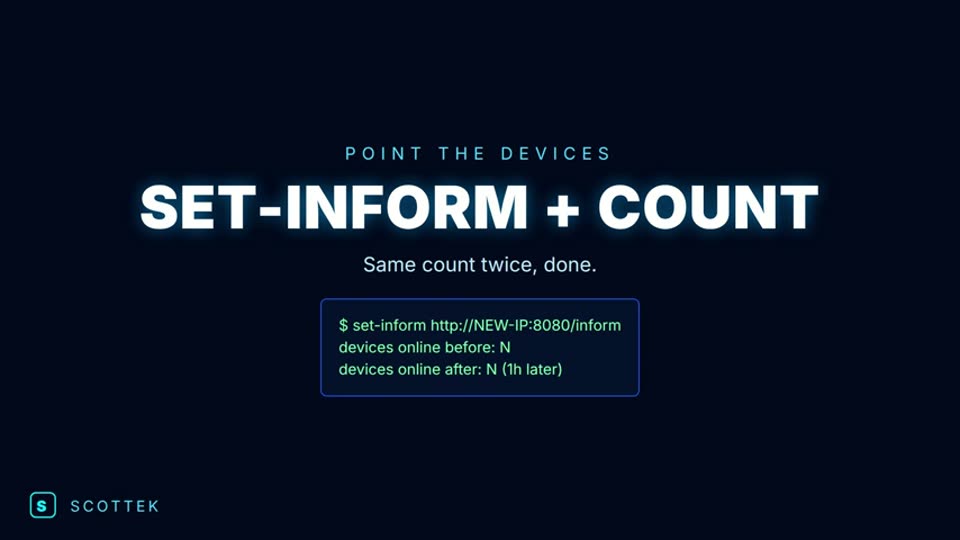
- In the video: step four re-points devices by aiming their inform hostname at the new server or SSHing into each device and running
set-inform http://NEW-ADDRESS:8080/inform, then counts online devices against the step-one number twice, an hour apart, treating a missing access point as a stale inform address, untested here.
Cautions, placement, and the verdict
- In the video: the 11.0.81 build migrates every site to the zone-based firewall, so review inter-VLAN rules for printers, smart-home gear, and servers, while statistics history clears and devices re-provision with a brief interruption of up to about 20 minutes, so back up first and update after hours.
- Added from the sources: the SetupTeam Network 11 notes confirm the zone-firewall migration, the stats reset, the re-provision outage window, and the backup-off-console plus after-hours advice, and characterize 11.0.81 as Early Access with early community reports of routing and firewall issues, checked October 2026, so complex firewalls and third-party-router layouts should wait for the general release.
- In the video: run OS Server as a proper Linux VM, treat the community one-click Proxmox LXC helper as real but prefer a full VM for the network you depend on, keep unofficial Docker builds for experiments, and note Dream Machine owners are unaffected since their consoles run their own Network app.
- Added from the sources: the homelab migration walkthrough converges on the same placement advice of a supported Linux VM for production with containerized builds as experiments, checked October 2026, while the LXC helper script itself was not verified here and should be treated as an untested community option.
- In the video: migrate now for Network 11 visibility, hotspot backup, or any future release, stay on 10.6 if the network is simple and stable while scheduling the move, and do tonight's homework of counting devices and taking a fresh off-box
.unfbackup.