Bun Setup Ubuntu: Fast JavaScript Runtime, First Script Running

This guide is a companion to Bun Setup Ubuntu: Fast JavaScript Runtime, First Script Running, and the video is the starting point for everything below. There is no separate research folder for this one, so this guide is built from the video itself plus the official Bun documentation. Watch the video first for the narrated run-through, then use the sections below as the written reference. Video claims and added research are labeled throughout, and anything not verified here is marked untested rather than stated as fact.
What you need
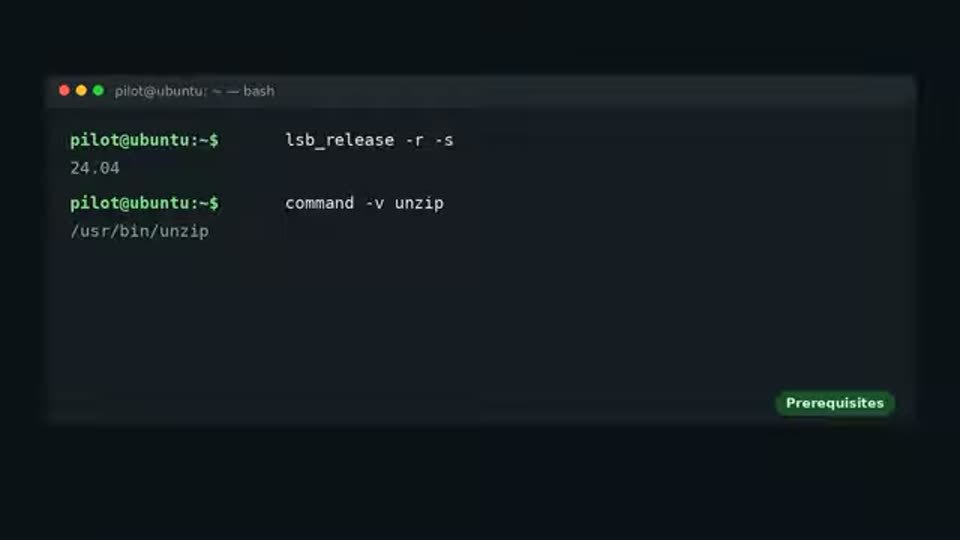
- In the video: 64-bit Ubuntu 24.04 with
curl,unzip, and an internet connection. No account and nosudofor Bun itself, since it installs into your own home folder. - In the video: the demo machine reports release
24.04, already hasunziponPATH, and its kernel clears the recommended 5.6 floor. - Added from the sources: the installation docs confirm the home-directory install under
~/.bun/binand nameunzipas the Linux prerequisite, installable withsudo apt install unzip. Check your kernel withuname -r.
Install with the official script
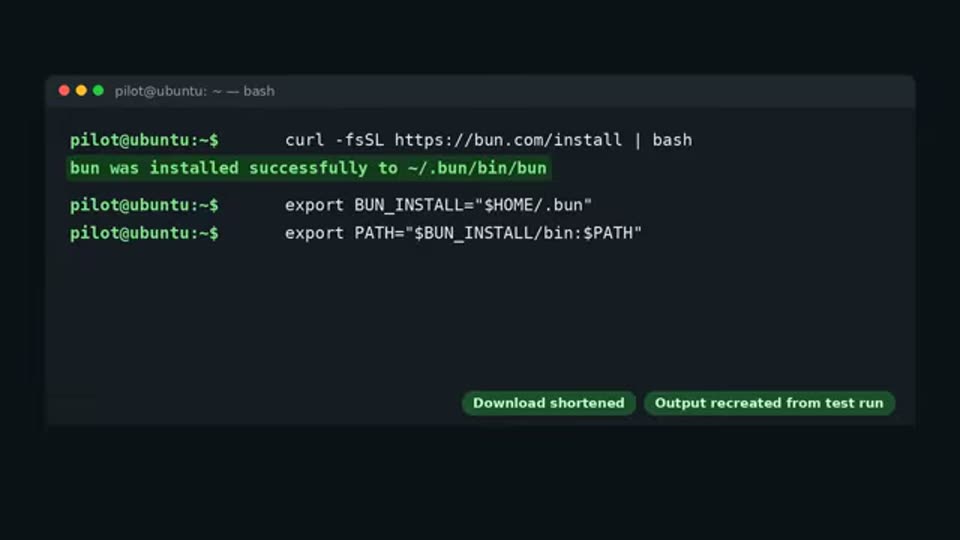
- In the video: the install uses the official script, described as the docs-recommended Linux path, with one honest warning: this pipes a script from the internet into your shell, so confirm the address is the official
bun.comdomain and preview the whole script before running anything. - Added from the sources: the installation docs give the Linux command as
curl -fsSL https://bun.com/install | bash, which fetches the latest Bun into your Bun folder. - In the video: on success the installer reports Bun landed in
~/.bun/bin/bun, and two export lines put it onPATHfor the session. - Added from the sources: the installation docs use
export BUN_INSTALL="$HOME/.bun"andexport PATH="$BUN_INSTALL/bin:$PATH", and note that acommand not foundafterwards means~/.bun/binis not on yourPATH.
Verify and run your first script
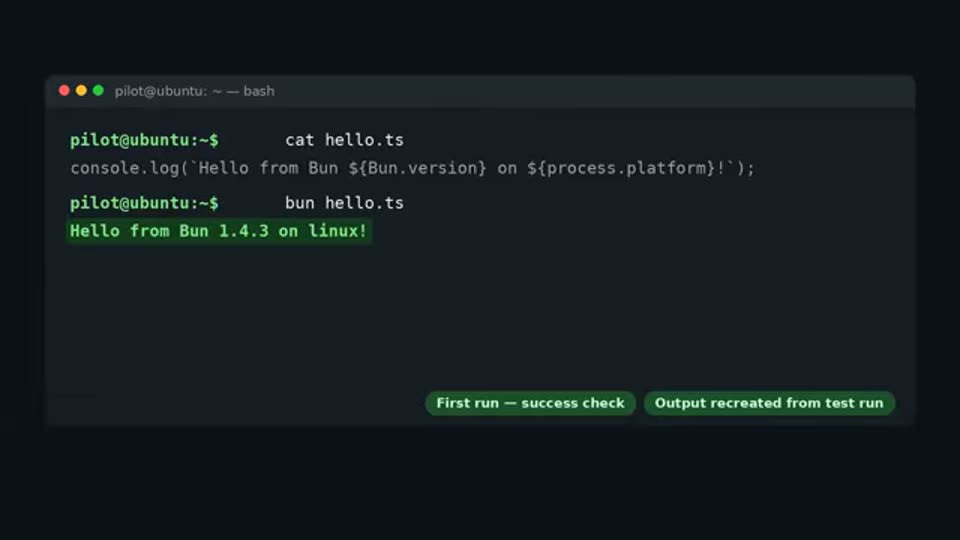
- In the video: the demo saves a one-line TypeScript file,
hello.ts, whose singleconsole.logline uses the built-inBun.versionglobal andprocess.platform, then runs it directly withbun hello.tsand no build step. - In the video: the output reads
Hello from Bun 1.4.3 on linux!, which pins the demo build to Bun 1.4.3 as a point-in-time snapshot, so check the Bun releases page for the current stable. - Added from the sources: the quickstart likewise runs TypeScript directly with no build step, and the installation docs verify with
bun --versionandbun --revision, where the revision string pins the exactoven-sh/bunbuild.
Keep Bun updated
- In the video: Bun upgrades itself with one command, and the docs link in the description takes you further.
- Added from the sources: the installation docs give that command as
bun upgrade, and direct binaries for specific versions sit on the releases page if you ever need one. - Untested here end to end on Ubuntu 24.04, so treat the commands above as docs-grounded rather than execution-tested.