OpenBao 2.7.2: Your Own Vault for Homelab Secrets (3-Min Install)

Watch the video first
This article is a companion to the video, not a replacement for it, and the video is the starting point for everything below.
In the video: the video is titled OpenBao 2.7.2: Your Own Vault for Homelab Secrets (3-Min Install), runs about 1.5 minutes (86 seconds), was published 2026-10-28, and its focus is homelab self-hosting: installing the OpenBao secrets vault on Ubuntu 24.04 and proving it works with a first secret. The presenter installs OpenBao 2.7.2, released October 26th, from the official source at openbao.org, needing 64-bit Ubuntu, curl, and about 1 GB free, with no sudo and no Docker. The Linux archive unpacks to a single bao binary of 182 MB, the version check answers 2.7.2, the built-in development server is started and the shell pointed at it, bao status reports unsealed, a first secret is written and read back (the write returns version one), and the web UI is opened on the same machine. The video ends by pointing at raft storage and systemd for real use, with commands and docs in its description. Its closing voiceover-tool plug is excluded from this guide, and there are no affiliate links here.
Added from the sources: everything below the video summary comes from the primary sources linked inline, checked October 28, 2026. The project's official site describes OpenBao as community-run under open governance with an OSI-approved license, and its FAQ addresses the fork status. Nothing here was run hands-on: every install and operational step is untested.
What you need
In the video: 64-bit Ubuntu 24.04, curl, and about 1 GB free, with no sudo and no Docker.
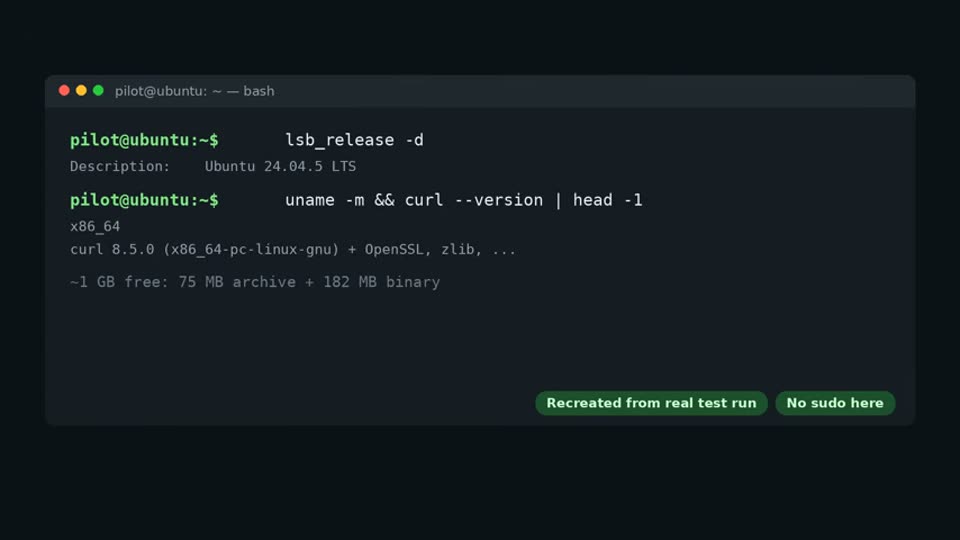
Added from the sources: the v2.7.2 release page confirms 2.7.2 as the latest release, published October 26, 2026, as a security and bug-fix release. The install docs list several install routes (package manager, container images, precompiled binary, source); the video uses the precompiled Linux archive route, which matches the no-sudo, no-Docker framing. This prerequisites list is untested here.
Install the binary
In the video: download the official Linux archive, unpack it so one file called bao is the whole program, and ask for the version: 2.7.2 answers.
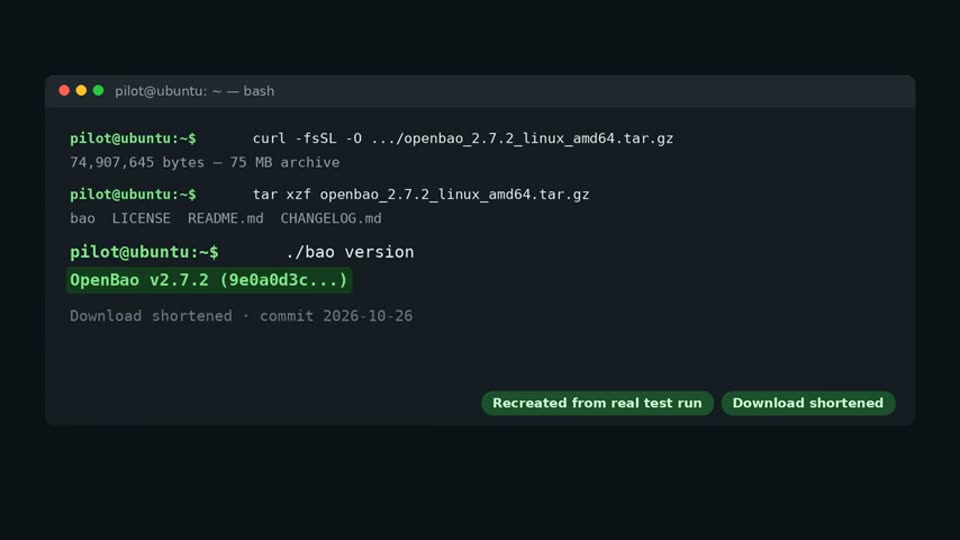
Added from the sources: the version string visible on screen shows the commit short hash starting 9e0a0d3, which matches the release commit on the v2.7.2 release page, so the video's binary lines up with the published release. Prefer the release page or the install docs over any download URL shown truncated on screen. Every install step is untested here.
Prove it works with a dev-mode round-trip
In the video: start the built-in development server, point the shell at it, and check bao status, which says unsealed at version 2.7.2, so the vault is open for testing. Store a first secret, then read it back: the write returns version one and the read shows the stored value, and that round trip proves the vault works. Then open the web UI on the same machine.
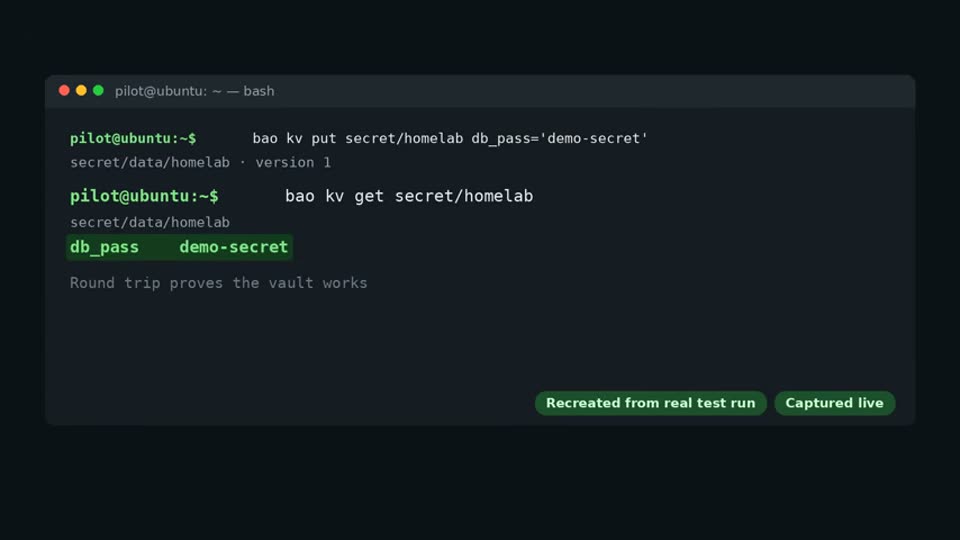
Added from the sources: the dev server docs confirm bao server -dev needs no further setup, is automatically initialized and unsealed, and mounts a versioned key-value store at secret/. The developer quickstart walks the same loop the video shows: point the shell at http://127.0.0.1:8200, write with bao kv put, read back with bao kv get. Its warning is blunt: the dev server keeps data in memory and is insecure, so never use it for real secrets or in production. This whole flow is untested here.
Graduate to raft storage and systemd for real use
In the video: this is only a pointer, not a walkthrough: graduate to raft storage and systemd for real use.
Added from the sources: the raft storage docs describe Integrated Storage (Raft) as the production-ready way to persist OpenBao data, with each cluster node keeping a replicated copy, and note that a cluster_addr is required. The install docs cover post-installation hardening and reference an example systemd service file shipped with the OpenBao source. Moving from dev mode to an initialized, unsealed, systemd-managed server with durable storage is untested here; treat the linked docs as the authority.
What was verified and what was not
- Verified October 28, 2026: the video embed loads, all seven external links in this guide return HTTP 200, the v2.7.2 release date of October 26, 2026 and its security/bug-fix character match the GitHub release page, and the commit hash visible on screen matches that release.
- Untested: every command and procedure in this guide. This environment could not run them, so follow the linked official docs and treat dev mode as throwaway testing only.