Run Inkling 2 Mini Locally on Ubuntu (Day-1 Open Weights)

A companion to the setup video
This guide is a companion to Run Inkling 2 Mini Locally on Ubuntu (Day-1 Open Weights), an 86-second day-one video that installs Inkling 2 Mini as open weights on Ubuntu 24.04 with the Unsloth loop-ready server build, downloads the model files, starts a local server on port 8080, and answers a real API call on your own machine with no account and no cloud. The follow-up bench, Inkling 2 Mini on a 16GB Tesla T10 — First Local Bench, is covered in the bench section below and has no separate guide entry.
One auto-subtitle fetch was attempted for the setup video and failed as rate-limited, so the video description stands in as the transcript for this guide.
What you need
Ubuntu 24.04with about20 GBof free disk, pluscurland Pythonpip- Around
18 GBof memory for the recommended 4-bit quant, or the 2-bit file with the same steps on a smaller box - Background from the Thinking Machines announcement: a 26.4B looped MoE where the middle 12 layers run 3 times for 48 layer applications from 24 layers of weights, with 8-of-128 experts per token and native vision, released under Apache 2.0
- Video chapters at
0:00result and prerequisites,0:14the loop-ready server build,0:33download the model files,0:44start the local server,0:54verify with a real API call, and1:06chat, API and vision from your homelab
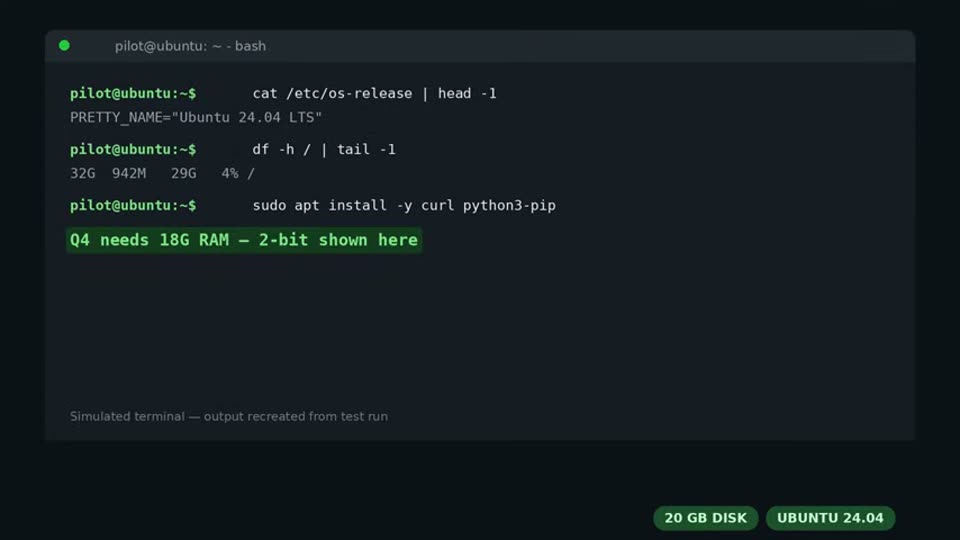
Install the loop-ready server build
- Stock runners cannot load this model, so take the loop-ready build from the release page, following the Unsloth docs
- Refresh packages with
sudo apt update, then install prerequisites withsudo apt install -y curl python3-pip - Create a workspace with
mkdir -p ~/inkminiand enter it withcd ~/inkmini - Download the CPU server archive with
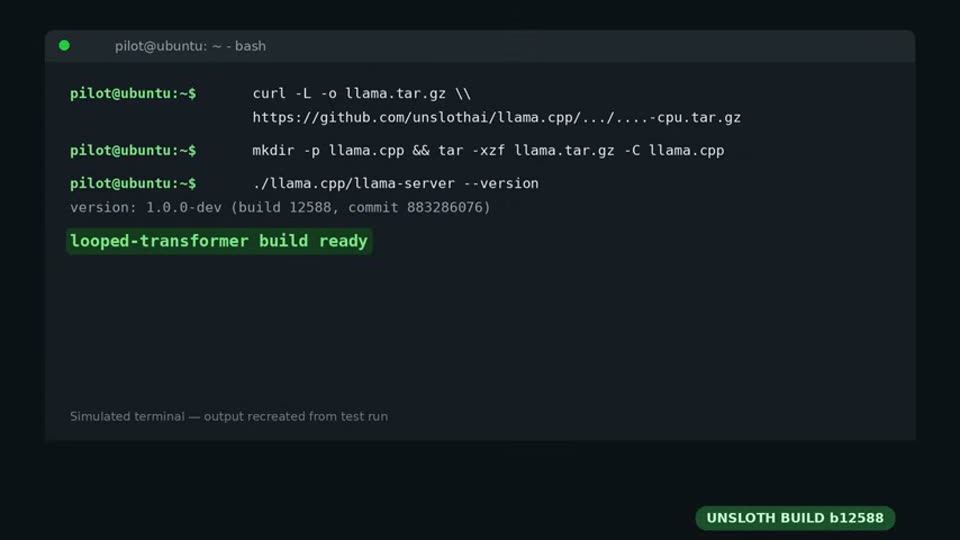
curl -L -o llama.tar.gz https://github.com/unslothai/llama.cpp/releases/download/b12588-mix-c0c3de8/app-b12588-mix-c0c3de8-linux-x64-cpu.tar.gz - Unpack it with
mkdir -p llama.cppandtar -xzf llama.tar.gz -C llama.cpp, then confirm with./llama.cpp/llama-server --version - GPU owners take the cuda12 or rocm build from the same release page and keep 99 GPU layers untested here
Download the model files
- Install the downloader with
pip install -U huggingface_hub --break-system-packages - Pull the quant, projector, and draft files from the GGUF repo with
hf download unsloth/Inkling-2-Mini-GGUF Inkling-2-Mini-UD-Q4_K_XL.gguf mmproj-F16.gguf dspark-Inkling-2-Mini-Q8_0.gguf --local-dir Inkling-2-Mini-GGUF - A smaller box swaps in the 2-bit file with the same steps, per the video description
- There is no file named
UD-IQ3_K_XLin that repo, so do not ask for it by name
Start the server and verify
- Serve with
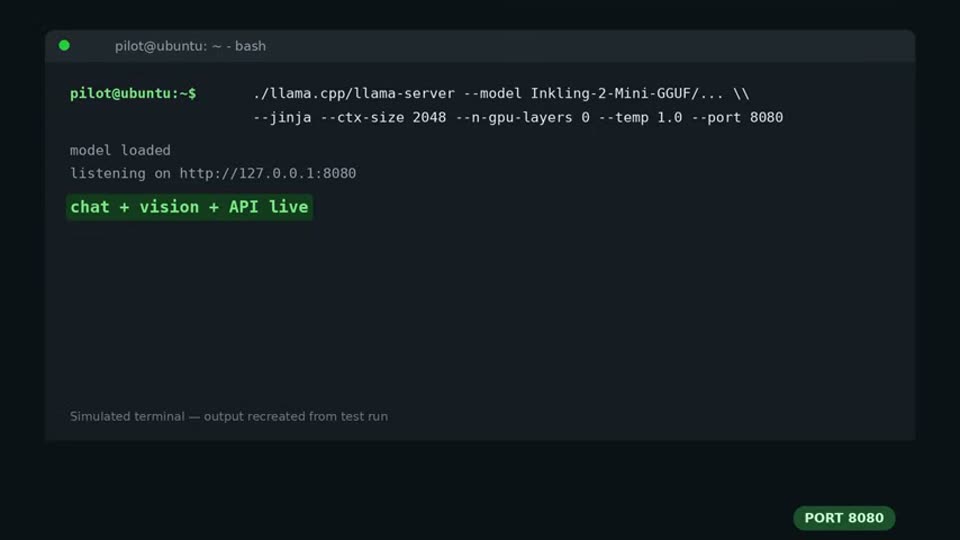
./llama.cpp/llama-server --model Inkling-2-Mini-GGUF/Inkling-2-Mini-UD-Q4_K_XL.gguf --mmproj Inkling-2-Mini-GGUF/mmproj-F16.gguf --model-draft Inkling-2-Mini-GGUF/dspark-Inkling-2-Mini-Q8_0.gguf --spec-type draft-dspark --spec-draft-n-max 3 --n-gpu-layers-draft 99 --jinja --ctx-size 32768 --n-gpu-layers 99 --parallel 1 --temp 1.0 --top-p 1.0 --top-k 0 --min-p 0.0 --port 8080 - The sampling follows the docs with
temp 1.0,top-p 1.0,top-k 0, andmin-p 0.0, plus--jinjaand a 32K context - CPU-only boxes set
--n-gpu-layers 0 --n-gpu-layers-draft 0and shrink--ctx-size - Check health with
curl -s http://127.0.0.1:8080/health, then send a chat-completions call with the tinyadd(a,b)prompt andmax_tokens 60 - Open
http://127.0.0.1:8080in a browser for chat with vision untested here
First local bench on a 16GB Tesla T10
- The bench used the closest real 3-bit file,
UD-IQ3_XXSat 11.66GB, because the requestedUD-IQ3_K_XLdoes not exist, running under runnerb12588with-ngl 99, 4K context, 1 slot, low reasoning effort, andtemp 1.0 - Load proof is the verbatim reply
bench ok inkling three, and the coding task returned a correctthreading.Timerdebounce with astopfinish reason - Server timings were 98.6 tok/s prefill and 31.8 tok/s decode, with VRAM at 11.585GB loaded and 11.673GB at 97 percent under generation, all per the bench log
- Attributed vendor scores are 48.2 percent DeepSWE v1.1 and 77.9 percent SWEBench Pro v2 Hard, while the strongest-agentic-model-for-its-size line is the vendor claim from Unsloth rather than a verdict here
- The much-quoted 94.7 percent is Unsloth WikiText top-token agreement, a compression metric rather than a task-accuracy score
Honest limits
- Vision and multimodal chat are untested because the bench ran text-only with no projector loaded
- The bench fit only 4K context in one slot, and the recommended 4-bit quant near 18GB does not fit a 16GB card
- Default reasoning effort burned the full 512 and 1024 token budgets thinking with zero content and stopped on length both times, so low-effort mode is the one that answers
- The on-screen terminals are simulated cards recreated from a test run, per the in-frame footer, while the commands above come from the video description and the linked release page
- The sandbox note covers an 8GB CPU box on the 2-bit quant with a smaller context using the same commands with the file name swapped
Troubleshooting
- Folded versus unrolled layouts cause the early failures, since stock
b12572reportsblk.24.attn_q.weightas not found, the older Unslothb12540prebuilt fails the same way, and a PR-branch CPU build expects 734 tensors but reads 714, because the published files use the folded layout with per-visit loop tensors while that branch expects one block per layer visit, a fix tracked upstream as PR 32695 - Missing CUDA libraries break the portable build, which ships with no CUDA runtime so device listing reads none until 3
cudartandcublasversion-12 libraries are side-loaded from the matching bundle - Out-of-memory at larger contexts forces a fallback to CPU, because a 16K context with 4 slots did not fit, so drop to 4K context with 1 slot and keep
-ngl 99 - Reasoning budget can vanish with nothing to show, since the model may spend the whole thinking budget and return empty content under default effort, so switch to low-effort mode for answers and keep test prompts small