Kitesurf 0.0.1 on Ubuntu: Self-Host the Agent Browser in Minutes

Watch first
This is a companion to the video, and the video is the starting point for everything below. Auto-subtitles were unavailable when this guide was written, so the video description serves as the transcript-equivalent. Start here: Watch the video on YouTube.
What the video shows
- The presenter installs Cloudflare Kitesurf locally on 64-bit Ubuntu 24.04 with internet access, using Node 22 or newer plus
gitandcurl. - The video pins its toolchain to
pnpm 9.15.4and Bazelisk acting as Bazel, then clones Kitesurf on GitHub and installs the locked dependencies. - The presenter starts the engine with
pnpm run devon port8787, with no Chrome and no container involved. - The video then curls the health and version endpoints and connects Puppeteer to the local browser socket to save
page.png. - The video notes local runs are free while cloud deploy needs a Workers Paid plan, and that build time is compressed with the first build compiling the Rust core.
What I verified myself
- I checked with
curlthat Kitesurf on GitHub returns HTTP 200. - I checked with
curlthat the Kitesurf open-source announcement returns HTTP 200. - I checked with
curlthat the Kitesurf developer documentation returns HTTP 200. - From the announcement post I corroborated that Kitesurf is open source under the Apache 2.0 license, runs on Workers, parses HTML, applies CSS, executes page JavaScript, renders screenshots without a browser container, and supports CDP clients such as Puppeteer.
- From the same post I corroborated the three parts Engine, PageScript, and PageRenderer, plus the note that deploying to your own account needs a Workers Paid plan.
- From the developer docs I corroborated that Kitesurf is in beta and free behind per-account limits, that it suits agents accepting trade-offs versus full Chromium, and that it cannot yet do video or WebGL, bot-challenge TLS handshakes, or long-running authenticated persistent sessions.
- I did not run the install or dev commands myself, so every step below is video-attributed and marked untested where I could not verify it.
Before you start (from the video, untested here)
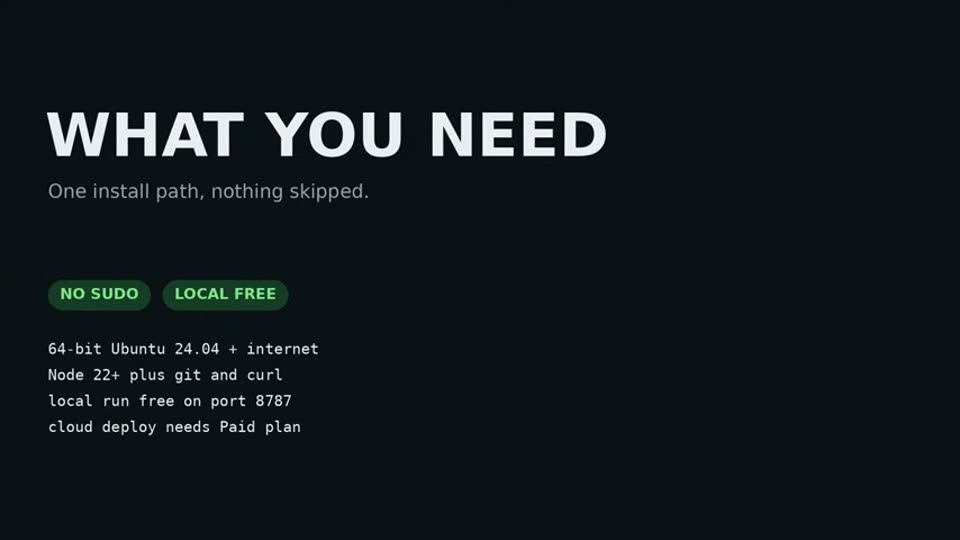
- You need 64-bit Ubuntu 24.04 with internet, Node 22 or newer,
git, andcurl. - The video pins
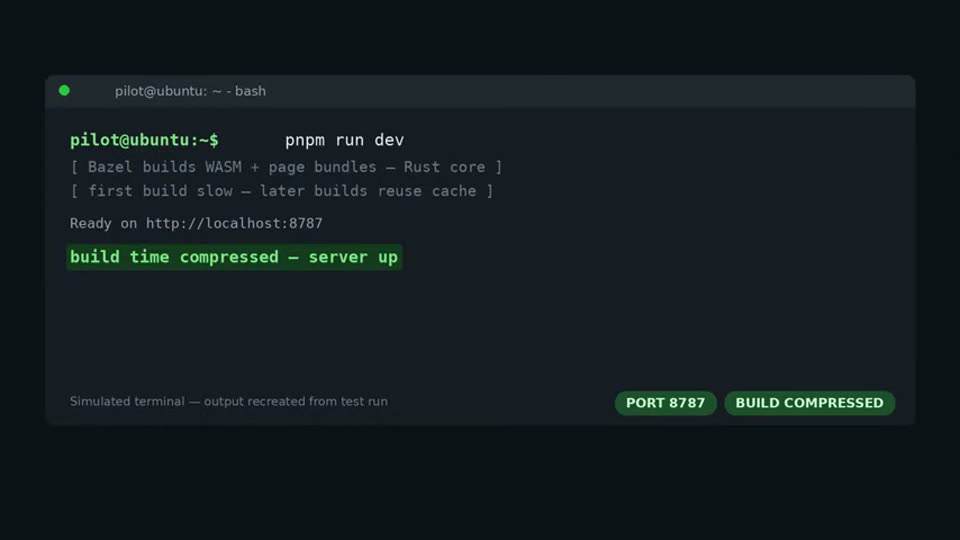
pnpm 9.15.4and uses Bazelisk as Bazel, so match those before continuing. - Expect the first build to take a while because it compiles the Rust core, and note the video compresses build time.
Run it and prove it works (from the video, untested here)
- Clone the repo linked above, install the locked dependencies, and start the engine with
pnpm run devon port8787, all exactly as the video shows.
- Curl the health and version endpoints the video demonstrates to confirm the engine answers locally.
- Connect Puppeteer to the local browser socket as the video shows and save
page.pngas the screenshot proof.
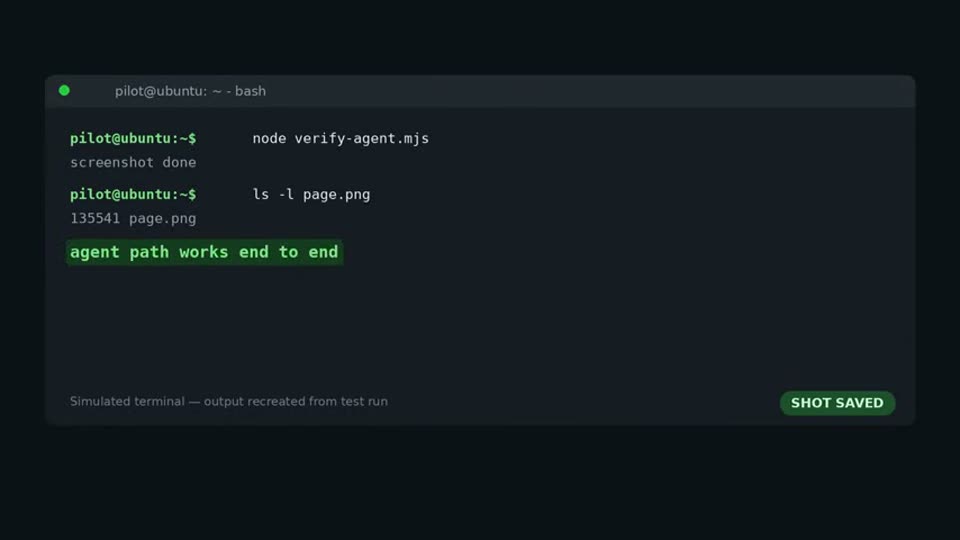
- The exact clone, install, dev-server, endpoint-path, and Puppeteer snippet details are untested here, so treat the video plus the copyable commands pinned in the video package as authoritative for exact text.
Honesty notes
- The video description states terminal frames are labeled simulated with real captured outputs, and both terminal cards carry that label in-frame, so treat in-video terminal output as a recreation rather than a live log.
- The same description notes build time is compressed and the voiceover is synthetic narration.
- Video claims and my own checks are kept separate above, and anything I could not verify is labeled untested instead of stated as fact.