SteamOS on Your Phone: 3 Ways Compared

Companion guide to the video: SteamOS on Your Phone: 3 Ways Compared
In the video: a roughly twelve-minute showdown compares three ways to play Steam games on a phone with no streaming and no PC in the middle: the DroidDeck app, the GameHub app, and community ports of the Steam Frame operating system. The presenter states up front that there is no official Steam phone, that Valve says it is not building one, and that every frame of phone UI in the video comes from project docs and captures because no Snapdragon flagship was on the bench for this video.
Added from the sources: every requirement, version, and compatibility claim below was checked against the project READMEs, FAQs, and release pages linked inline, plus Valve docs and press. Single-user game reports are aired as single-user reports, never as guarantees, and anything not tested for this guide is labeled untested.
Why any of this is possible in 2026
In the video: Valve spent years building an ARM escape hatch. Since 2018 Valve has funded FEX, the emulator that translates x86 PC code to ARM in real time, and Valve shipped a native ARM64 Steam client plus ARM64 Proton as part of the Steam Frame, the standalone headset that went on sale September 18 running SteamOS on a Snapdragon 8 Gen 3. GDC slides confirm the plan to expand Proton for ARM64 so x86 games run on ARM chips, and Valve engineer Pierre-Loup Griffais told The Verge the goal is games working across ARM phones, laptops, and desktops without per-architecture ports, then ruled out a Valve phone in the same interview. The stack is open, the phone is not coming, and the community filled the gap three ways.
Added from the sources: the Frame's hardware and launch details line up across Valve and press coverage: Snapdragon 8 Gen 3 (ARM64), 16GB LPDDR5X, $1,059 for 256GB and $1,299 for 1TB, with reservations opening September 14 2026 and purchase emails from September 18, per Valve and press coverage. Valve's Steamworks Frame docs describe the Proton, Lepton, and FEX layers behind ARM compatibility. Two Valve-side facts bound the whole guide: a Valve developer stated in October 2026 that Steam for Linux is not currently supported on ARM hardware outside the Frame, per TechPowerUp, so every path here is community-carried; and SteamOS 3.9.5 stable (October 23 2026) reintroduced Android binder IPC, per Steam news, though whether that restores anything for Waydroid-style setups is untested and this guide claims nothing there.
Contender one: DroidDeck, the truest Steam client on Android
In the video: DroidDeck is open source under GPL-3.0 and the closest thing to SteamOS on a phone today: an Android app, no root, that boots a Linux runtime on the device and runs Valve's own official ARM64 Steam client inside it in Big Picture mode with the Deck interface, including the Quick Access Menu, the performance overlay, and per-game controls. Windows games go through Valve's ARM64 Proton plus FEX, rendering goes through Turnip drivers, and a connected controller shows up as a real Steam Deck pad with gyro and a working Quick Access button. Version 0.6.0 landed October 22 with Xbox Game Pass experiments, itch.io libraries, and faster Remote Play, and everything the app borrows comes from Valve's servers. The project states plainly it is not affiliated with Valve.
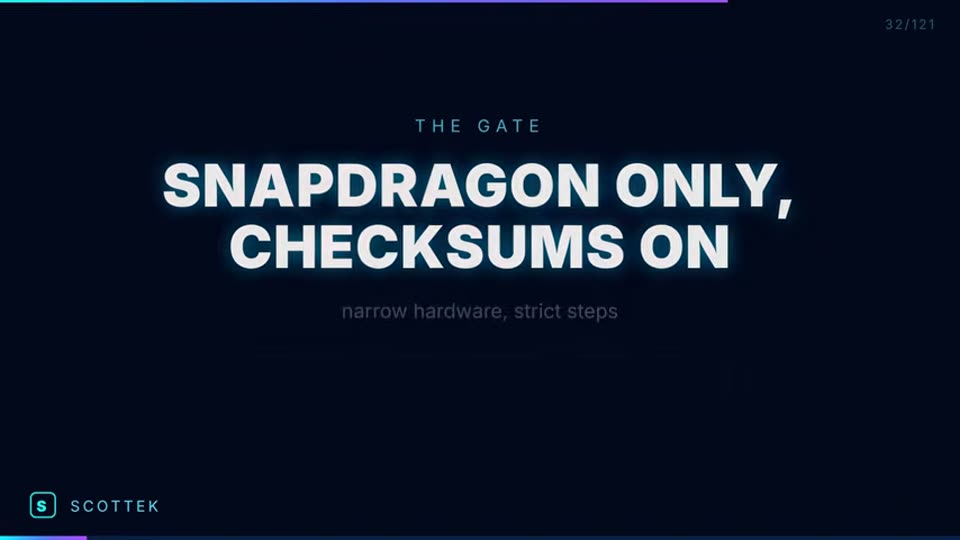
Added from the sources: the DroidDeck FAQ confirms the core claims: Android 9.0 or newer, Snapdragon with Adreno 730 or newer (8 Gen 1 and up, 7+ Gen 2, Adreno 8xx), no root via proot sandboxing, the authentic Valve ARM64 client with Steam Cloud sync, and a hard ceiling at kernel-level anti-cheat. The DroidDeck repo (GPL-3.0, unaffiliated with Valve by its own README) and its releases page confirm 0.6.0 as the latest release at research time, with earlier component tags not counting as app releases. Practical gates from the docs: budget around 4GB before games, take the plain release APK from GitHub Releases only and check it against the published checksums because fake download sites exist, and on Android 14 and up you must turn off child-process restrictions in Developer options before Steam will launch. Two documented tensions worth keeping: Adreno 600-series support is experimental while Mali, Tensor, Exynos Xclipse, PowerVR, and Adreno 710 are unsupported, and the FAQ lists the Retroid Pocket 5 as verified even though its chip class is experimental, so treat device lists as a starting point, not a promise. Play reports stay single-user anecdotes: a Galaxy S25 owner played Half-Life 2 for about three hours with heat but no alarm, a Fold-class owner put a full weekend into Ace Combat 7 and rated it better than GameNative in most games, indie titles on flip-class phones run smoothly, while one user could not launch FTL at all and heavy titles like Code Vein and Persona 3 Reload may not function even on an 8 Elite. None of these installs were tested for this guide.
Contender two: GameHub, the easiest free start
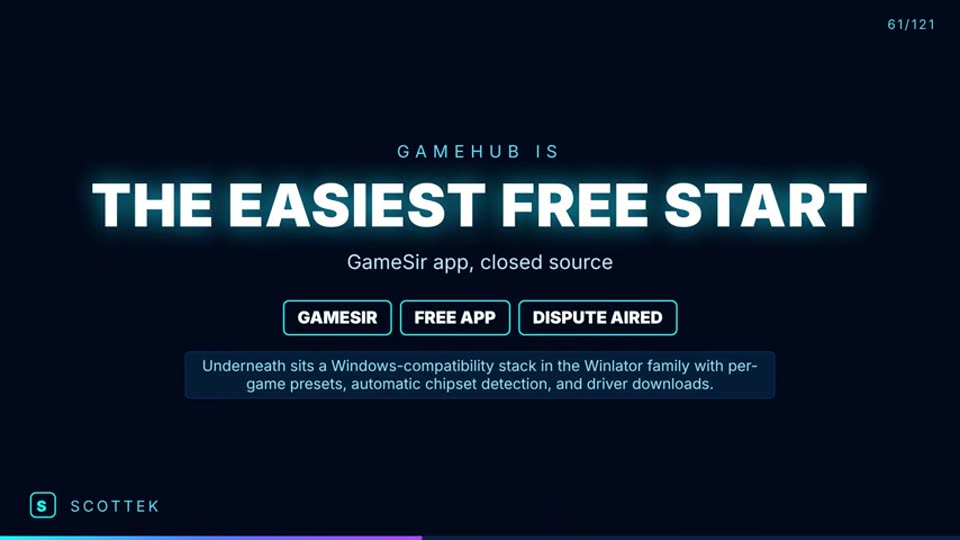
In the video: GameHub from GameSir, the controller company, is the easiest on-ramp: a free, closed-source Android app where you log into Steam inside the app, download actual PC game files from Steam's servers, and play locally with no streaming and no root. Underneath sits a Windows-compatibility stack in the Winlator family with per-game presets, automatic chipset detection, and driver downloads. Press calls it a customized Winlator fork while GameSir says the core is in-house and only references Winlator's interface, and that dispute is unresolved, so the video reports both claims without picking one. Two scope notes: the Play Store build is Steam titles only and the full build with other stores and sideloaded executables comes only from GameSir's own site, and the iPhone app of the same name is a controller utility, not the emulator, so this contender is Android-only.
Added from the sources: GameHub's official site confirms the app is currently free, that its PC emulator can run offline, and that it supports controllers and touch controls, with contact at gamehub@gamesir.com. The Play package com.xiaoji.egggame is the free Steam-titles-only build per Google policy; the full build lives on GameSir's site. On performance, the video's numbers are press-reported and device-specific, not tested here: multiple independent hands-ons ran Skyrim around 60fps at 720p on flagships, per PCWorld, while GTA V results disagree by source and should be read as a range, and a November 2025 Notebookcheck hands-on found roughly 10 of 600 owned games flagged runnable, which predates the 6.x builds and cuts both ways. The usual killers are anti-cheat multiplayer, launcher chains, and flaky cloud saves. On controversies: the open-source attribution dispute is real but the copying charge is unproven either way, early telemetry complaints drew a remediation claim from GameSir, and no verified case of a GameHub-caused VAC ban was found in Valve's records or the press. Practical press guidance points at Snapdragon 8 Gen 2, 3, or Elite-class chips with 12 to 16GB of RAM on Android 13 or newer for 3D and AAA titles, attributed as press guidance, not as GameSir's own published minimum, since GameSir states no universal minimum.
Contender three: Frame ARM ports, full SteamOS at bootloader risk
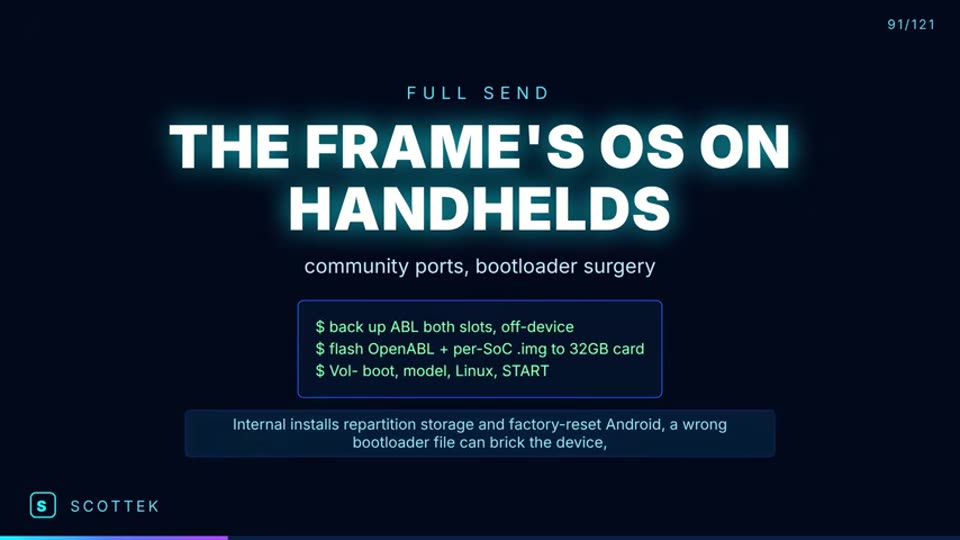
In the video: the community took the Steam Frame's own ARM SteamOS userspace and married it to community kernels for Snapdragon handhelds. Three names cover the space: MaSieS4Fun's SM8550 build for the 8 Gen 2 line including the Odin 2, hashtagbasit's broad port stable on 8 Elite and 8 Gen 3 devices like the Odin 3 with OpenABL as its bootloader, and Holodor targeting the Odin 3 with a leave-Android-intact install path. Every project says the same thing: community project, not affiliated with Valve, do not ask Valve for help. Installation means backing up the bootloader, flashing community bootloader code to both slots, imaging per-chip builds to a 32GB card with checksum verification, and booting from a menu. The SD-card path leaves Android untouched and is the sane trial; internal installs repartition storage and factory-reset Android, a wrong bootloader file can brick the device, and no vendor has published a warranty position, so the video claims nothing there. The phone column is nearly empty: only a couple of Legion tablets and a DIY REDMAGIC guide, so these are handheld builds that happen to run on phone chips.
Added from the sources: the SteamOS-ARM-Port repo by hashtagbasit, the SteamOS-ARM-SM8550 repo by MaSieS4Fun, and Holodor each carry the unaffiliated-with-Valve notice, and OpenABL, the same developers' ROCKNIX ABL successor whose bootloader menu and flash scripts ship bundled on current port images per the project's own credits, provide the graphical boot menu and standard Linux boot for Qualcomm handhelds. (The older ROCKNIX ABL repo currently returns 404, so it is named here but not linked.) Stable, beta, and testing device lists move fast: check the repos themselves rather than any static list here, since v1.3.0 stable landed October 7 and v1.4.1 fixed 8 Elite sound with OpenABL 1.0 arriving October 16. None of these flash paths were tested for this guide, and the warranty effect of flashing community bootloader code remains unverified with no vendor statement found.
Verdict: which path deserves your weekend
In the video: DroidDeck is the truest Steam-on-Android app, GameHub is the easiest free start, and Frame ports are the fullest SteamOS at bootloader risk. The verdict: with a Snapdragon flagship in your pocket, start with DroidDeck; if you are curious with any Android phone, try GameHub's free Play build first; if you are a handheld tinkerer, SD-card a Frame port and keep Android intact. The risk ladder is simple: apps uninstall, bootloader flashes do not forgive. All three play offline once games are local, and multiplayer with kernel anti-cheat is a no across the board. Before anything else, the phone reality check: phones throttle under sustained load with no fans, so expect 720p medium with modest frame targets and shorter sessions than a Deck, with indies, older 3D, and well-worn Proton titles as the sweet spot and brand-new AAA plus anti-cheat multiplayer as the wall.
Added from the sources: if you want Steam on your phone tonight with zero risk, Valve's actual official phone path is the Steam Link app, which gained HDR on Android 15 and up via the beta client in October 2026, per Steam news. Local play is the adventure; streaming is the appliance. Every install step, game result, and device list above traces to the linked project docs and the press hands-ons cited; forum anecdotes stay single-user reports, the Winlator-fork question and the GameHub controversies stay attributed and unresolved where the record is unresolved, and no step in this guide was bench-tested by the presenter, who discloses having no Snapdragon flagship hardware.