Map Your Entire Homelab From One YAML File (Ubuntu Install)

This companion guide starts from the video Map Your Entire Homelab From One YAML File (Ubuntu Install) (118s, uploaded 2026-11-12) and adds grounded detail from the homelab-diagram repo, the mozilla/Fira font files, and the dashboard-icons set so you can turn one text file into a poster-style map of your entire lab. Steps below follow the video description, since auto-subtitles returned HTTP 429 and the description is the transcript-equivalent, and anything added from the linked repos is cited inline. The install itself is untested here because no test run was performed on this box for this video.
What you need
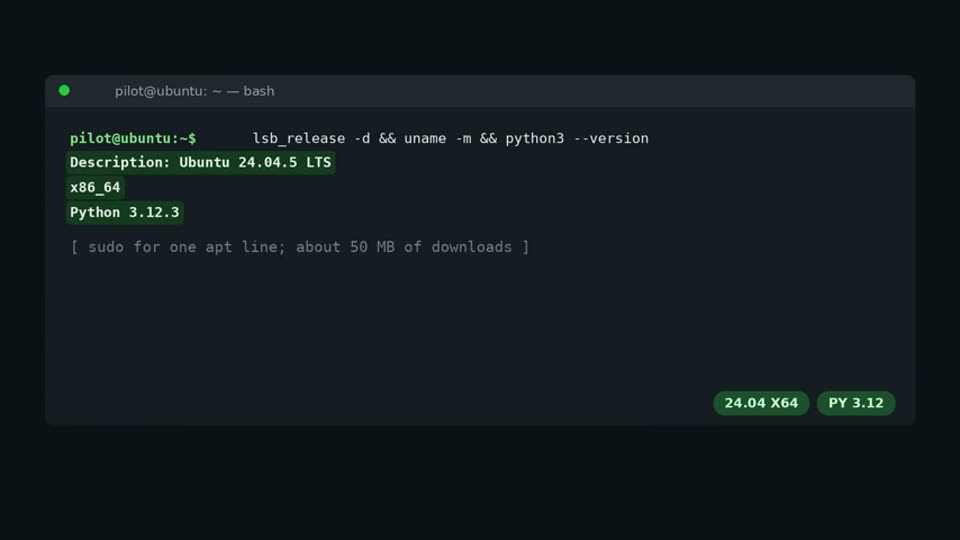
64-bit Ubuntu 24.04with a terminal and administrator rights, per the video descriptionPython 3on the machine (the video's check card showsPython 3.12.3onUbuntu 24.04.5 LTS,x86_64)- About
50 MBof downloads, per the video description - Your lab notes: your network details become the diagram, per the video description
Install the packages and the missing fonts
- Install the three packages with
sudo apt install python3-yaml python3-pil librsvg2-bin fonts-firacode, per the video description - Ubuntu does not ship Fira Sans, so download
FiraSans-Bold.ttfandFiraSans-SemiBold.ttffrom mozilla/Fira into~/.fonts, then runfc-cache -f, per the video description - The font step matters because the build renders labels in Fira Sans; skipping it changes the poster's look, per the video description
- This
aptline is the only step that needs administrator rights, and these install steps are untested here
Clone the repo and fetch the icons
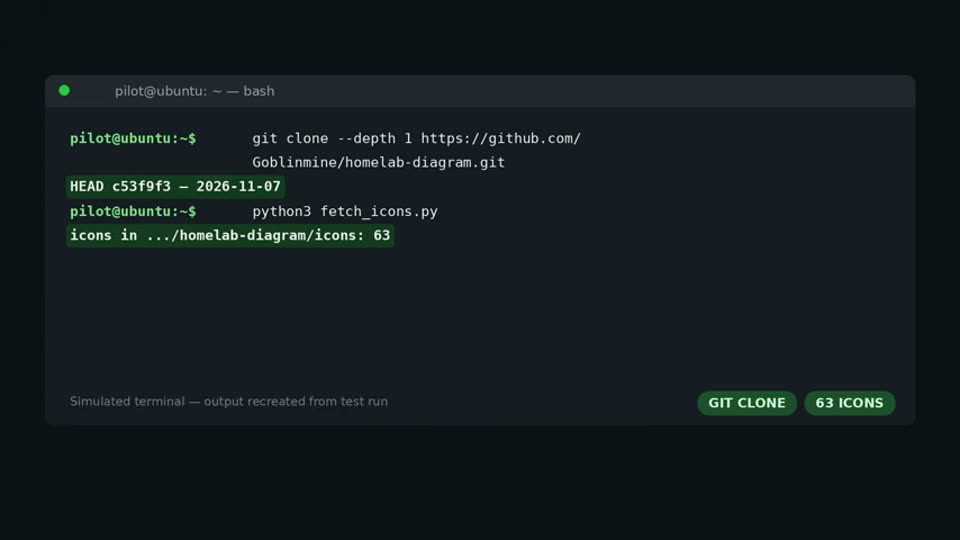
- Clone with
git clone --depth 1 https://github.com/Goblinmine/homelab-diagram.git, per the video description; the sandbox render in the video used commitc53f9f3(2026-11-07, MIT license, both confirmed via the GitHub API) - Run
python3 fetch_icons.py, which pulls63service icons from the dashboard-icons set; the build fails without them, per the video description - Build with
python3 build.py, which takes about18 secondsand writesout/homelab.svgplusout/homelab.png, per the video description - These clone and build steps are untested here, so confirm the file names before running them on your own machine
Verify the 4K render
- List the outputs with
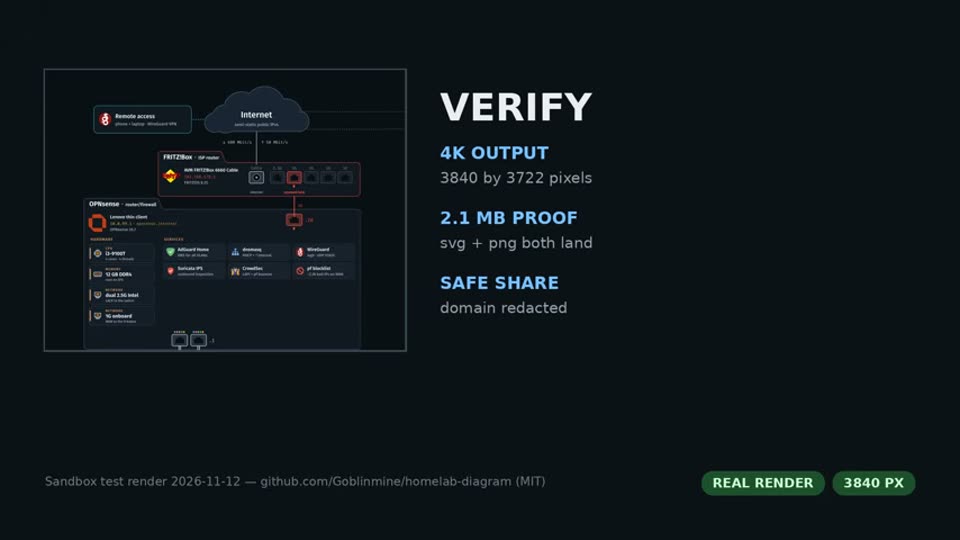
ls out/and open the PNG to check it, per the video description - The video's verify card shows a
3840-pixel-wide render with bothsvgandpnglanding and the real domain redacted, so the poster is safe to share - The sandbox test render in the video was produced from the MIT-licensed repo at commit
c53f9f3on 2026-11-12, per the video description - If your PNG is thumbnail-sized instead, re-run the icon fetch first: a missing-icons build is the failure the video warns about
One honest caveat
- Your content lives in
inventory.yaml(267lines in the video), but the layout is hand-placed coordinates inbuild.pytuned for the author's network, per the video description - Expect to reshape coordinates for your own lab rather than getting a perfect map on the first build
- The repo ships a
CLAUDE.mdagent guide so an AI assistant can interview you and reshape the diagram for your lab; the upstream commit message confirms this file was added for exactly that purpose - Related reading on the author's setup is at upstar.dev/t/homelab, linked in the video description