Install frp 0.71.1 on Ubuntu 24.04: Expose Your LAN (3-Min Guide)

Watch the starting point
This guide is a companion to the video Install frp 0.71.1 on Ubuntu 24.04: Expose Your LAN (3-Min Guide), which installs frp 0.71.1 on 64-bit Ubuntu 24.04 from the official release tarball with no sudo, verifies both configs, and runs a live localhost tunnel check in under 3 minutes.
This companion guide starts from that 3-minute install video and adds corroboration from the official frp sources. Video claims and added research are kept visibly separate throughout, and anything not actually tested is marked untested.
What the video does in under 3 minutes
- In the video: the presenter installs frp 0.71.1 on 64-bit Ubuntu 24.04 from the official release tarball, with no
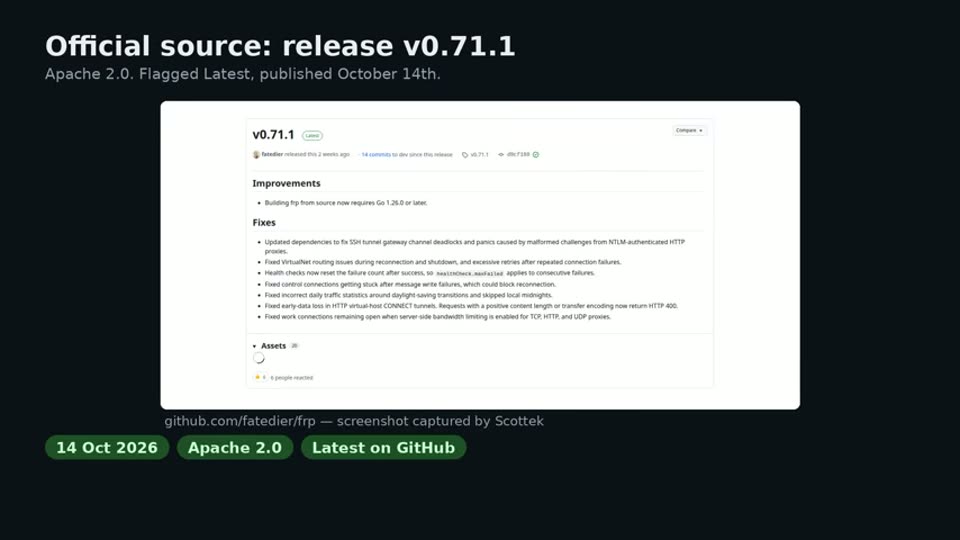
sudo. The flow isfrpsserver plusfrpcclient configs, a syntax check of both configs, and a live localhost tunnel check. The video description reports a sandbox run on 2026-10-31: tarball 14,140,587 bytes, both binaries printing0.71.1, both stock configs verifying clean, and a localhost TCP tunnel returning the backend body byte for byte with the dashboard API showing version0.71.1, 1 client, and 1 TCP proxy. - Added from the sources: the frp repository and the v0.71.1 release page confirm this is an official upstream release. The official setup docs corroborate the method: frp ships as dependency-free binaries, you copy
frpcto the machine with the LAN service andfrpsto the machine with the public address, and configs use TOML. Auto-subtitles could not be fetched for a transcript check (YouTube returned HTTP 429), so the video side below is grounded in the video description, which mirrors the commands in order.
Get the official release tarball
- In the video: download only from the official
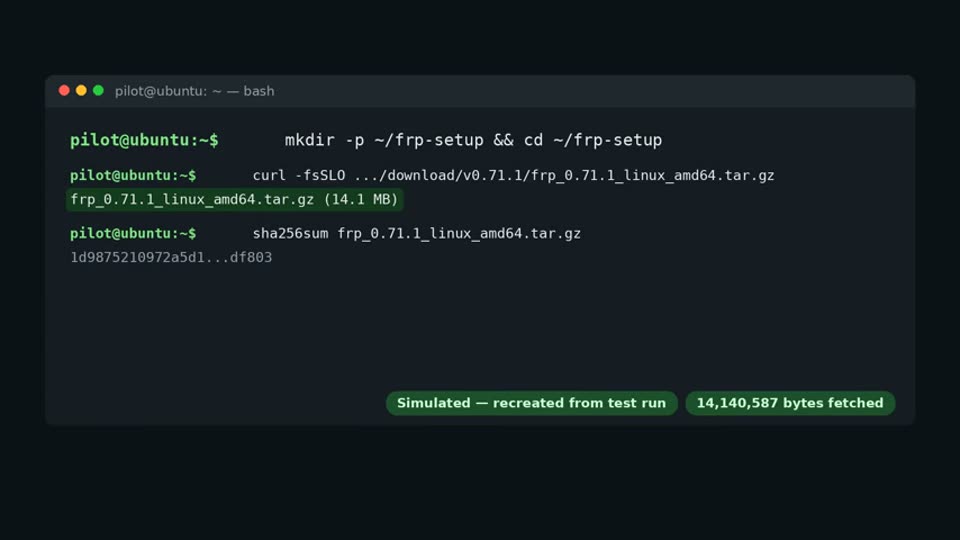
fatedier/frprelease v0.71.1, then unpack it. The copyable commands, in order, aremkdir -p ~/frp-setup && cd ~/frp-setup, thencurl -fsSLO https://github.com/fatedier/frp/releases/download/v0.71.1/frp_0.71.1_linux_amd64.tar.gz, thentar xzf frp_0.71.1_linux_amd64.tar.gz. Prerequisites are 64-bit Ubuntu 24.04 withcurlandtar, which ship with Ubuntu. - Added from the sources: the setup docs say to download client and server binaries from the GitHub Releases page and note the archive also includes complete configuration parameter documentation. Never substitute a reposted tarball from another site.
Install the binaries without sudo
- In the video: a user-space install into
~/.local/bin, then a version confirmation of both binaries. The commands aremkdir -p ~/.local/bin, thencp frp_0.71.1_linux_amd64/frps frp_0.71.1_linux_amd64/frpc ~/.local/bin/, thenexport PATH="$HOME/.local/bin:$PATH", thenfrps --versionandfrpc --version, with both printing0.71.1. - Added from the sources: because frp binaries are dependency-free per the setup docs, dropping them on
PATHis the whole install. Theexport PATHline lasts only for the current shell, so re-run it in each new terminal or add it to your shell startup file. The video frame also shows asha256sumintegrity check over the downloaded tarball, so verify the hash before unpacking on a real install. Untested here: shell startup persistence was not exercised in this package.
Write the minimal frps and frpc configs
- In the video: minimal
demo-frps.tomlanddemo-frpc.tomlconfigs are checked withfrps verify -c demo-frps.tomlandfrpc verify -c demo-frpc.toml. The video also stresses using a strong shared token and notes the demo runs on localhost, with addresses and token to be replaced on a real server. - Added from the sources: the exact demo file contents are not quoted here, but the equivalent minimal shape is documented in the official TCP example. On the server side,
bindPort = 7000sets the port wherefrpsreceives client connections. On the client side,serverAddr = "x.x.x.x"andserverPort = 7000point at the server, and a[[proxies]]block withname,type = "tcp",localIP,localPort, andremotePortmaps one LAN port to one server port. Full key lists live in the server and client references. For the token, the project README documents that token auth is the default and thatauth.tokenmust match in both files, and it documentsfrpc verify -c ./frpc.tomlas the pre-flight syntax check. Generate a long random token and never reuse the demo value.
Check the tunnel on localhost
- In the video: after both
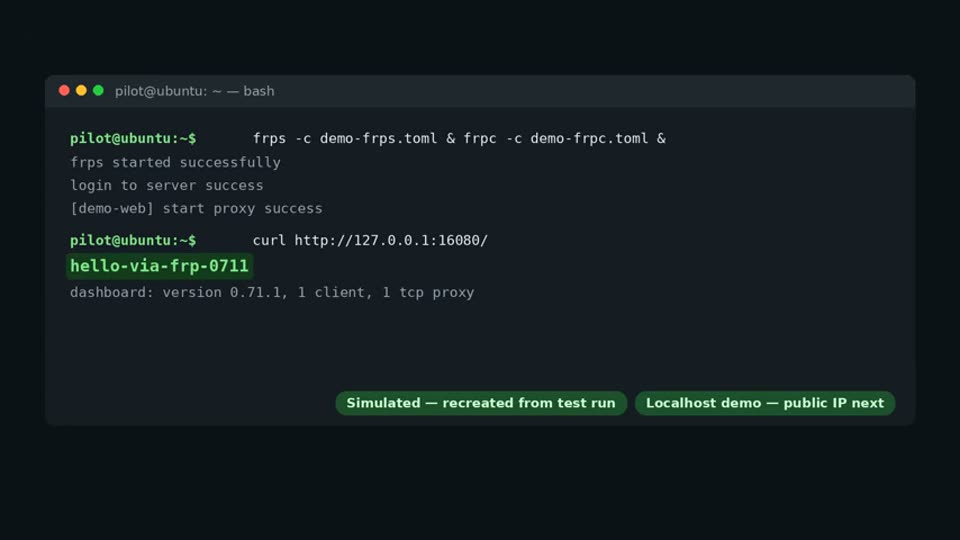
verifychecks pass, the presenter starts both ends withfrps -c demo-frps.toml &andfrpc -c demo-frpc.toml &, reaching server started, client login success, and proxy start success, then runs a live localhost tunnel check and the backend body comes back byte for byte, with the dashboard API reporting version0.71.1, 1 client, and 1 TCP proxy. The tunnel frame is labeled in the video as a simulated recreation of the test run on localhost, with public-IP exposure as the stated next step. - Added from the sources: the
verifysubcommand only checks config syntax, so a clean verify plus traffic actually flowing is the meaningful two-step proof. If your tunnel check returns nothing, confirm both processes are running, the token matches exactly, and the ports in the two configs agree. Dashboard access itself is untested in this package, so keep any dashboard port on localhost until you have authentication and firewall rules in place.
Before you expose anything to the internet
- In the video: the demo uses localhost, and the description explicitly says to replace addresses and token on a real server.
- Added from the sources: treat localhost success as necessary but not sufficient for a public expose. Use a strong unique
auth.tokenon every deployment, never runfrpswithout authentication, and open only the TCP ports you configured in your firewall plus any cloud security group, with port forwarding in place where required. The public-IP expose path was not run in the video sandbox, so it is marked untested below rather than described as proven.
What is untested and what is next
- Public-IP exposure was not run here, so only the localhost tunnel path counts as proven.
- Long-running operation under
systemdorsupervisoris mentioned in the setup docs but was not exercised in this package. - TLS, encryption, and dashboard authentication options exist upstream but were not tested here, so follow the server and client references before exposing anything sensitive.