Apple Harbor: Your Macs Are a Private AI Server

This guide is a companion to Apple Harbor: Your Macs Are a Private AI Server, and the video is the starting point for everything below. Watch the video first for the narrated run-through, then use these sections as the written reference. The draft is grounded in the Prag research notes for this video, the video description and auto-subs, and the primary sources linked at the end. Video claims and added research are labeled throughout, and anything not run here is marked untested rather than stated as fact.
What Harbor is: confirmed versus reported
- In the video: Apple subsidiary Claris is testing Harbor, an app that turns a Mac into a private AI server, and the presenter cannot download it because it is in private preview and the listing was pulled, so the video proves the endpoint pattern Harbor promises on a bench instead.
- Added from the sources: the Claris Harbor preview page confirms the core pitch in its own wording, with open-weight models on Apple silicon, zero cloud fees and no per-token billing, data staying on physical Mac hardware, a single-Mac endpoint set up in minutes, and multiple machines connected over Thunderbolt 5 to pool unified memory.
- Added from the sources: the same page confirms the business lean, since the early-access form asks for first and last name, email, company, phone, and country.
- In the video: reported but not confirmed details include the pulled listing, the old Fabric name, a twenty-billion-parameter download screenshot, and one site's sixteen-gigabyte minimum, with the scoreboard carried on in-video cards.
- Added from the sources: the research notes grade these as press-reported only, with the listing spotted November 10 and removed the same evening per MacRumors, plus a split outlook with one outlet guessing public launch in weeks and another cautioning end users not to expect it soon.
Why a Mac cluster makes sense
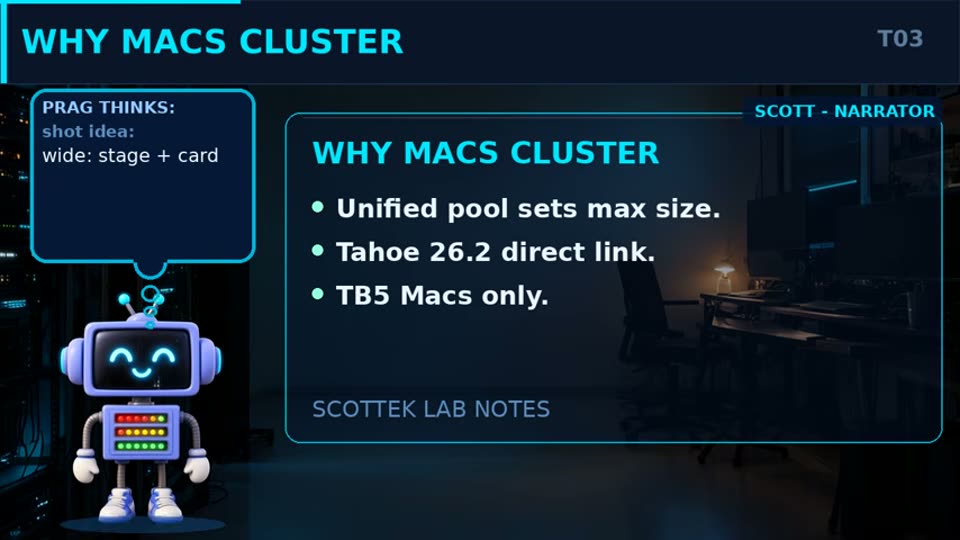
- In the video: Apple silicon shares one pool of memory between processor and graphics, so pool size decides how big a model can load, and Tahoe 26.2 adds direct memory access over Thunderbolt 5 so linked Macs read each other's memory fast, making two boxes act like one bigger pool, with Thunderbolt 5 Macs as the only candidates.
- Added from the sources: the research notes frame all of this as docs-voiced background rather than bench results, since the research bench has no Apple silicon and no Thunderbolt, and the Claris page itself only promises pooling without publishing any speed or capacity figure, so no Harbor performance number is cited anywhere in this guide.
The endpoint pattern, proven live on the bench
- In the video: on a Proxmox box the presenter runs a local model behind an OpenAI-style endpoint, the same shape Harbor promises, with the model list answering, the endpoint responding 200 OK, and a chat round-trip completing on camera.
- Added from the sources: the research ledger records the exact receipts on the bench guest, with
ollama listshowingqwen3:0.6bat 522MB inQ4_K_Mquant present,curl /api/tagsreturning 200 with the model entry verified, andcurl /v1/modelsreturning 200 with theqwen3:0.6bidentifier verified. - Added from the sources: the chat proof used
curl /v1/chat/completionswith a 60-token cap and returned HTTP 200 with 60 completion tokens and afinish_reasonoflengthwith empty content, because the tiny thinking model spent all 60 tokens reasoning aloud before answering, which is the lesson the video voices on camera about giving reasoning models room. - Added from the sources: a 300-token retry timed out at 280 seconds on the shared box and was not re-attempted, and Harbor itself was never run anywhere in this research since it is Mac-only private preview with no download, so clustering claims stay docs-voiced and nothing here pretends otherwise.
Your single-Mac move today
- In the video: the single-Mac path is LM Studio, where you open the Developer tab, flip the server switch, and port
1234answers like the cloud API, or run the free local runtime with one pull command and then serve, with both options costing nothing, staying on your desk, and speaking the same endpoint language your agents already use. - Added from the sources: the LM Studio server docs corroborate the Developer-tab server switch, the
lms server startcommand, and the OpenAI-compatible endpoint on:1234, and the research notes cite a sizing guide putting a 20-billion-parameter model near 16GB of unified memory and a 120-billion-parameter model at 60GB and up. - Untested on the research bench as a Mac run, since the live proof here is the Linux endpoint pattern above rather than LM Studio on Apple silicon, so confirm the current docs before installing.
The two-Mac cluster you can run now
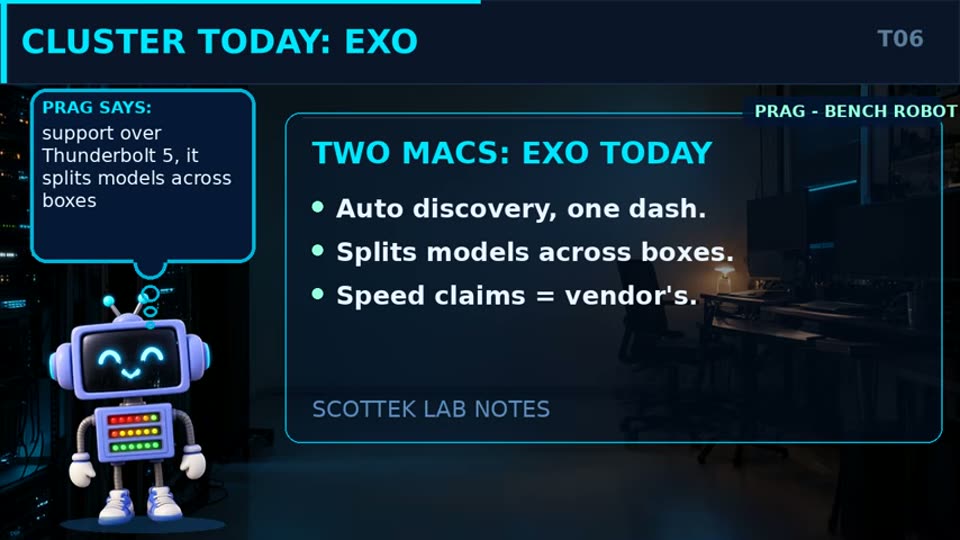
- In the video: the open-source Exo project already clusters, with devices finding each other and splitting models across boxes from one dashboard, with day-zero direct-memory support over Thunderbolt 5, while the speed claims on the card are labeled as the vendor's and enabling it needs a trip to recovery mode.
- Added from the sources: the Exo repository corroborates auto-discovery, day-zero RDMA-over-Thunderbolt support, topology-aware and tensor parallelism, the MLX backend, OpenAI-compatible APIs, and a per-device dashboard on
:52415, with vendor-reported speedups of up to 1.8x on two devices and 3.2x on four devices plus a vendor-claimed latency cut, all labeled here as the vendor's numbers, not independent results. - Added from the sources: the research notes add the practical catches of running
rdma_ctl enablefrom recovery mode with matched OS versions, Thunderbolt 5 cables, and mesh wiring. - Untested here end to end, since the bench box is Intel-based with no Thunderbolt, so treat this as a docs-described path and verify versions and wiring against the Exo docs before buying anything.
Follow the money, then the honest limits
- In the video: the early-access form asks for your company and the pitch is no cloud fees and no per-token billing, which reads like a product aimed at firms paying token bills every month, with FileMaker 2025 as precedent since it already serves local models on Apple silicon with guidance around 32GB to start and 64 to 96GB for big ones.
- In the video: the limits are stated on camera, with no price, no date, no engine, no model list, no supported-Mac list, and zero published Harbor speed numbers, and the bench box being Intel-based with no Thunderbolt means clustering stays docs-voiced with vendor labels, never faked.
- Added from the sources: the research notes confirm that no Harbor price, date, engine, format, or benchmark figure has been published anywhere, so this guide cites none, and the FileMaker sizing figures are precedent cited via the notes rather than tested claims.
Pick your door, and what to watch next
- In the video: if you own one Apple silicon Mac the friendly local app path covers you today, if you own two with fast ports the open-source cluster is your Harbor preview, and if you run a homelab box the endpoint pattern in the video ports straight over since the API shape is the same everywhere.
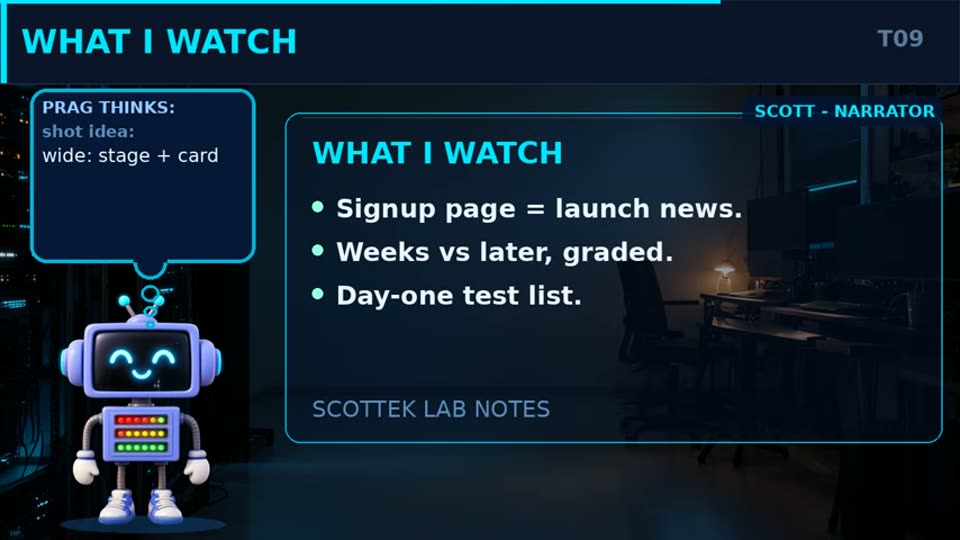
- In the video: the watch list is the sign-up page for launch news, whether the public build lands in weeks as one outlet guesses or later as another cautions, and day-one tests covering pooled-memory proof, speed against the open-source cluster, and the real model catalog, with a promise to bench the Linux equivalent again the day Harbor ships.
- The video's verdict: Harbor is the friendly face plus clustering in one box from the company that already ships local models to businesses, and until the public build lands the equivalent is one friendly app per Mac, the open cluster for two, and the endpoint proof for the homelab, local and private with no token meter.
Sources
- Claris Harbor private preview page
- MacRumors on the Claris Harbor app
- Exo open-source cluster
- LM Studio local server docs