Raon-1 Mini: One-GPU Local AI From PUBG's Studio

This companion starts from the video and adds README research so you can plan a local run.
The install walkthrough here is dramatized from docs and untested in this guide, so treat steps as pointers to official docs, not tested results.
What Raon-1-mini-preview is
KRAFTON AI trained Raon-1-mini-preview from scratch as a 30B-A4B MoE for Korean conversation and agentic tasks. The preview status means specs and results may change before final, so check the README and the model card before you download.
- Sparse MoE with 28.8B total and 4.3B active per token using 6 of 128 routed experts plus 1 shared expert
- Hybrid attention with 18 linear Raon Delta Attention layers with fixed size state and 7 gated MLA layers
- Long context with 262144 native tokens and about 8 KiB KV cache per token in BF16
- Thinking mode built in and disabling it is not recommended
Benchmarks with weak spots kept visible
All scores below are vendor-reported from the README with no independent reruns in this guide. Independent verification in this guide is none, so treat strengths and weak spots as vendor claims to test yourself.
- IFBench 84.2 leads its MoE group for instruction following
- AIME 2026 93.3 and GPQA Diamond 84.3 lead MoE reasoning claims
- LiveCodeBench v6 81.6 and SWE-Verified 70.8 lead MoE coding claims
- BrowseComp Plus 55.7 leads MoE search claims
- MMLU Pro 76.5 trails the Qwen class
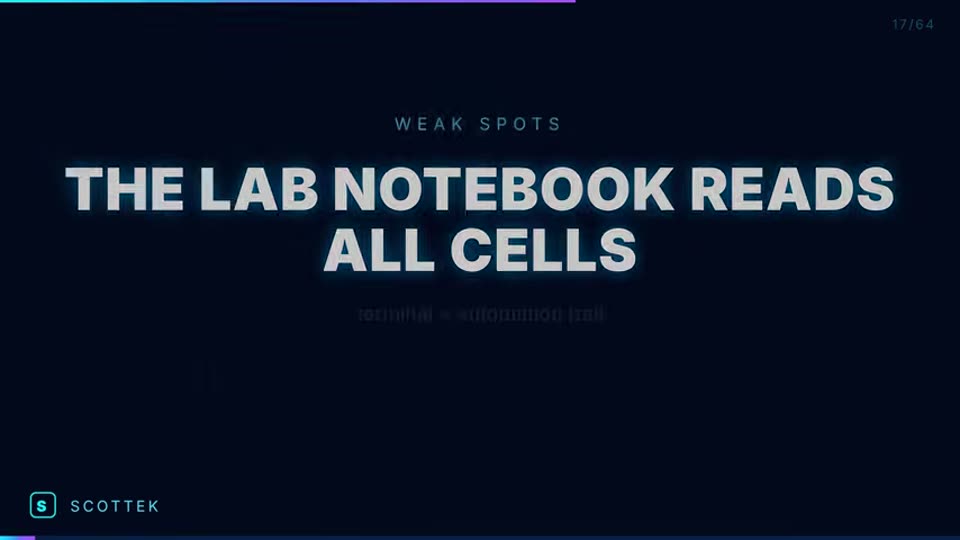
- Terminal-Bench Lite 47.0 is weak for terminal work
- AutomationBench 29.7 is weak for automation work
- BFCL v4 59.8 trails for tool calling
- Korean chat 92.9 is internal only and not public, so it cannot be checked
VRAM math and what card runs it
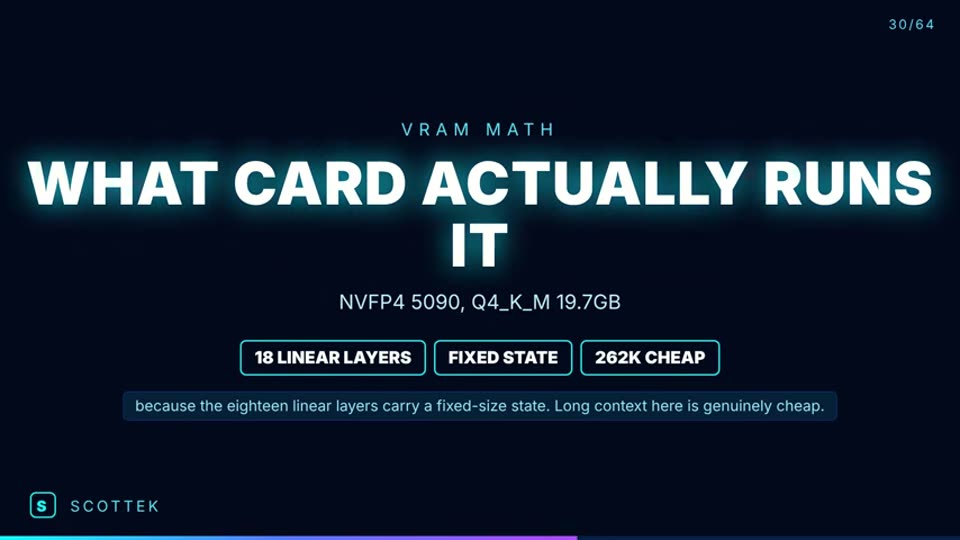
For one GPU planning, the hybrid layout keeps long context cheap because only 7 layers keep a KV cache. The NVFP4 checkpoint targets one RTX 5090 with 32GB, and it needs CUDA 13 with nvcc on PATH. GGUF builds let smaller VRAM try it with quality tradeoffs.
- NVFP4 for one 5090 with 32GB using reduced context settings in docs
Q4_K_Mat 19.7GB is the balanced pick for 24GB cardsQ8_0at 30.7GB down toIQ4_XSat 16.1GB covers full to small options- 18 linear layers with fixed state plus 262K cheap context explain the VRAM story
- First vLLM start compiles kernels in about 10 minutes, later starts reuse them
Run it locally with the right sampling
Repos are gated, so request access once with auto approval, then run hf auth login to let downloads work. The quick paths below are untested in this guide, so follow the GGUF repo and README steps in your own terminal. For Apple silicon use the MLX checkpoint, for CUDA use Transformers or vLLM beta, and for CPU plus GPU offload try the KRAFTON fork branch of llama.cpp while upstream is pending.
hf auth loginafter gated approval, untested hereollama run hf.co/KRAFTON/Raon-1-mini-preview-gguf:Q4_K_Mas one liner option, untested here- Transformers with
temperature 1.0andtop-p 0.95andtop-k 20, untested here - Use
presence_penalty 1.5for chat and agents andpresence_penalty 0for code and math - Keep thinking enabled
- SGLang and Docker model images are listed as options, untested here
- DFlash2 draft model claims up to 2.18x throughput on B300 in vendor numbers, with speedups varying by hardware
Agents documented for three harnesses
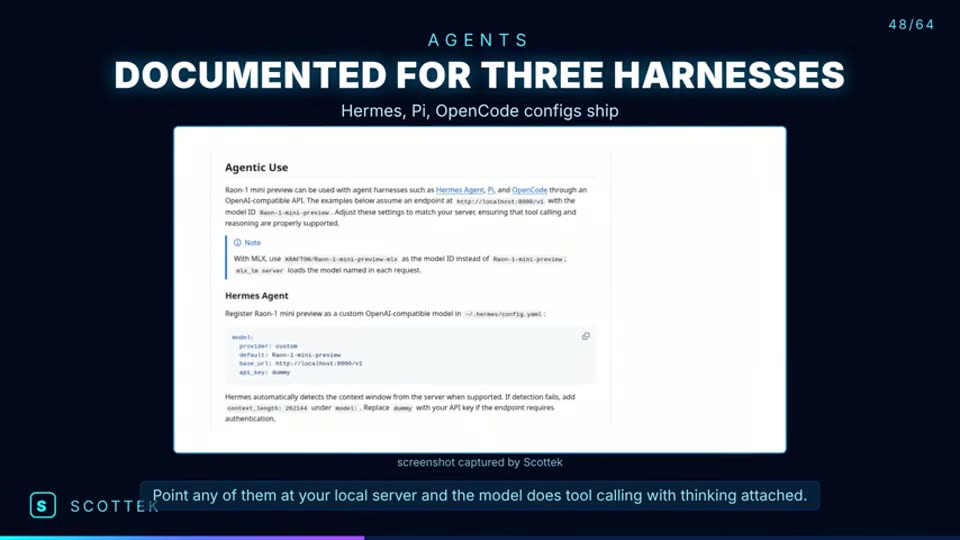
The README ships copy paste configs for Hermes Agent and Pi and OpenCode pointed at a local OpenAI compatible endpoint. All agent steps are untested in this guide.
- Hermes Agent with
base_urllocalhost 8080 and modelRaon-1-mini-previewin~/.hermes/config.yaml - Pi with OpenAI completions provider and 262144 context
- OpenCode with OpenAI compatible provider and 262144 context
- Keep configured context at or below what your server supports
License preview status and limits
Weights are Apache 2.0 including commercial use, while hosted API and playground use separate terms with possible future fees. Datasets and methods stay proprietary. This is a preview, so specs and results may change.
- Weights under Apache 2.0 per the license text
- Hosted service under separate terms, free for a limited time via the playground
- Gated repos need one access request, then approval is automatic
- No independent benchmark reruns in this guide, so verify before you rely on scores
For more local AI builds see more local AI guides and rewatch the starting video via the Watch link at the top.