vLLM 0.32: Serve Local AI Across Your Homelab

This companion guide starts from the video vLLM 0.32: Serve Local AI Across Your Homelab and adds grounded detail from the v0.32.0 release notes, the OpenAI-compatible server docs, and the Docker deployment docs. Watch the video first for the full narrated tour, then use the sections below as the written reference. The video is a narrated explainer with on-screen recipes rather than a filmed live install, so every section keeps In the video claims apart from Added from the sources research, and anything not run here is marked untested.
The mental shift: from running models to serving them
- In the video: if you have only used Ollama or llama.cpp, here is the shift. Those run a model for you, while vLLM serves a model to everyone. It is a throughput engine with continuous batching, paged attention, quantized KV caches, and speculative decoding, all aimed at pushing the most tokens per second out of the VRAM you already own. It speaks the OpenAI API, so you point any OpenAI-compatible app at port 8000, keep your key, change the base URL, and Open WebUI, n8n agents, coding assistants, and phone apps all share one server without custom glue.
- Added from the sources: the server docs confirm the OpenAI-compatible endpoint shape, serving models behind a base URL with an API key, checked October 2026.
- Added from the sources: version 0.32.0 landed October 18, 2026 with more than 800 commits from more than 360 contributors, over 120 of them first-timers, per the release notes, checked October 2026.
Pillar one: structured decisions agents can trust
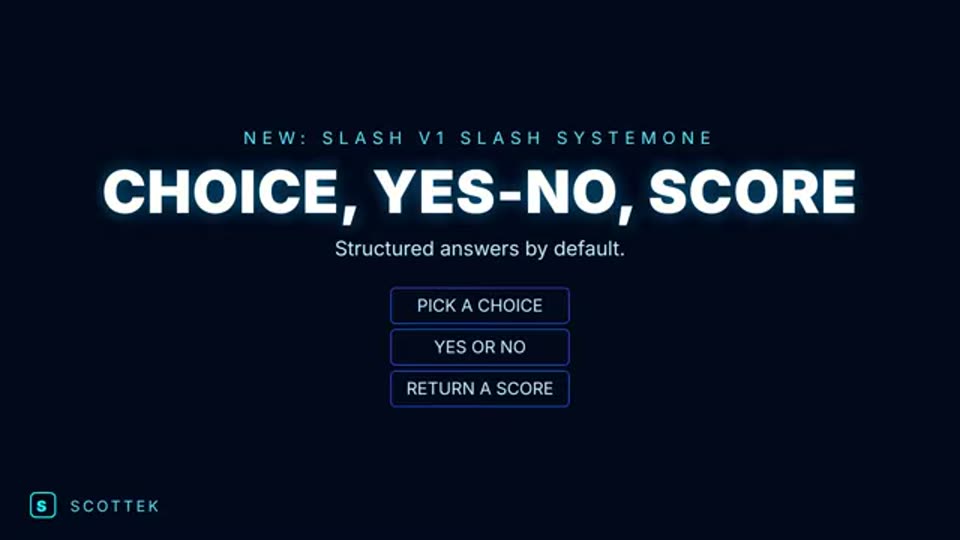
- In the video: a new
/v1/systemoneendpoint answers structured questions over structured state: pick a choice, answer yes or no, return a score, served by default. Next to it sits a generic parser that reads the checkpoint's own response template, so models shipping one need no model-specific parser at all. A local agent can ask which tool wins or how confident it is and get back clean machine-readable answers instead of parsing prose and praying. If you run n8n flows or coding agents against your server, this is the feature you will actually feel. - Added from the sources: the release notes confirm the new structured-decisions endpoint with choice, yes-no, and score answers plus the generic tool and reasoning parsers that read the checkpoint response template, in both frontends, checked October 2026.
Pillar two: low-precision KV cache everywhere
- In the video: every token the server holds in context sits in the KV cache, and that cache is usually what caps batch size. 0.32 pushes 4-bit NVFP4 KV cache onto far more GPUs including older 8-series cards and Hopper, plus faster decode paths. The headline example is one model family defaulting to an 8-bit FP8 cache that halves KV memory per card, buying a few percent more throughput for a single-digit slowdown on first-token latency in their test. AMD owners get a 4-bit cache at roughly twice FP8 density, also in their test. Same VRAM, longer conversations, more simultaneous users before buying another card.
- In the video: treat every percentage as vendor-reported, not gospel. The direction is what matters.
- Added from the sources: the release notes confirm the NVFP4 KV cache expansion across GPU generations, the FP8 KV default with its throughput and latency tradeoff figures from the project benchmark, and the ROCm 4-bit cache density claim, all labeled as project-benchmark numbers, checked October 2026.
Pillar three: Model Runner V2 goes default, including AMD
- In the video: Model Runner V2 is now the default everywhere including ROCm, with version one deprecated and removal on the horizon. What you get is a GPU n-gram speculator for faster decode, elastic expert-parallel scaling that drains then commits so scaling does not drop requests, pipeline plus context parallelism for MLA-style models, and a stock torch.compile mode. In plain terms: snappier tokens, smoother multi-GPU scaling, and AMD boxes treated as first-class citizens. If you held off on AMD for serving, 0.32 is the release that says come back and look.
- Added from the sources: the release notes confirm Model Runner V2 as the default on ROCm with V1 deprecated and removal targeted, plus the n-gram speculator, elastic expert-parallel scaling, and the compile mode, checked October 2026.
Cold starts, fixed
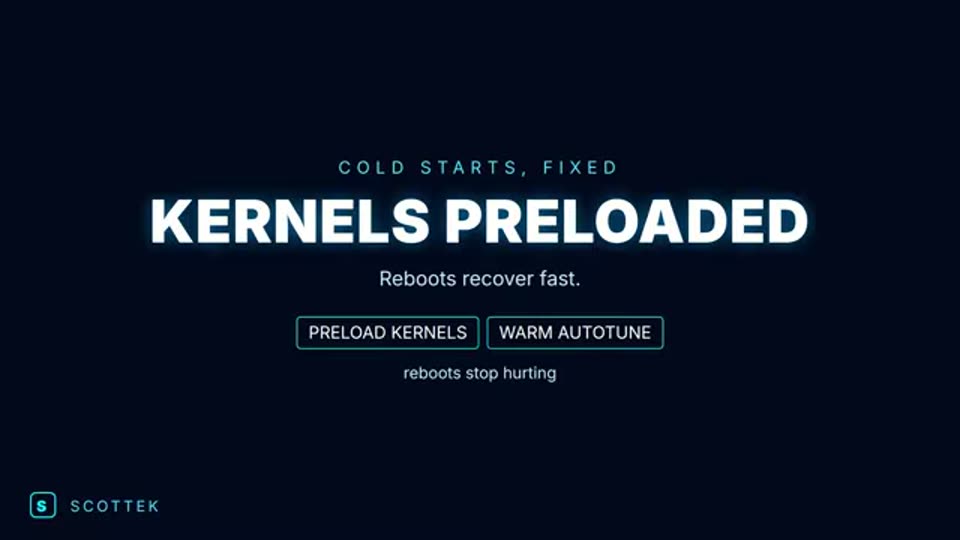
- In the video: the quality-of-life fixes homelab owners notice on day one. A command that pre-downloads compiled kernels, a preload flag that keeps the autotune table warm across restarts, one-copy broadcasts of big multimodal tensors to workers, tokenizers loading from the local snapshot instead of the network, and multi-API workers where each connection lands on the least-loaded frontend, worth up to roughly double the request rate on short requests in their benchmark. Update the container, reboot the node, and serving recovers fast instead of recompiling the world at 2am.
- Added from the sources: the release notes confirm the kernel pre-download and preload commands, the shared-memory tensor arena, local-snapshot tokenizer loading, and the multi-API worker routing with its short-request benchmark figures, all project-measured, checked October 2026.
Day-one model support: chat, embeddings, vision, transcription
- In the video: EmbeddingGemma 2 brings omni-modal embeddings across text, image, audio, and video with unused modality encoders skipped to save memory, MiniCPM-V 4.7 lands for vision work, and NVIDIA's Nemotron 3.5 streaming ASR model does full-audio transcription with the honest caveat that native real-time streaming is not supported yet. Fresh reasoning and tool parsers plus a new reranker score template round out search pipelines. If you have been waiting to self-host embeddings, vision, or transcription next to chat models, one server can now cover all four.
- Added from the sources: the release notes confirm EmbeddingGemma 2 with per-modality skipping, MiniCPM-V 4.7, the Nemotron ASR model without native real-time streaming, and the new reasoning, tool, and reranker templates, checked October 2026.
The deploy: Docker first, pip second
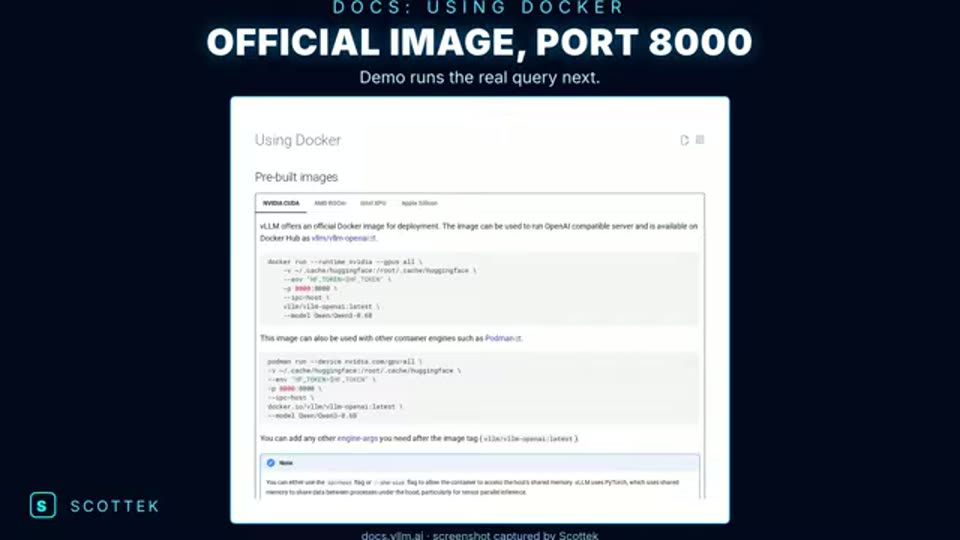
- In the video: the Docker path is one command. Pull
vllm/vllm-openai:v0.32.0, pass through the GPUs, map port 8000, give it shared memory with the host IPC flag, mount the Hugging Face cache, and name a small model to start, something like a half-billion-parameter Qwen. The native path is even shorter: pip install vLLM, thenvllm servewith the model and an API key. Then the magic line in every client: base URL at the server on port 8000/v1, model name matching what was served, key matching what was set. Start small, confirm it answers, then scale the model to the available VRAM. - Added from the sources: the Docker docs confirm the container shape with GPU passthrough, port 8000,
--ipc=host, the Hugging Face cache mount, and the pinned:v0.32.0tag for reproducibility, while the server docs confirm the serve command and the OpenAI client base-URL pattern, checked October 2026. - Untested here, so start with the small model as the video suggests and confirm the endpoint answers before scaling up.
Read twice before upgrading: security and breaking changes
- In the video: security first, and it is good news. Three fixes covering template exhaustion, tokenizer limits, and socket exhaustion, plus locked-down cross-origin defaults, raster-only untrusted images, signed shared-memory handles, and a depth cap on JSON schemas. Action item: if serving through a reverse proxy or a browser app, recheck CORS origins because the permissive default is gone.
- In the video: breaking changes. Python 3.10 is dropped, there are minimum transformers and tokenizers versions, cascade attention and a few legacy cache modes are removed, and max tokens no longer eats into the context reservation. None of it is scary, but an unattended auto-update could surprise you, so pin the tag, read the list, then upgrade.
- Added from the sources: the release notes confirm the three security fixes, the restricted default CORS origins, and the Python 3.10 removal with the dependency floors, checked October 2026. The server docs add one hardening note the video skips: the API key covers only the
/v1,/v2, and inference paths, so unauthenticated routes should not be relied on the key alone, checked October 2026.
Who should install it this weekend
- In the video: if two or more people or a fleet of agents share models over the LAN, install it. If Open WebUI serves the house, n8n agents get fed, or one endpoint for chat plus embeddings plus vision plus transcription is wanted, this is the layer. If exactly one person chats on one PC, Ollama is still simpler, no shame in it. No NVIDIA card is no excuse either: ROCm wheels and images for AMD, an Intel XPU build, and even a CPU image exist, though CPU serving is patience-testing for anything large.
- In the video: two closing honesty notes. Every percentage came from the project's own pull-request benchmarks, not the presenter's lab, so treat them as test-worthy rather than trustworthy and benchmark your own cards with your own prompts. And no tokens were served for the script, so the demo shows real commands and real metadata, never a faked speed run.
- Added from the sources: the release notes confirm the ROCm, CPU, and XPU artifacts alongside the CUDA images, checked October 2026. vLLM is the homelab inference router the way a reverse proxy is its front door: In the video terms, once you serve, you will not go back to per-device setups. What is real is the release, the endpoint, the commands, and the upgrade notes, all linked above.