Qwen3.8 One-GPU Speed: Prefill Is Not Decode (Tuning Guide)

This companion guide starts from the video Qwen3.8 One-GPU Speed: Prefill Is Not Decode (Tuning Guide) and turns it into a decision checklist you can apply to your own rig. The video's core claim is simple and worth repeating first: a headline number in the thousands of tokens per second is prefill, the model reading your prompt, and not decode, the model writing back one token at a time. Decode is the number you feel while chatting, and everything below is about tuning decode on one GPU.
Pick the right Qwen3.8 first
The video covers three family members and rules out two of them for single-GPU use. The one you want is Qwen3.8-27B, a dense 27B model with a natively supported 262,144-token context window and vision-language support, published under Apache-2.0. The other two are context only: a 125B mixture-of-experts build that wants multiple cards plus RAM offload, and a 2.4T text-only Max build under a bespoke commercial-use license, so confirm which card and license you are looking at before downloading anything.
Choose your engine before touching settings
Engine choice decides which knobs you get. The video's recommendation is llama.cpp server when you want the tuning numbers in the video, because it exposes speculative decoding alongside context, batching, and cache options such as ctx-size, batch-size, ubatch-size, and flash-attn. Ollama trades control for convenience and the video reports roughly eighteen tokens per second decode on its NVFP4 path. vLLM speculative decoding targets server-class throughput but the video warns it can collapse on chunked prefill past 8K prompts, so single-stream long-prompt users should prefer the boring engine. Treat this paragraph as docs-grounded orientation, and the choice itself as untested on my side.
What one RTX 5090 does, in video-reported numbers
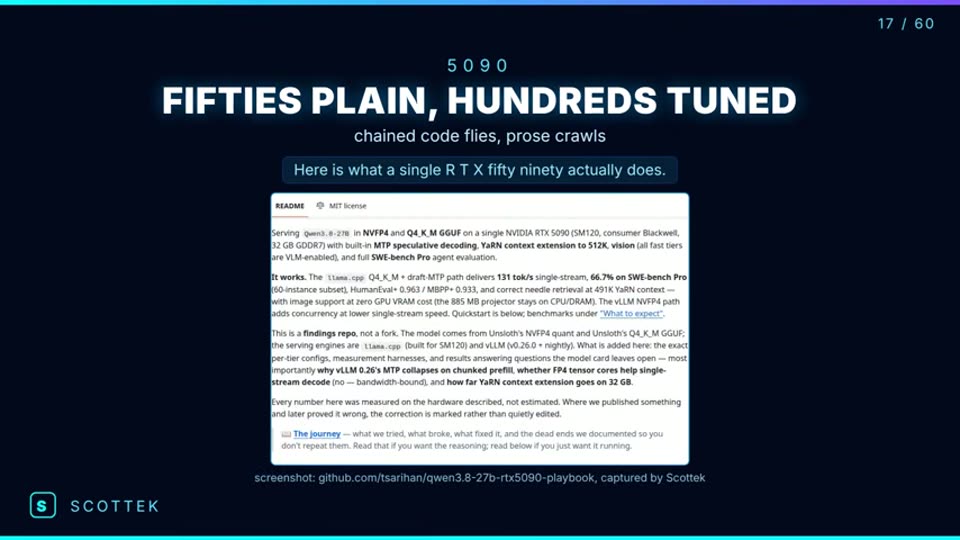
All figures in this section are video-reported community results with configs stated in the video, never independently tested here. Plain single-stream decode on one RTX 5090 lands in the fifties on fresh prose, with community medians near eighty. Tuned setups go higher on code, around one hundred thirty on test suites and up to the mid-hundreds on new code, with copy-heavy edit prompts far above that because the model is reproducing your own context. Prefill sits in the thousands and reaches around nine thousand cold on short prompts. Repeat the rule before spending money: thousands means reading and dozens to low hundreds means writing.
MTP on for code, off for prose
The biggest free speedup in the video is multi-token prediction drafting, where the draft head proposes up to three tokens and the model verifies them together. On repetitive code and structured output the video reports acceptance in the nineties and large speedups on edit tasks, while on fresh prose acceptance falls to around three-fifths or lower and a fixed long draft can run slower than no speculation at all. The video's rule is therefore conditional: MTP on for code, agents, and structured output, and MTP off or adaptive drafting for creative prose. Check the draft acceptance stat on your own workload before quoting any speedup, since this step is untested here.
Size the quant to your VRAM, then cap the context
The smtek Ollama tag set spans 2-bit through 5-bit builds from the Unsloth GGUF collection, and the video's default recommendation is UD-Q4_K_M or Q4_K_XL on a 24GB card. Smaller cards get explicit context caps instead of the full window, with 12GB builds aimed at short windows and 16GB builds at intermediate ones. The video's one-command start is:
ollama run hf.co/unsloth/Qwen3.8-27B-GGUF:UD-Q4_K_M
That command is transcript-verified from the video and untested here, so confirm the tag still exists on the Ollama tags page before running it.
The 8GB correction and the KV cache trap
An 8GB card can run the model at short context but cannot run the full 262K window, and the video corrects that combined claim explicitly. The physics it cites is roughly 256KB of cache per token, so 8K of context costs about 2GB while the full window needs on the order of 67GB of cache alone. A related trap is that Ollama allocates KV cache in full precision by default, which exceeds VRAM on long context, so the tag documentation recommends setting OLLAMA_FLASH_ATTENTION=1 with a compressed cache type such as OLLAMA_KV_CACHE_TYPE=q8_0 and restarting the service. Those variable names are docs-grounded from the tag page and untested here, so apply them one at a time and verify the service restarts cleanly.
Older flagships, laptops, and AMD
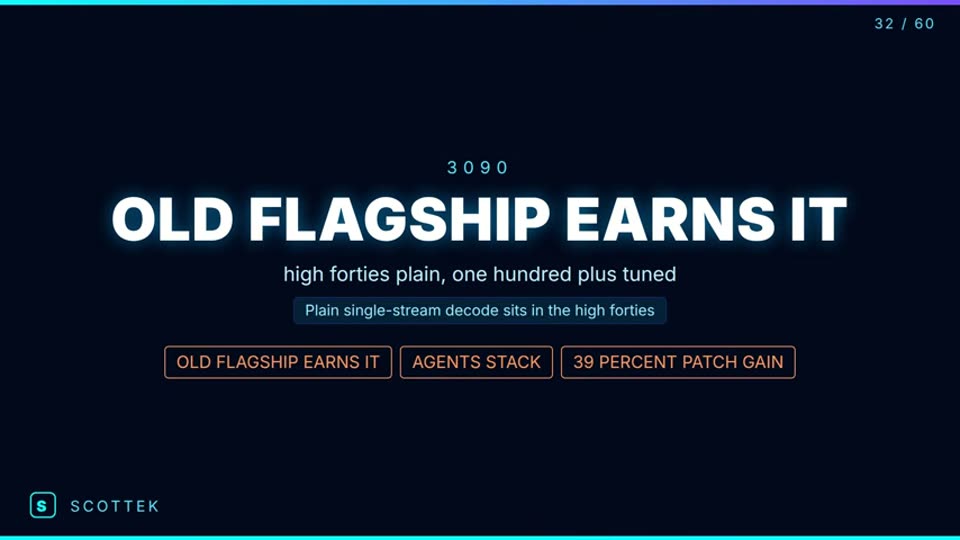
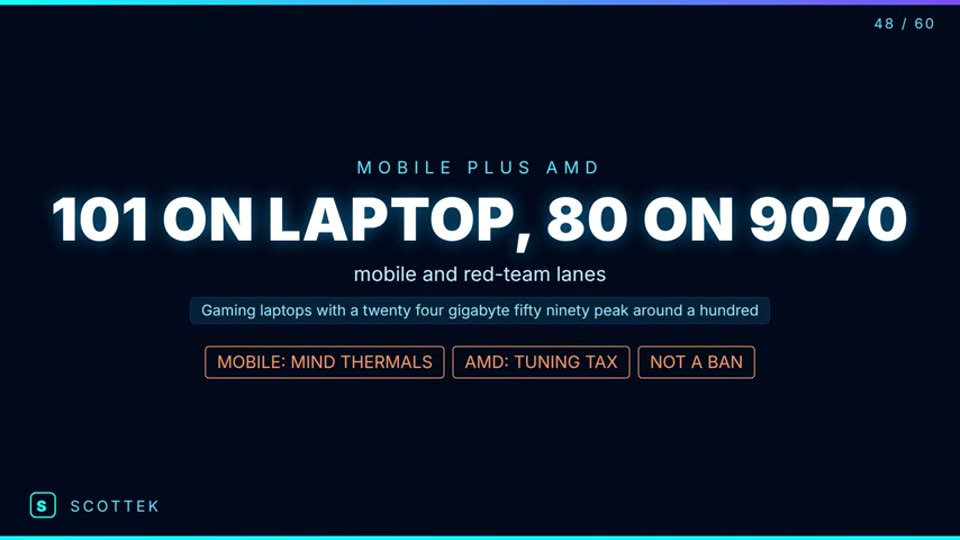
The video gives the RTX 3090 a genuine second life, reporting high-forties plain decode rising into the hundred-plus range for tuned chat with parallel aggregate past a thousand tokens per second across sessions. A 24GB laptop 5090 peaks around one hundred tokens per second decode with speculation off on short chat, thermally constrained but genuinely fast. AMD owners get a real lane too, with a tuned fork holding the full window on 16GB at eighty-plus decode and MTP more than tripling deep-context output. Every figure in this paragraph is video-reported community data, not a product claim and not tested here.
The copy-paste verdict
One GPU, one 5090 or 3090, llama-based server, UD-Q4_K_M or Q4_K_XL, context sized to the actual work at roughly 8K for chat and 32K for code, MTP on for code and agents and adaptive or off for prose, compressed KV cache when going long. Expect fifties plain, low hundreds tuned, and thousands on prefill, then go measure your own rig with the model card, the quant files, the Ollama tags, and the linked 5090 playbook before believing any screenshot, including the video's. Watch the original video at https://www.youtube.com/watch?v=lRJBvLQywDg for the full walkthrough this guide is built on.