Install llama.cpp 0.8 on Ubuntu: Local AI Server in Minutes
This guide starts from the video Install llama.cpp 0.8 on Ubuntu: Local AI Server in Minutes, a 116-second micro-install, and adds the documentation links and checks you need to reproduce it. The video is the starting point for the install flow below, and anything the video does not spell out is marked as such.
What the video covers
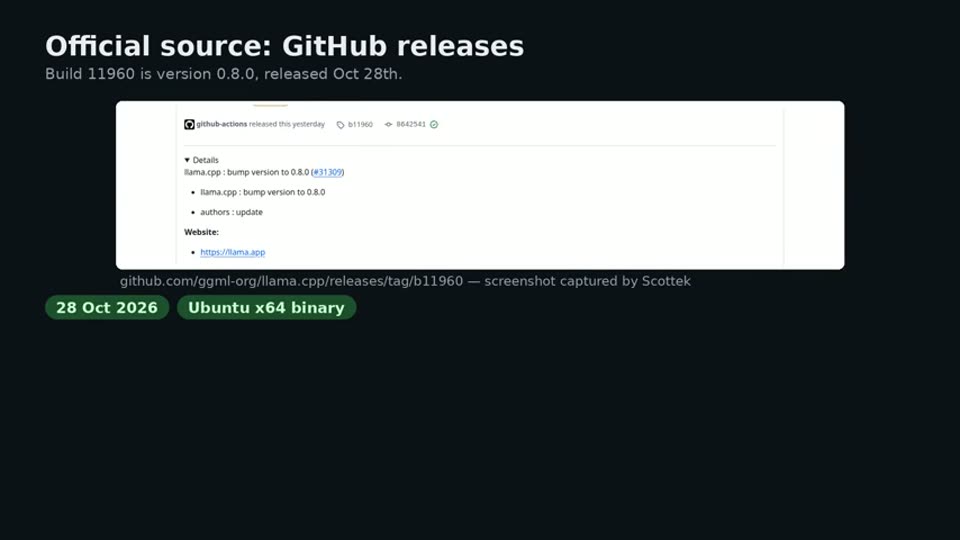
The video installs llama.cpp 0.8 (build 11960, released October 28th) on Ubuntu 24.04 using a single prebuilt download with no compilation step, then runs it as a local server. It presents llama.cpp as the engine behind most local AI apps and notes 0.8 adds a voice-capable server with a realtime endpoint, a text-to-speech endpoint, and one-click model downloads in the web UI. Upstream confirms the 0.8.0 release shipped alongside the LFM3 family plus new server endpoints in the b11960 release notes.
Prerequisites
The video lists Ubuntu 24.04 on 64-bit, curl and tar, about a gigabyte free for the binary plus a small model, and an open port 8080. Get the Ubuntu x64 binary from the official source under ggml-org/llama.cpp, not the source zip, with links in the video description. One behavior change is called out explicitly in the video: in 0.8 the CLI refuses to run without a model, so pass -m or -hf every time. Upstream documents the same requirement as CLI --model or -hf now required in the b11960 release notes.
- Ubuntu 24.04 64-bit with
curlandtar - About 1 GB free for the binary plus a small test model
- Port 8080 reachable, or your own
--portvalue (see pitfalls)
Install the prebuilt binary
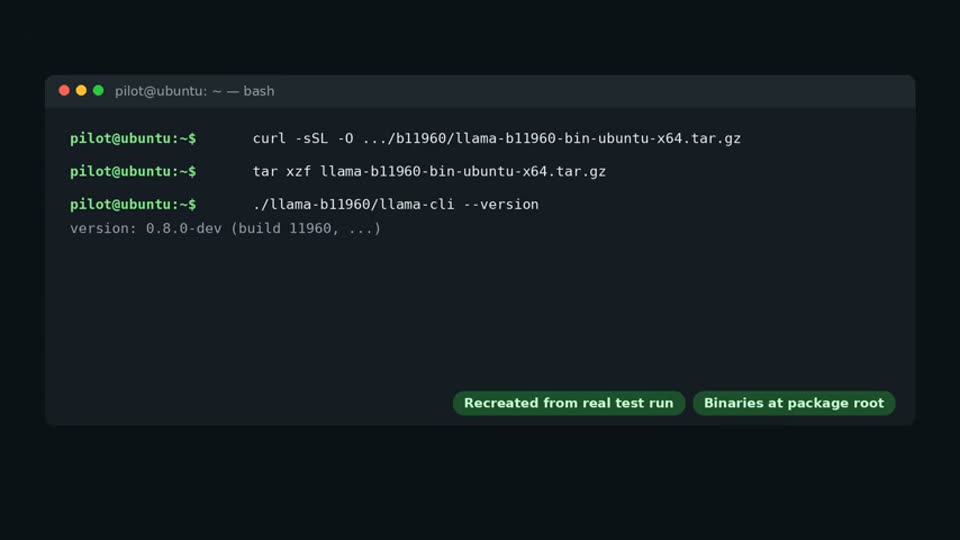
Download the release tarball from the b11960 release page Assets, extract it, and check the version. The video downloads llama-b11960-bin-ubuntu-x64.tar.gz, extracts it, and runs the version check from inside the extracted folder, reporting 0.8.0-dev (build 11960). Exact asset filenames rotate per release, so match whatever tarball name your release shows:
curl -sSL -O <release-asset-url>/llama-b11960-bin-ubuntu-x64.tar.gztar xzf llama-b11960-bin-ubuntu-x64.tar.gz./llama-b11960/llama-cli --version
The --version flag is documented in the server README common params. This path is untested beyond the transcript and docs: no install was executed while writing this guide.
Start the server and verify it
Start the server with -hf and a small model, per the video. The first run downloads the weights, so expect a wait on a fresh machine. Substitute your own small chat-capable repo below. The -hf repo shorthand and its default quantization behavior are documented in the server README:
./llama-server -hf USER/MODEL
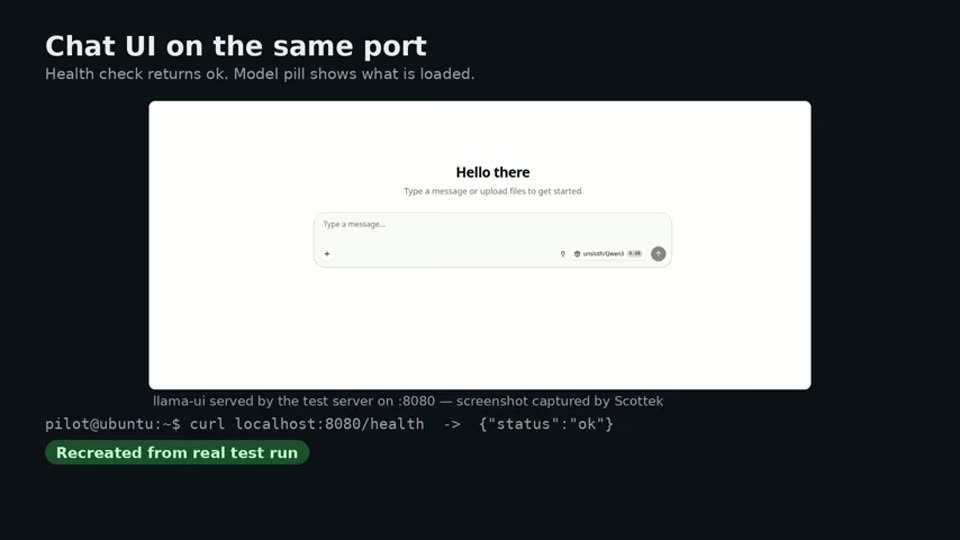
A ready server prints one listening line. The video shows it listening on port 8080. Verify with the public health endpoint, documented in the server README:
curl http://localhost:8080/healthcurl http://localhost:8080/v1/models
The video confirms /health returns okay and /v1/models lists what is loaded. The same port also serves a chat UI in the browser at http://localhost:8080, including one-click model downloads new in 0.8. To prove the model answers, send a prompt through the OpenAI-compatible chat endpoint documented in the server README. Any app that speaks this API can then point at your machine. The exact chat request below is docs-derived and untested:
curl http://localhost:8080/v1/chat/completions -H Content-Type: application/json -d {"model": "MODEL-ID-FROM-/v1/models", "messages": [{"role": "user", "content": "Say hello in one sentence."}]}
Pitfalls and version notes
- Port mismatch: the video serves on port 8080, confirmed by the on-screen health check, but current upstream docs list the server default as 9931 (the 8080-to-9931 change dates to 0.7 per the channel's prior research notes). If
/healthdoes not answer on 8080, read the actual listening line and either use that port or add--port 8080. This step is docs-derived and untested. - The prior-version research folder grounds the 0.7 background used here, including the port change and the model manager. Version drift is explicit: the video demonstrates the b11960 tag reporting
0.8.0-dev, so prefer the b11960 notes over the 0.7 notes where they differ. - Build-from-source (
cmake -B buildpluscmake --build build --config Releaseper the build docs) is the fallback if no prebuilt binary matches your machine. Untested here since the video path needs no build.