Node-RED RCE: Lock Down Your Homelab Now

This guide is the written companion to the video Node-RED RCE: Lock Down Your Homelab Now (316s, uploaded 2026-11-17), and it treats the video as the starting point. Claims shown in the recording are labeled In the video, and everything confirmed against the primary sources is labeled Added from the sources. Anything not independently confirmed is marked untested. The auto-caption fetch for this video failed with HTTP 429, so the video record used here is the owner-written video description, disclosed as such, grounded further by the Prag research folder (LEDGER.md, research/bench_results.txt, scripts/script.md) for this video.
In the video: someone can own your smart home with one web request — no password, no login, just a single request to port 1880 — and it is happening right now. Added from the sources: the VulnCheck exploitation writeup confirms the shape of that claim, with its decoy systems catching the first full exploit on October 30, 2026 and 16 events from the same address against this flaw.
One request owns the box
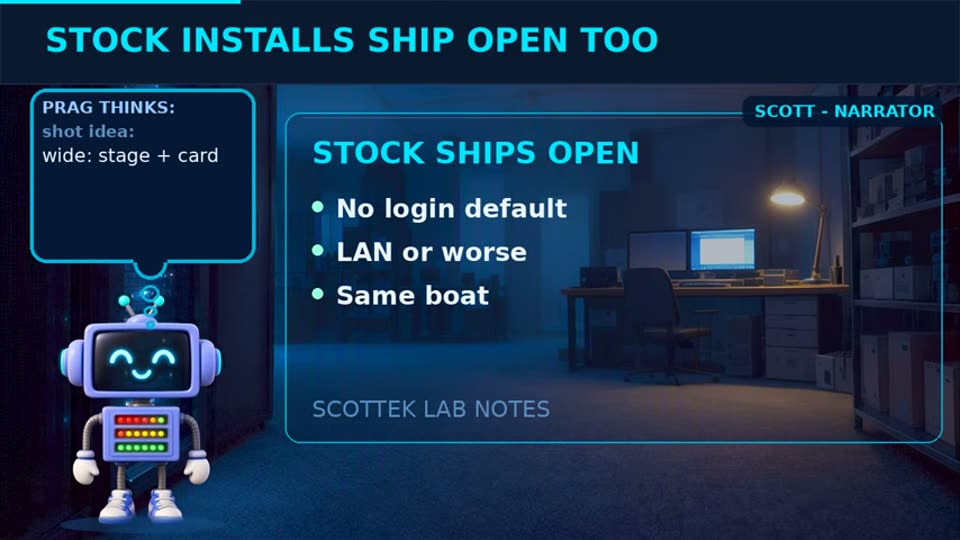
In the video: a fresh install has zero hardening — the login check returns an empty pair of braces meaning no auth scheme at all, the flows endpoint answers 200 with no credentials, and the server listens on every interface on port 1880. Added from the sources: the Node-RED security guide states it plainly, that by default the editor is not secured and anyone who can reach its address can access the editor and deploy changes, which is only suitable on a trusted network.
In the video: the bench reproduced the full chain on a live test box — fresh Node-RED 5.0.9 on Debian 13, open auth endpoint, injected flow, a benign command run that printed root, then cleanup verified — along with sixteen hits in three days from one address starting October 30. The bench figures in this paragraph are video- and research-note-attributed, not independently re-run here. Added from the sources: the VulnCheck writeup corroborates the October 30 first exploit, the 16 events from one IP, and the one-request flow-deployment chain. Added from the sources: secondary research-folder coverage describes the flaw as CVE-2026-58115 at CVSS 10.0, disclosed by Siemens in August for the SIMATIC IoT2050 Advanced gateway and fixed in Industrial OS V4.3.4.1 — the Siemens and scan-data details are documented-surface claims repeated here, not directly re-fetched, since the vendor page and Censys both bot-walled direct reads.
- In the video: every stock Node-RED install ships with no editor login until you add it, so a box on your home network with the editor open is in the same boat as those gateways
- In the video: later waves from the same crew fetched staged scripts and planted a hidden web address wired to a command runner, so the back door survives reboot while memory-only payloads vanish
- Added from the sources: the VulnCheck writeup notes the flaw reaches programming nodes that enable command execution, which is why an open editor is a remote shell waiting to happen
Check for squatters first
In the video: before you fix, check for squatters — search your flows file for command-runner and web-input nodes you did not build, account for every mystery address, and scan firewall and DNS logs for the reported attacker addresses. If you find a stranger, treat the box as owned.
- Audit every flow for nodes you did not build, and justify each command-runner and web-input node or delete it
- Review firewall and DNS logs for the attacker addresses reported in the VulnCheck writeup
- In the video: inspect safely by restarting with the safe flag, which loads the editor without running any flows — the exact flag form was not independently confirmed in the sources read and is untested here
- In the video: deleting a rogue flow is not enough on its own, because the intruder already had a shell — see the rebuild section below
The one-setting fix that stops it
In the video: the fix is one setting — a password hash generated with the built-in hash tool, the credentials login switched on in the settings file, and a restart, after which the login check offers a username and password, strangers get a 401, and the owner's own login hands back a valid token with no lockout. The bench verification in this paragraph is video- and research-note-attributed.
Added from the sources: the Node-RED security guide confirms the exact mechanism, where uncommenting adminAuth with type: credentials and bcrypt-hashed users enables login on the editor and admin API, the hash is produced with node-red admin hash-pw, and the old httpAdminAuth basic-auth option is deprecated and should not be used.
- Generate a password hash with the built-in hash tool and paste it into the settings file, never reusing the bench password from any demo
- Switch on the credentials login in
settings.jsand restart Node-RED - Confirm strangers are refused on the admin endpoints while your own login returns a working token
- The exact commands above are untested here end to end, since no local Node-RED run was performed for this article
Layers past the login
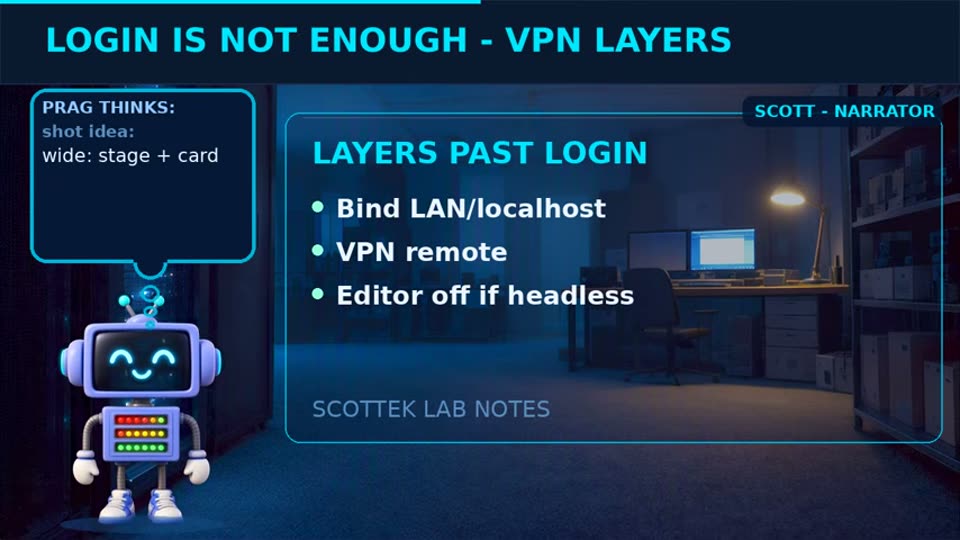
In the video: do not stop at the login — bind the editor to your private network or localhost, put remote access behind a VPN, switch the admin off entirely on machines that only run flows, and add a login to your web endpoints too. In the video: hiding the editor is not a fix, since the back door stays open behind it.
- Bind the editor to localhost or your private network instead of every interface, and reach it remotely only over your VPN — untested here
- Added from the sources: the Node-RED security guide confirms editor access can additionally move to
httpswith a key and certificate, which is untested here - Docker users: In the video: a bare published
1880opens the editor to your whole network, so bind it to localhost, never run the container as root, keep the filesystem read-only, and put remote access behind your VPN — untested here
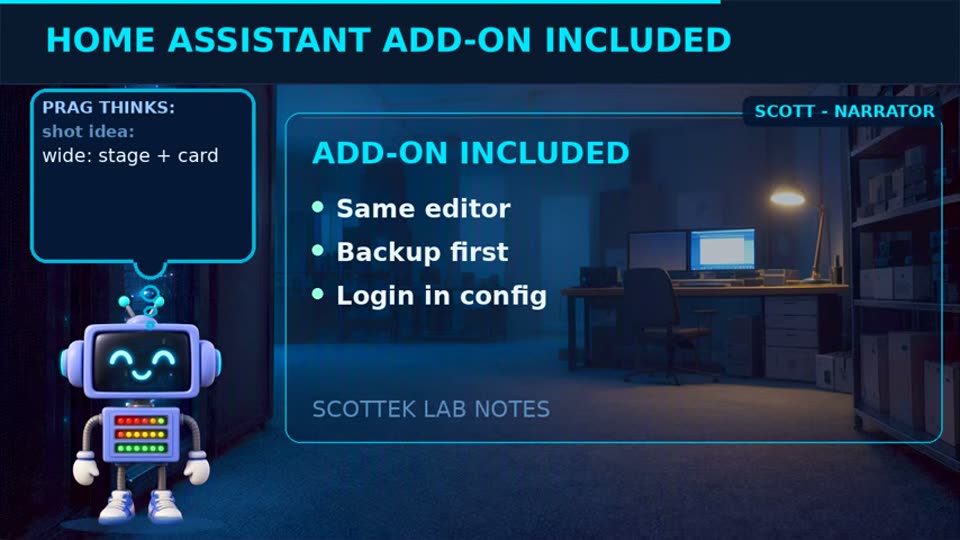
- Home Assistant users: In the video: the add-on wraps the same editor and the same setting, so take a full backup first, then turn on the login in the add-on configuration and restart — untested here
If you were hit: rebuild and rotate
In the video: a shell means rebuild — rebuild from a known-good image, restore flows only from a copy you trust, and rotate every secret the box ever held, because the credential vault reads clean to anyone with that shell.
- Rebuild the host from a known-good image rather than just deleting the rogue flow
- Restore flows only from a backup you trust, made before the intrusion window
- Rotate every password and token those flows ever touched, including databases, message brokers, device logins, and API tokens
- The rebuild-and-rotate path is remediation best practice restated from the video record and is untested here
Siemens gateways, and the queue you want out of
In the video: Siemens gateway owners should update to Industrial OS V4.3.4.1 or newer today, and if updating is not yet possible, uninstall Node-RED or harden it by the official guide while keeping control gear off the internet, behind firewalls, on its own network, per the CISA advisory. The Siemens version and CISA-advisory details are video-attributed and were not directly re-fetched here. The vendor advisory is linked for reference at Siemens SIMATIC support.
In the video: the decoys logged triple-digit hits across half a dozen-plus bugs in days from scanners that never sleep — an open editor is not a risk, it is a queue, and closing it today drops your homelab out of that queue entirely. The video chapters run 0:00 through 5:00 across the cold open, vulnerable defaults, attack chain, bench proof, squatter check, credentials fix, VPN layers, rebuild path, Siemens note, variants, Home Assistant, Docker, rotation, safe inspection, and closer, repeated here as given.
Sources and next steps
- Start with the video record: Node-RED RCE: Lock Down Your Homelab Now
- Read the exploit analysis: VulnCheck exploitation writeup
- Harden by the official docs: Node-RED security guide
- Check exposure data: Censys
- Vendor advisory reference: Siemens SIMATIC support
- Next step after this guide: enable the login before your next deploy, then audit those flows, and if anything unknown turns up, follow the rebuild-and-rotate path above