Install LFM3 1.7B on Ubuntu: Tiny Local AI Agent

This companion guide starts from the video Install LFM3 1.7B on Ubuntu: Tiny Local AI Agent and adds grounded detail from the official Hugging Face pages and the installer URL. Watch the video first for the full narrated 81-second run, then use the sections below as the written reference. No Prag research folder exists for this video, so this draft is built from the video plus the official pages only. Every step below is untested in this draft and none of the commands were executed here, so treat them as untested until run.
What LFM3 1.7B is
- In the video: Liquid AI published LFM3-1.7B-GGUF on Hugging Face on Oct 27, a tiny 1.7-billion-parameter model built for agents that runs on CPU, with the 4-bit file at about 1 GB.
- Added from the sources: the GGUF repo page is public and ungated with activity dated late October 2026, and it sits beside the LFM3 announcement post and the base model page, all checked October 2026.
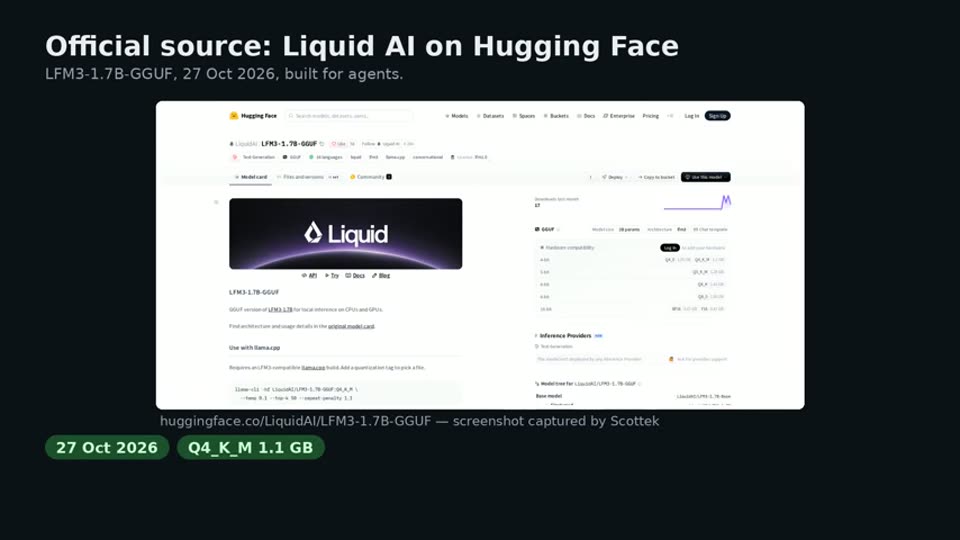
- In the video: the pitch is a genuine local agent model with no GPU and no containers, small enough to keep resident while an agent harness drives it.
Before you start
- In the video: you need 64-bit Ubuntu with
curland about 2 GB free, demonstrated on Ubuntu 24.04, with nosudoand no Docker involved. - In the video: confirm the machine first with
lsb_release -dfor the distro,uname -mfor 64-bit, andcurl --versionfor the downloader, all untested here.
Install the llama runtime
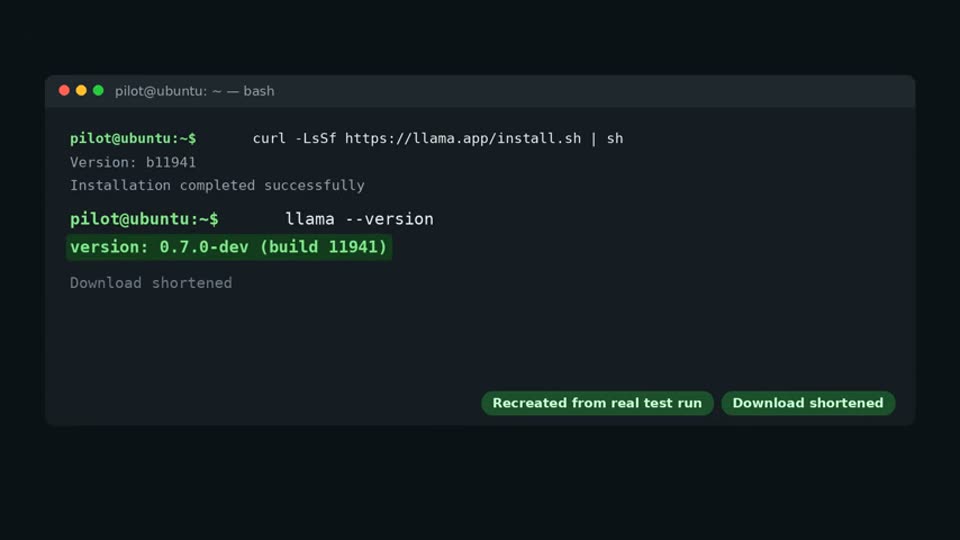
- In the video: install the
llama.cppruntime with the official installer usingcurl -LsSf https://llama.app/install.sh | sh, a download of about 52 MB, then check it withllama --version. - In the video: the check answers back with build 11941, which is the version the rest of the video runs against.
- Added from the sources: the installer URL was reachable and returned 200 when checked October 2026, so the pipe-to-shell line points at a live script, untested here.
Run LFM3 once on CPU
- In the video: run the model with one
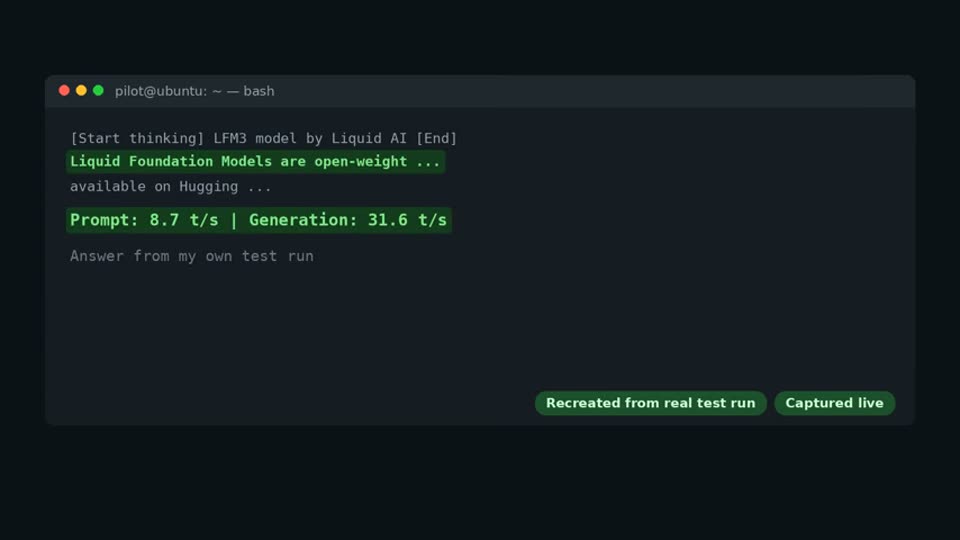
llama cliline,llama cli -hf LiquidAI/LFM3-1.7B-GGUF:Q4_K_M -p prompt -n 60 --temp 0.1 --top-k 50 --repeat-penalty 1.1, swapping your own text in forprompt, untested here. - In the video: the first run downloads the 1.1 GB model file, then LFM3 answers in one sentence with its thinking trace shown around the answer.
- In the video: the video's own test run reports about 31 tokens per second on CPU, with the on-screen readout near 8.7 prompt and 31.6 generation tokens per second, which is a video-measured figure rather than an independent benchmark.
Serve it and plug it into an agent
- In the video: serve the model with
llama-serverfor a web UI plus an OpenAI-compatible API, then plug that endpoint into an agent harness, with no flags quoted here because the video gives none, untested here. - Added from the sources: nothing in this section was executed or verified beyond the video's own framing, so confirm the server flags against the official docs before exposing any port.
Honest limits
- In the video: a 1.7B CPU model trades depth for size, so expect short answers and verify anything load-bearing against stronger sources.
- Added from the sources: the first-run download near 1.1 GB plus the runtime needs real disk and network headroom despite the tiny headline size, and the 31 tokens per second figure is the video's own single test run rather than a reproduced result, checked October 2026.
- This draft claims nothing beyond the video and the linked official pages, carries no affiliate links, and leaves every command marked untested until someone runs them on real hardware.