PostgreSQL 19 on Ubuntu: Install, Verify, Prove It Works

This guide is a companion to the video PostgreSQL 19 on Ubuntu: Install, Verify, Prove It Works, which is the starting point for everything described here. The video runs 99 seconds and, according to its description, installs PostgreSQL 19 on Ubuntu 24.04 from the official PostgreSQL APT repository, verifies the cluster is online, and proves it stores data.
No Prag research folder exists for this video, so this guide is built from the video description plus the official PostgreSQL documentation and repository wiki listed under Sources. Video claims and added research are kept separate throughout.
The video description states the install was tested as version 19.0-2.pgdg24.04+1 on 64-bit Ubuntu 24.04, that terminal frames in the video are recreations of a real test install with on-screen labels, and that install waits are shortened. Commands below come from the official PostgreSQL Ubuntu instructions instead, and every hands-on step is marked untested because this guide author did not execute an install.
Before you start
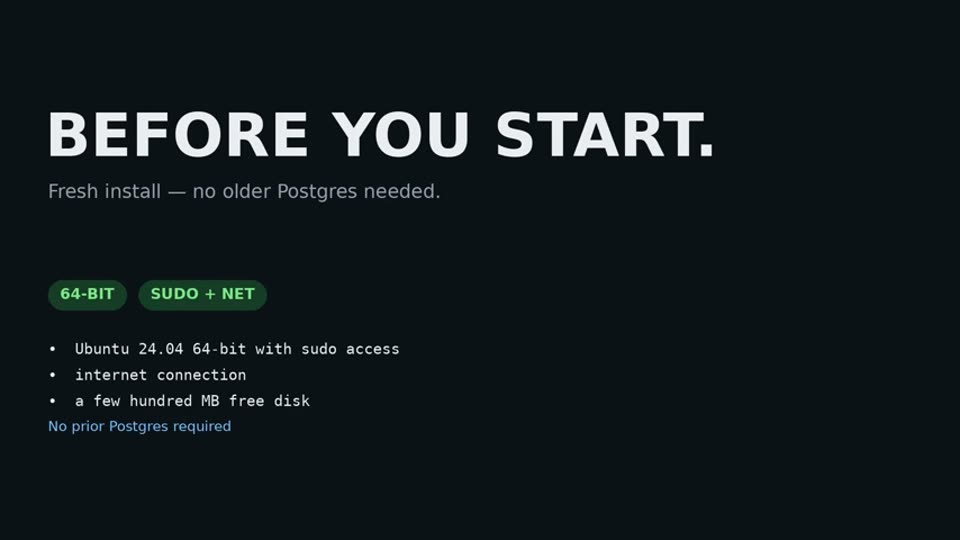
The video description lists the following prerequisites, repeated here without changes:
- 64-bit Ubuntu 24.04 with
sudoaccess - Internet access
- A few hundred MB of free disk space
- No older PostgreSQL version required
Added research: the official download page confirms Ubuntu does not necessarily ship the PostgreSQL version you want, and points users who need a different version to the PostgreSQL APT repository, which integrates with normal system updates. That is the reason this workflow adds the PGDG repository rather than installing from Ubuntu's default archive.
Add the official repository and install
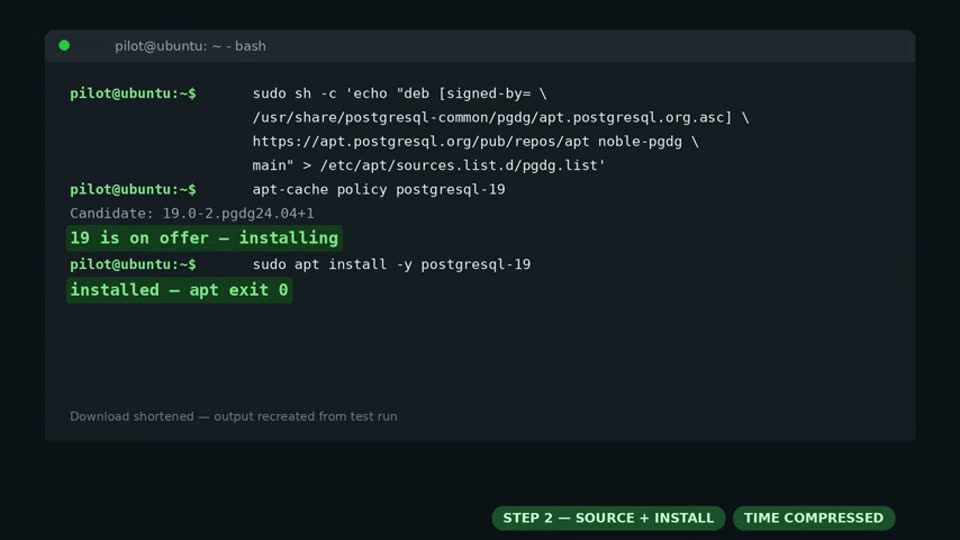
This section follows the video's first two steps, described as adding the official repository key and source, then installing postgresql-19. The commands below are the documented official method, not a transcript of the video, and are untested in this guide.
- Install the helper packages documented on the Linux downloads page for Ubuntu:
sudo apt install curl ca-certificates gpg(untested) - Fetch the official signing key to
sudo curl -o /usr/share/postgresql-common/pgdg/apt.postgresql.org.asc --fail https://www.postgresql.org/media/keys/ACCC4CF8.asc(untested) - Add the repository source for your release, as documented on the PostgreSQL Apt wiki, then run
sudo apt update(untested) - The wiki also documents an automated alternative:
sudo apt install -y postgresql-commonfollowed bysudo /usr/share/postgresql-common/pgdg/apt.postgresql.org.sh(untested) - Install the new major version with
sudo apt install postgresql-19, substituting19for the version as the official page directs (untested)
Verify the cluster is online
This section follows the video's verification step, which its description summarizes as checking the cluster with pg_lsclusters, confirming version 19.0, and checking the service starts on boot. The expected outputs below are untested and stated from the official tooling, not quoted from the video.
- List local clusters with
pg_lsclustersand confirm the 19 cluster shows as online (untested) - Confirm the server reports version 19.0, matching the tested version
19.0-2.pgdg24.04+1stated in the video description (untested) - Check the service is enabled so it starts on boot, for example with
systemctl is-enabled postgresql(untested)
Prove it stores data
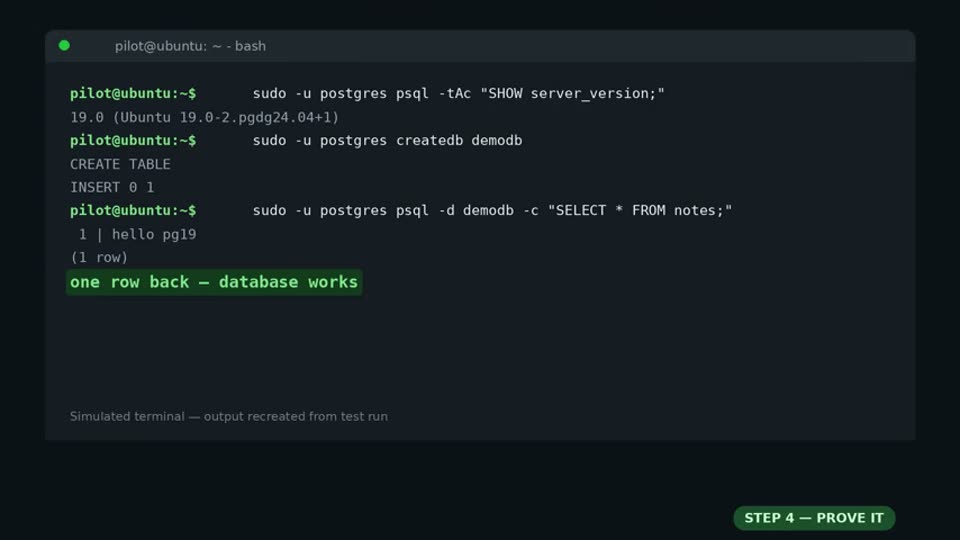
This section follows the video's final proof step, which the on-screen terminal shows as creating a test database and reading back one row. The statements below mirror the video frame, untested, and are not claimed to be the presenter's exact keystrokes beyond what the frame shows.
- Create a throwaway test database with
createdbas thepostgresuser (untested) - Create a small test table, insert one row, and select it back to confirm the read returns what was written (untested)
- Drop the test database afterwards so the throwaway data does not linger on a fresh server (untested)
What is new in PostgreSQL 19
This section is added research only. The video description defers to its closing segment for what is new, and this guide does not attribute any of the following to the presenter. All items come from the PostgreSQL 19 release announcement and the release notes:
- New
REPACKcommand, including a concurrent mode, that reclaims space and reorganizes tables without the blocking behavior of older approaches - New
pg_plan_adviceextension for controlling query planner decisions - Automatic scaling of I/O worker processes and further planner and executor performance work
- Logical replication that can be enabled without a server restart in more configurations, plus replication of sequence values
- New
WAITcommand supporting read-your-writes consistency on standbys - Parallel autovacuum of table indexes with a new prioritization scoring system
- A dump, restore,
pg_upgrade, or logical replication migration path is required when coming from any previous major release
Sources
- PostgreSQL 19 on Ubuntu: Install, Verify, Prove It Works - source video, 99 seconds, uploaded 2026-11-21
- PostgreSQL 19 Released - official release announcement dated 2026-11-19
- PostgreSQL 19 release notes - full feature and incompatibility list
- PostgreSQL Apt wiki - official PGDG repository setup documentation
- Linux downloads for Ubuntu - official Ubuntu install instructions including key import
- PostgreSQL APT repository browser - the package repository itself
- PostgreSQL 19 press kit - background material linked from the video description