Ollama Phonon: Free Local AI Voice in One Command (31M, Apache 2.0)

Watch the video first
This guide is a companion to the video, not a replacement for it. Start with Watch the video on YouTube, then use this page as your command checklist and source list. The video runs about eight minutes, was uploaded on 2026-10-28, and has a local-AI focus. Everything below that describes the demonstration follows the video, and everything technical beyond it comes from the linked primary sources. A Prag research folder for this video exists at Ollama Phonon Local AI Voice Guide, and its verified source records grounded this draft alongside the transcript and the official pages.
What Phonon actually is
- In the video: Ollama 0.40.11, published October 24, ships decision models called D3 alongside speech, and the speech side is Phonon, a family of small text-to-speech models from French outfit Gradium, packaged like any other Ollama model. You pull it, you run it, and audio streams back instead of text.
- Added from the sources: the Ollama speech announcement dates the launch to October 24, 2026, names Phonon as the first speech model from Gradium, and confirms speech models are available for macOS with Windows and Linux support coming soon. The Phonon model page describes the family as turning written text into spoken audio as it generates, for reading assistant replies, narrating passages, and giving local apps a voice.
Before you type anything
- In the video: you need Ollama 0.40.9 or newer (current is 0.40.11, so any fresh install qualifies), the
phononpull at about 113 MB, and an Apple Silicon Mac, since speech runs on Macs only right now, accelerated by Apple's MLX framework. - Added from the sources: the speech documentation sets the floor at v0.40.9, the model page lists
phonon:latestat 113 MB with an 8K context window and states that these packages require Apple Silicon and Ollama 0.40.9 or later, and the v0.40.11 release tag confirms the October 24 publish date. Every setup step below is untested here — the bench is a Linux box, and each Mac-only command is documented, not executed.
The two-line happy path
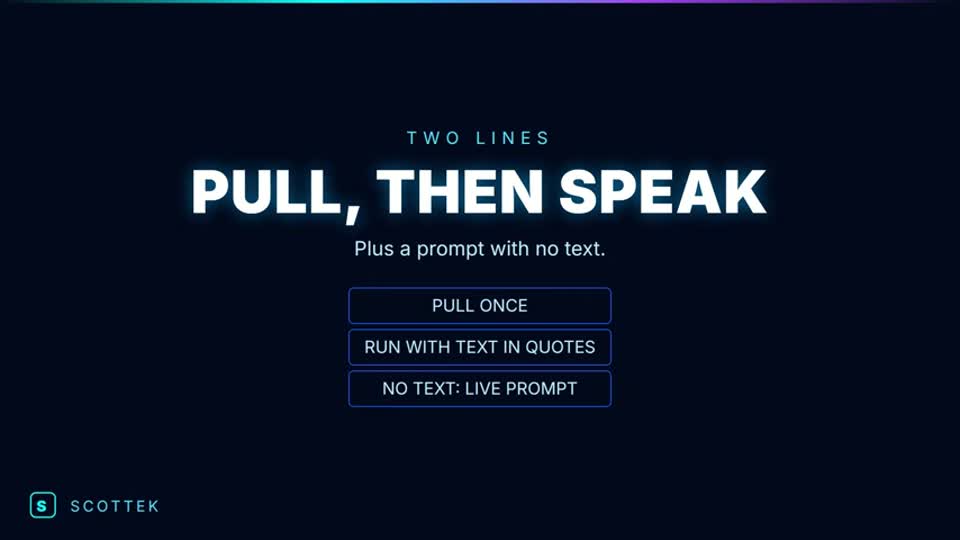
- In the video: pull once with
ollama pull phonon, then speak withollama run phonon "Hello from Ollama."Run it with no text at all and you get a prompt where every line you type is spoken back. Want a different voice? Add a flag:ollama run phonon --voice Zoeyplus your line. - Added from the sources: the announcement gives the same commands verbatim, and the docs add that the bare-prompt session ends with
/byeor Ctrl+D, that redirecting output writes a WAV file even on servers with no speakers, and that prefixing withOLLAMA_HOST=my-server:11434plays a remote server's speech through your local speakers. These commands are untested here and Mac-only today.
Voices and the five-language lineup
- In the video: the default checkpoint is Phonon 31M English at 104 MB, sipping just 121 MB of loaded memory, with one voice called
default. The 40M checkpoints cover English, French, German, Spanish, and Portuguese plus a multilingual build, each around 141 MB loaded, with voices including Zoey, Easton, Freya, Hugh, and Hadley. - Added from the sources: the model page confirms the lineup —
phonon(alsophonon:31m-enandphonon:en) is the 31M English checkpoint, and the six 40M tags cover40m-en,40m-fr,40m-de,40m-es,40m-pt, and40m-multilingual, each around 141 MB loaded. Voices come from Gradium's voice catalog,ollama show phononlists every voice your checkpoint carries, and names are case-insensitive per the docs. One practical note from the model page: feed it speakable text, since formatting marks such as Markdown headings may be read aloud.
Pipe chat into voice, then ship it over an API
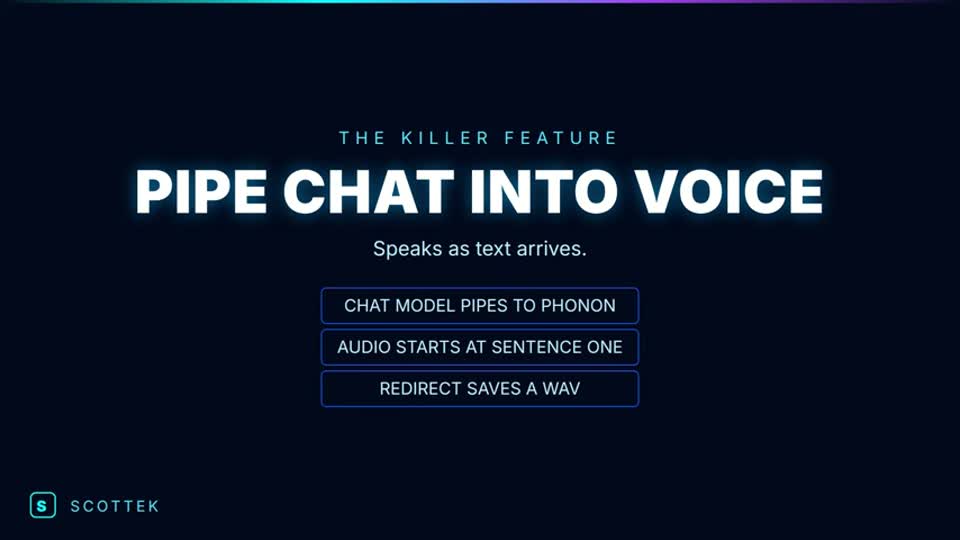
- In the video: the feature that sells it is piping any chat model straight into Phonon, so the reply starts playing after its first sentence or two, and redirecting instead of piping saves a file.
- Added from the sources: the announcement documents
ollama run gemma4 --hidethinking "Tell me a fun fact about owls in two sentences." | ollama run phononandollama run phonon "Save this to a file." > speech.wav, plus an OpenAI-compatiblePOST /v1/audio/speechendpoint, so existing SDK code only changes its base URL tohttp://localhost:11434/v1. Audio is 24 kHz mono, WAV by default or raw 16-bit samples with apcmresponse format, and the response streams while it generates so playback can start immediately. Untested here.
The license split, exactly as the sources state it
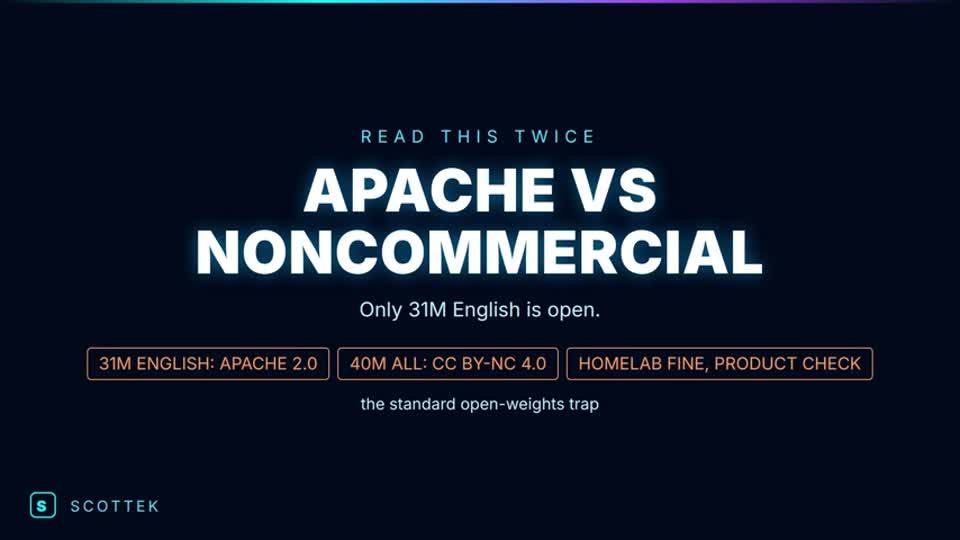
- In the video: only the default 31M English checkpoint is Apache 2.0 and free for commercial use, while every 40M checkpoint is noncommercial. Narrating your homelab dashboard is fine; voicing a product you sell is not without checking terms first.
- Added from the sources: both Ollama pages carry the exact same wording, and that wording is all this section claims. The announcement says
phononis released under Apache 2.0 and the 40M models under CC BY-NC 4.0, which limits them to noncommercial use. The model page restates it per checkpoint: the 31M English checkpoint under Apache 2.0, and the 40M English, French, German, Spanish, Portuguese, and multilingual checkpoints under CC BY-NC 4.0. Verify before you ship.
Limits, aired plainly
- In the video: Apple Silicon only today with Linux and Windows later, input capped at 4,096 characters per request with auto-splitting at paragraph and sentence breaks, dollar amounts and URLs spelled out, and
400errors for unsupported options, chat requests aimed at speech models, or unknown voices. - Added from the sources: the docs confirm the 4,096-character cap, the auto-split behavior, the spelled-out prices and dates, and the
400responses — including an unknown-voice error that helpfully lists the real voices. The vendor benchmarks (113x faster than realtime and 35% ahead of Gradium's own runtime on a MacBook Pro with M5 Max, plus a 1.2% word error rate matching the reference implementation) are Ollama-reported medians from the announcement, never independently reproduced here, and the video labels them the same way.
Who should act, and who should wait
- In the video: on an Apple Silicon Mac, update to 0.40.11 and pull Phonon tonight for a private narrator your apps can call over a standard API. On Linux or Windows, update anyway so you are ready, and use the wait to plan what gets a voice first. If you ship software, remember the license split from the previous section.
- Added from the sources: nothing here phones home either way — the weights run on your hardware, which is the whole point. Track the announcement and the model page until platform support and licensing catch up with your use case. This verdict is untested here beyond the documented sources.