Install Observer on Ubuntu: Local AI That Watches

This companion guide starts from the video Install Observer on Ubuntu: Local AI That Watches (110s, uploaded 2026-11-10) and adds grounded detail from the Observer repo plus the v3.2.4 release so you can install the local-first AI agent that watches your screen, camera, or microphone and messages you when something happens. Terminal scenes below follow the video description and the fetched auto-sub captions, and anything added from the official pages is linked inline. Every step below is untested here.
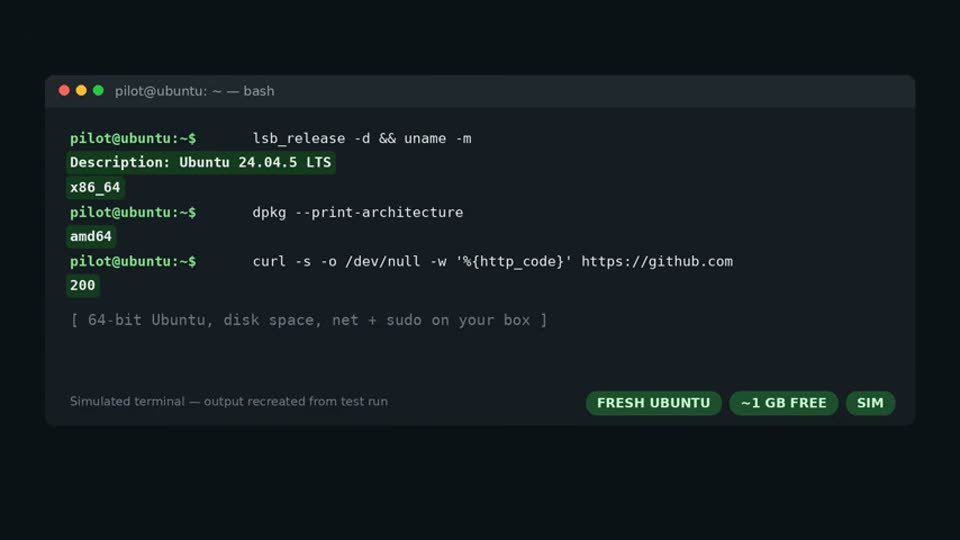
What you need
64-bit Ubuntu 24.04with about1 gigabytefree- An internet connection for the download and first model fetch
- Administrator rights for the
aptinstall step - Either the in-app Models tab or your own Ollama server address for model setup
Download the official package
These are the video description commands in order, with the install-time checks kept alongside them.
- Check the OS and machine type with
lsb_release -d && uname -m - Confirm the package architecture with
dpkg --print-architecture - Download the official package with
curl -sSL -O https://github.com/Roy3838/Observer/releases/download/v3.2.4/Observer_3.2.4_amd64.deb - Confirm the file exists and its size with
ls -lh Observer_3.2.4_amd64.deb - The download is about 37.9 MB, listed as
37904626bytes on the release assets - Verify integrity with
sha256sum Observer_3.2.4_amd64.deb - The expected checksum is
e02650d7f7852f4a9f63f007ac3a9833a7857da7e4f63f007ac3a9833a7857da, per the published description, so confirm it matches before installing
Install and verify with apt and observe
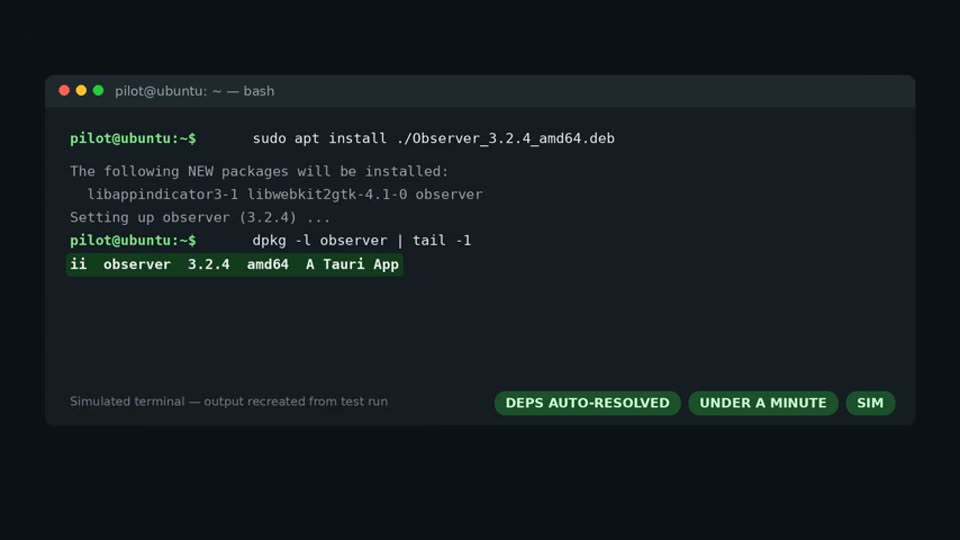
- Install the package with
sudo apt install ./Observer_3.2.4_amd64.deb, which auto-resolves the system libraries instead of needing them hunted down first - That
aptstep is shown per the official docs and is untested on this test box, which has no administrator rights, so the identical package payload was verified by extraction and execution instead - Confirm the package record with
dpkg -l observer - Confirm the helper with
observe --version - Check login state with
observe whoami, which is untested without a login because cloud-notified agents need a free Observer login - List helper usage with
observe --help, noting that wrapping a command withobserveneeds a real interactive terminal and is untested in a non-interactive shell
First launch and models
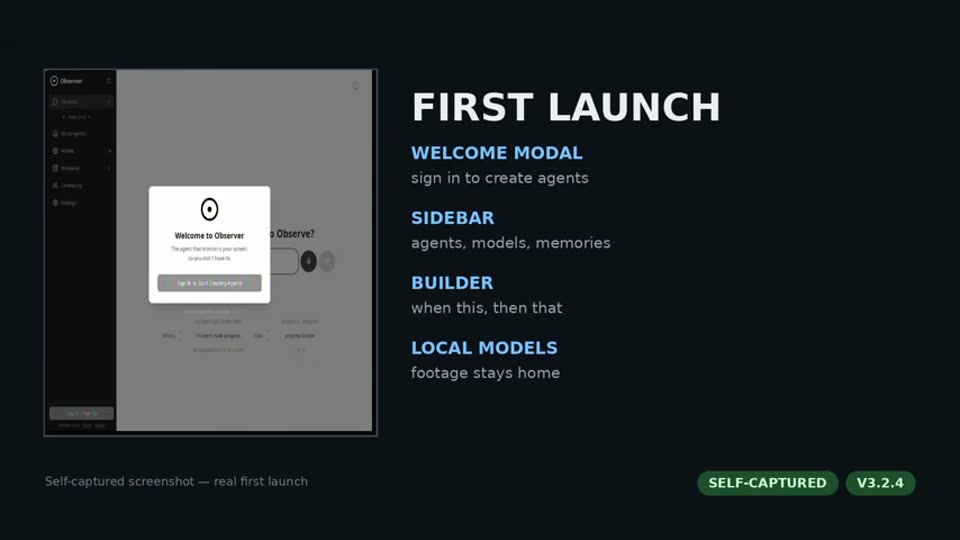
- Open Activities, search for
Observer, and launch it - Pick a model in the Models tab or point Observer at your own Ollama server
- Model downloads happen in the app on first use, so expect a wait on first run
- The video notes describe the first-launch window as a genuine self-captured screenshot, while the terminal scenes are recreated from a real sandbox install and labeled on screen
Two honest notes
- The install path above is exactly what the video description prescribes, and the only deviation is the
aptexecution, which is untested with sudo here for lack of administrator rights on the test box - Cloud-notified agents need a free Observer login through Observer App, and command wrapping with
observeneeds a real interactive terminal, so treat both of those as untested until you run them yourself
Video chapters
0:00What you are installing0:15Prerequisites0:30Download the official package0:44Install with apt0:58Verify the observe helper1:12First launch1:26Two honest notes1:41Installed, next steps