Home Assistant 2026.11: HACS Is Now Built In (Marketplace Guide)
This guide is the written companion to the video Home Assistant 2026.11: HACS Is Now Built In (Marketplace Guide) (614s, uploaded 2026-11-06), and it treats the video as the starting point. Claims shown in the recording are labeled In the video, and everything confirmed against the official release notes and migration docs is labeled Added from the sources. Anything not independently confirmed is marked untested. The auto-subtitle fetch failed with HTTP 429, so the transcript-equivalent record used here is the owner-written narration scripts from the Prag research folder, disclosed as such.
What changed in 2026.11
In the video: Home Assistant 2026.11 went stable on November 4 2026, with beta notes up October 28 and a second beta on October 31, and the release team calls it the biggest release ever shipped. This guide is the direct sequel to the Home Assistant 2026.10 guide, covering the version where the community store stops feeling like a side quest. Added from the sources: the 2026.11 release notes confirm the headline, which is that HACS, the Home Assistant Community Store, is now built in as the Marketplace under Settings, then Marketplace, on every install type including Container, with nothing to download and nothing to unpack.
Added from the sources: the Marketplace carries the same catalog, the same repositories, and the same hacs.json publisher file, and everything in it is free, which the release notes say will not change. The HACS marketplace docs add that development continues inside Home Assistant itself, so the old HACS custom integration gets no new features, and Home Assistant blocks installing HACS on 2026.11 or newer. The same release also ships 38 new integrations, the name-it-once entity naming rethink, Matter cameras with two-way talkback, LoRaWAN support, Zigbee Green Power, and local-drive backups and media, per the release notes.
- Update to
2026.11.0for the built-in Marketplace, confirmed by the core 2026.11.0 release tag - Expect HACS to be gone as a separate install, with the Marketplace replacing it
- Read the backward-incompatible section of the release notes before updating, since entity naming changes how some names display
Fresh install and verification
In the video: the bench runs a fresh container on Proxmox from the pinned ghcr.io/home-assistant/home-assistant:2026.11.0 image rather than a floating tag, with a config folder mapped at /config, then onboarding over port 8123, where the version API answers 2026.11.0 and Settings shows Marketplace with no download step and no separate install. Added from the sources: the release notes corroborate that the Marketplace ships with Home Assistant on every install type, so there is nothing to set up before browsing. The exact compose file and host addresses are video details and are untested here.
- Pull the pinned
ghcr.io/home-assistant/home-assistant:2026.11.0image instead of a floating tag - Map a config folder at
/configand publish port8123before first boot - Finish onboarding, then confirm the version API answers
2026.11.0 - Open Settings and confirm Marketplace is present with no download step
Browse, install, and the risk notice
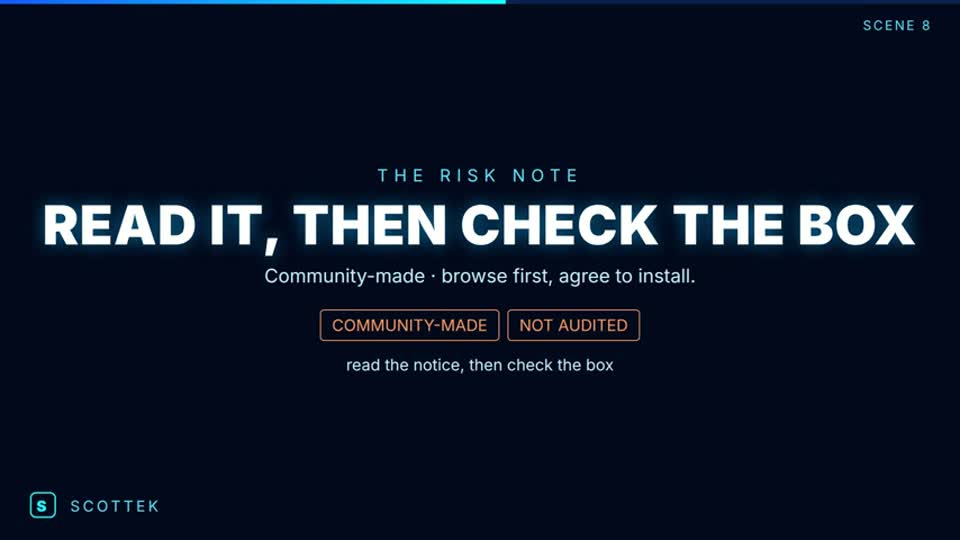
In the video: installing got simpler in the ways that matter day to day, with each project page showing download count, GitHub stars, the required Home Assistant version, and open issues, and with the first-open risk notice asking to be read before the box is checked. Added from the sources: the release notes confirm the flow, where an administrator picks something, hits Install, and lands straight in its setup flow, with no separate trip to Devices and services and no restart just to install. You do not need a GitHub account to install or update projects.
Added from the sources: updates still need a restart for now, and a repair tells you when one is due and can restart for you. The first time the Marketplace opens, a risk notice states the content is community-made and is not tested or supported by the project, and it runs inside your home. You can browse before agreeing, but installing and updating wait until the box is checked, per the Marketplace integration docs.
- Open the Marketplace as an administrator and install straight into the setup flow with no restart for installs
- Check the project page stats, required version, and open issues before installing
- Accept the risk notice once, knowing community content is not tested or supported by the project
- Restart when a repair asks after updates, since updates still need a restart
Existing HACS users: migration notes
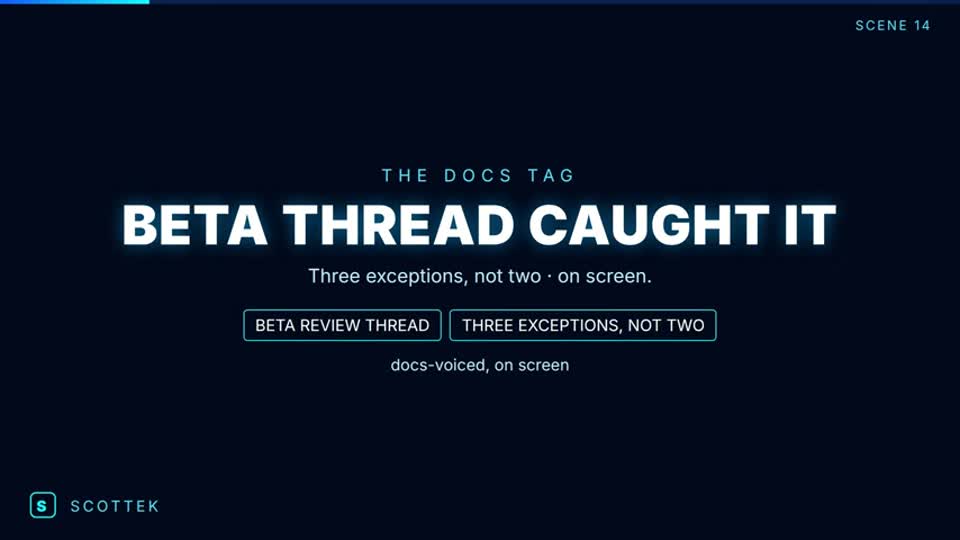
In the video: existing HACS users do nothing special, since the first start after the update migrates HACS into the Marketplace automatically, with everything downloaded staying installed and HACS itself removed. The migration half of the bench is docs-voiced with the docs on screen, because the bench box is clean by design, so the migration path below is docs-based and edge cases are untested here. Added from the sources: the HACS marketplace docs confirm the carry-over, where custom repositories and update entities keep their names, areas, and labels, update entities keep their entity IDs so automations and dashboards keep working, bookmarks to /hacs open the Marketplace, and the old sidebar entry and its options are gone.
Added from the sources: three kinds of things stop getting updates in the move, and this list is docs-based. AppDaemon apps and Python scripts are no longer managed, where their files stay where they are and keep working but no longer receive updates, and a repair lists the ones affected. Custom repositories without a hacs.json file cannot be updated either, where that third exception comes from the beta review thread rather than the headline notes. Dashboard resources are served from /local/community/ now, the old /hacsfiles/ paths keep working, YAML-defined resources need a hand edit that a repair reminds about, and templates or tools that look up the old hacs integration need changes, per the HACS marketplace docs.
- Back up first, then update, and let the first start migrate HACS automatically
- Verify repositories and update entities carried over with their IDs intact
- Write down AppDaemon schedules and Python scripts before updating, since they keep working but stop receiving updates
- Fix YAML dashboard resources by hand when a repair flags them
Back up before you update
In the video: the safe-update checklist is a full backup under Settings, then System, then Backups, a read of the backward-incompatible changes for the integrations actually run, ten budgeted minutes for the repairs when AppDaemon routines or YAML dashboard resources are in play, and permission to wait a few days while early threads shake out edge cases. Restore-step details beyond taking the backup are untested here. Added from the sources: the release notes back the caution, since this release renames entities and migrates the store in one go, and entity naming is backward-incompatible, with the full story in the naming post.
- Take a full backup under
Settings, thenSystem, thenBackups, and know how the restore would run - Read the backward-incompatible changes for the integrations actually run
- Budget ten minutes for repairs when AppDaemon or YAML resources are involved
- Wait a few days when the home depends on renamed entities or a migrated store
Why-did-that-happen toolkit
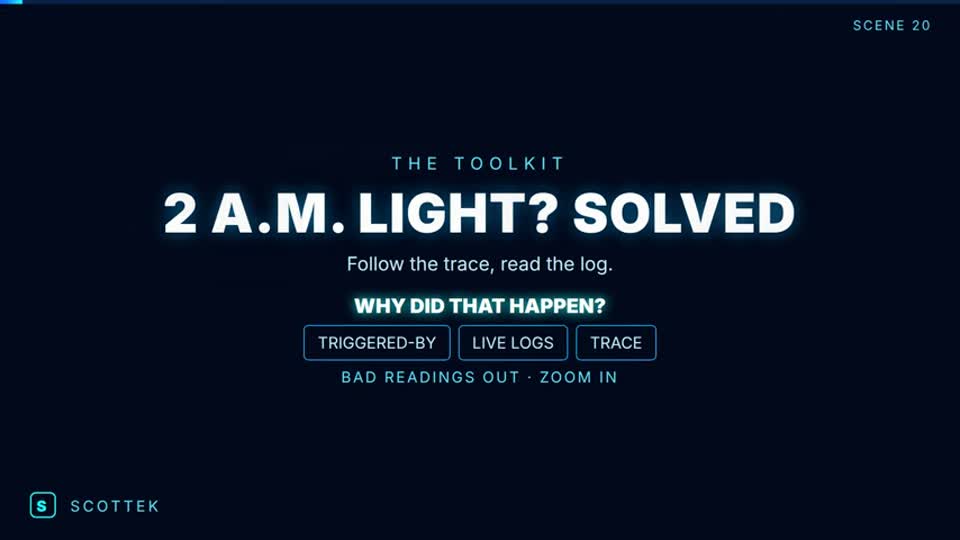
In the video: the why-did-that-happen toolkit answers which trigger fired an automation, follows a trace straight into the script it called, and pairs per-integration live logs with the test run to find the culprit in minutes. Added from the sources: the release notes confirm the set, with a Triggered-by filter, trace-into-script, live logs for each integration, bad-reading removal from history, chart zoom, and an action log for every action. Beyond the store, the release adds exclude-items-from-target, copy and paste for dashboard sections, self-filling sections, the Alert card without YAML, and color control on light tiles.
- Filter an automation trace by the trigger that fired it
- Follow the trace into the called script instead of guessing across files
- Watch the per-integration live logs while testing the automation
- Remove bad sensor readings from history and zoom charts to inspect spikes
Sources and next steps
- The companion video is the starting point for this guide and all In the video claims above
- The 2026.11 release notes own the Marketplace headline, the install flow, the risk notice, update entities, grouping and filtering, download sources, and the toolkit
- The HACS marketplace docs own the automatic migration behavior, the AppDaemon and Python script exceptions, and the dashboard resource path change
- The beta review thread owns the third exception for custom repositories without a
hacs.jsonfile - The Marketplace integration docs own the supported install, update, and custom repository flows on 2026.11 and newer
- The core 2026.11.0 release tag owns the pinned-version confirmation
- For the previous tour in this series, see the Home Assistant 2026.10 guide
There are no affiliate links in this guide.