Install Mister Download Manager on Ubuntu (Free, Fast, Verified)

Watch the walkthrough in Install Mister Download Manager on Ubuntu (Free, Fast, Verified), published 2026-11-14. This companion guide collects the commands and links in one place, grounded in the video's auto-subtitles and description plus the Mister Download Manager repo, the v0.5.2 release, the Linux getting-started guide, the command-line docs, and the browser-integration docs. All six links were re-verified reachable for this guide. Every command below is untested here; the video's terminal frames recreate outputs captured in a sandboxed test install of the same release, with the install frame labeled on screen as illustrative.
What you need
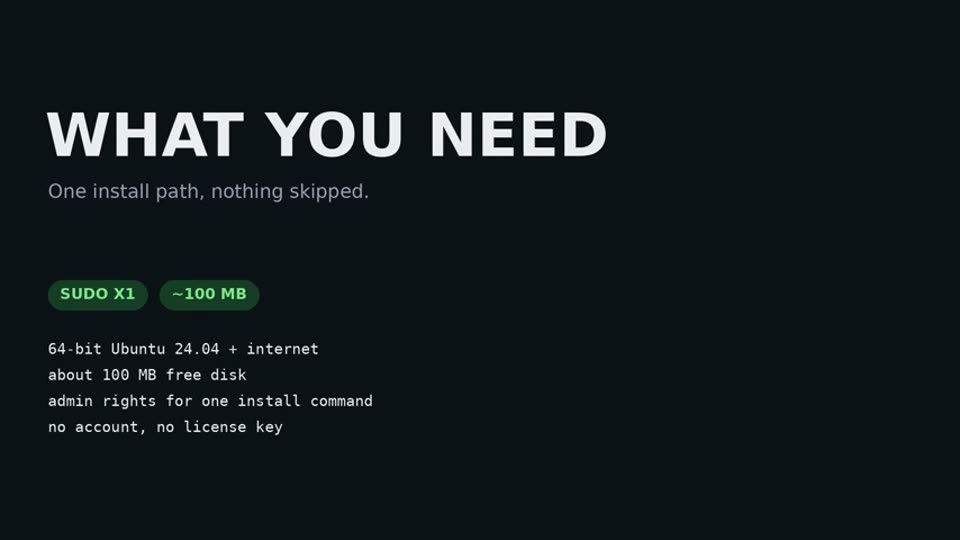
Mister Download Manager 0.5.2 is a free, open-source download manager that pulls files over many connections at once, handles torrents, and catches downloads from your browser. You need 64-bit Ubuntu 24.04 with internet, about 100 MB of free disk, and admin rights for one install command. There is no account, no license key, and no subscription.
- Confirm 64-bit x86 Ubuntu with
uname -m, which should printx86_64 - Confirm free disk with
df -h ~, looking for about 100 MB available - Everything after the one
apt installruns as your normal user
Download and verify the package
Grab the official Ubuntu package from the project's releases page. The file you want is MisterDownloadManager-0.5.2-linux-x86_64.deb, about 17 MB. Before installing anything, check the file: the release ships a SHA256SUMS.txt checksum list, and your download's hash must match the line for the deb. A match means the file arrived intact.
- Download
MisterDownloadManager-0.5.2-linux-x86_64.debandSHA256SUMS.txtfrom the v0.5.2 release - Check the hash with
sha256sum MisterDownloadManager-0.5.2-linux-x86_64.deband compare it against the matching line inSHA256SUMS.txt - Re-download if the hashes differ; never install a package that fails its checksum
Install with apt
Point apt at the file you downloaded. It pulls in the system libraries the app needs, such as the interface toolkit, then registers the program and its browser helper. Type your password once; that is the only admin step.
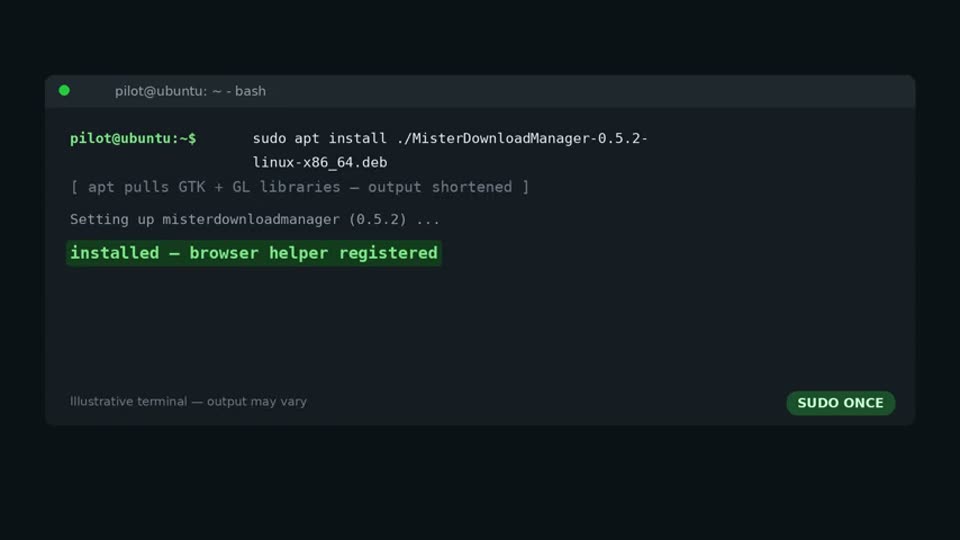
- Install with
sudo apt install ./MisterDownloadManager-0.5.2-linux-x86_64.deb - This is the documented install method for Ubuntu, Debian, Mint, and Pop!_OS in the Linux getting-started guide
- Prefer another format? The same release also ships an
.rpm, an AppImage, and a plain.tar.gz
Prove it with the CLI
Prove the install with the built-in misterdownloadmanager-cli command-line tool, which downloads files, videos, and torrents in a terminal without the app window. Ask it for its version, then prove it downloads: point it at a file, ask for eight connections, and hand it the official checksum so it verifies the finished file itself.
- Ask for the version with
misterdownloadmanager-cli --version - Download over eight connections with
misterdownloadmanager-cli get <URL> -c 8 --checksum <hash>, using the file's official SHA-256 hash - The tool pulls the file in pieces and checks the hash itself; the video's proof run ends saved and verified
- Full switch reference, including torrents, video helpers, and resume, is in the command-line docs
First run and Add URL
For everyday use, open the app. First launch asks your language, with 86 built in, and offers the video helpers. Paste any link with Add URL: the app shows the file's name and size before anything downloads, so you confirm before spending bandwidth.
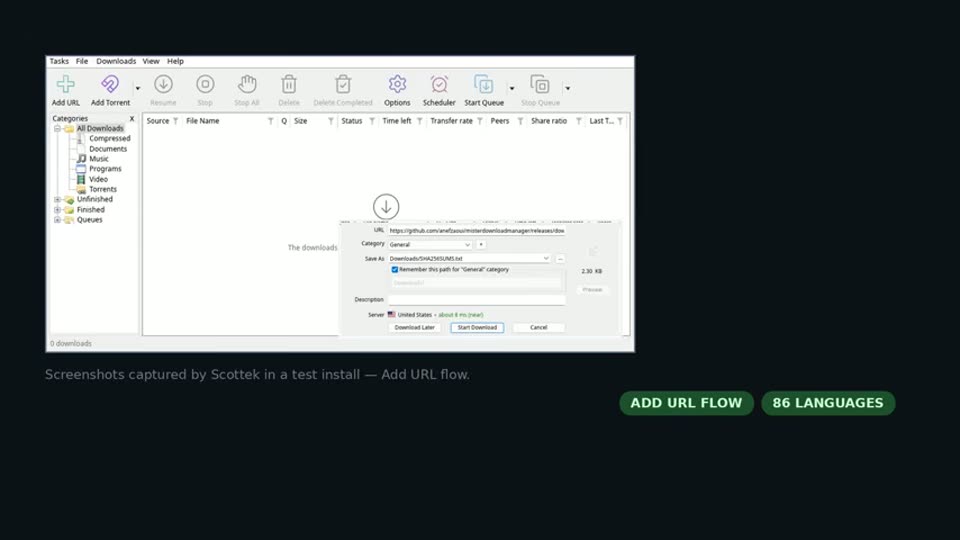
- Launch the app from your desktop menu after the install finishes
- Pick your language on first run and let it offer the yt-dlp and ffmpeg video helpers
- Add a download with the Add URL button, check the name and size in the confirmation dialog, then start it
- Catch browser downloads too with the extensions in the browser-integration docs, for Chrome and Firefox