CMP 170HX: $160 From E-Waste to 64GB AI Monster

Companion guide to the video: CMP 170HX: $160 From E-Waste to 64GB AI Monster
Prag's production notes for the video grounded this draft: spec provenance, the source list, and which figures are community-reported rather than bench-tested.
In the video: the presenter traces the card from a roughly $4,700 mining launch to $160 e-waste to a 64 GB home-lab AI card, explains the driver-level unlock, shows reported benchmark lifts, covers the optional capacitor mod, and gives a buy-or-skip verdict, with every number framed as community-reported rather than gospel. The presenter states plainly there is no 170HX on the bench, so the terminal walkthrough is a labeled dramatized illustration built from the genuine documented steps, and nothing in it is presented as a live test result.
Stale-price warning: every price in this guide is volatile secondhand-market data reported around October 2026, check sold listings the day you buy, not the day you read this.
What the card actually is
- The CMP 170HX is a 2021 mining card with no display outputs at all, and under the shroud sits Ampere GA100 silicon from the A100 family.
- The common 8 GB SKU carries 70 streaming multiprocessors, 4,480 CUDA cores, and 8 GB of HBM2e on a 4,096-bit bus pushing about 1.5 TB per second, with stock FP32 throttled to roughly 0.4 teraflops.
- A second 10 GB SKU exists on a wider 5,120-bit bus, and the two SKUs unlock to different capacities, which matters before you buy.
- The card draws 250 W through one EPS-style 8-pin feed, cools passively like server hardware, negotiates PCIe Gen1 x4 stock on a physically x16 slot, and exposes CUDA compute capability 8.0 only.
- That Gen1 x4 link is the card's factory choke point, and the community unlock addresses it in software.
- Headless means headless: no outputs means no picture ever, so budget a second GPU, an iGPU board, or a BMC plus SSH path for console before the card arrives (untested).
From flagship mining card to e-waste
- Nvidia announced the CMP mining line in February 2021, and the 170HX surfaced around September 2021 priced near $4,299 to $4,700 (reported, volatile, see stale-price warning above).
- The 2022 merge ended GPU mining, and a card with no outputs and kneecapped compute had nowhere to go, so prices collapsed into the $160 to $500 range and pallets of them became e-waste (reported, volatile).
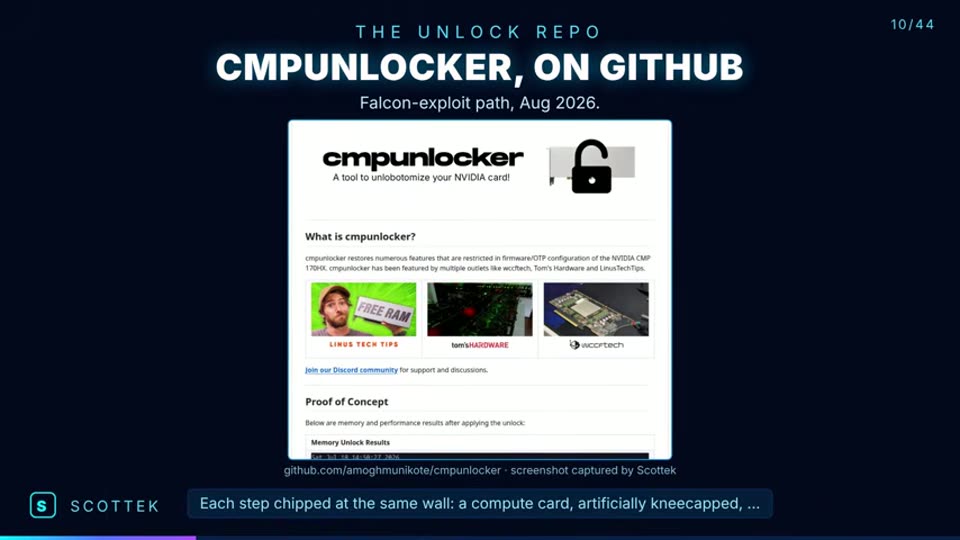
- Community bring-up work followed in stages: early work in 2023, an OpenCL workaround, an arXiv paper in April 2025 documenting the throttling mechanism, and then CMP Unlocker in August 2026, which the video credits to John Pry via a Falcon exploit path (all reported, see sources).
- Street prices reacted fast, climbing from around $250 toward $1,000 and beyond, with October 2026 asking prices reported between $2,800 and $4,000 and sold-listing medians near $2,550 for the 8 GB card (reported, volatile, thin data on some cuts).
- The 10 GB card shows medians near $1,748, but the video flags that number as thin data on a small sample, so treat it with extra skepticism (reported, volatile).
The unlock, honestly described
- Nothing is flashed: the card firmware stays untouched, and CMP Unlocker applies patches against the Nvidia open driver tree that reapply on every module load.
- Memory geometry comes from the PCI device ID: a 20C2 board unlocks to 64 GB and a 2082 board unlocks to 40 GB, so confirm the device ID with
lspcibefore spending money (untested). - The fabled 80 GB profile proved unstable and was rejected upstream, so do not plan around it.
- The documented path pins the nvidia-open 610.43.02 or 610.43.03 driver tree with matching kernel headers, and note the unlock repo has since added support for newer driver versions, so check the current README before pinning anything (untested).
- The unlock is system-bound, not card-bound: move the card to a fresh install and you start over, which makes your OS install part of the unlock, so back it up.
- A runtime binary alternative exists but is temporary and lost on reboot, so it is not a substitute for the patched-module path (untested).
- The community docs corroborate the SKU table, the device-ID geometry, the driver pin, and the rejected 80 GB profile, and they publish their own unlocked-card lab numbers as reported figures.
Read this before you touch anything
- Patching kernel modules and disabling Secure Boot are destructive operations: a bad driver state can leave the machine unbootable or without graphics, so have a recovery plan and a second console path before starting.
- Secure Boot must stay off because the patched modules are unsigned, and Above 4G Decoding must be enabled in the host BIOS (untested).
- Cooling is load-bearing: the stock passive heatsink needs strong directed airflow or a water path, and thermal runaway above roughly 80 C is a documented failure mode (untested).
- Expect a 1x 8-pin CPU or EPS-style feed via adapter and budget PSU headroom above the 250 to 300 W envelope (untested).
- Confirm the SKU with
lspcifirst, because 8 GB stock means a 64 GB unlock and 10 GB stock means a 40 GB unlock, and the two are not interchangeable (untested). - This is Linux only: no verified Windows driver path exists, dummy HDMI plugs cannot help a card with no connectors, and BMC or serial console setups are reported but unverified by the presenter (untested).
Unlock walkthrough
- Every step below is (untested): it follows the genuine documented steps from the community guides, restated here without any claim of a live test.
- Identify the card with
lspciand confirm the device ID is 20C2 or 2082 (untested). - Clone the unlock repo and run the installer with your profile,
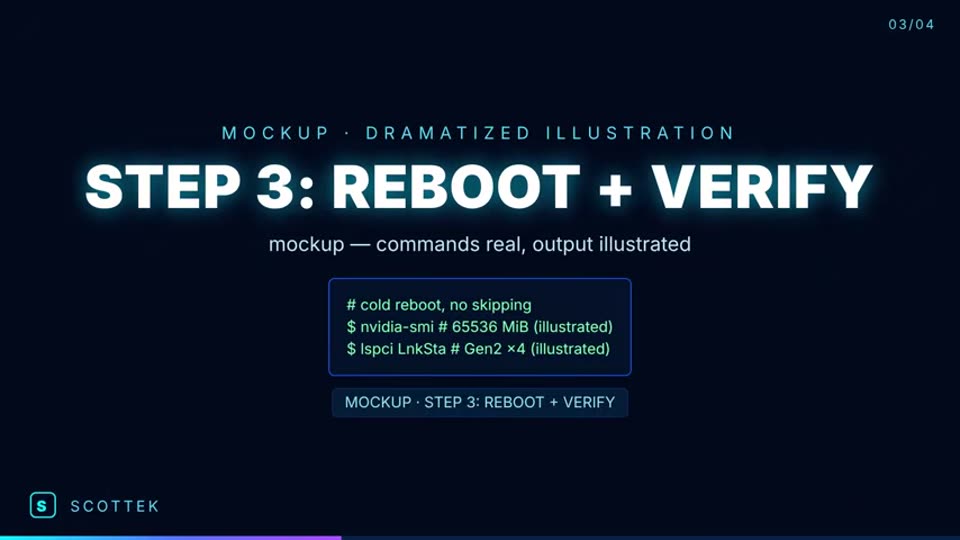
sudo ./install.sh --profile=8gbfor an 8 GB card orsudo ./install.sh --profile=10gbfor a 10 GB card (untested). - Cold reboot with no skipping, then verify with
nvidia-smishowing 65536 or 40960 MB pluslspcilink status (untested). - Run CUDA memtest before trusting a single gigabyte, because fused-off HBM is a lottery and the guides call this test non-negotiable (untested).
- To undo the change, the repo documents
sudo ./remove.sh --yesfollowed by a reboot (untested).
Reported results, not test results
- Every figure below is community-reported, not bench-tested for this guide: FP32 rises from 0.41 to 12.69 teraflops, roughly a 31x lift (reported).
- BF16 reaches up to 164 to 193 teraflops (reported).
- In llama.cpp, a Qwen 27B Q4-class model generates around 38 tokens per second, and a 7B model decodes up to about 204 tokens per second (reported).
- vLLM serves roughly 1.7 to 1.8x over llama.cpp in one tester's setup, but that is one tester, so treat it as direction rather than a constant (reported).
- One eight-card rig ran a 744-billion-parameter mixture-of-experts model at 2,675 prompt and 30 decode tokens per second (reported).
- The community docs publish their own unlocked 64 GB lab numbers, including a 30B-class model near 228 tokens per second in one configuration, also as reported figures rather than verified results.
- The arXiv paper found FP32 gains above 15x the stock capability and inference gains above 3x at some precisions using an FMA-disabling approach, which is the peer-reviewed anchor behind the community numbers.
The capacitor mod: optional hardware surgery
- Missing AC coupling capacitors on most PCIe lanes are the hardware half of the choke point, and soldering 220 nF X7R capacitors across the documented positions restores lane width (untested, destructive).
- The community docs specify 24x 0402 0.22 uF parts and stress this fixes width only, never link generation, with Gen2 remaining a software unlock (untested).
- Reported link outcome: the unlock alone gives about Gen2 x4 near 2 GB per second, while both mods together give about Gen2 x16 near 8 GB per second (reported).
- This mod has killed cards through solder bridges, lifted pads, VRM cooling mistakes, and waterblock shorts, so treat it as optional rather than required, and be honest about your soldering skill (reported risk, untested).
Who should buy it, who should skip it
- The buyer runs Linux, needs big VRAM for local AI on a budget, and enjoys project cards: at roughly $2,550 for 64 GB of HBM2e the math works if the price holds and the workload fits (reported price, volatile).
- If the price doubles again, the math stops working, so watch the market and recheck sold listings before committing.
- Gamers, Windows-only users, and anyone wanting plug-and-play should skip it and buy something like an RTX 3060 12 GB instead.
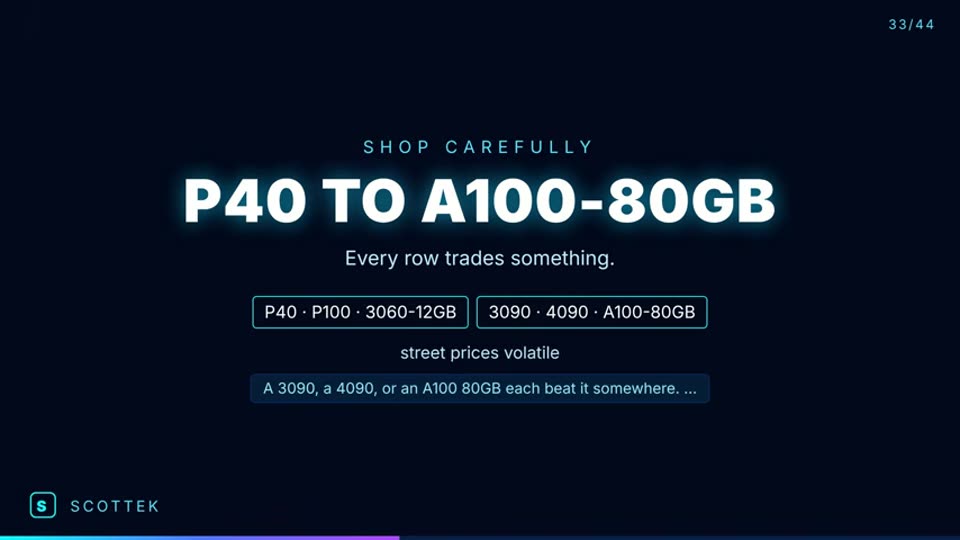
- Cheaper older Tesla cards, used 3090 or 4090 boards, and real A100 80 GB cards each beat it somewhere on price, simplicity, memory, or support, with every alternative except the simplest trading money for effort or effort for memory (reported, volatile).
- The verdict from the video stands: this is a project card, not an appliance, and if that sentence exhausts you, you already have your answer.