Llmspeed: Feel Local LLM Speed Before You Buy
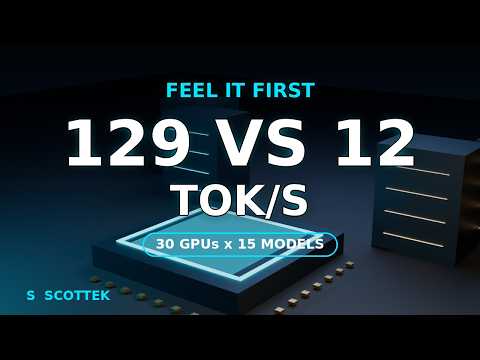
This is a companion to the video walkthrough, which is the starting point for everything below. Watch the video first for the narrated tour, then use the sections below as the written reference. The guide is grounded in the Prag research notes for this video plus the live site and its docs, with video claims and added research kept in separate bullets throughout.
Tokens per second means little until you feel it. llmspeed simulates the feel: pick hardware, model, and quant, and the page streams an answer at the predicted rate after the estimated first-token wait. Nothing runs on your machine.
What the site lets you try
- In the video: the tour opens llmspeed, picks from the hardware and model menus, sets quantization and prompt length, and runs the estimate, with race mode putting two setups side by side under shareable links.
- Added from the sources: the live site lists 30 hardware entries and 15 model entries as its own catalog counts, each result carrying a trust label, a How we calculated this expander, and a memory verdict of fits, partial offload, or will not run.
- Estimates cover a short prompt on a single device only. These combinations were not run for this guide, so treat every speed here as an untested estimate until you bench it on real hardware.
How much to trust each number
- In the video: the video reads the trust label as the whole game, with real results swinging 10 to 30 percent on drivers, engines, power, and thermals, and no multi-GPU simulation.
- Added from the sources: the project README defines Measured as benchmarked on that exact setup, Derived as interpolated from nearby setups, and Projected as calculated from specs, backed by 491 benchmark rows with 93 added in the October 2026 refresh.
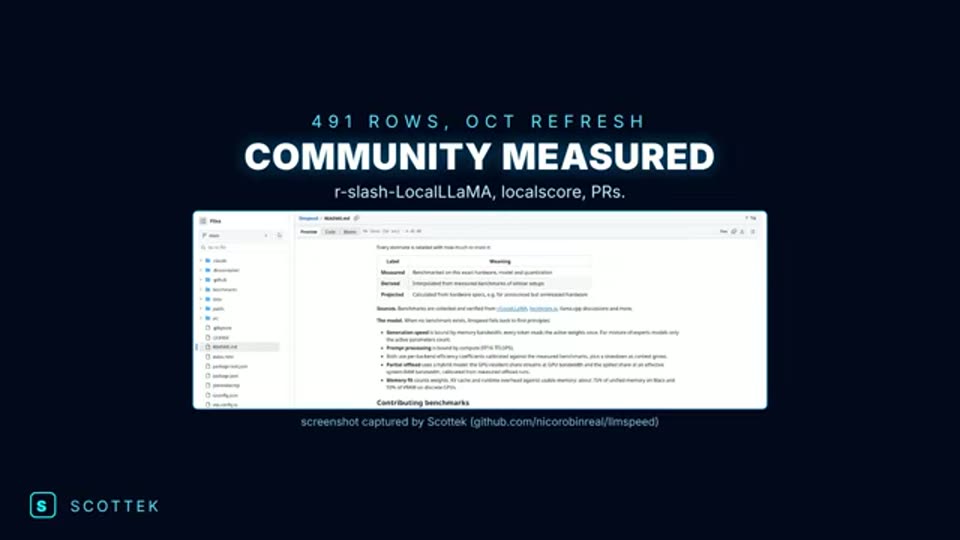
Generation is memory-bandwidth bound: speed is roughly bandwidth divided by bytes read per token, counting only active parameters for sparse models, while prompt processing is compute bound. The DevelopersDigest deep dive checks this on the 128GB DGX Spark box at 273 GB per second and lands near 42 percent efficiency on both rows. Rank machines with the site and call anything within about 20 percent a tie.
Check the memory fit before the speed
- In the video: the video frames memory fit as the check that kills bad purchases, with a fitted model streaming fast and an offloaded giant crawling after a long first-token wait.
- Added from the sources: the README counts weights plus KV cache plus overhead against about 75 percent of unified memory on Macs and about 93 percent of VRAM on discrete GPUs, and the deep dive cites DeepSeek V4.1 Flash at its smallest quant in partial offload near 12 tok per second with a 1.2 second first token against 0.3 seconds fitted.
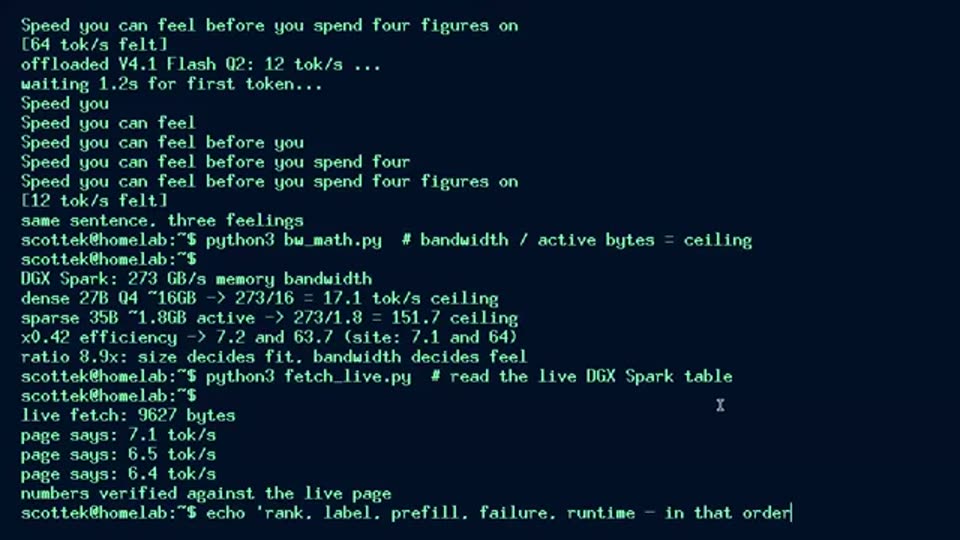
Size decides what fits and bandwidth decides how fast it feels. The default seen around fetch time, an RTX 4090 with Llama 3.1 8B labeled Measured, is an example only since page state changes.
Where it breaks and the buying workflow
- In the video: the video scopes the tool to short prompts and warns that coding agents live on long prompts, where prefill time matters more than streaming speed, with thread opinions labeled as unverified reports.
- Added from the sources: the deep dive calls the gap scope rather than flaw, and the HN thread from the October 17 front-page run asked for more cards, multi-GPU, and harness versions.
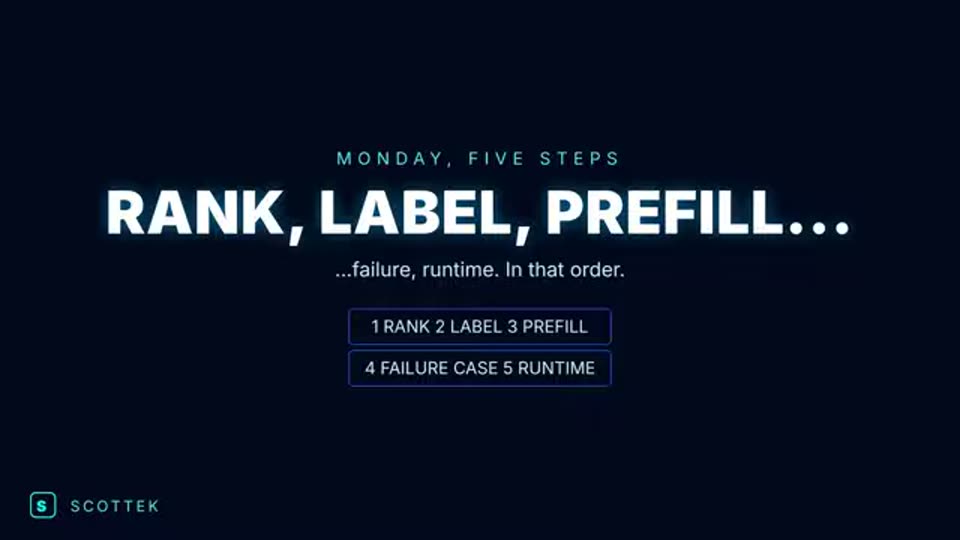
For a purchase workflow:
- Rank two machines with race mode on the model you will actually run
- Read the label and wait for measurements when a result says Projected
- Measure your own prefill with
llama-bench -m your-model.gguf -p 512 -n 128, wherepp512is prompt processing andtg128is generation - Check the failure case first if your plan needs partial offload
- Pick the runtime second, since speeds assume
llama.cppstyle backends and Ollama or vLLM move the number
The project is open source under MIT and welcomes measurements as pull requests. Start from the video above, then verify with the app and one real bench run before you buy.