Grimoire 1.10.0: Your Tabletop Library in One Container

Watch the starting-point video on YouTube
This companion starts from the video above and adds the primary-source links in one place. No Prag research folder exists for this video, so the grounding is the video's auto-sub transcript, read in full, plus the official Grimoire release notes, install docs, and Docker Hub listing linked inline. Nothing here was live-installed while preparing this companion, so treat the deploy steps below as untested and check the linked docs before running them.
Start from the official release
The video's first rule is provenance: get Grimoire from the official source, the releases page of hunter-read/grimoire on GitHub, where version 1.10.0 is tagged October 29th. The install then pulls the official image from Docker Hub, published for both Intel and ARM, and the video insists on pinning version 1.10.0 so updates never surprise you.
The release notes add context on what that pin buys. Version 1.10.0 gives characters the most love: the Characters page sorts by name, system, campaign, or sheet, GMs can hand a pre-gen to a player with Give to player, installed sheets update from the catalogue all at once, and sheets can carry their own phone layout. Scanned books get smarter OCR: scans with only a few pages of real text are now read properly, map packs are left alone, and each book is read in its own language. The release also syncs with the Grimoire Codex DB collection and pages the OPDS feed for e-readers that choke on large libraries.
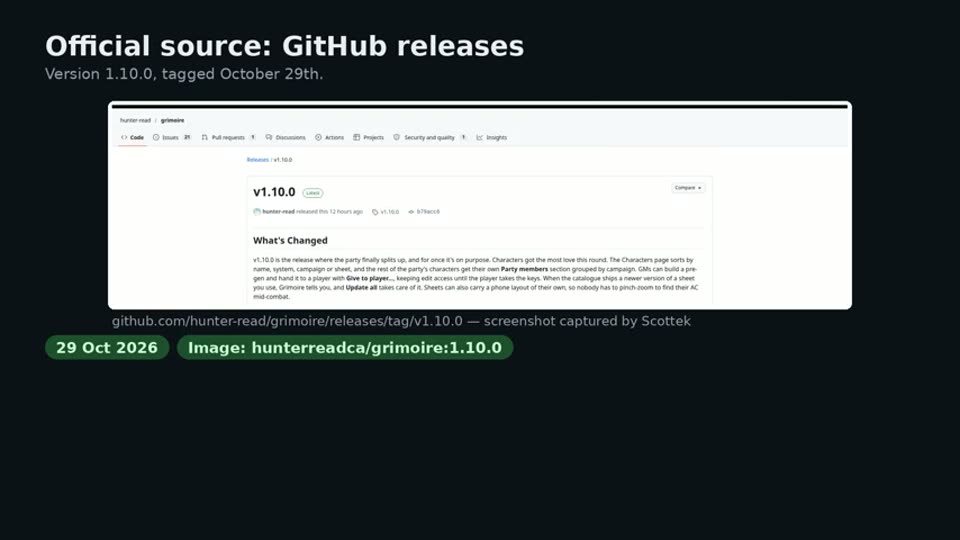
Pin the image, pull, and start
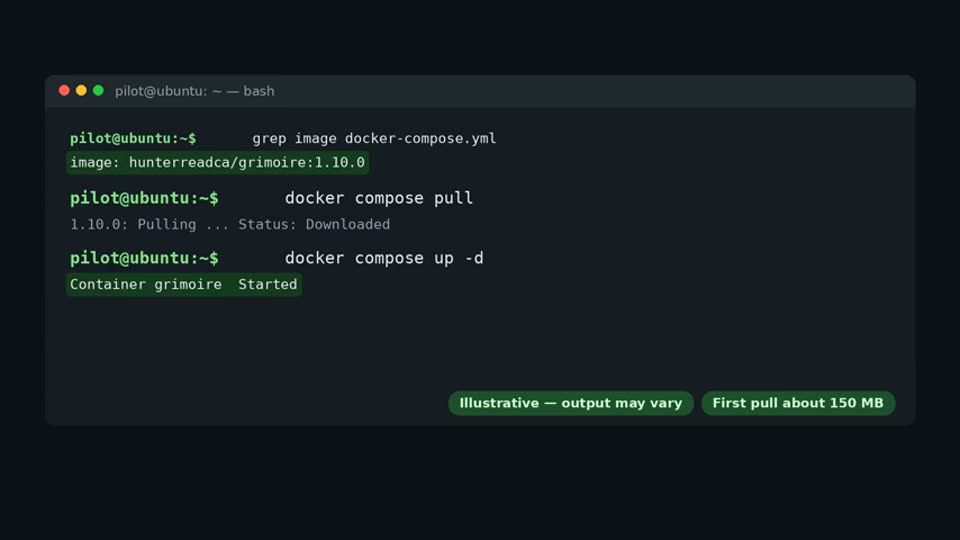
The video's machine checklist is short: 64-bit Ubuntu 24.04, Docker Engine 24 or newer plus the Compose plugin, two folders (one for the books, one for Grimoire's data), and port 9481 free. Save a compose file next to the folders with the image pinned to 1.10.0, then pull and start it. The video says the first pull downloads about 150 MB, and the Docker Hub listing corroborates the scale at 149.6 MB for the current image.
The Hub's tag table backs the video's pinning advice: 1.10.0 is the exact immutable tag, while latest, 1, and 1.10 float forward on re-pull, and both linux/amd64 and linux/arm64 are published. The official quick start shows the same shape the video walks through: fetch a ready-made compose file or build one with the compose generator, replace the secret with a long random string generated by openssl rand -hex 32, point the two volume paths at the library and data folders, then run docker compose up -d. Every step of that flow is untested in this companion.
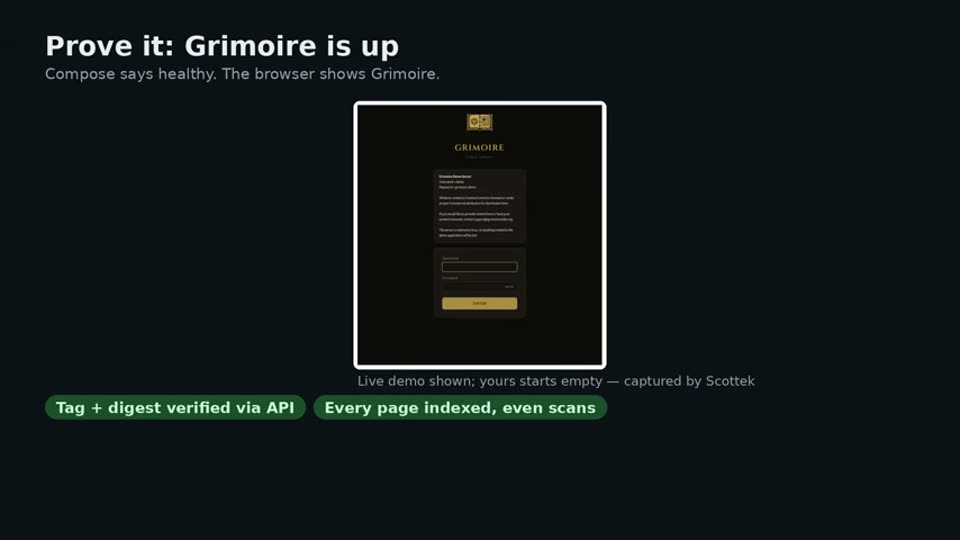
Prove it is up, then claim your admin account
The video says to watch the first start: the container migrates its database, the health check turns green, typically under a minute on most machines, and opening localhost on port 9481 prompts for an admin account that lives on your own server, not in anyone's cloud. The docs confirm the landing point: open http://localhost:9481 and create the admin account on first launch. That first-start sequence is untested here, so if the health check disagrees with the video's timing, trust the container logs over the narration.
Fill your shelves
The video's library rule is simple: point Grimoire at the collection, with books in the library folder sorted by game system and maps, tokens, audio, and models in their own folders, then hit rescan and let it index everything. The library structure docs show the same layout with books, maps, and tokens folders plus category rules, and the quick start documents the rescan path at Settings then Library then Scanning then Rescan Library. Campaign guest links invite the table, which matches the docs' campaign feature set. The video's search claim is that every page of every book gets indexed, even scanned ones, each in its own language, and the 1.10.0 per-book-language OCR notes corroborate the second half. Indexing behavior itself is untested in this companion.
If you want to look before installing, the video notes the live demo shows a populated library while a fresh install starts empty.
Before you update or expose it
The video closes the loop with three habits: docker compose down stops the container, docker compose up -d starts it again, and back up the data folder before updates. The release notes make that last habit non-optional for this version: 1.10.0 migrates the database, including converting guest invite codes out of plain text, so back up DATA_PATH first because going back to 1.9.x means restoring that backup. Two more upgrade notes from the same page deserve attention before they bite: TRUSTED_PROXIES no longer trusts 10.0.0.0/8, 192.168.0.0/16, or fc00::/7 by default, so proxies on the LAN or over Tailscale IPv6 need adding explicitly, and every script add-on needs approving once more after the upgrade. Rotating SECRET_KEY now also ends every guest invite code. None of these paths were exercised here, so treat them as untested and read the release notes inline before upgrading.
The install path above follows the video; the 1.10.0 feature and upgrade details come from the linked release notes and official docs.