Open WebUI 0.13 Turns Every Chat Into a Tabbed Workspace With Terminal, Desktop, and Browser
Open WebUI 0.13.0 landed on November 3, and it is the biggest change to the self-hosted AI frontend in months: every chat now opens into a tabbed workspace instead of living as a bare message thread. A community-written summary counts 48 changelog entries from 193 commits, spanning 26 features, 15 fixes, and 7 behavior changes. Two things travel with the features and matter more than any of them: the release contains security fixes whose advisories will only be published once CVEs are assigned, and it migrates the database on first start, so update promptly but back up first.
Your chat is now a workspace
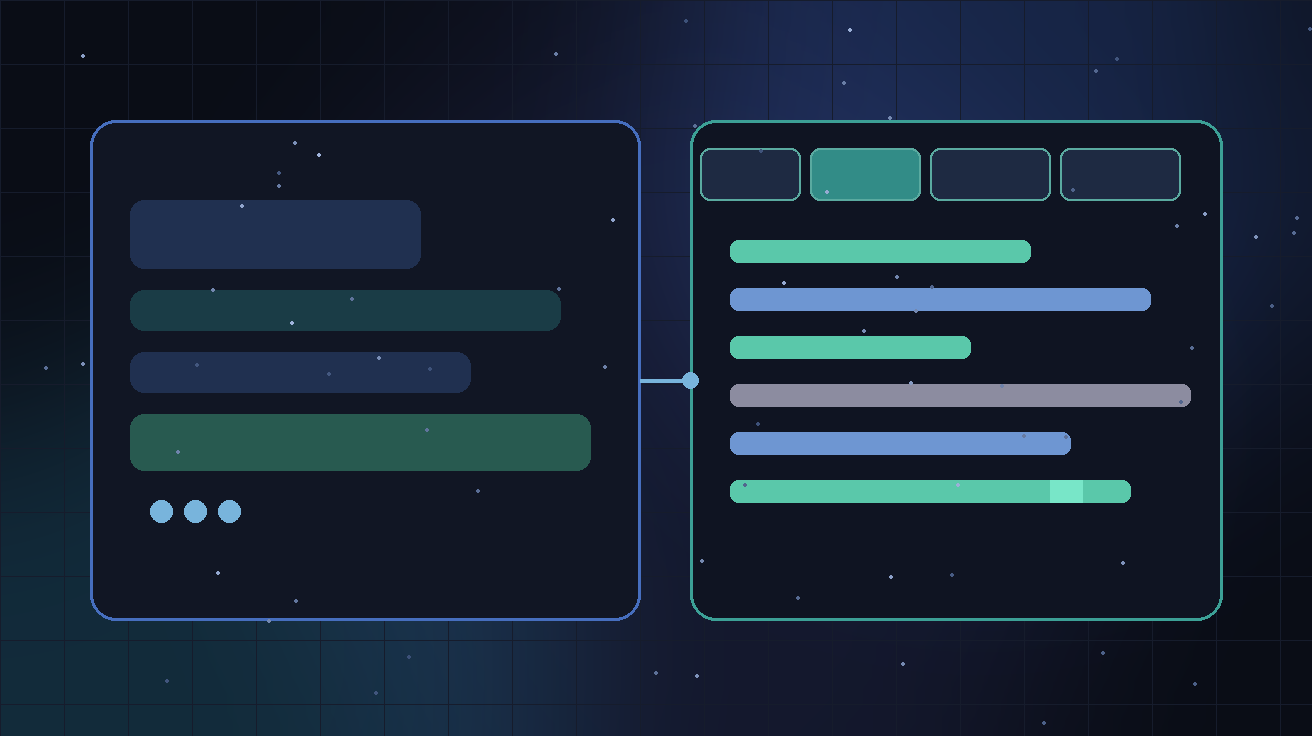
The headline feature is the tabbed workspace: a Tabs button at the top of each chat opens tabs for files, multiple terminal sessions, artifacts, previews, voice calls, and comments, all kept next to the conversation they belong to. Tabs can be added from a + menu, dragged to reorder, and expanded to full width on larger screens, with the chat itself kept as one tab and your layout remembered. New files can be created and saved directly into the selected terminal, which keeps coding, data analysis, and document review inside one window instead of spread across a chat plus a separate SSH session.
Developers get two purpose-built tabs. When the selected terminal's folder is a Git repository, a Git panel offers diffs, staging, committing, branches, worktrees, push and pull, history browsing, and GitHub pull requests, with live updates to the panel, open ports, and running processes on terminals that support it. File previews gain sizes, sorting by date added, and a 3D viewer for GLB, glTF, STL, OBJ, and PLY files, which is a small but telling sign of who this release is for: people building things with local models, not just chatting with them.
A desktop and a browser the model can see
The two most ambitious tabs hand the model eyes and hands. The Desktop tab shows the desktop of a connected Open Terminal, with mouse, keyboard, clipboard, and audio where available, so a model with desktop tools can take screenshots, click, type, and scroll while you watch, and you can step in yourself for steps like typing a password. The Browser tab puts websites and local development servers beside the chat, and on a compatible Open Terminal connection a Chrome mode gives you and the model a shared browser session for automation: navigating sites, filling forms, and testing the web apps the model builds. A Proxy mode remains for plain previews.
The practical catch is versioning: these tabs need an Open Terminal connection with desktop and browser support enabled, and the release notes point at Open Terminal 0.16.0, whose Docker image ships a Linux desktop with LibreOffice and Chromium. If you run Open Terminal separately from Open WebUI, upgrade it alongside, or the new tabs will have nothing to connect to.
MCP apps, sub-agents on other models, and tool controls
Agent builders get three upgrades. MCP Apps from connected MCP servers now render their interactive app directly in the chat inside a sandboxed frame that can only reach the sites the server declares, and every tool call the app attempts waits for your confirmation. Sub-agents can now run on models other than the parent, chosen in the model editor, so you can assign research, coding, and review to different models instead of one model doing everything. And models with native function calling can create a private Python tool in your workspace on request, controllable per model.
Two default changes deserve a review pass if you run agents. A single response can now run up to 1024 rounds of tool calls, up from 256, and sub-agent limits now default to unlimited, where they previously capped concurrency, background tasks, tool loops, and output size. Both raise the ceiling on runaway loops and surprise API bills against paid providers, so check CHAT_RESPONSE_MAX_TOOL_CALL_ITERATIONS and the SUBAGENTS_MAX_ settings against your tolerance. On the safety side, tools now have an on/off switch, chats show a Waiting for approval* marker while a tool call awaits you, and prompt-cache-friendly compaction can cut the cost of summarizing long agent runs when one model handles both conversation and summary.
Side chats, comments, and an inbox
The release also pushes Open WebUI further toward shared team use. Typing /side or /btw opens a temporary side conversation grounded in the current chat, gated behind a new Allow Side Chat permission that is off by default. Administrators can switch on comment threads with replies, reactions, and mentions across chats, notes, models, and knowledge bases, plus a notification inbox collecting comments, mentions, failed automation runs, and calendar events. A separate tracker of the project confirms the November 3 date and the workspace headline, and notes the project's custom non-OSI license, which is worth re-reading before adopting it anywhere commercial.
Before you upgrade
Treat this one as a plan-ahead update. Back up your database and the open-webui data volume first: the migration adds comments, notifications, and tool switches on first start, and multi-worker or load-balanced deployments must update every instance simultaneously because rolling updates will fail on schema mismatch. Packagers echo the warning: Start9's 0.13.0 release says to allow extra time for the first start and to review the new unlimited sub-agent and 1024 tool-call defaults, while Cloudron shipped 0.13.0 on November 4 with the same security and migration advisories. Expect the interface to look different afterward: chat files, valves, system prompt, and parameters moved from the top Controls panel into the model menu beside the message input. If you use the separate Desktop app, note that its 0.1.x line now focuses on running Open WebUI locally with optional llama.cpp models and no longer switches between remote servers or bundles Open Terminal. Back up, update everything at once, and re-check your agent limits before the next long run.
Comments (0)
Log in to comment.