Strata 0.2.4 Puts a 763-Billion-Parameter DeepSeek on a 12 GB Gaming PC
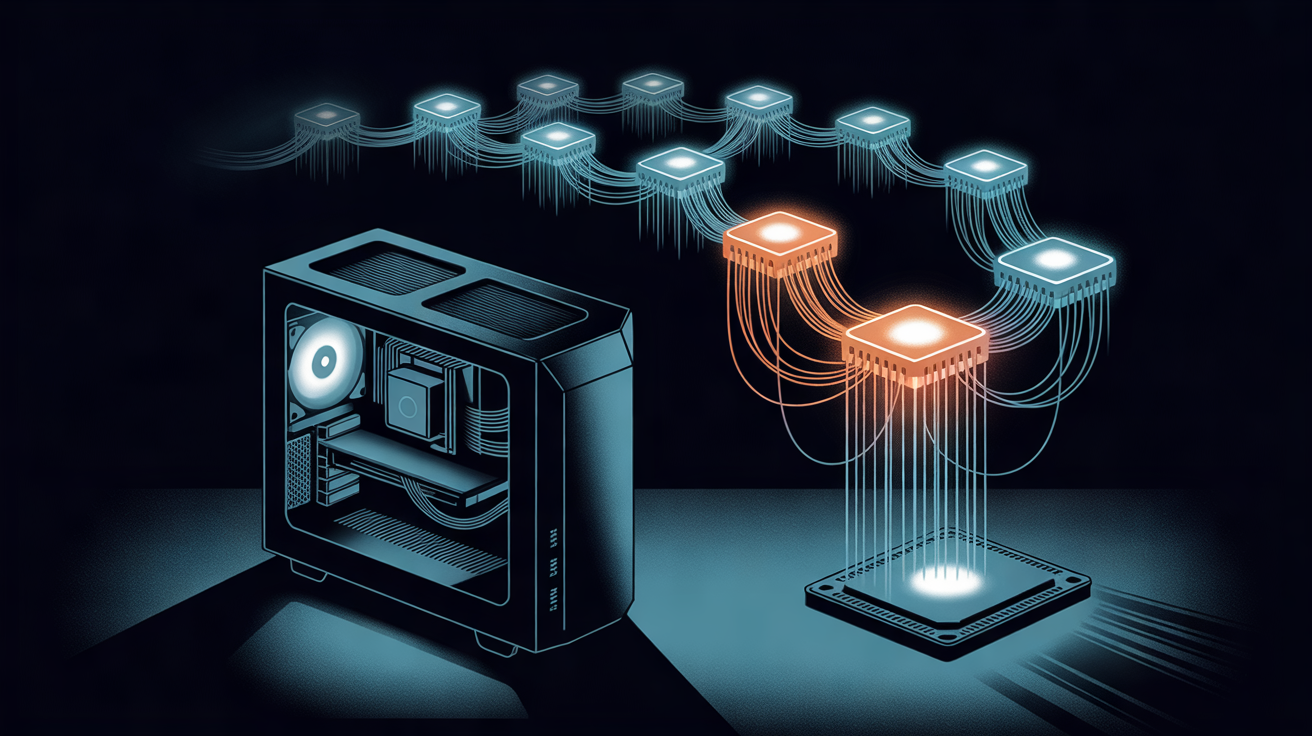
Strata 0.2.4 landed on October 24 with a headline that reads like a typo: DeepSeek V4.1-Flash, reported at about 763 billion parameters, running on a PC with one 12 GB graphics card and 46 to 64 GB of RAM. Five days ago we covered DeepSeek's own DeepInfer engine and closed with the observation that the V4.1 Flash ordinary people might run would be a compressed community build, not the datacenter engine. This is that build arriving: community quantizations from ISTA-DASLab served through an open-source engine under the MIT license.
What you need
The requirements come straight from the release notes: one 12 GB graphics card, 46 to 64 GB of system RAM, and a lot of fast disk. Three download sizes are on offer, all built by ISTA-DASLab:
- IQ1_M (1.75-bit), 239 GB download, the smallest, with perplexity about 21 percent worse than the original model
- IQ2_XXS (2.00-bit), 257 GB download, the middle ground at about 15.5 percent worse perplexity
- IQ2_XS (2.25-bit), 274 GB download, the closest to the original at about 7.3 percent worse perplexity, and the release notes recommend it for coding and agent work if you have the disk
All three share one 111 GB Engram lookup table that is already included in each download above. Setup downloads the files, builds the model folder, and starts the engine with no flags to set. It warns if your PC is short on disk or RAM, but it does not stop you — so take the 46 GB minimum seriously and treat 64 GB as the comfortable configuration.
One scoping note matters before anything else: DeepSeek support is in the Terminal only (strata launch, strata setup). The desktop app stays at 0.2.3 and gets DeepSeek in a later update. And per the release notes, DeepSeek is not on the Mac yet, so macOS and Strix Halo machines sit this one out.
How it fits a datacenter model on a gaming PC
DeepSeek V4.1-Flash is a mixture-of-experts model: each generated token uses only a few of thousands of small expert blocks. Strata's trick is to stop pretending the GPU can hold the whole model and instead page experts across the entire machine. The engine keeps the busiest experts in RAM, takes whatever RAM is free, and reads the rest from the SSD with direct reads. Hot-expert profiles ship with the engine so the first prompts do not start cold.
The project reports this roughly doubled answer speed on its RTX 5070 test PC, from 1.8 to 2.2 tokens per second with plain memory-mapping up to 4.3 to 4.9 with the expert store. Prompts also read faster now that the engine processes long inputs layer by layer in large chunks, and inputs over roughly 3,700 tokens skip work the last 20 layers cannot use — about a third saved on a 16K prompt, with the model's top word choice unchanged in 99.5 percent of compared positions.
Because the model is so large it runs on its own separate strata-dsv41 engine package alongside the existing Qwen engine, which it never replaces. The engine updates itself from a signed feed on the next launch, and manual installs are checked against signatures and hashes.
The speed reality
All figures below are the developer's own measurements on the 2.00-bit set, reported in the release notes — real test PCs, but one lab's numbers, not independent benchmarks:
- RTX 3060 12 GB with 46 GB RAM: about 8 to 10 tokens per second of output, 149 tokens per second reading an 8K prompt
- RTX 5070 12 GB with 64 GB RAM: about 5 tokens per second of output, 231 tokens per second on prompts
- One Radeon AI PRO R9700: about 11 tokens per second
- Four R9700s: about 31 tokens per second, or 55 to 69 with the DSpark draft model enabled
The older card beating the newer one on output looks strange until you read the fine print: on 12 GB cards each token spends most of its time waiting on the SSD and the CPU, and a slow NVMe drive lowers every number. DSpark, a small draft model from Unsloth, stays off by default on 12 GB cards and helps only where measured faster. Independent hands-on coverage from Appinn's October 24 walkthrough corroborates the hardware table and adds the honest editorial judgment that 8 to 10 tokens per second is fine for chatting with the model but slow for sustained work.
Rough edges, including one already fixed
The launch had a genuine day-zero bug: the first 0.2.4 Terminal package was missing the DeepSeek preparation scripts, so setup stalled at Preparing your model. That was fixed in 0.2.4.1, and the current Terminal 0.2.4.2 also fixes DeepSeek launching, installer behavior, and slow answers on older Ryzen, Threadripper, and EPYC CPUs. If you installed on day one, run strata update and set up DeepSeek again; new installs get the fix automatically.
Longer-lived limits are worth accepting up front. Output on 12 GB cards is slow for long agent runs. The 2.25-bit set reads 13 percent more data per token, so expect it to run slightly slower than the benchmarked set. Image input, the 1-million-token context, and the desktop GUI all wait for later updates. And the quality-retention figures — including the eye-catching claim that the smallest set keeps 98.7 percent of the base model's task average — come from the quantization team's own card, so treat them as the vendor's numbers until independent evaluations land.
Who should try it, and who should wait
Try it if you have a 12 GB card, 46 GB or more of RAM, 250-plus GB of fast NVMe free, and appetite for experimentation — chatting with a frontier-scale model that never leaves your machine, exactly as the project's own front page promises. Keep it offline-friendly: once installed, the model and your chats stay on the computer. Updating from 0.2.3 is one strata update in the Terminal followed by strata launch.
Wait if you need dependable agent throughput, run macOS, or have only 32 GB of RAM — the installer will warn you but will not save you from yourself. Reviewer Philipp Esselbach's detailed rundown reaches the same conclusion from a different angle: the achievement is real, the numbers check out against the release notes, and the machine it asks for is still a serious one. For homelabbers tracking local AI, the signal is architectural — expert paging just moved the ceiling for what consumer hardware can load — while the practical advice is to let the Terminal builds, the GUI port, and independent quality testing mature before depending on any of it.
Comments (0)
Log in to comment.